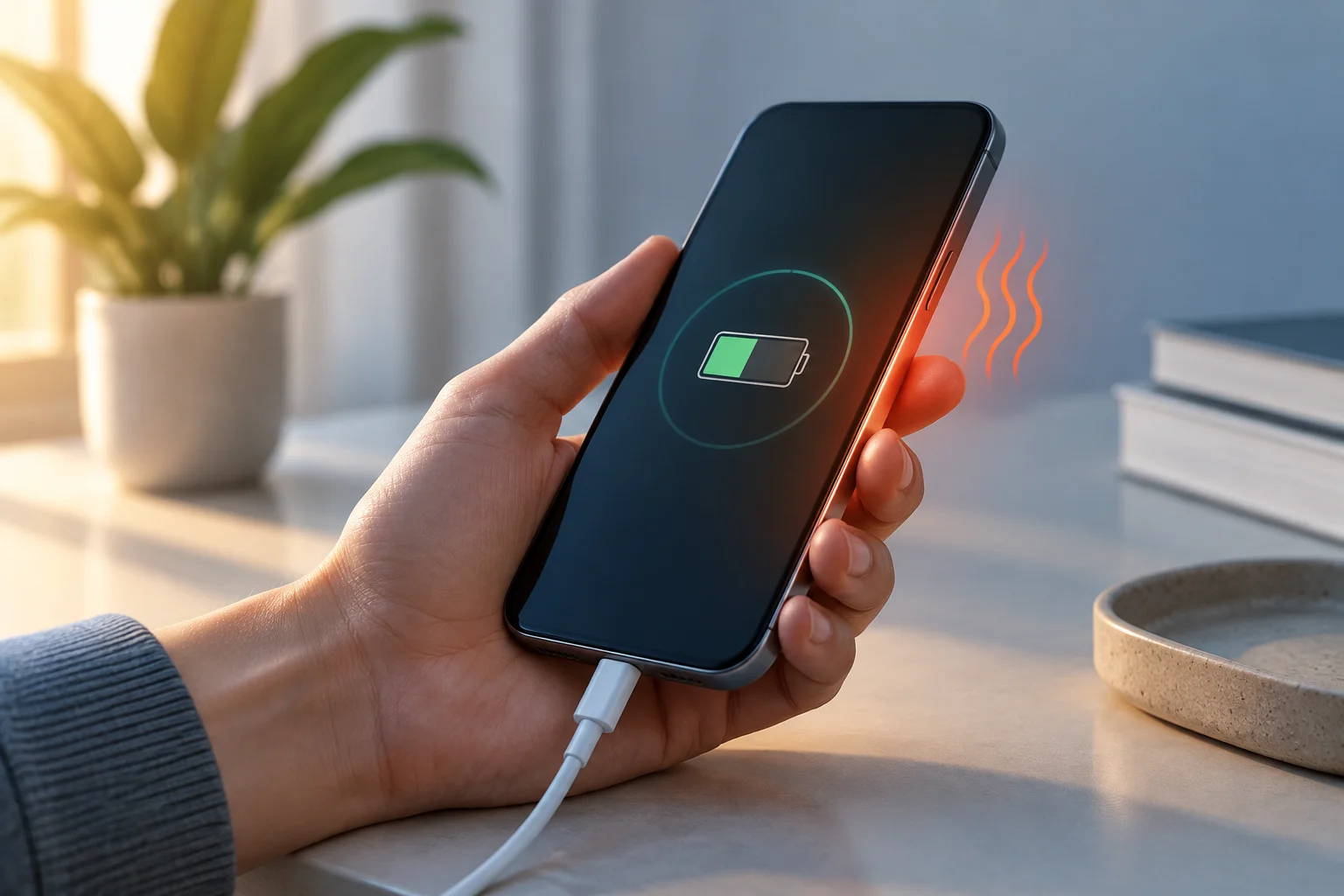
There is no recent announcement here confirming a change
The practical question—whether you should avoid fast charging to preserve your battery—is not the same as news about a new feature. The documentation gathered for this article describes support recommendations and charging-management options from Apple and Samsung; it does not, on its own, substantiate a recent announcement or a policy change concerning fast charging. This is therefore a service guide: it helps explain the controls available, rather than presenting as news something the sources do not demonstrate.
It also matters what “fast charging” means. It is not one fixed speed applied identically to every phone: it depends on the device, the power adapter, the cable or wireless system, and the conditions of use. Support documentation can help identify relevant factors and settings, but it does not establish a universal comparison between fast and slow charging. Without controlled tests measuring specific models over comparable periods, it is not possible to attribute a particular difference in service life to charging speed alone. The distinction matters because advice about settings and operating conditions is not evidence that one charging rate causes a defined amount of battery wear across all devices.
Temperature is a factor worth paying attention to
Apple explains that managing an iPhone battery requires taking temperature conditions into account, and describes optimized charging mechanisms. Samsung, meanwhile, provides charging and maintenance recommendations for Galaxy devices. Taken together, these pages support a prudent guideline: avoid exposing the phone to excessive heat while it is charging and consult the guidance for the relevant model. They do not, however, provide a shared threshold that would justify saying every phone should stop charging at the same temperature.
The temperature of the phone is not a direct measurement of the temperature inside each battery cell, either. It can vary with the room, the case, running apps, wireless charging and the battery’s condition. So noticing that a phone feels warm is not enough to diagnose damage or estimate how long it will last. If a temperature alert appears or the device limits charging, follow the on-screen instructions and consult the manufacturer’s official support, rather than treating that behaviour as proof of a defect. Support documentation offers guidance on use; it is not a substitute for a device-specific diagnosis.
Charging controls are not the same across platforms
For iPhone, Apple’s guide documents Optimized Battery Charging: the system can adapt charging to a user’s habits to reduce the time the battery spends fully charged. Availability and behaviour may vary by device and system version. It is therefore better to check the settings and documentation that apply to the specific iPhone than to assume every model offers the same control, or that the feature works identically with every routine.
Samsung publishes its own guidance on charging and maintenance for Galaxy devices. The available options depend on the model and installed software; do not automatically transfer an iPhone menu path to a Galaxy, or the other way around. The shared recommendation is to check the controls that actually appear on your device and understand what they do before enabling them: a feature that optimizes charging schedules is not necessarily equivalent to a manual charge limit. The supplied documentation does not establish that every phone mentioned has identical settings or a selectable limit at the same percentage.
What you can do in everyday use
Without turning a support guide into a promise about battery life, there are reasonable checks that require neither buying accessories nor following extreme rules. First, use a charger and cable compatible with the phone and check the manufacturer’s recommendations. Second, if charging slows down or stops, look for an on-screen alert and check the cable, adapter and port; Samsung’s guide to charging problems lists possible causes of slow charging. Third, avoid covering the phone or leaving it somewhere very hot while it charges.
Finally, decide whether optimized charging or any limits available on your model would be useful to you. These features can change when or how far the phone charges, so a pause before it reaches the maximum does not necessarily indicate a fault. If you need a full battery before going out, prioritize your immediate need and check how to manage the feature on your device. The aim is not to pursue a perfect routine, but to reduce avoidable heat exposure and use documented settings, without turning general advice into guarantees of battery preservation.
What the sources do not allow us to conclude
Apple and Samsung support pages are official sources for learning what the respective brands recommend and which features they document. They are not independent comparative studies measuring wear in different phones charged quickly and slowly under identical conditions. The available research also does not provide reproducible laboratory results, a sample of comparable phones or longitudinal data showing how much capacity changes after a specific number of cycles.
It would therefore be unsound to claim that fast charging always appreciably shortens battery life, is always harmless, or that slow charging extends it on every model. Chemistry and thermal management, design, software, surroundings and habits are relevant variables, but quantifying their effects requires specific tests. The verifiable conclusion is narrower: manufacturers document controls and recommendations, particularly concerning temperature and charging management; determining the comparative impact of a particular charging speed requires independent testing with identified methods and devices.