Comparing connections is not the same as comparing sound
A headphone specification sheet may highlight the connection type, a codec, a sampling rate or a microphone. These details describe different aspects of a product, but they are not enough, on their own, to establish which headphones will sound better. When comparing options without listening to them, it is most useful to separate three questions: which signal path and components are involved, whether the whole setup works with your devices, and which features can be confirmed from documentation.
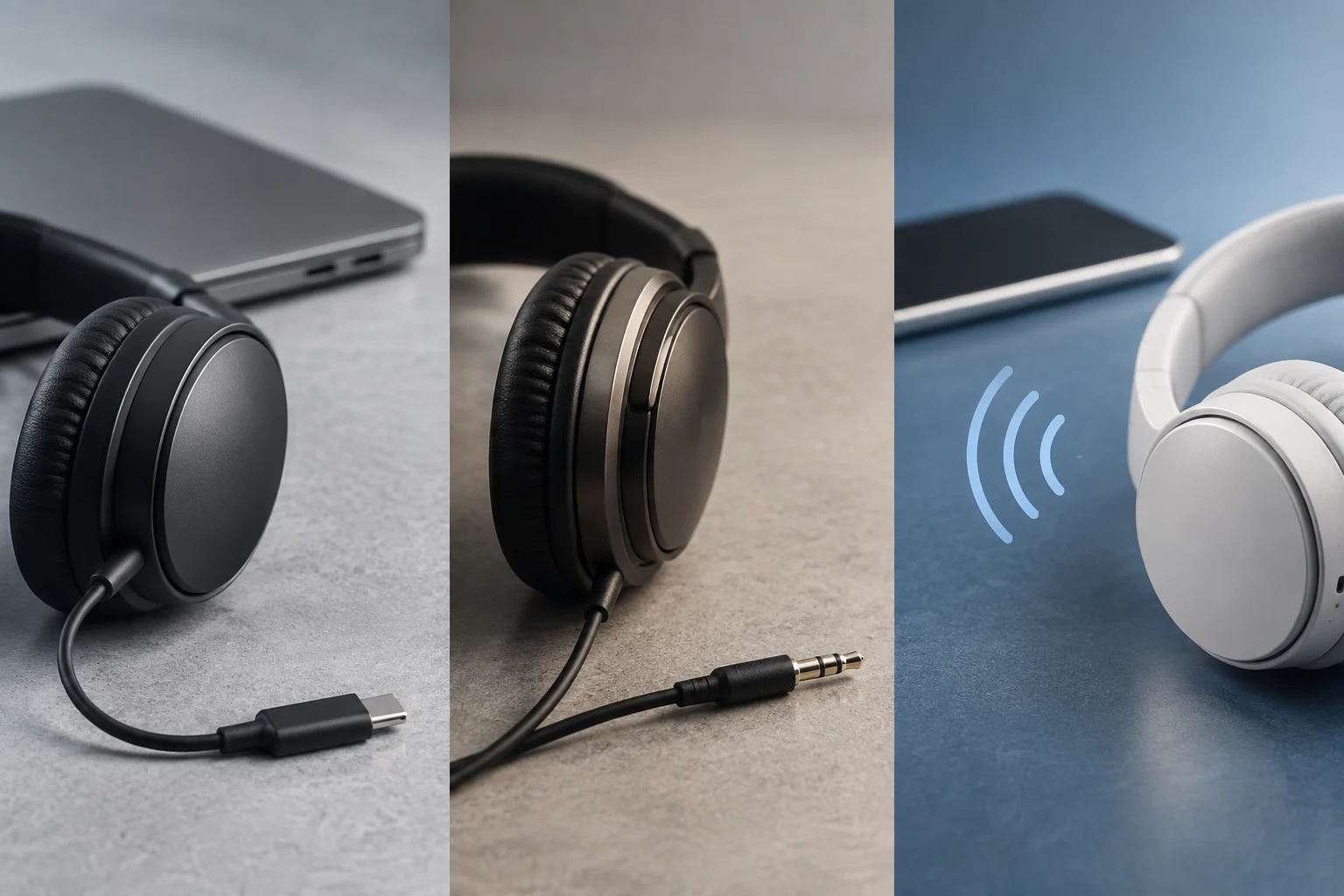
A 3.5 mm jack, USB-C and Bluetooth are not three quality levels arranged from worst to best. They describe different ways of connecting. With an analogue connection, the device’s audio output is part of playback; USB-C may carry digital audio or, in compatible configurations, use an analogue path; Bluetooth adds a wireless transmission whose operation depends on the devices involved. In every case, the headphones, the source device, the content and the settings also matter.
This guide does not compare models, include measurements or simulate listening tests. The official documentation available here can explain some compatibility requirements and distinguish signal paths, but it does not establish a universal ranking for sound quality, latency or microphone performance. The useful conclusion is narrower: the connection helps you anticipate what to check; it cannot, by itself, predict the listening experience. For a specification to be useful, relate it to a specific need. An isolated figure may describe one technical aspect without saying whether the product will suit your equipment or the way you intend to use it. A clear distinction between connection and outcome also prevents a familiar connector name or an impressive-looking number from being mistaken for evidence of better sound.
Analogue jack: the device’s output matters too
With analogue headphones, sound arrives as an electrical signal from a compatible output. That is why looking only at the headphone specification sheet leaves out part of the chain: check that your phone, computer, controller or adapter has a suitable output and that the connector type matches. If the device has no jack, you will need a compatible connection solution. The fact that an adapter fits physically does not, by itself, show that it handles the required signal.
If the headphones have a microphone or in-line controls, check separately that the device and accessory support them. The presence of a connector does not guarantee that every function will work in every combination. It is also worth reading how the manufacturer describes the cable configuration and intended use, rather than assuming that any similar-looking plug provides identical features. This check matters especially if you expect to use the same headphones to listen, take calls and control playback: these are separate functions, and none should be taken for granted.
Specification sheets may include impedance and sensitivity. These are technical details describing electrical properties of the headphones, not quality scores; they do not let you declare that one model will work better with every output. For a practical decision, first look for explicit compatibility with your devices and intended use. Then treat the figures as supplementary information, not as a substitute for a controlled listening comparison. If a sheet lists values but does not explain their relevance to your device, those values do not settle the compatibility question by themselves. A sensible comparison therefore starts with the complete signal chain, rather than with a single number viewed in isolation.
USB-C: the same port does not guarantee the same audio path
USB-C identifies a reversible connector with its own specifications for cables and connectors, but the port name alone is not enough to tell you how audio is transmitted. In particular, a USB-C accessory may rely on a digital path or on specific analogue compatibility. Android documents USB-C-to-analogue audio adapters and USB headphones separately, reflecting the fact that not every USB-C solution should be treated as equivalent.
Before buying, consult the documentation for both the phone or computer and the headphones or adapter. Look for an explicit statement about compatibility, conversion type or operation with your system. If you need a microphone, buttons or simultaneous charging, verify those functions as well: they should not be assumed simply because the accessory plugs into the port. When documentation names a particular model or system, check that it matches your equipment instead of extending that compatibility claim to other devices with the same type of connector.
A simple check before choosing
- Identify the exact device model and read its audio documentation.
- Check whether the accessory specifies digital USB audio or compatibility with analogue audio over USB-C.
- Confirm microphone and controls as separate functions.
- If you need an adapter, verify that it is the type specified for that signal path and that particular device.
The connector’s shape is not a complete promise of compatibility. Even when two accessories use USB-C, the documentation for each is what tells you which functions its manufacturer claims. This checklist also helps distinguish between an accessory being physically connectable and its providing, once connected, the functions you actually need. A short check of the relevant documentation can therefore resolve a practical question that the port label alone cannot answer.
Bluetooth: check both ends, not just the box
For wireless headphones, reading only the Bluetooth version advertised for the headphones is not enough. To assess a particular audio function, check what both the headphones and the transmitting device document: support for the relevant profiles and codecs, along with the operating conditions stated by the manufacturers. If a specification sheet lists codecs, that shows those options are declared; it does not show that your existing phone will use them. Information about only one end describes only part of the connection and may leave unanswered whether the particular combination is supported.
The documentation included for this analysis does not allow us to verify a general Bluetooth compatibility table or reliably compare codecs, latency or battery life across products. It would therefore be irresponsible to infer that a newer version or a longer codec list automatically means better sound. When a manufacturer does not specify how functions are matched between transmitter and receiver, compatibility for the particular combination still needs to be checked.
To reduce surprises, first look for the list of supported devices and functions, then check what information the device’s system displays when it connects. If calls matter, confirm microphone and control operation separately. And if the intended use requires precise timing, as with certain instruments or games, figures or labels on the box do not replace testing with the device and application you will actually use. The decision can then be based on the real combination you plan to use, rather than on a feature advertised in isolation. If the documentation leaves an important part unclear, treat it as unresolved instead of assuming that Bluetooth branding alone settles the question.

Microphone, controls and latency: separate what is documented from what is tested
A specification sheet may list a microphone, playback buttons, volume control or call compatibility. These statements are useful for understanding which features the manufacturer claims, but they do not prove how those features will behave in every application, operating system or accessory combination. If you plan to use the headphones with both a phone and a computer, explicitly check that the important functions are declared for both contexts, not just one. If only some functions are documented, note that limitation rather than assuming the rest will work in the same way.
Latency deserves particular care because a generic claim such as “low latency” does not necessarily say how it was measured or under what conditions. Perceived delay can depend on the connection, device, application and audio processing. Without a comparable methodology and tests using the specific equipment, there is no basis for ranking products by this feature on the strength of a specification list alone.
The same caution applies to call quality. A headphone having a microphone confirms a declared design feature, not how intelligible speech will be in a room, outdoors or against background noise. Assessing that result requires a reproducible practical test. If you cannot try the headphones before buying, prioritise documented compatibility, return conditions and reviews that explain their method and environment, without turning a single impression into a guarantee. A review is more informative when it makes clear which equipment was used and in what situation, although it still cannot replace your own test under your conditions of use. A feature can be present while its performance remains dependent on the setup and surroundings.
Choose for your use and recognise the limits of specification sheets
For a computer or phone with a compatible analogue output, a jack model can be a direct option and does not depend on a Bluetooth connection. For devices centred on USB-C, check explicitly whether the accessory is digital or whether the device supports the relevant analogue path. For frequently switching between devices or avoiding cables, Bluetooth may be convenient, provided the transmitter and headphones document the functions you need. These are use and compatibility criteria, not a quality ranking.
One orderly way to decide is to list the devices on which you will use the headphones and mark the essential functions: playback, microphone, controls and simultaneous connection, if applicable. Then compare the official specification sheets for both sides of the connection. If the documentation does not resolve an essential function, treat it as unknown, not as something that will probably work. This short checklist helps you avoid comparing specifications that do not address your actual needs. It also shows what information is missing before you buy and helps you ask the manufacturer or seller a specific question instead of basing the decision on the port name or a general label.
What this analysis cannot conclude
It does not identify one “best type” of connection for everyone, nor determine which sound is more faithful, which microphone is clearer or which option has the lowest latency. Those conclusions would require specific models, comparable conditions and tests that have not been carried out here. Specifications help rule out incompatibilities and frame questions; listening and real-world use help assess results. Keeping those two things separate makes it easier to buy with realistic expectations. It also clarifies what documentary checks can establish and what still depends on experience with the particular product.