What a NAS is and what problem it solves
A NAS (network-attached storage) is a device or system that provides storage over a network. Instead of connecting a drive directly to every computer, authorized users access folders hosted in one shared location. IBM and AWS describe NAS as shared storage accessible over a network, although their explanatory articles are produced by companies with commercial interests in the sector. IBM AWS
The everyday benefit is organizational: documents, photos, and other files can live in one place and be shared among several computers, without maintaining separate manual copies on each device. This does not mean all NAS systems are alike: capacity, drive count, access options, and tools depend on the hardware and how it is configured. The label “NAS” describes a function; it does not, by itself, guarantee particular features.
It is useful to distinguish three ideas that are often conflated. Centralized storage brings files together; synchronization keeps versions available across several devices; backup preserves a recoverable copy in case of deletion, failure, or an incident. A NAS can serve more than one of these purposes if its hardware and software allow it, but centralizing data is not the same as protecting it. AWS and IBM’s descriptions of NAS help explain the first role; they do not demonstrate that every configuration includes backup.
NAS and cloud storage: two different ways to access files
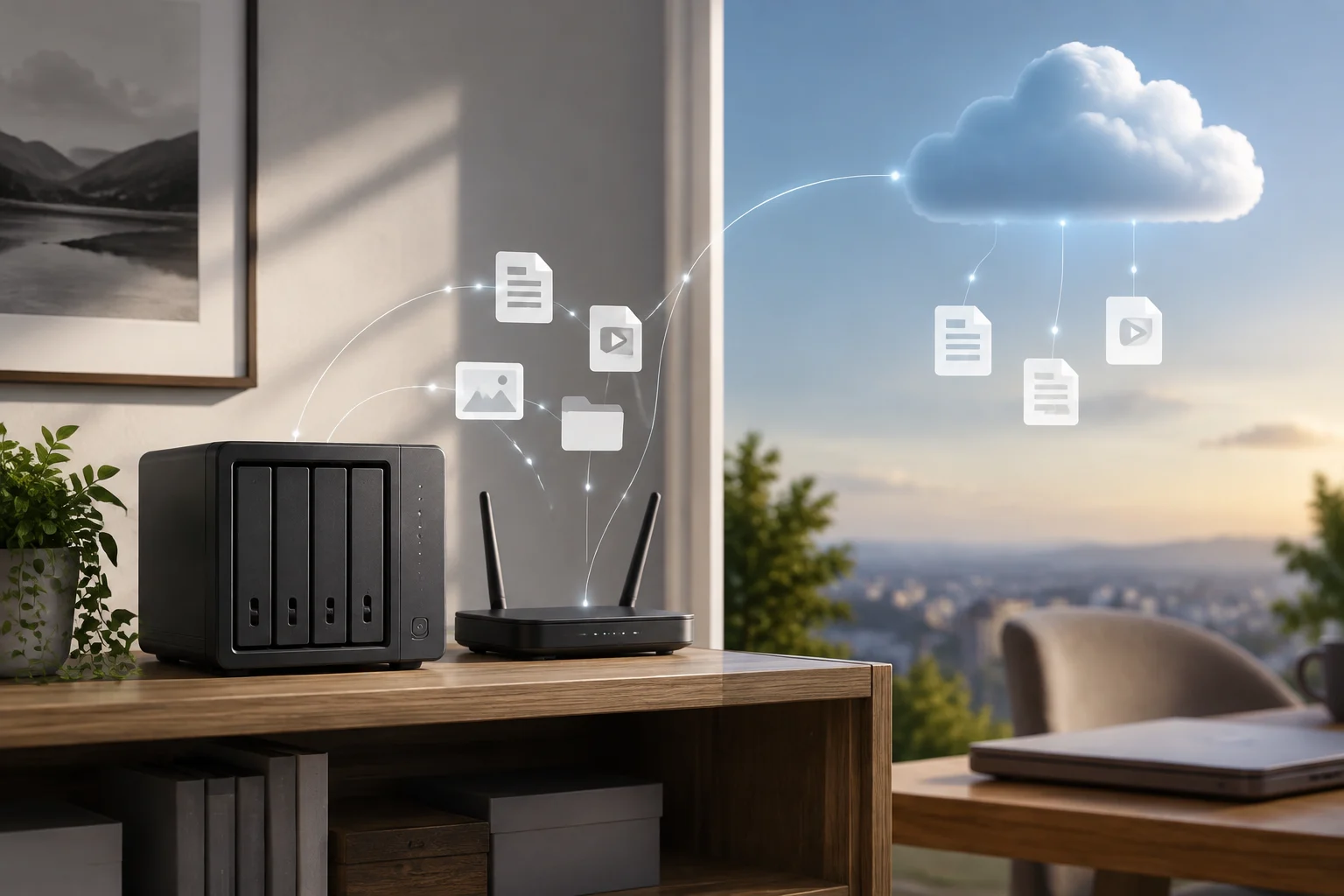
With a home NAS, the storage is on a device under the user’s control, usually connected to the router or local network. With a cloud service, the provider operates the infrastructure that stores and serves the data. The practical distinction is not always “local versus remote”: a NAS configured for external access can also handle connections from outside the home, while cloud services generally allow access from different locations over the internet. What is actually possible depends on the configuration and the service.
Cloud storage reduces the need to maintain a storage server of your own, but transfers some of the technical operation to the provider and makes access subject to the service’s terms and your connection. A NAS gives you direct control over the device and its settings, but you take on tasks such as installing updates, managing accounts, and planning recovery. There is no universal winner without knowing the volume of data, number of users, connectivity, budget, and willingness to handle maintenance.
| Criterion | Home NAS | Cloud service |
|---|---|---|
| Storage location | Device managed by the user | Infrastructure managed by the provider |
| System maintenance | Handled by whoever administers the NAS | Handled by the provider, depending on the service |
| Access from outside the home | Requires a configuration that allows it | Depends on the connection and service terms |
| Operational control | Direct control over the equipment and its configuration | Through the options offered by the provider |
The table describes general differences in responsibility, not guarantees of security, availability, or cost. Specific terms vary across devices, configurations, and services. This comparison draws on the general NAS descriptions from IBM and AWS; neither source establishes a universal comparison between every NAS and every cloud provider.
Centralizing, synchronizing, and backing up are not synonyms
A shared folder solves the problem of common access: several users can work with files stored on the same system, subject to its permissions and available features. Synchronization, by contrast, can replicate files across computers so they can be used in different places. If a change or deletion propagates, having the same folder on multiple devices does not ensure that an earlier version can be recovered.
Backup has a different purpose: restoring data after a loss. To be useful, it must provide a copy separate from the original data and a recovery process suited to the risk. If the only copy is on the NAS, a device failure, administrative mistake, or incident affecting the device itself can leave you without a second recovery route. For this reason, a NAS should not automatically be presented as a backup.
Before assuming your data is protected, check what the system retains, how often it does so, for how long, and how restoration works. Do not assume that a feature called “sync” provides a sufficient history, or that drive redundancy replaces an independent copy. The general documentation cited defines the role of network-attached storage, but does not establish that an unspecified NAS comes with a particular backup policy: you need to verify that capability in the documentation for the specific model and software.
Drives, usable capacity, and redundancy
When comparing systems, start with capacity and the number of drives the system supports. The total capacity printed on drive labels does not always match the space available for files: the result depends on the configuration, file system, and space reserved for the device itself. Since no specific model has been identified, it is not possible to give a usable-capacity figure or a drive recommendation that applies to every NAS.
Redundancy can allow certain systems to keep operating when a drive fails, depending on the chosen arrangement and its limits. It is not the same as an independent backup: the data still depend on the same device and its operating conditions. Nor should you assume that every multi-drive configuration offers the same fault tolerance or available space. Check the documented behavior for the model and configuration you are considering.
Check before buying
- How many drives the system supports and which storage configurations the manufacturer documents.
- How much capacity will be available in your planned configuration, not just the drives’ nominal total.
- Which systems, access protocols, permissions, and update options are documented for the device.
- Whether the manufacturer explains how to replace a drive, recover data, and migrate to another system.
Protocol and compatibility features are product-specific. The general sources in this guide are not enough to attribute a particular protocol to every NAS; confirm it in the model’s official documentation before deciding.
Remote access, accounts, and responsibilities
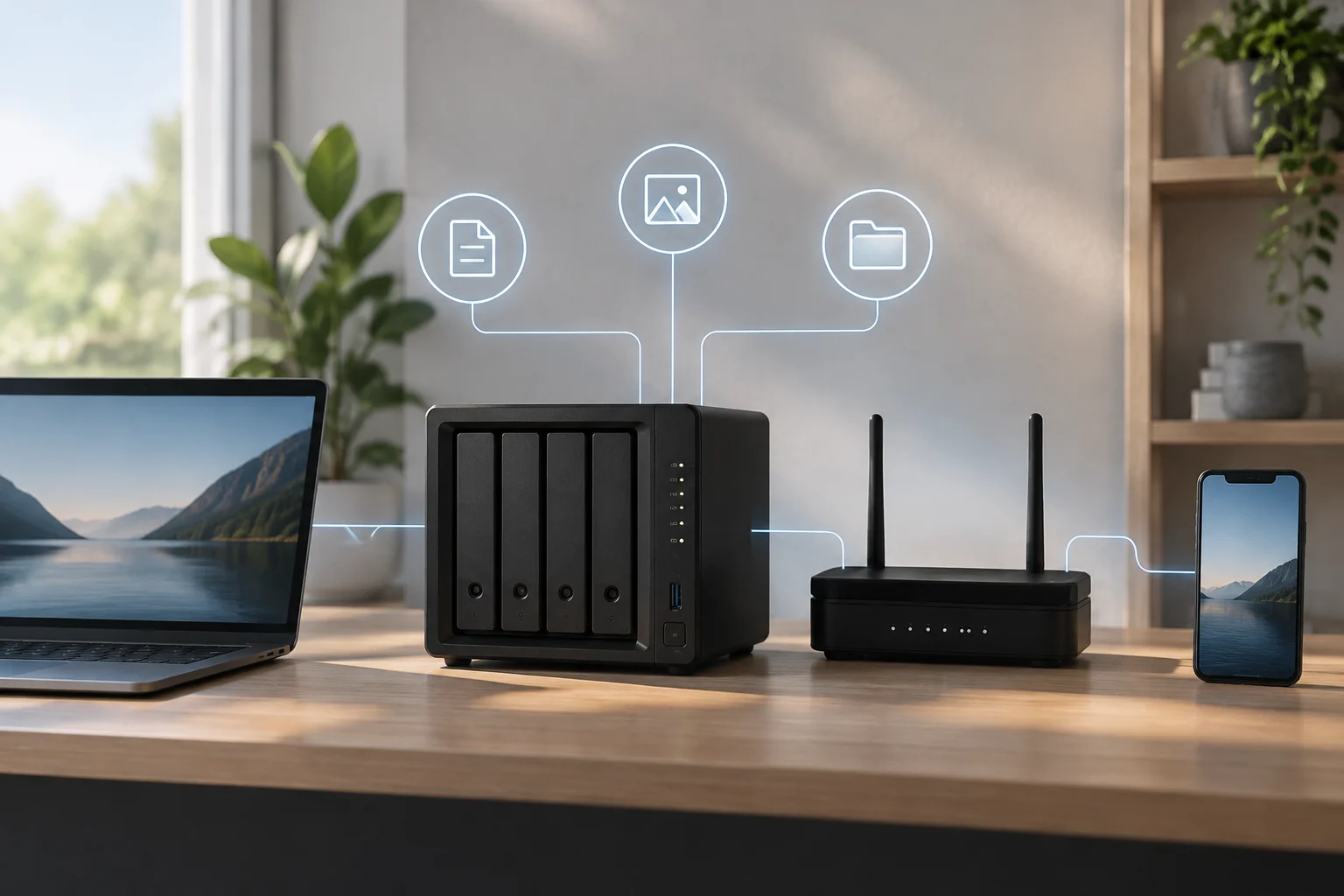
Access within the local network and access over the internet are separate decisions. Being able to open a folder at home does not prove that the device can be accessed securely from elsewhere. Enabling remote connections requires reviewing the mechanisms offered by the manufacturer and the options provided by your network environment; the exact setup depends on the device, router, and service used.
Management also means limiting access to people who need it, keeping software up to date, and understanding which accounts and permissions can change or delete data. These are operational tasks, not automatic benefits of the NAS category. The responsibility of administration is part of the real cost of owning storage, even if it does not appear as a line item in the device’s price.
It is not prudent to expose services to the internet just for convenience without consulting the manufacturer’s instructions and considering the consequences. The general sources reviewed explain what a NAS is, but do not document a secure setup that applies to every router and model. Specific recommendations about ports, authentication, or remote access should therefore follow the official documentation for the device and internet provider; this guide does not propose a universal setup.
How to decide for a home or small office
A NAS may be a good fit when several people need access to a shared set of files and someone is willing to administer the device. It can also be useful for a small office that wants to centralize shared documents, as long as permissions, responsible people, and a recovery plan are defined. Usefulness depends on more than capacity: it matters who will handle updates and what will happen if the equipment becomes unavailable.
A cloud service may be simpler if the priority is to reduce the work of maintaining your own hardware or to access files from several locations without administering a home server. In return, you need to review the service terms, account management, and how to recover the data. This is a choice about responsibilities and needs, not a guarantee that one option will always be cheaper, faster, or safer.
Before buying or migrating, answer these questions:
- How many people and devices need access to the same files?
- Will access be local only, or also from outside the home?
- Who will install updates, manage permissions, and respond to failures?
- What independent copy will let you recover data if the NAS or primary account becomes unavailable?
- What capacity and features are confirmed in the documentation for the specific model or service?
If nobody is responsible for maintenance and recovery, the apparent simplicity of a NAS can hide unfinished work. If the priority is sharing files under your own control and you accept that work, it may be a reasonable option. In either case, the key decision is to design access and recovery, not merely to choose where the first copy will be stored.