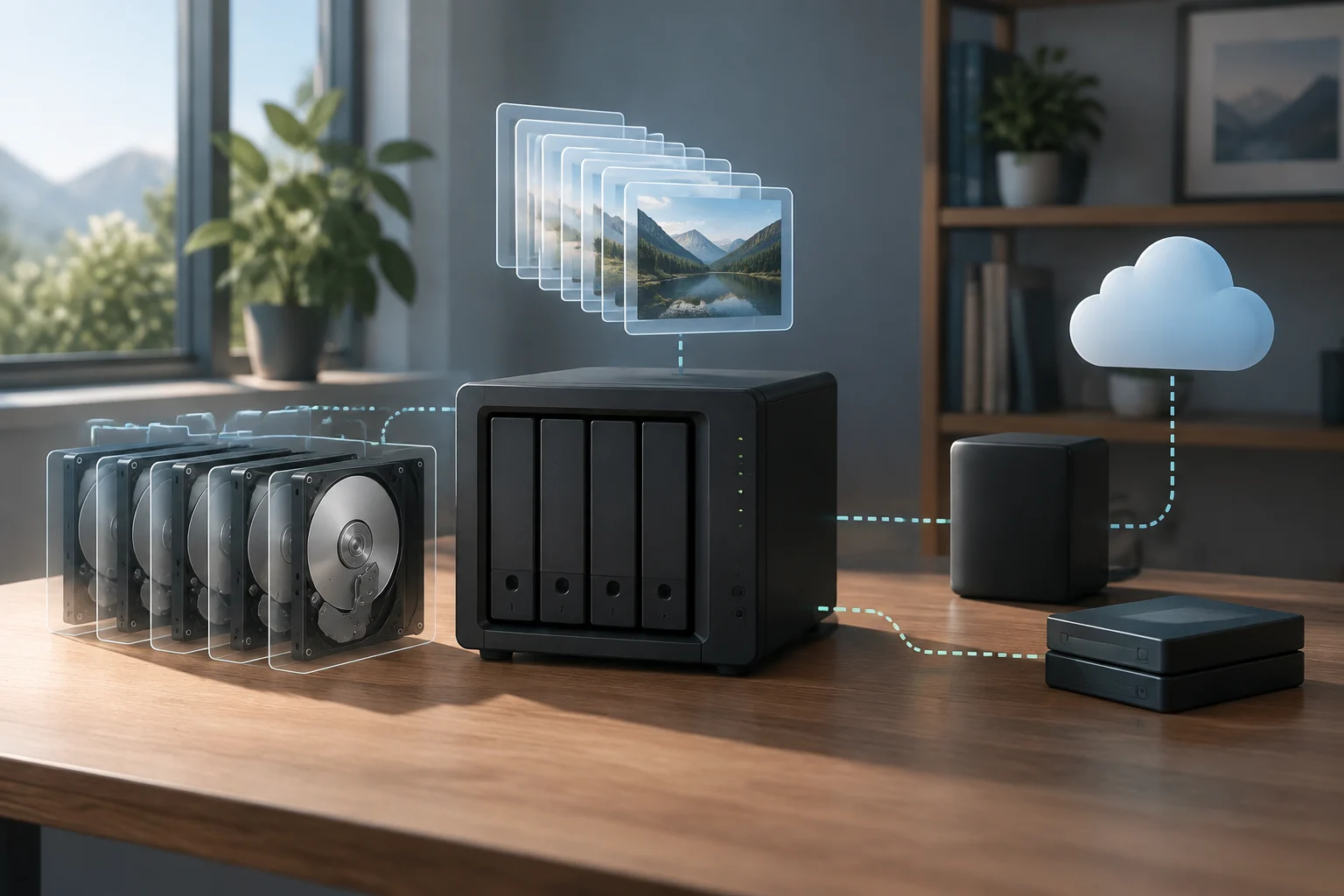
Three mechanisms, three goals
A NAS centralizes files and makes them available to multiple devices on a network. That storage function does not, by itself, tell you how many copies exist or what would happen if the device were lost, failed or someone deleted information. Confusion arises when “protection” is used as though it described one single function. In practice, it is useful to distinguish availability when a disk fails, recovery from unwanted changes, and keeping a separate copy. These are related aims, but no one mechanism necessarily achieves all three.
Disk redundancy, such as RAID, may allow storage to remain operational through certain physical failures, depending on the level used and how it is configured. It is not a historical copy: changes and deletions can be reflected in the data that remains available. Nor does it, by itself, protect against losing the entire device. RAID can therefore be a useful continuity layer, but it should not be treated as a synonym for backup. The precise fault tolerance depends on the configuration; do not assume it simply because there is more than one disk. A snapshot is a recovery point for a dataset at a particular time. On systems that support snapshots, it can help return to an earlier version or recover deleted files, provided that version is still retained and accessible. It differs from an independent copy: if snapshots are stored on the same device, an incident that makes that storage inaccessible may also prevent their use. TrueNAS documents snapshot creation and scheduled tasks, but details depend on the system and its settings. TrueNAS: creating snapshots
What can happen in different incidents
If a disk fails, redundancy may help preserve availability, provided the specific configuration supports that failure and the appropriate replacement and rebuild procedures are followed. But it does not remove the need for a recoverable copy: the process can fail or coincide with other problems, and remaining hardware can also break. For this scenario, ask what failure tolerance the configured array provides; for a broader recovery strategy, ask where the additional copy is kept. Those are separate questions, and answering one does not automatically answer the other.
After an accidental deletion or incorrect change, an earlier snapshot may be the quickest way to restore a previous state. Its usefulness depends on whether it was created before the incident, covers the affected dataset, and has not expired or been deleted. Snapshot frequency affects how much recent work might be missing from the recovered point; retention determines how far back you can go. So configuring a scheduled task is not enough: check which data it covers and how long it keeps recovery points. Ransomware also calls for thinking beyond failed disks. If an attacker or malicious process can alter files and also administer or delete connected snapshots and backups, those layers may be exposed to the same incident. CISA recommends including backups in ransomware preparedness, and NIST also publishes ransomware guidance for small businesses. A practical implication is to keep a copy that is not permanently exposed to the same credentials, permissions or access paths as working data. CISA guide · NIST guidance
The device itself is a boundary
A copy on the same NAS can help with some mistakes, but it shares part of its environment with the original data: hardware, power, location and, depending on how it is administered, credentials and permissions. Theft, fire, a failure affecting the whole system, or an intrusion with sufficient privileges can compromise both primary files and the local copy. Independence matters as much as the number of copies. There is no single design that suits every household; what matters is identifying which failures each layer might share. Replication does not automatically turn a destination into a backup. TrueNAS documents local replication tasks between pools or datasets on the same system, as well as options for replicating snapshots. This can move data and recovery points, but a destination inside the same machine does not protect against every incident affecting that machine.
By contrast, a replica on another device or in another location can provide separation, provided that credentials, connectivity and retention policies are considered too. Ask not only whether replication runs, but also what happens if the source device is stolen, if an administrator account is compromised, or if the destination is unavailable when files need to be restored. Location alone is not a complete guarantee: a remotely hosted copy still depends on its account, configuration and provider, while a disconnected drive may not contain the latest changes. The useful distinction is whether the copy remains accessible and recoverable under the incident you are planning for. TrueNAS local replication · Replication tasks
Designing a copy that can support recovery
A useful strategy starts by classifying data, not by enabling every NAS option. Identify which files are irreplaceable, how long you could be without them and how much recent work you would accept losing. Those answers guide backup frequency and destination choice. Family photos, administrative documents and files for a small office may need different priorities; there is no universal schedule that can be recommended without knowing those needs. It is also worth distinguishing data that can be recreated from data that would be difficult or impossible to replace. That distinction helps you decide where to spend effort and which material deserves more frequent or better-separated copies.
At a minimum, try to keep an additional copy on a different device or service, with reasonable separation from the primary NAS. To reduce shared exposure, consider disconnecting the destination when copying is finished, keeping it outside the primary location, or limiting who can delete backups. None of these measures is an absolute guarantee: remote storage also depends on the account, configuration and provider, and a disconnected drive may not contain the latest changes. CISA’s recommendation to back up business data reinforces the idea that backups should be part of preparedness, rather than relying solely on working storage. Decide how often each important dataset should be copied, where it will go, and how long older versions will remain available. Then check that those choices match the amount of data loss and downtime you can accept. CISA: back up business data
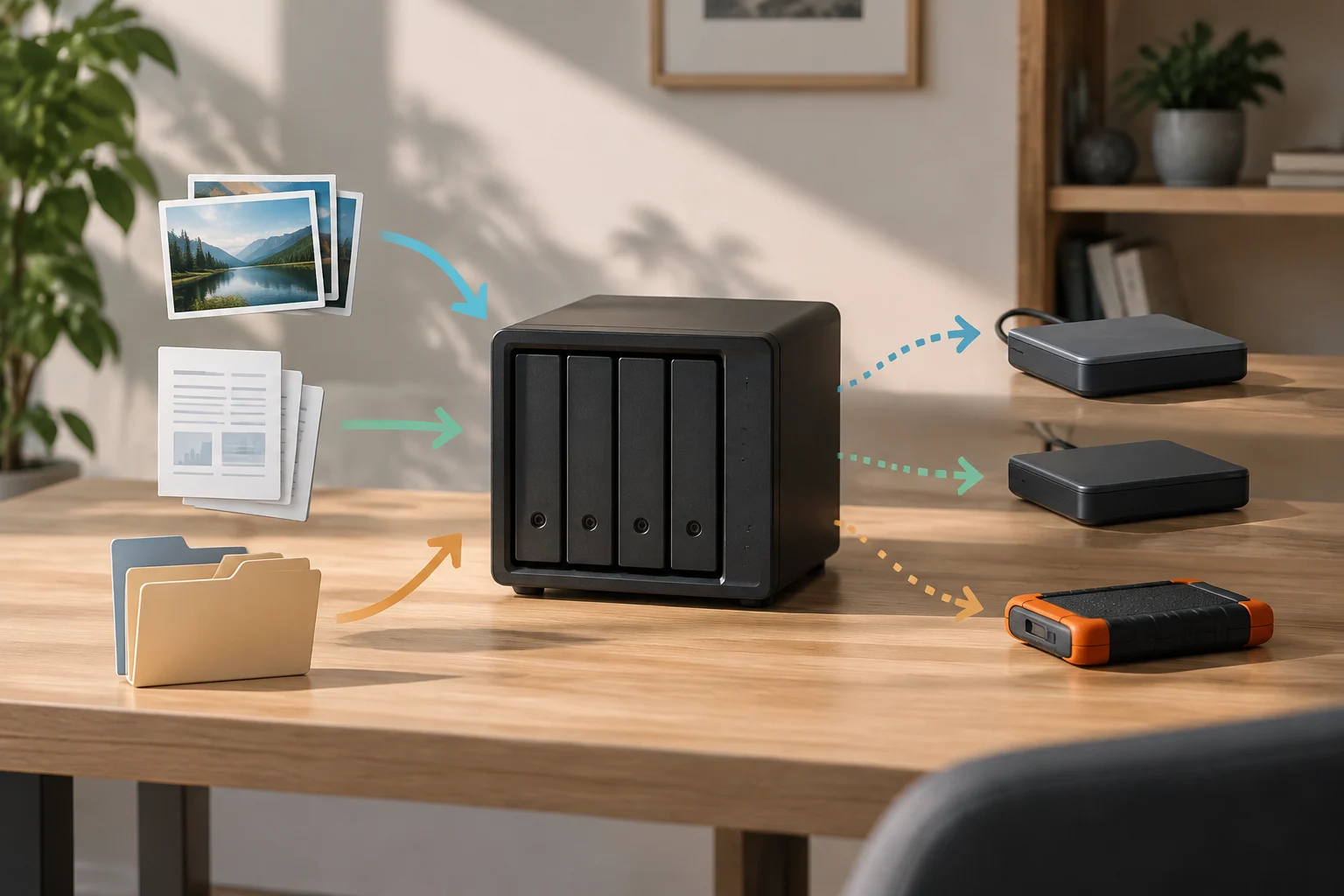
Restoring is part of the plan too
A task finishing without errors does not, by itself, prove that files can be recovered as expected. To check the process, choose a representative folder, restore a sample to another location and open some of the files. Verify that names, versions and, where relevant, permissions are recovered. Do this in a way that cannot accidentally overwrite the originals. The NIST document on protecting data from ransomware and other losses addresses making, maintaining and testing backups; the operational point is to validate the way back, not just the execution of the backup. A successful job log is useful evidence that a task ran, but it is not a substitute for checking the restored material and the steps needed to reach it. NIST: protecting data from ransomware and other data loss events
The test should cover practical details too: knowing where the copy is, who can access it, which credentials are required and what steps restore the dataset. Keep recovery documentation outside the NAS, and review the plan when the system, location or accounts change. If the primary device is lost, a useful copy should still be locatable and accessible; if restoration depends on information stored only on the missing device, the procedure is incomplete. Periodic checks do not eliminate every risk. A sample test cannot guarantee that every file or future incident will be handled in the same way, and a backup may be out of date. But testing can expose specific issues—such as a task that omitted a folder, expired credentials or a misunderstood restore process—before an emergency. The goal is not to accumulate features, but to have a known, reviewed recovery path.
NAS checklist
Before trusting important files to the system, review the options available for your model and software version in the documentation. Marketing labels can conceal differences between manufacturers and configurations: check which dataset each task covers, how snapshots are retained, where a replica resides and which permissions allow it to be deleted. TrueNAS documentation, for example, treats snapshot tasks separately from replication tasks; that kind of distinction helps prevent mechanisms with different purposes from being confused. Record the choices you make so that another person can understand what is protected and what is not, rather than relying on assumptions about the meaning of a feature name.
Use this list as a starting point and adjust it to your needs:
- Redundancy: identify which disk failures the configuration tolerates and what procedure the manufacturer requires.
- Snapshots: confirm which data they include, when they are created and what retention policy applies.
- Independent copy: check that it exists outside the primary storage and does not rely entirely on the same credentials or location.
- Alerts: make sure someone will see failure notifications and know what to do.
- Recovery: test a restore and document the steps outside the NAS.
- Review: repeat the check after major changes and at reasonable intervals.
The conclusion is not that every household needs a complex architecture. Each layer should instead be assigned a specific problem: redundancy may help with availability for failures supported by the configuration; snapshots provide recovery points if they remain available; and a separate copy helps limit the impact of incidents that reach the NAS itself. No feature automatically replaces the others. Assess the system by what it lets you restore and by the dependencies that restoration still has—not just by the number of disks or enabled tasks.