Start by identifying the exact model
Look for the model's full name and, if available, its product number or specific configuration. Product families can include variants with different memory or storage, so a specification sheet for one variant should not automatically be treated as a description of another. As an example of the difference between a family reference and a listing for a particular retail configuration, InvGate titles a page about the Asus ZenBook 14 Gen 6, while HP's official store presents a specific configuration of the HP 15-fc0251la.
The documentation must match the exact computer and variant. Do not use a guide for another model to infer which components your laptop has or what procedure it requires. A matching family name is not a substitute for identifying the variant. Write down the exact identifier before comparing products; if you cannot link the product to the documentation, keep the information marked as unknown instead of filling in the gap with details from a similar model.
Some product listings show the installed configuration without establishing whether its components can be replaced or upgraded. The HP official-store page cited here identifies model HP 15-fc0251la and advertises a Ryzen 5, 8 GB of RAM, and a 512 GB SSD; those details describe the advertised configuration and do not, by themselves, establish an upgrade path. When comparing products, record the identifier alongside capacity figures so you can remember which specific product each figure refers to and avoid applying it to another variant in the same family. If you save several listings, include the identifier in your notes rather than only the marketing name; this makes it easier to check later which configuration each detail came from.
What to look for in memory and storage
For memory, check whether the documentation identifies modules, slots, or integrated memory. Then look for the documented maximum capacity and whether the information applies to the variant you are comparing. A listing that gives only a RAM amount does not necessarily answer all of these questions: in the HP example, the page advertises 8 GB, but that figure alone does not say whether the memory is replaceable or how many slots there are. Installed capacity is useful for identifying the advertised configuration, but it is not enough to plan an upgrade.
It is helpful to record installed capacity, memory layout, and any stated limit separately. Do not treat “two slots” and “two free slots” as equivalent: one refers to the documented design, while the other refers to availability in a particular unit. If a source does not clarify whether memory is integrated or installed in modules, note that as an open question; do not infer the answer from the advertised capacity. Keeping these details separate also helps identify cases where two listings seem to contradict one another but actually describe different variants or configurations. When comparing figures, also make sure a stated maximum is not confused with installed capacity: they describe different things and are not interchangeable.
For storage, look for the drive type, form factor, interface, and number of documented locations for the exact model. A listing that mentions an SSD does not, by itself, confirm that there is a second location or that storage can be expanded. The HP page cited identifies a 512 GB SSD in the advertised configuration, but that mention is not enough to conclude that an additional bay is available. Keep capacity separate from any conclusion about replacement or expansion: a storage figure describes what is installed, not necessarily what options will be available later. If the documentation reports only the drive currently present, record that information as stated and leave any additional locations unconfirmed.
Manuals, teardowns, and what they do not prove
Prioritize information linked to the exact model and variant. If a product listing, manual, and third-party guide differ, record each detail with its source and leave the discrepancy unresolved until you can clarify it. For a purchase comparison, separately note what is installed, what the documentation identifies as replaceable, and any maximum capacities expressly documented. This prevents a hypothetical possibility from becoming an upgrade promise, and lets you check each statement against the document that supports it. Saving the link alongside each note also helps distinguish a manufacturer specification from an observation published by a third party.
A maintenance manual can help you investigate the components and procedures mentioned for a specific model, but verify that the guide applies to the product you are considering. Read the relevant instructions and conditions before working on the computer. Do not assume that a document for another model confirms the memory or storage characteristics of yours. If the manual covers an entire series rather than an individual configuration, check which variants it includes before applying its instructions. The presence of a procedure in a manual also does not remove the need to identify the variant to which it refers.
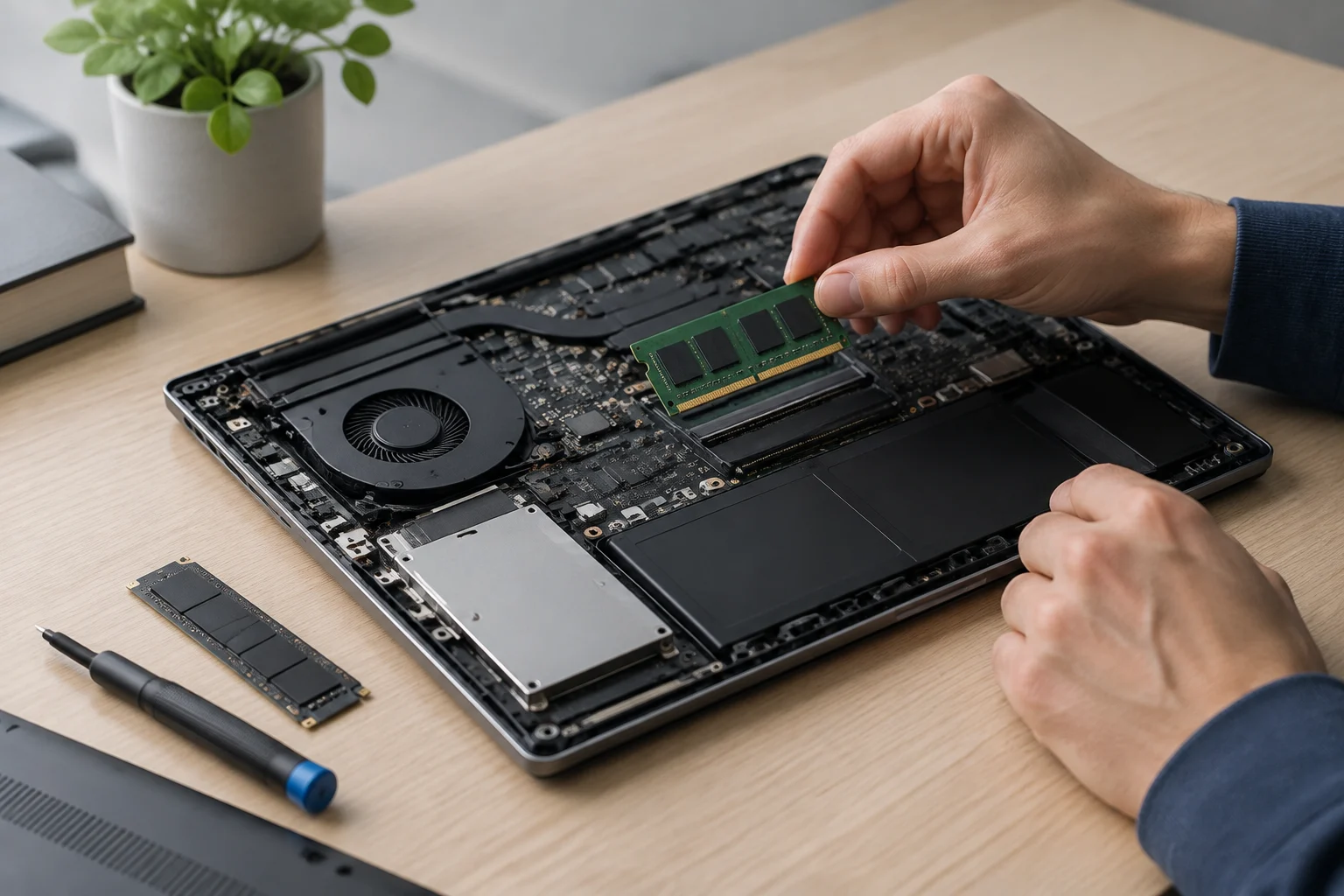
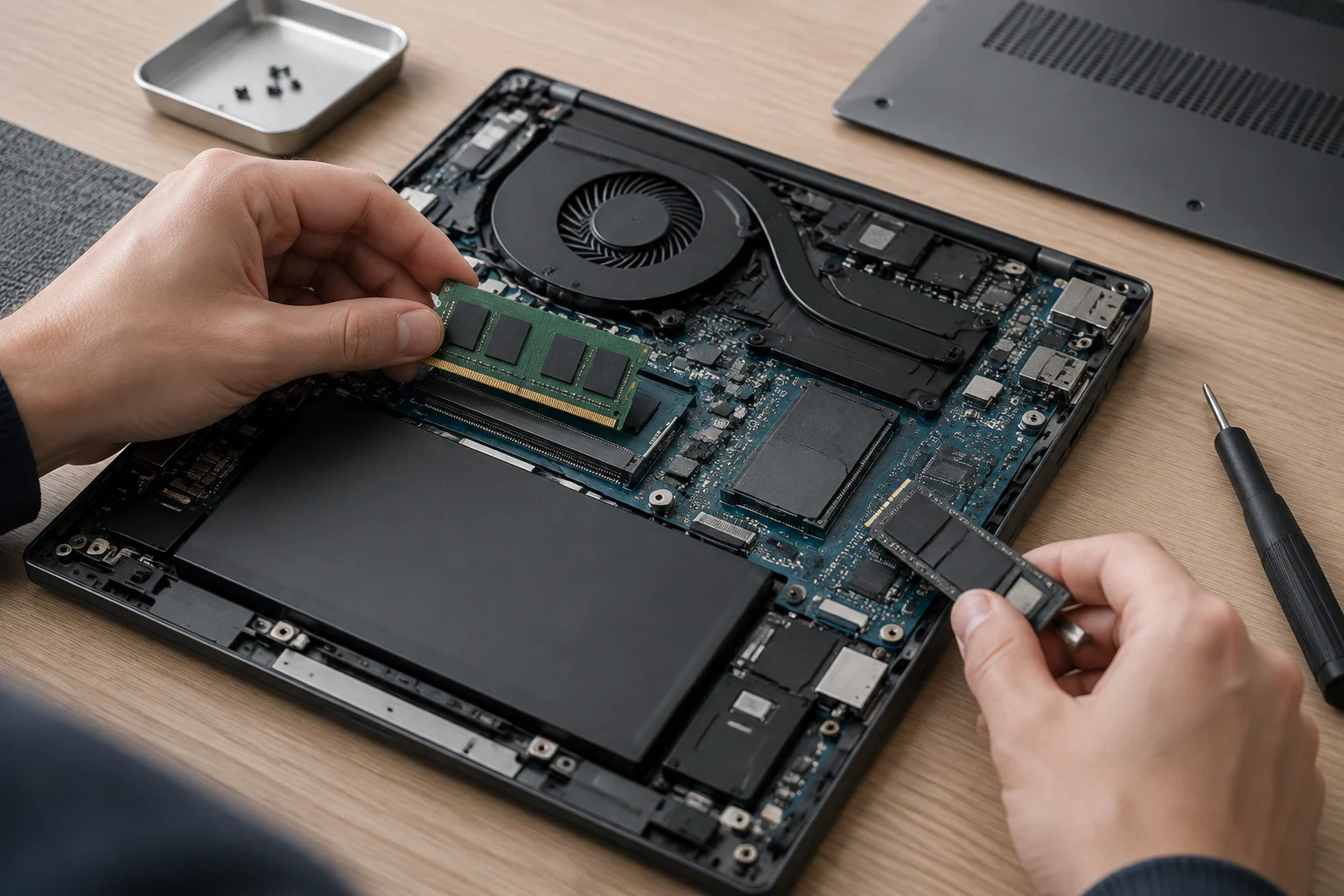
Independent teardowns can supplement the documentation if they show a particular unit, but they do not necessarily prove that every variant in a product family has the same configuration or that an alternative part is compatible. Use them as a secondary check and compare the model and variant. An image may help you recognize a component; it does not replace documentary confirmation of a limit or compatibility. It is also worth distinguishing what is physically visible from what can be concluded: seeing a part does not, by itself, establish its replacement options. Therefore, if an image appears to show a slot or replaceable component, record what you observed as an indication, not as confirmation that applies to every configuration.
A short checklist to use before paying
This article proposes a method for reading documentation; it is not a physical evaluation of laptops or a certification of compatibility. The available sources identify an InvGate page about the Asus ZenBook 14 Gen 6 and an official HP store listing for the HP 15-fc0251la, but they do not provide maintenance manuals or teardowns that would establish which components can be upgraded in those computers. Accordingly, no universal rule is extrapolated from those pages. This limitation helps distinguish the details that have been confirmed from questions that remain open.
For each laptop, write down the exact identifier, installed memory, whether the documentation describes it as integrated or modular, the number of slots, and the stated maximum. For storage, record the drive type, form factor, and confirmed locations. In a separate column, keep the link and document that support each detail. If the manufacturer does not publish a maximum or clarify a characteristic, write “not specified” instead of inferring it from another computer. A simple table with these categories makes gaps visible: a blank field or one marked “not specified” shows which information you still cannot use to decide.
Also check whether the documentation you consulted refers to the variant you want. A listing that says “8 GB” or “512 GB SSD” describes the advertised configuration, but does not automatically answer whether the component can be replaced. Before comparing two laptops, compare like with like: installed configuration against installed configuration, or documented limits against documented limits. If a detail comes from a different source or variant, say so in the comparison rather than presenting it as equivalent. This way, the comparison reflects both what you know and the level of certainty for each point, without turning missing information into an unproven advantage or disadvantage.
When the documentation leaves questions open
If you cannot find enough information about a component, describe exactly what is missing. You may know the installed capacity but not whether memory is integrated; an SSD may be mentioned without a second location being identified; or a limit may be given without saying which configurations it applies to. Recording the specific uncertainty helps you ask the manufacturer or seller a useful question instead of requesting a general confirmation about whether the laptop “can be upgraded.”
When asking for clarification, provide the product identifier and ask about the specific component, variant, and limit. If the response does not identify the configuration or is not supported by verifiable documentation, keep the detail marked as unknown. Missing information does not prove that the computer cannot be upgraded; it means there is not enough evidence to rely on that upgrade when comparing a purchase. Keep that distinction clear: “not confirmed” describes a limitation in the available evidence, not a conclusion about the computer's design. This lets you update your notes if you later receive a precise answer without having to redo the comparison from scratch.
The practical rule is simple: do not count on a future upgrade unless verifiable information exists for the variant you are considering. If upgradeability is decisive and information about integrated memory, slots, or limits is missing, ask for confirmation before buying. When in doubt, treat an upgrade as an unconfirmed possibility, not an included feature. That way, your decision rests on what the documentation supports rather than an assumption based on an incomplete listing or a similar model. This caution does not predict whether an upgrade will be possible; it simply prevents you from basing a purchase on an option that has not yet been established.