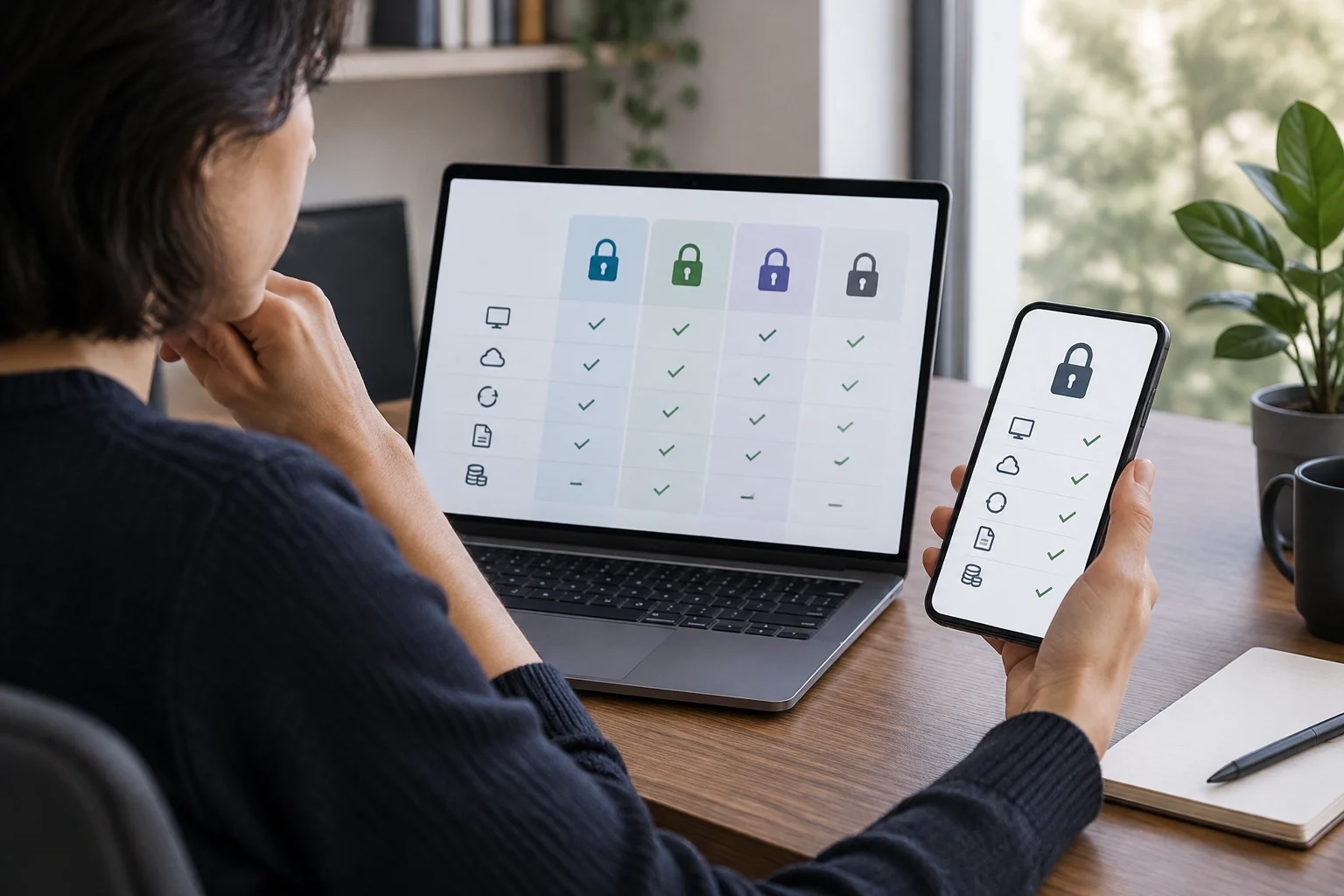
Start with the problem you want to solve
A password manager stores login credentials and helps you use different passwords for different services. Its everyday benefit is that you do not have to memorize every password or reuse the same one. The Electronic Frontier Foundation (EFF) explains that these programs can generate passwords, store them in a vault and fill in login details; many also synchronize information across devices. The goal is not to find the app with the most features, but one you can use consistently and whose access you can maintain. (EFF)
Before looking at brands, write down where you sign in and which devices you use: for example, a phone and a computer, several browsers, or shared devices at home. Add two questions: do you need to share credentials with someone else, and will you store only passwords or also notes and other data? Your answers change which features deserve attention. A straightforward individual setup does not necessarily need the same options as a family group or a work team; that is a practical distinction, not a security classification.
It is also worth recognizing the trade-off involved in concentrating credentials. A vault makes it easier to use different passwords, but gathers sensitive information in one account and one app. The EFF warns that this can create a single point of failure and recommends paying attention to the strength of the master password and to two-factor authentication. Convenience and risk should not be assessed separately: the more your access depends on one account, the more important it is to understand how to protect it and what to do if you cannot sign in. (EFF)
Check compatibility on the devices you actually use
Compatibility cannot be settled by looking at a general list of operating systems. Check the service’s documentation for every device and browser you use, and confirm whether it offers an app, a browser extension, or both. Then verify that the features that matter—such as saving new credentials, filling in logins and synchronizing changes—are available in that specific combination. Availability can differ between platforms, so do not assume that a feature described on the home page exists in every version.
Test the routine you normally follow: create or open an account on your phone, check whether the credential appears on your computer, and try signing in with the browser you actually use. If you switch between browsers, confirm that the manager supports them without forcing you into one awkward workflow. Also consider what happens on borrowed or shared devices: you may prefer not to leave a session open or enable autofill in a profile you do not control. These are usage details to verify in the documentation, not to infer from a feature’s name.
Synchronization is useful, but ask how it behaves when a device is offline or when you change a password in two places at once. If the provider documents offline operation and conflict resolution, read those details. If the explanation is unclear, note the question and ask before moving an important vault. Effective compatibility is what you can verify with your actual combination of devices, not what you infer from a general promise of availability across devices.
Evaluate account protection and recovery
Distinguish between the master password that protects the vault and any additional method used to sign in to the service account. They are not necessarily the same thing. Check whether the provider supports multifactor authentication, which methods it offers and what steps are required to enable them. CISA recommends considering multifactor authentication because it adds a check beyond the password; whether a particular method, such as a security key, is available must be confirmed in the manager’s documentation. (CISA)
Read recovery information especially carefully. Find out what options exist if you forget the master password, lose your phone or can no longer use your second factor. Restoring access can have security implications: a process that makes it easy to recover an account should also explain what the provider can restore and what depends on you. Do not interpret the word “recovery” as a guarantee that all content can always be restored; look for the documented procedure and its requirements.
NIST published digital authentication recommendations, but SP 800-63-3, still linked in some documentation, has been superseded by SP 800-63-4 since August 1, 2025. That earlier edition should therefore not be presented as current guidance. When comparing a product, prioritize the provider’s current documentation and current NIST references; a certification or marketing statement alone does not prove that a particular configuration meets all your needs. (NIST, supersession notice) Recovery deserves the same scrutiny as sign-in: a secure vault that you cannot get back into can become a serious operational problem.
Plan for export before importing your data
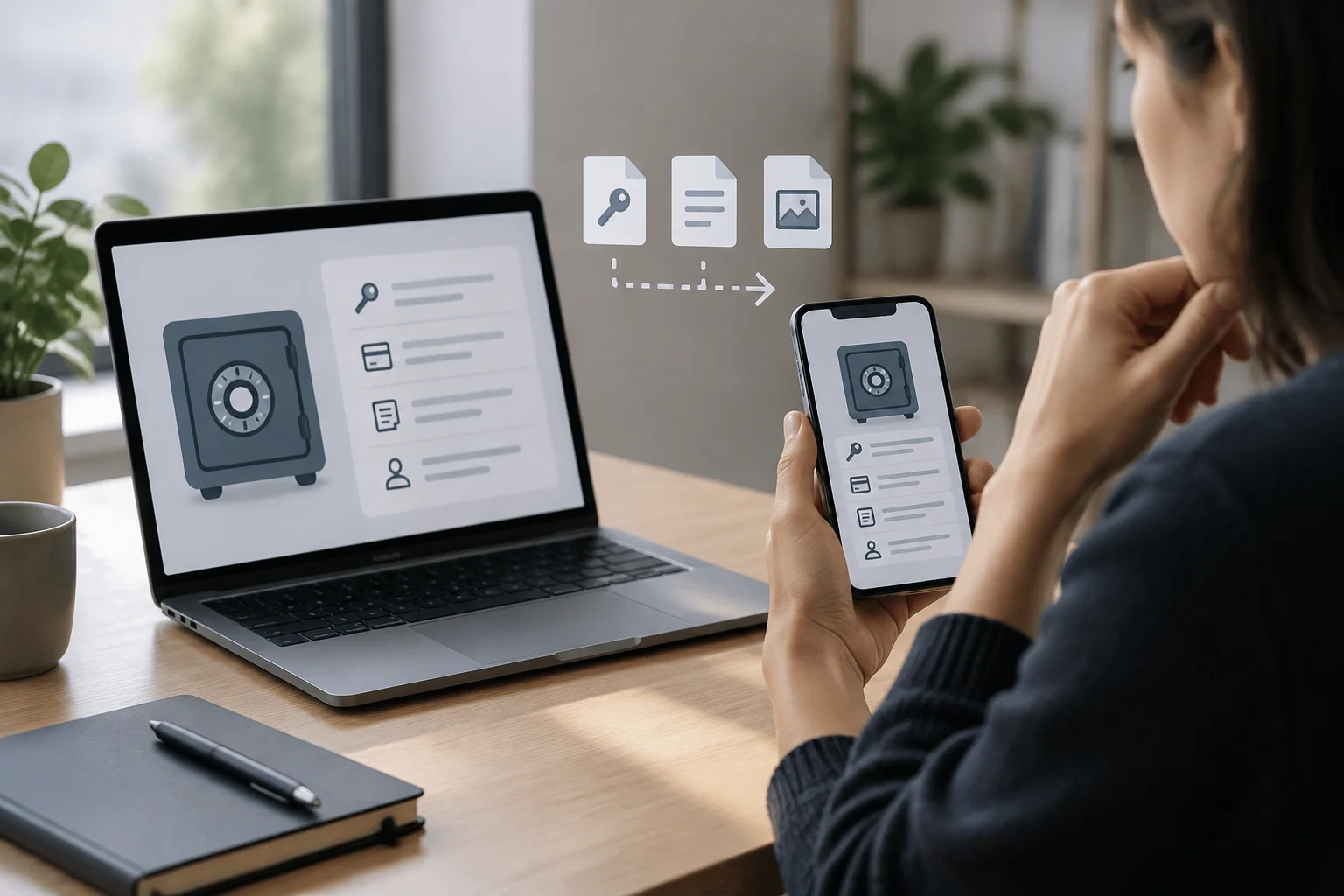
Before moving credentials, find out how to export the vault and which format the service provides. Check whether the export includes all the items you actually store—for example, notes or custom fields—and whether a manager you might switch to has a compatible import tool. The existence of an export button does not prove that a future migration will be simple: services may use different structures and fields.
Also ask whether the export is encrypted or produces a readable, unprotected file, and review the official instructions for storing and deleting it. A plain-text export can expose many credentials if it is left in a synchronized folder, on a shared computer or in a backup you had not considered. Avoid keeping unnecessary copies: once you have verified the migration, follow the provider’s instructions for safely removing temporary files. Do not claim that a particular format is universal unless you have confirmed that in both services’ documentation.
Portability is a test of control over your data, not just a convenience feature. Before changing managers, keep access to the original service until you have verified that important entries imported correctly and that you can sign in with them. Compare several kinds of accounts, not just one simple password. This helps reduce the risk of later discovering that notes, web addresses or fields you used are missing. If the documentation does not clearly explain what is exported, treat that lack of clarity as a practical cost of the choice.
Compare features and cost against a list of priorities
Feature lists can mix essential capabilities with extras you may never use. Separate what is essential—such as support for your devices, synchronization and export—from what is merely desirable, such as sharing entries or storing other types of information. To compare plans, consult the current terms on the official website: what the free tier includes, whether there is a device or item limit, which features require a subscription and how renewal is charged. Prices can change by country, currency, promotion and date; without a current seller source, it is not responsible to present one figure as universal.
A comparison table of your own can keep an eye-catching feature from obscuring an important gap. Score only points you have confirmed, and mark “not documented” when you cannot find an answer in official information. Do not turn missing information into a claim that the service lacks the feature: it is an uncertainty to resolve. The useful cost is the price of the plan that covers your real needs, not the entry price in isolation or the apparent value of a long list of extras.
When comparing privacy and security, look for specific explanations of encryption, provider access to data, account protection and updates. The EFF notes that password managers do not eliminate every risk, and that configuration and usage habits matter too. Do not treat a label such as “end-to-end encryption” as a complete answer without understanding which data and processes it applies to. If technical information is unclear, ask the provider or rule out that option if the information is decisive for you. (EFF)
Checklist for choosing and testing
Before committing, review these points in the service’s current documentation and the terms that apply in your market:
- Devices: Your phone, computer and the browsers you normally use are supported.
- Access: You understand how the account is protected and which additional authentication methods it supports.
- Recovery: You know the options if you lose a device or forget the master password.
- Portability: You know how to export the data, what the file contains and how to protect it.
- Cost and limits: The features you need are available in the plan and country you will use.
- Sharing: Access and revocation rules suit the people with whom you would share information, if applicable.
If the service lets you try it without immediately migrating all your information, start with a few low-impact accounts. Check that the manager saves and fills credentials on the devices you plan to use, and test export by following the official instructions before trusting it with your entire vault. Do not use real credentials in third-party testing tools or leave an exported file unprotected. A limited trial can reveal usability friction; it is not an independent security audit and does not prove that the service is invulnerable. Keep a transition plan: retain access to the previous manager temporarily until you have confirmed that essential entries work in the new system and that you understand how to recover the account.