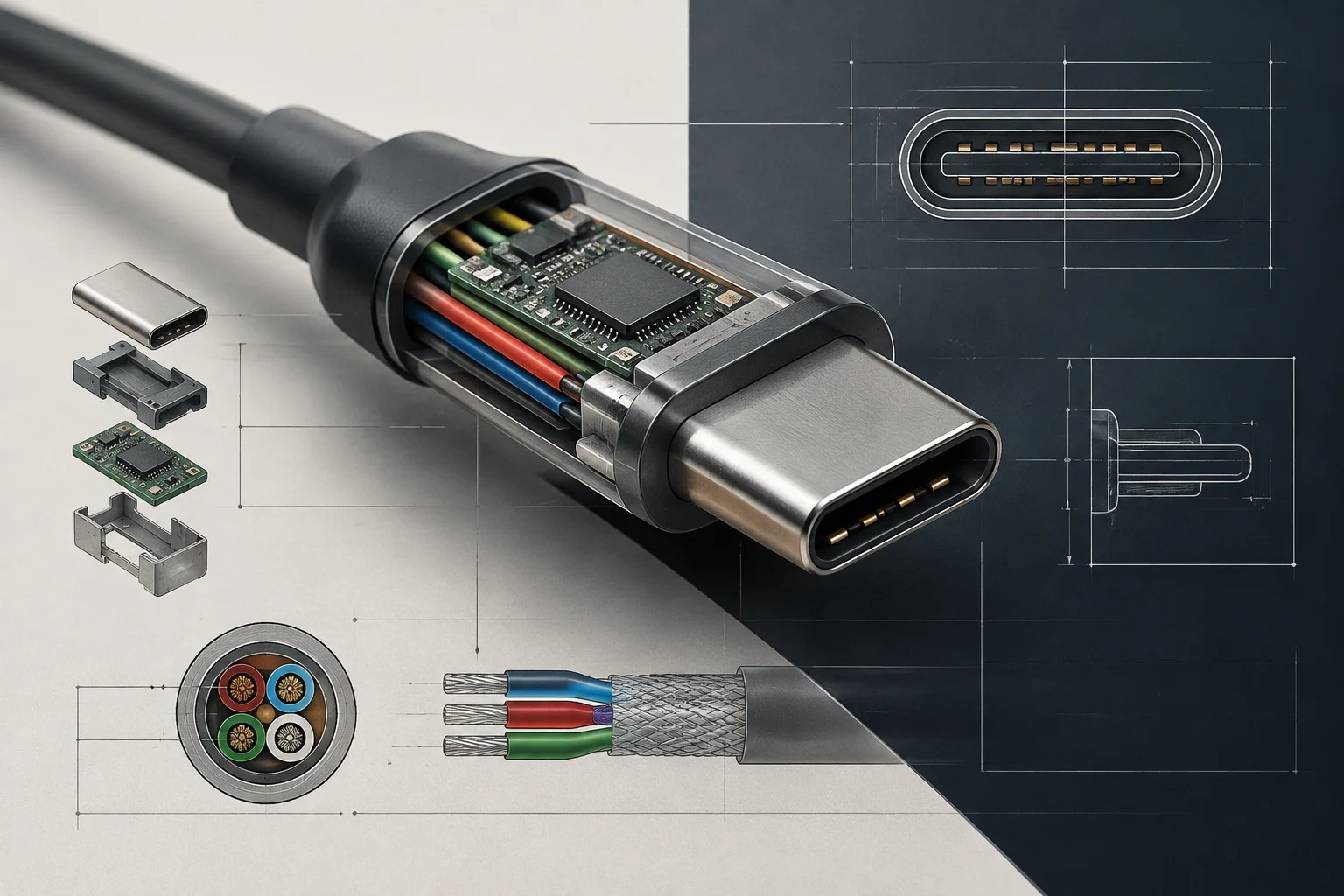
The Limitation of Physical Testing in the Digital Era
In the current consumer technology ecosystem, many users rely on third-party reviews and performance tests published by specialized media. These evaluations can be useful for understanding the user experience, but their results depend on the specific hardware of the reviewer, environmental conditions, and the software employed. Therefore, even when analyzing the same product, it is not always possible to exactly reproduce the measurements or compare two tests as if they had been carried out under identical conditions. To make an informed decision, it is advisable to also consult the primary technical documentation from the manufacturer and standardization bodies, which describes measurable and standardized parameters.
### What Official Documentation Offers
The official spec sheet is not merely a list of figures: it establishes the performance declared by the manufacturer for a product and allows understanding what can be expected from it according to the indicated specifications. These data do not replace practical tests nor do they guarantee by themselves that maximum performance will be maintained in all situations, but they offer a common reference point for comparing devices. Against a subjective impression, a specific specification—such as a transfer speed or charging power—allows for more precise questions and checking if several products are offering equivalent features.
By focusing the comparison on verifiable data, the consumer can distinguish between a commercial promise and a technically described capability. They can also detect when necessary details are missing to evaluate the product: an isolated figure or a broad label may not explain which protocol is supported, under what conditions the announced power is reached, or which components allow the performance. The spec sheet thus serves as a basis for contrasting marketing claims, not as an automatic replacement for all independent evaluation.
Interpreting Power and Transfer in USB-C
The USB-C connector has unified energy charging and data transfer in the same port shape, but that does not mean all USB-C devices offer the same functions. The shape of the connector, by itself, does not indicate the supported power or transfer speed. Furthermore, commercial expressions like “fast charging” do not specify which protocol is used or how much energy the device can receive. To interpret this aspect, one must look for support of USB Power Delivery (PD), the protocol that allows the charger and device to negotiate the appropriate voltage and current, above the standard 5 V.
The PD 3.1 specification introduces higher power profiles, with charges of up to 240 W. This limit can be relevant when evaluating high-performance laptops, although the presence of USB-C does not imply that a device supports that power. One must check what the device and charger spec sheets indicate, because the maximum value of the protocol does not equate to the power that all products can accept or deliver. The announced figure is only useful if it corresponds to the specific capabilities of the components being connected.
How to Compare Data Speeds
Transfer also depends on the generation of the USB standard that the port supports. A USB-C connector can offer USB 3.2 Gen 2, with an indicated speed of 10 Gbps, or USB4, with up to 40 Gbps. These are distinct features that can go unnoticed if the product description is limited to mentioning “USB-C”. Therefore, when comparing devices, it is advisable to locate the exact protocol and generation, rather than inferring them from the port shape or a generic connectivity label.
The Role of Official Certifications
That a specification appears printed on a box does not by itself prove that the product has passed compliance tests. To reduce this uncertainty, one can consult certifications from bodies such as USB-IF (USB Implementers Forum) and the Wi-Fi Alliance. These organizations define standards and carry out tests related to compatibility and interoperability. In particular, a device certified by USB-IF has demonstrated compliance with the electrical and signaling requirements of the corresponding standard, which helps reduce the risk of incompatibility with other peripherals.
Certification does not mean that all certified products perform identically in any situation, nor does it replace the review of the specific model's specifications. It does provide an additional reference: it indicates that requirements associated with the standard have been checked, instead of leaving the entire evaluation in the hands of the commercial description. When buying, it is advisable to check which certification is declared and to which product or component it applies, especially when it comes to USB-C cables and devices.
Wi-Fi Certification
For wireless connectivity, Wi-Fi Alliance certification serves to verify compliance with 802.11 protocol specifications and to favor interoperability between products from different brands. The body has more than 65,000 certified products. Consulting whether the product is listed as certified or carries the official logo can help filter out devices with deficient or non-compliant implementations. The number of certified products expresses the scope of the program, not a guarantee that each connection will offer the same coverage or speed: specific performance also depends on the device's characteristics and usage conditions.
Contrast Between Marketing and Technical Reality
Terms like “gaming”, “ultra-thin”, or “turbo charging” are subjective commercial expressions, without a universal technical definition that allows automatically comparing all products that use them. To convert these adjectives into useful criteria, one must look for the specific features declared in the spec sheet. In a laptop described as “gaming”, for example, it is advisable to check the exact GPU model, the panel refresh rate, and the maximum power of the graphics card, indicated as TGP. Without these data, it is difficult to know what distinguishes one product from another, and the “gaming” label offers little comparative value.
The same principle applies to “fast charging”. It must be broken down into parameters such as power, expressed in watts (W), and voltage, expressed in volts (V), in addition to reviewing compatibility between charger and device. A 65 W charger offers higher power than a 20 W one to power a laptop, regardless of how the user perceives the charging speed. However, this comparison does not by itself prove how long each device will take to charge: to interpret it, one must consider what the device supports and the charging conditions recorded in its documentation.
Contrasting promotional words with technical data helps avoid decisions based solely on vague promises. It also allows establishing a relevant checklist for the intended use: what graphical performance is declared, what screen it incorporates, or what power it accepts. The manufacturer's transparency in publishing this data is an important indicator of the quality of information available about the product. If an essential specification is missing, it is more prudent to acknowledge that uncertainty than to deduce a feature from an adjective.
Practical Guide to Document Verification
A documentary review is more useful if carried out in an orderly manner before buying. First, look for the complete technical spec sheet on the manufacturer's official website. Third-party store pages may summarize information and omit critical data, so it is advisable to use them as a commercial reference, not as the sole source for verifying specifications. Second, identify the connectivity standards supported by the product—for example, USB 3.2, USB4, or Wi-Fi 6E—and compare them with specific usage needs. This way, the decision is not based solely on a product mentioning a technology, but on the version and capabilities it actually declares.
Third, check if there are official certifications in the manufacturer's documentation or in the public records of the corresponding bodies. When information is incomplete, it is useful to return to the device and its accessories' spec sheets to verify which component offers each feature. A checklist avoids confusing the capabilities of the standard with those of the product: a technology supporting a certain speed or power does not necessarily mean the evaluated model reaches it.
Details Worth Reviewing
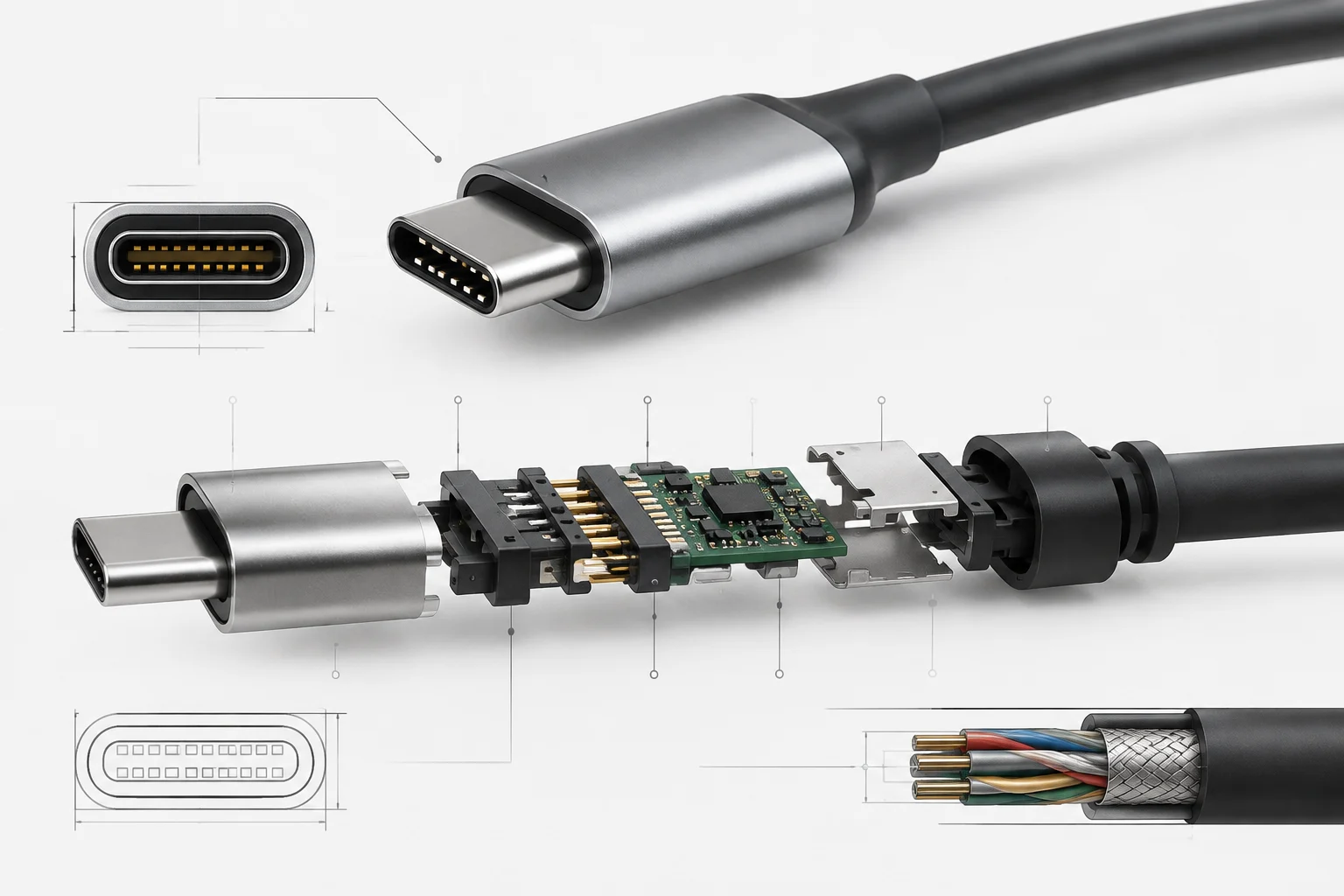
In peripherals and accessories, also review the cable length and, in high-power cables, whether the presence of control chips (e-markers) is indicated. These are details that can affect stability and are not described by the connector shape. The technical spec sheet and manufacturer information allow clarifying which cable is included and what features are attributed to the accessory, instead of assuming all USB-C cables are interchangeable for any use.
In computers intended to use Windows 11, also check the system's minimum security and compatibility requirements, including TPM 2.0. Verifying these requirements before buying helps assess long-term compatibility. The check must be based on the specific hardware specifications and the requirements indicated for the operating system, not on an assumption derived from the brand or product category.
Criteria for an Evidence-Based Purchase
The purchase of consumer hardware can move from a decision based mainly on a brand's reputation to an evaluation supported by documentary evidence. A detailed spec sheet allows anticipating how the device is expected to behave and whether its declared features fit the working environment. When the manufacturer publishes precise and verifiable data, the consumer has more elements to compare models, clarify doubts, and assess the described technical quality. This transparency also often correlates with better after-sales support, although it does not by itself constitute a guarantee of the experience each buyer will have.
For the comparison to be useful, it is advisable to relate each data point to a real need. Port speed matters if devices that can take advantage of it will be connected; charging power must be contrasted with what the device supports; and GPU or screen specifications must be evaluated according to the intended tasks. Thus, numbers do not become an abstract competition for the highest figure, but criteria for deciding if the product responds to a specific use. Certifications add a compliance reference, while spec sheets help identify declared capabilities.
The Limits of Maximum Specifications
Maximum figures do not always translate into constant performance. Thermal management and control software can limit real operation, so knowing the theoretical ceiling is not enough to predict the device's behavior in all conditions. Independent tests can complement this information by observing the product in a specific scenario; the technical spec sheet, for its part, allows knowing what capabilities and limits the manufacturer declares. Each source answers different questions and can be read jointly without confusing a single measurement with a general specification.
Even with that caution, the limits defined by official standards offer a solid basis for evaluating whether a device seems suitable for the tasks it will be assigned. The practice consists of checking the documentation, distinguishing precise data from commercial labels, and recognizing what the spec sheet does not allow concluding. This way, the risk of disappointment is reduced without assuming that a maximum figure guarantees everyday performance by itself.