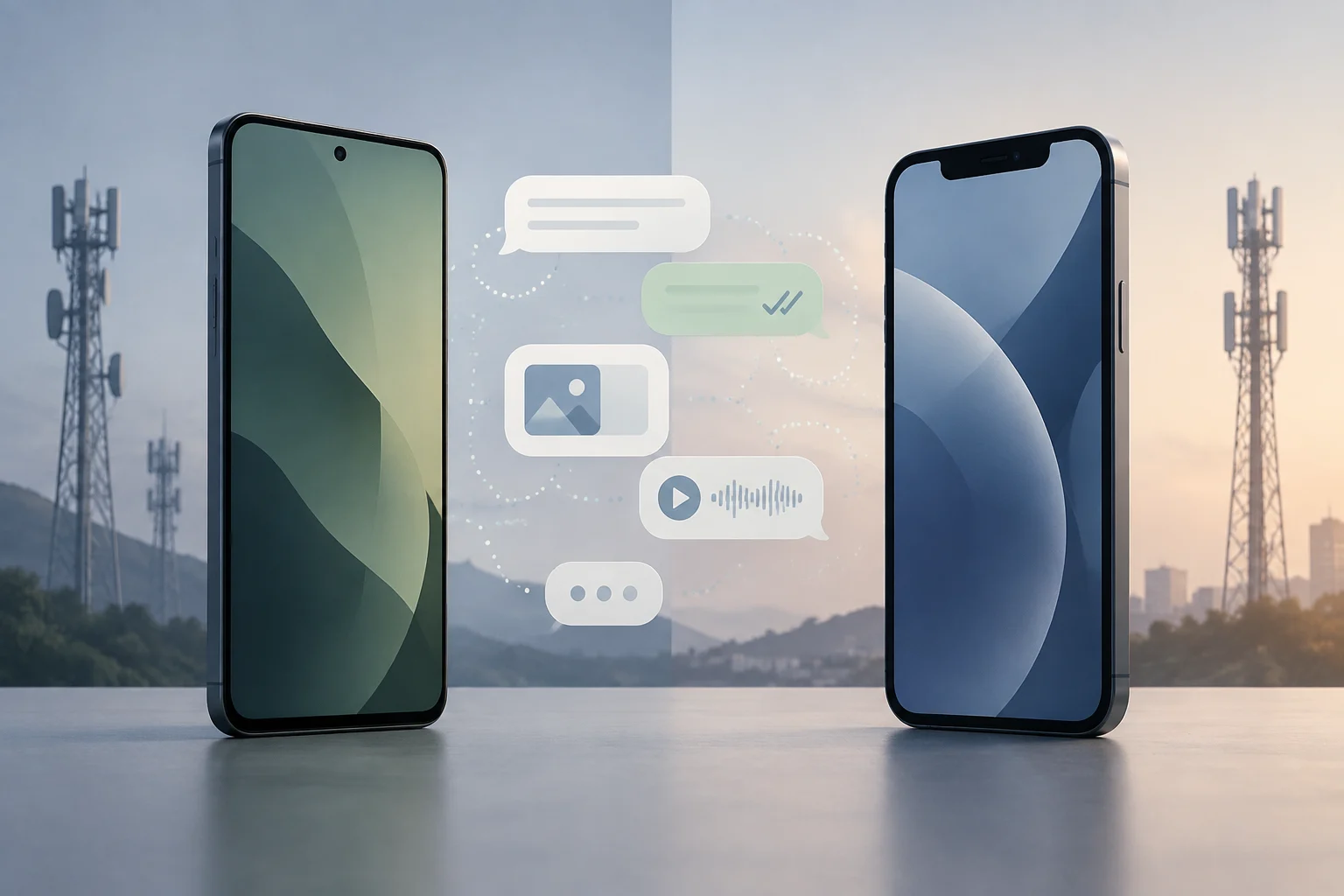
RCS expands traditional messaging, but does not eliminate SMS
RCS is a messaging format that lets people exchange messages over a data connection and offers more features than traditional SMS and MMS. According to Apple’s documentation, RCS can support higher-quality multimedia, delivery and read receipts, typing indicators, and group conversations. The precise set of features depends on the implementation and on whether both participants’ devices and services are compatible. Apple: Differences between iMessage, RCS, and SMS/MMS
In practice, SMS/MMS remains a possible route when RCS is unavailable or not being used. So seeing a message identified as SMS does not, by itself, show that a phone is faulty: it may mean that compatibility is missing or that the conversation has switched to another messaging format. It is also better not to think of RCS as a single app equivalent to Google Messages or Apple Messages. It is a technology that those services can implement, and the user experience depends on how they do so.
What changes when messaging between an Android phone and an iPhone
In a cross-platform conversation, RCS can bring some features closer to what people expect from a modern messaging service. Apple documents RCS support on iPhone and describes features such as receipts and typing indicators, along with a different photo and video sharing experience from SMS/MMS. Google, in turn, documents RCS chat features in Google Messages. Actual availability still depends on both ends being able to use RCS. Apple: RCS on iPhone Google: Frequently asked questions about RCS chats
That does not make every feature between Android and iPhone identical to what is available in conversations within a single ecosystem. Options may vary according to the operating system, app, and service handling the connection. The useful takeaway is more limited: RCS can reduce some visible differences compared with SMS, but it does not guarantee that every feature on an Android phone will appear in exactly the same way on an iPhone, or vice versa. The names of the messaging services, their settings, and the carrier’s support remain relevant to what each person sees.
Compatibility is determined at more than one point
A phone’s ability to use RCS does not necessarily mean that a conversation will use it. Apple says availability depends on the carrier and requires RCS to be enabled in the iPhone’s settings; its instructions place the option in Messages settings. Availability can differ by country and carrier, so a general guide cannot confirm whether a particular line has the service. Apple: Turn on RCS on iPhone
On Android, the app and its connection status also matter. Google recommends checking in Messages whether RCS chats are connected and explains the relevant settings and statuses in its help documentation. A contact might have a compatible phone but not have RCS active; likewise, changing phones or SIM cards may mean the settings need to be checked again. Compatibility is a chain of conditions, not an isolated property of a phone model. The phone, app, carrier service, settings, and other participant all contribute to whether a particular exchange uses RCS.
RCS and encryption are not synonyms
The presence of RCS does not automatically mean that a conversation is end-to-end encrypted. Google documents this protection for compatible RCS chats in Google Messages, with indicators that let participants recognize when it is active. Its documentation also makes clear that encryption depends on the conversation meeting the compatibility requirements; it should not be assumed for every RCS chat or for SMS/MMS messages. Google: How RCS chats protect your conversations Google: End-to-end encryption
In May 2026, Apple announced that end-to-end encryption for RCS was beginning to roll out in beta. That announcement describes a gradual rollout, not a guarantee that every conversation between an iPhone and an Android phone will be protected that way on every device, carrier, or at every moment. To assess a chat’s security, look for the specific indicator in that conversation and consult current documentation, rather than relying only on the message being identified as RCS. Apple Newsroom, 2026
What to check if a message is not delivered as RCS
Before blaming Android or the iPhone for a problem, check which messaging format is in use and whether the basic requirements are met. On iPhone, check whether RCS appears in Messages settings and is turned on; if it does not appear, carrier or regional availability may be a factor. In Google Messages, check the RCS chat status in the app’s settings. The exact menu paths may vary with the operating system or app version, so names and locations can differ even when the underlying checks are the same.
Next, confirm that both people have a data connection and that the recipient can use RCS. If a conversation switches back to SMS/MMS, that shows a change of format, but does not necessarily explain why it happened. If the issue continues, Apple’s page on carrier features and Google’s help pages are useful starting points for identifying service restrictions. Avoid assuming that reinstalling an app or changing phones will fix a problem that may depend on the line or carrier. Apple: Turn on RCS Google: RCS chat help
A reasonable expectation: more features, with verifiable limits
For Android and iPhone users, RCS offers the possibility of a richer conversation than SMS/MMS: typing indicators, receipts, and better handling of multimedia may be available. The experience depends on compatibility at both ends and on support from the relevant services and carriers. There is no single universal answer about what each person will see, because settings and availability are not the same in every market. Even when two phones support RCS, their respective apps and service arrangements can affect which features appear.
The key is to separate three questions: whether the conversation uses RCS, which features are active, and whether end-to-end encryption is in place. A yes to the first question does not automatically answer the other two. For everyday use, checking settings, connection status, and the conversation’s indicators is enough to establish what is happening; for privacy, confirm encryption for that particular chat. This caution avoids both understating RCS improvements and attributing guarantees to it that have not been established in every case.