
TBW: an endurance figure, not a clock
TBW, short for terabytes written, expresses a cumulative quantity of data written that is associated with a drive’s specified endurance. It is useful as a comparison reference, but it does not tell you how many years a particular SSD will operate or necessarily mark the moment it will stop working. Reading it as a countdown confuses a write metric with a failure prediction.
The value needs to be understood in the context in which it is stated: the model, capacity, manufacturer’s conditions and applicable warranty. A higher TBW may look attractive, but it is not enough to conclude that a drive is better for every buyer. Nor can you simply compare two products with different capacities: the total figure can vary with capacity and with the design of each product family.
The practical conclusion: use TBW as a comparative indicator of specified writes, not as an individual forecast. To make a decision, combine it with the warranty’s duration and conditions, the capacity you need, the price you find and the type of workload you expect. This avoids asking a single specification to provide an answer that depends on several factors and on the drive’s actual use.
TBW and warranty: two limits that are not equivalent
A commercial warranty is governed by conditions set by the manufacturer, while TBW expresses a specified write limit. Under some policies, coverage may end when a stated period or write threshold is reached; the details depend on the product and the applicable terms. That is why seeing “five years” on a product page is not enough: check which condition applies and how it is measured.
Samsung maintains a warranty-support page for its consumer SSDs. That documentation is the right place to check the manufacturer’s terms, but it should not be replaced by an isolated number shown by a retailer or a generic description of the product range. A warranty is not a promise that the drive will fail when the term ends, and TBW alone is not a guarantee that it will work until it reaches that volume.
Before buying, identify the exact model and check the policy that applies to that product in your region. Also confirm whether coverage is limited by time, writes or another specified condition. A warranty can offer valuable commercial protection, but it cannot by itself reveal the device’s statistical reliability or the full cost of a possible replacement. Checking the terms helps prevent confusion between an advertised duration and a prediction of how the SSD will physically behave.
How to read specifications without comparing figures blindly
Start by matching capacity and use segment. Two SSDs with different capacities, form factors or workload profiles cannot be conclusively ranked through a direct TBW comparison. Also check whether the specifications refer to versions of the same family or to different models. Manufacturer specifications establish what is declared; they do not replace independent measurements under an identical workload.
Then translate the figure into a reasonable write scenario for your own use. Solidigm offers a tool that presents TBW and DWPD as measures related to endurance, which can help put a specification into context. That conversion does not determine which value is right for every person: the answer depends on actual writes, capacity and how the scenario has been defined. Treat any equivalence as an aid to interpretation, not as a personalised result.
A simple checklist helps avoid hasty conclusions:
- Compare the same capacity and exact model, not just the product-family name.
- Read the full warranty for the market where you will buy.
- Estimate the writes generated by your workload, without treating an estimate as a measurement.
- Compare price and performance separately; TBW does not measure speed or overall quality.
Do not automatically choose the higher number. If your expected workload is modest, the difference between figures may matter less to your decision than capacity, effective warranty coverage or price. For sustained-write workloads, by contrast, examine the workload profile and look for specifications suited to that use rather than extrapolating from a model designed for another segment. A comparison is useful only when the figures are considered alongside the conditions and purpose for which each product is specified.
Workload changes the practical meaning
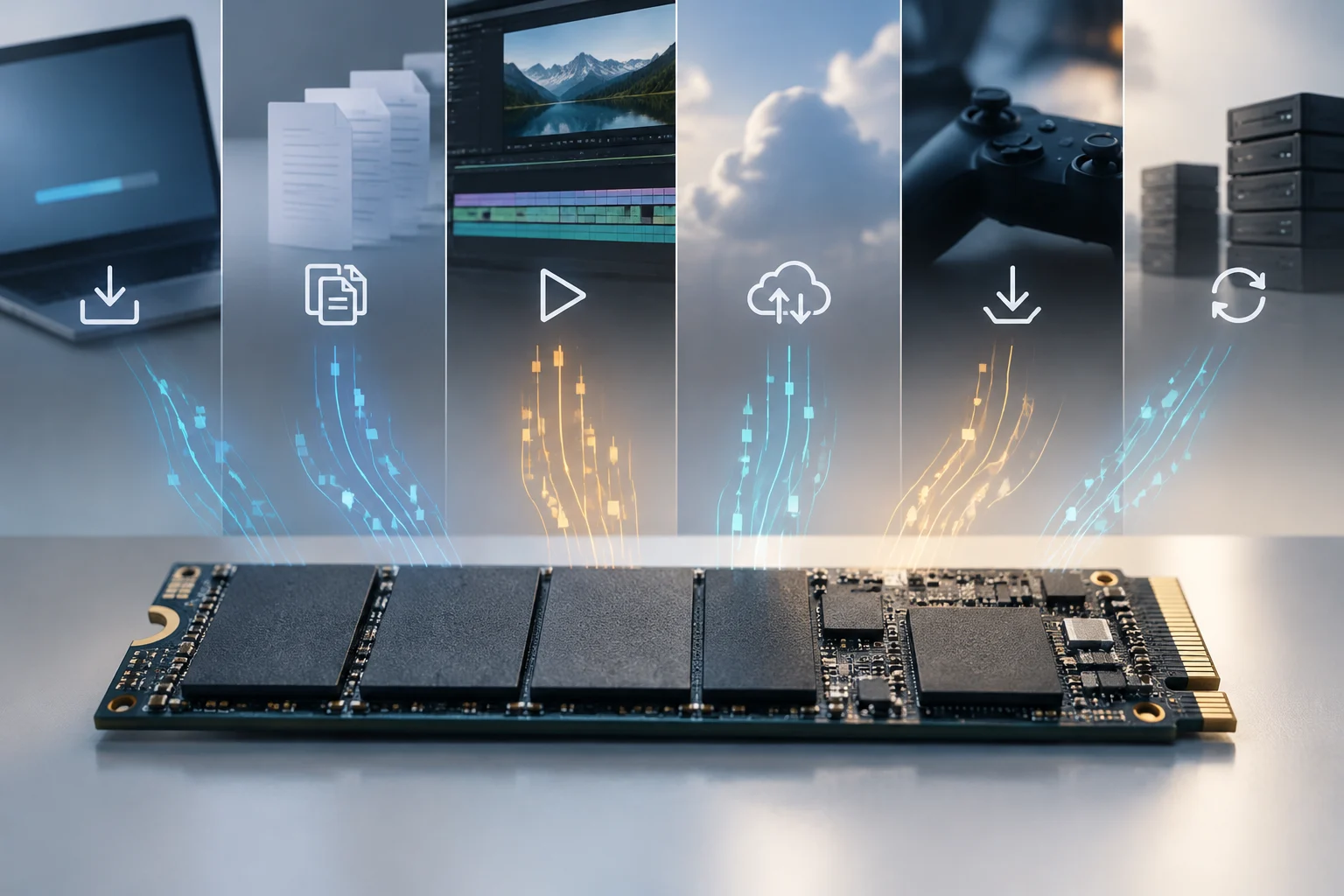
The amount written depends on what the system does: installing and updating software, backups, editing, downloads and frequent write tasks do not necessarily generate the same pattern. The balance between reads and writes also matters, as does how intensely those operations are repeated. A single daily average can conceal peaks or busy periods, so any home calculation is an approximation, not a complete description of the future.
JEDEC publishes JESD219A, a standard for SSD endurance test workloads. Defined workloads matter because endurance results depend on the method and write pattern used; figures obtained under different conditions should not be treated as though they came from identical tests. The standard does not turn a commercial specification into an individual prediction or guarantee that every buyer’s use will match a test workload.
When considering your own workload, distinguish ordinary activity from occasional, more intensive tasks. Updates, backups or a period of editing may concentrate writes at particular times without representing use across the whole year. That variation explains why a simple extrapolation can inform a comparison but cannot establish exactly how long one person’s drive will last. The point is not to dismiss estimates, but to be clear about their scope: they represent assumptions about future activity, not future observations already known.
Product profiles and memory type
Manufacturers may specify products for different profiles. For example, Solidigm describes QLC technology in the context of data-centre use cases that emphasise read workloads. That page does not show that every QLC drive is suitable for every use, nor does it let you extrapolate behaviour to consumer models. A memory-technology label does not replace the exact model’s specification and warranty.
This distinction matters because a technology name does not summarise every characteristic of a finished product. The use profile mentioned for a technology in a particular context is not, by itself, a universal recommendation or a comparison between drives from different product ranges. To make a decision, return to the exact model’s specifications and intended scenario, without turning a manufacturer’s example into a broader conclusion than the evidence allows.
What independent studies contribute—and what is missing here
Field studies can complement product specifications by observing drives over a period of time and in specific conditions. To apply their findings, however, you need to know the population studied, device types, observation period, workloads and definition of failure. An aggregate result cannot predict when an individual’s drive will fail, and a sample from particular products or an environment does not automatically represent every SSD on the market.
The material available for this analysis does not include a relevant independent study that would allow failure rates for specific models to be compared. One of the research sources provided concerns an orthopaedic technique whose acronym happens to match TBW, not storage, and is outside the topic. For that reason, no failure rates are presented, and these sources do not support a claim that a brand, memory type or TBW level has greater real-world reliability.
It is also important to distinguish write endurance from device failure. An SSD can become unusable for reasons that a TBW figure does not summarise, and reaching a specified write volume is not the same as observing physical failure. Without comparable results and methodological documentation, the responsible conclusion is limited: TBW describes one dimension of a specification, not the whole of reliability. This caution also prevents findings from one particular test from being applied to every product sharing a brand or technology.
A practical decision for your next purchase
For a general-purpose PC, start with the capacity you need and the type of drive compatible with your system. Then compare specific models: stated TBW, applicable warranty and the price in the market where you will actually buy. If your use involves many sustained writes, consider that workload explicitly rather than relying only on the endurance figure in a summary specification.
Keep the exact product reference and the policy you checked. Product-family names can cover different capacities or revisions; a warranty published for one region may not describe the terms in another. If the retailer does not identify the model or variant precisely, do not assume it shares every specification with another similarly named product. Verifying the reference before comparing also makes it easier to find the correct information again if sales terms change or you need to check coverage.
In short, TBW helps put the amount of writing contemplated by a specification into perspective, while the warranty defines coverage conditions. Neither answers on its own how long your drive will last. The most useful comparison combines the exact model and capacity, warranty terms, expected workload and cost, while making clear what remains unknown: a specification-sheet figure is neither a lifespan test nor an individual prediction.