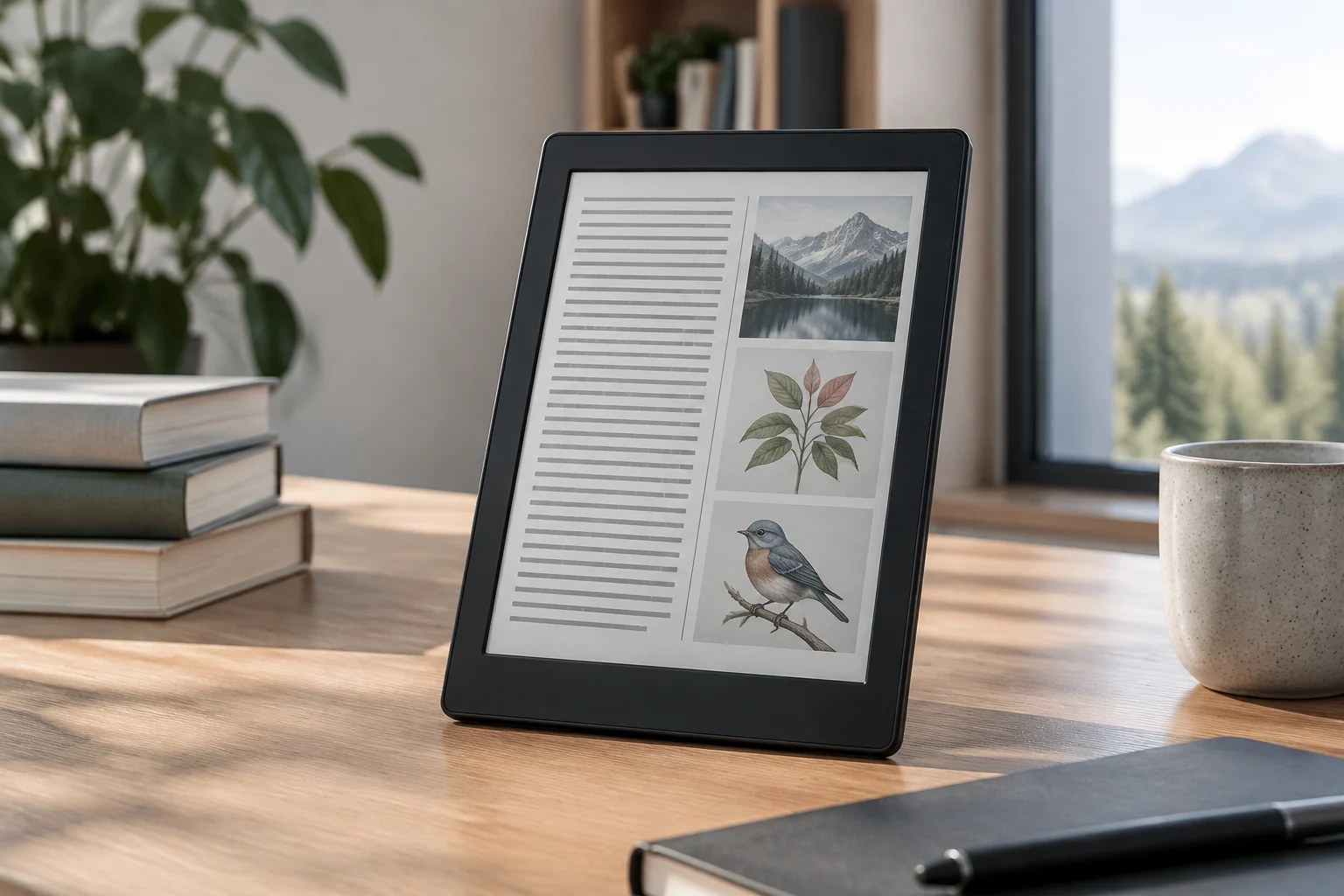
Marketing specifications vs. verifiable technical capabilities
When evaluating an e-reader, it is common to encounter descriptions that prioritize user experience over technical data. However, to make an informed decision, it is crucial to distinguish between promotional features and verifiable specifications in the manufacturer's official documentation. This guide focuses on how to access that primary information to avoid assumptions based on third-party reviews or store descriptions.
Technical verification involves directly reviewing the technical sheets published by Amazon, Rakuten Kobo, or BQ. These primary sources detail the supported file formats, connectivity protocols, and the conditions under which battery life is measured. By contrasting these data with the user's specific needs, the risk of incompatibility with the existing digital library is reduced.
File formats: the official compatibility list
The file format is the most determining factor in e-reader compatibility. Amazon Kindle natively supports AZW, AZW3, KF8, TXT, PDF, MOBI, and PRC formats. It is important to note that, although Kindle does not directly support EPUB, Amazon offers a free conversion tool that allows sending EPUB files to the device library. This technical limitation is a key point for users who manage their library in open formats.
On the other hand, Rakuten Kobo offers broader compatibility with open standards. According to official support documentation, Kobo devices support EPUB, EPUB3, PDF, MOBI, TXT, HTML, DJVU, and CBR/ZIP. This versatility makes Kobo a preferred option for readers who want to import files from multiple sources without prior conversion. The difference between these two ecosystems lies in format openness: while Kindle uses a proprietary format (AZW3/KF8), Kobo aligns with the EPUB standard, backed by the IDPF.
Connectivity and file transfer
The ability to transfer files and keep the device updated depends on the supported connectivity interfaces. Most current e-readers, including Kindle Paperwhite and Kobo Clara Colour models, incorporate Wi-Fi for library synchronization and software updates. This functionality allows downloading books directly from the manufacturer's store without the need for a computer.
In addition to Wi-Fi, USB mass storage transfer is a standard in most devices. In the case of Kindle, this connection allows manual file transfer, although the operating system restricts access to certain folders. In Kobo, the USB connection allows more free file management, facilitating EPUB import directly from the computer's file explorer. Verifying whether the device supports USB-C or micro-USB is also a practical aspect to consider for compatibility with available cables.
Battery and autonomy: interpreting the specifications
E-reader autonomy is generally measured in weeks of use, not hours, due to the low power consumption of E Ink displays. Official specifications usually indicate an estimated duration under specific conditions: for example, weeks of reading with the front light at a medium level and Wi-Fi disabled. It is fundamental to read the footnotes of these specifications, as intensive use of the front light or constant Wi-Fi connection can significantly reduce battery life.
The battery capacity, expressed in mAh, is a technical data point that allows comparing hardware between models. However, the energy efficiency of the processor and the display technology influence real autonomy more than the raw battery capacity. Therefore, when verifying duration, it is more useful to trust the usage estimates provided by the manufacturer than the simple comparison of mAh between devices of different generations.
E Ink display: panel types and their impact on readability
The E Ink technology is the heart of the reading experience in these devices. There are different types of panels, such as E Ink Carta (black and white) and E Ink Kaleido (color). The Carta panel offers superior contrast and a faster refresh time, making it ideal for text reading. On the other hand, Kaleido panels, present in models like the Kobo Clara Colour, allow color image visualization, although with slightly lower contrast than monochrome panels.
When verifying the display specification, it is important to consider the resolution (pixels per inch, PPI) and the panel size. Higher resolution improves text sharpness, while a screen size suitable for the intended use (for example, 6 inches for portability or 7 inches for PDF) influences reading comfort. The manufacturer's official documentation details these parameters, allowing the user to choose the right balance between sharpness, size, and color capability.
Checklist to verify technical compatibility before purchase
Before finalizing the purchase of an e-reader, it is recommended to follow this verification process based on primary sources:
- File formats: Confirm on the manufacturer's official website if the device supports the formats of your library (EPUB, MOBI, AZW3, PDF).
- Connectivity: Verify the availability of Wi-Fi and the type of USB port for file transfer.
- Battery: Read the usage conditions under which the estimated autonomy is measured (brightness, Wi-Fi active/inactive).
- Display: Identify the type of E Ink panel (Carta, Kaleido) and its resolution in PPI.
- Support: Review the availability of software updates and the manufacturer's technical support policy.
This systematic approach allows the user to make a decision based on verifiable technical data, avoiding the ambiguities of marketing descriptions. By prioritizing official documentation, it is guaranteed that the chosen device aligns with the technical and compatibility needs of the reader's digital library.