Start with the job
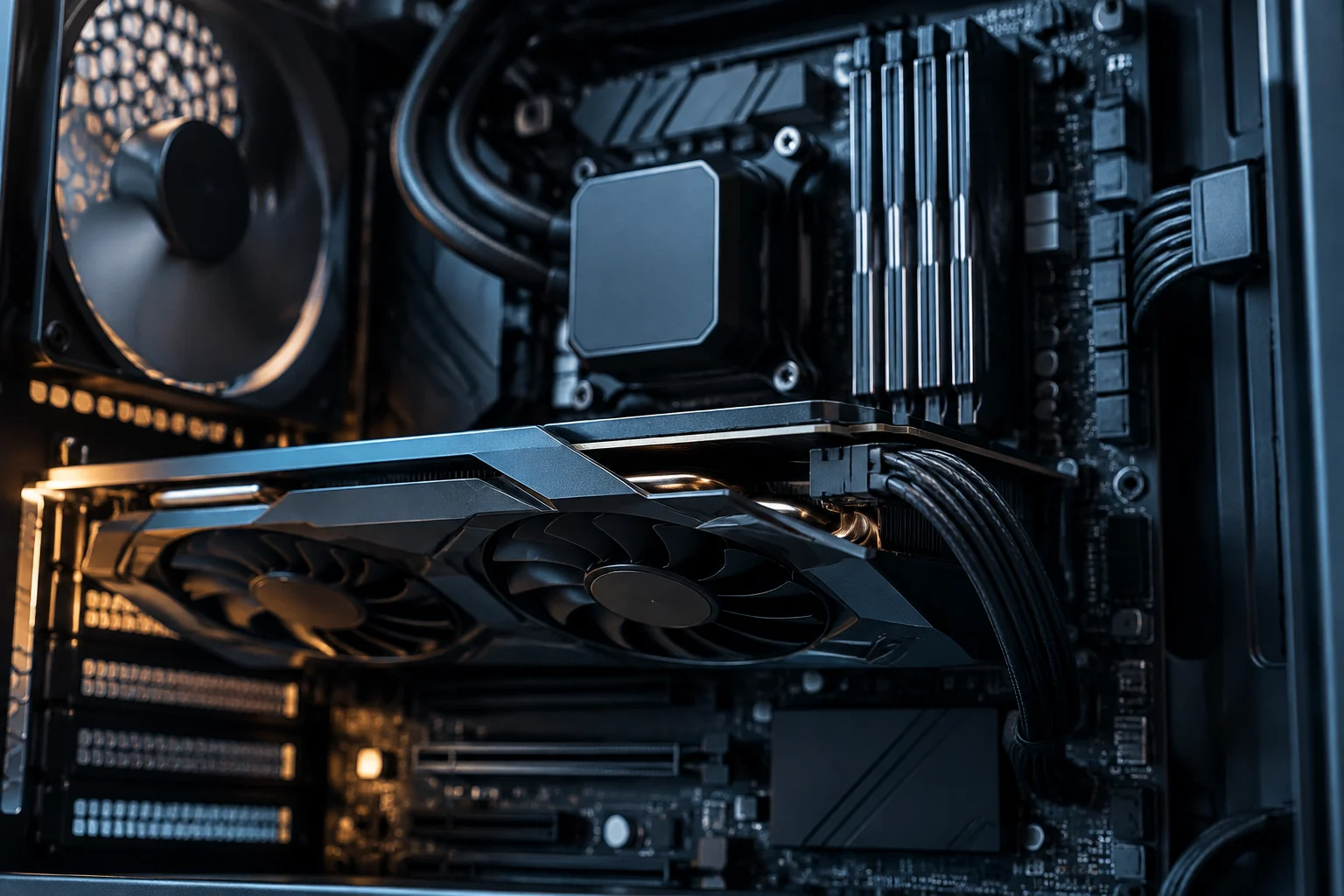
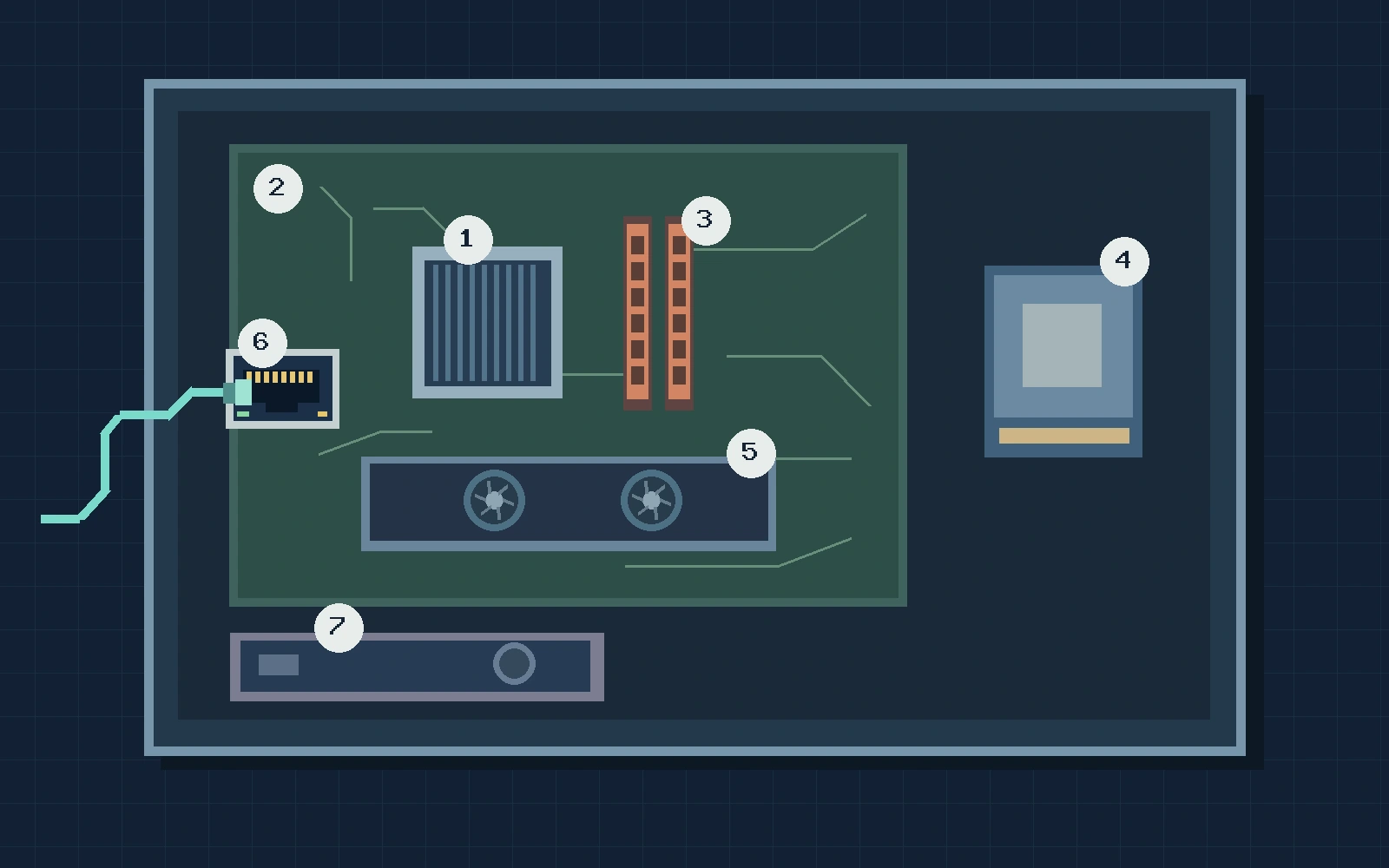
A desktop PC brings together parts that compute, store, communicate, and supply power. Looking into a tower, you may see a large board, connectors, and cables. Before identifying a part by its shape, ask what job it does. One job can be built into another component or handled by a separate card. The diagram numbers seven parts or functions. The numbers are labels, and the layout is one example.
CPU and motherboard
1. Processor (CPU). It runs instructions from the operating system and applications. When a program decides how to respond to a click, the processor helps carry out that work. In many desktops it sits in a socket on the motherboard, beneath a heat sink. A large fan alone will not tell you which CPU is under it.
2. Motherboard. This is the main board that connects the parts. It provides the processor socket, memory slots, drive connections, and often expansion slots and external ports. The manual for the exact model tells you which processors, memory, and connections it supports. Two similar-looking parts can need different interfaces.
RAM and storage
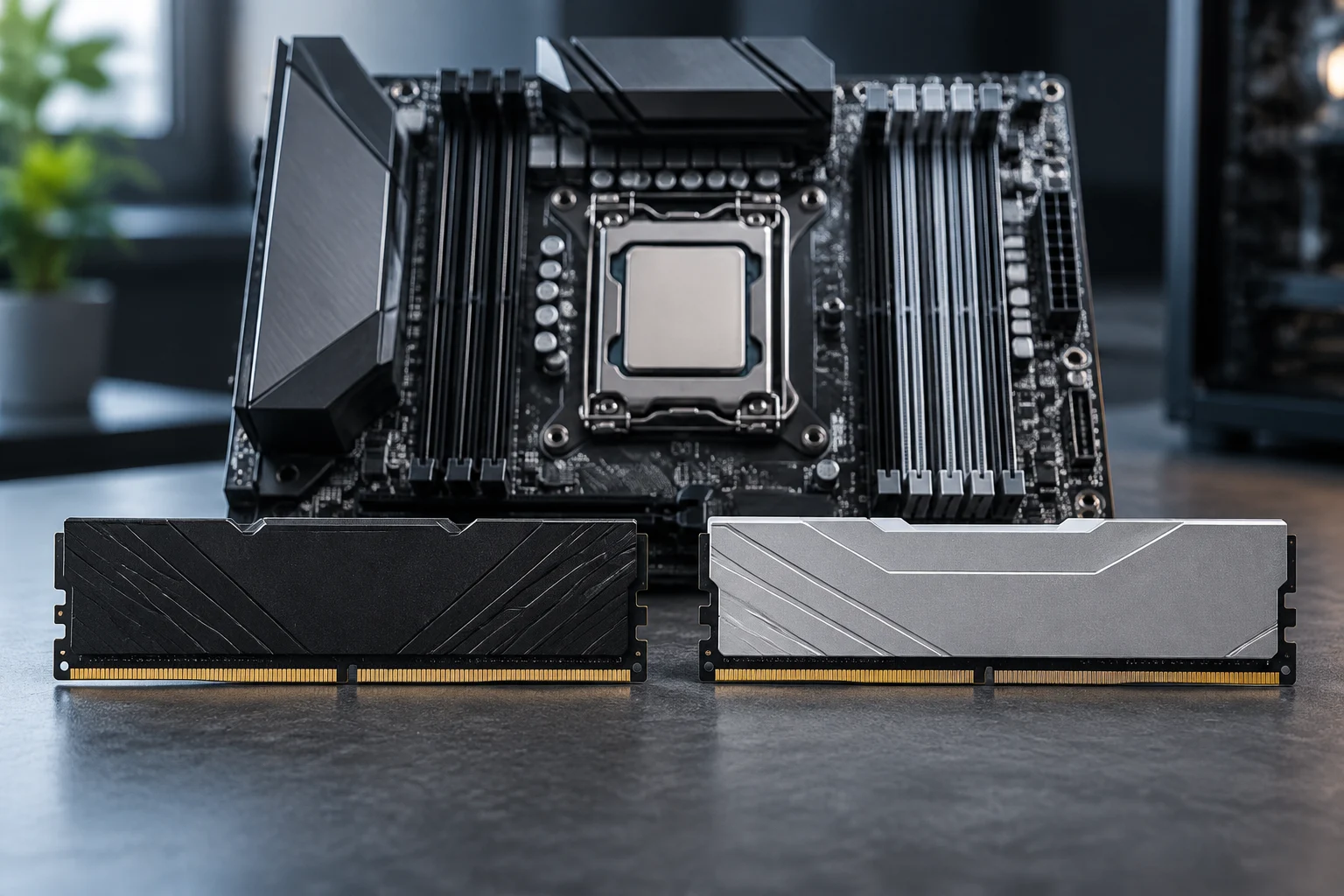
3. Random access memory (RAM). This temporarily holds instructions and data the computer is working with. The modules often fit into narrow slots near the processor. Ordinary working RAM loses its contents when power is removed. If an app has unsaved changes, check whether it has saved them before turning off the computer.
4. Storage (SSD or hard drive). This keeps files and programs when the computer shuts down normally. An SSD stores data on chips and has no spinning-disk mechanism like a hard disk drive (HDD). The shape can vary too. You may see a drive mounted in a bay or a small module on the motherboard. RAM and storage can both be measured in gigabytes, but they do different jobs.
Graphics and networking
5. Graphics processing (GPU). This calculates the graphics you see and accelerates tasks that can be split into many calculations. A GPU can be built into the processor or come on a separate card. That is why a computer can drive a display without a visible graphics card. A monitor port helps you trace the connection, but the specifications tell you what GPU is in use.
6. Network interface. This connects the computer to a network. It can be on the motherboard or come as a card or adapter. Ethernet uses a cable; Wi-Fi communicates wirelessly. The interface connects the computer to the local network. Internet access also depends on how that network is set up.
Power and cooling
7. Power supply (PSU). This converts alternating current from the outlet to direct current for the computer. Its cables take power to the motherboard and to other parts where needed. A power cable and a data connection do different jobs. Cooling matters too. The heat sink and fans help carry heat away from parts such as the CPU. Look at the power supply from the outside and keep its cover closed.
What happens when you open, edit, save, and share a photo
Imagine opening a photo you have already saved. If it is not loaded, the system reads the file from the drive and uses RAM to work with it. The app uses the processor to run its instructions, and the graphics system prepares the image for the display. Now crop the photo in the app. The app works on the new version in memory. When you click Save, it writes the edited file to the drive. If you share it, the network interface takes part in sending it. The copy in RAM disappears when the computer loses power. The file saved on the drive remains.
Classroom activity
Use the diagram or, with permission, the specification sheet of a classroom computer. For each number, write down the part’s name, its job, and one clue for identifying it. Note whether graphics and networking are built in or handled by separate parts. Mark anything you cannot verify as not yet confirmed. A teacher can show the outside of a switched-off, unplugged desktop. Observation is enough for the exercise, so keep all parts in place and leave the power supply closed.
Compare two answers before you finish. What keeps the photo when the computer is switched off? What lets the computer send it to another machine? Explain which fact or connection led to each answer.