Why a GPU Doesn't Accelerate Every Program: Limits of Parallel Computing
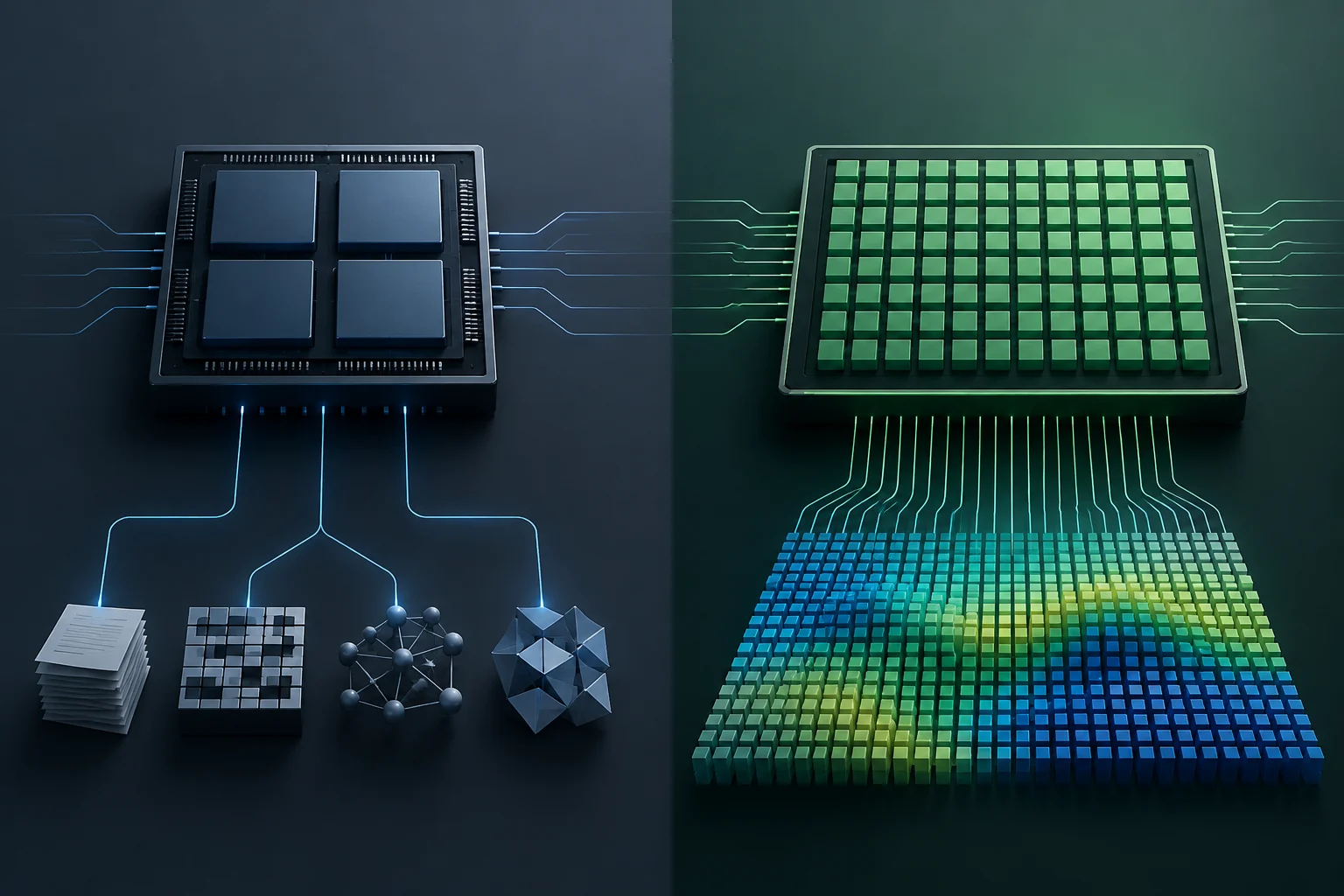
We analyze the technical conditions that determine whether a workload benefits from a GPU, going beyond 'graphics processing' marketing.
Computing
Processors in Computing: articles, explanations and technology developments with context and verified sources.
We analyze the technical conditions that determine whether a workload benefits from a GPU, going beyond 'graphics processing' marketing.
TOPS express theoretical compute capacity, not battery life or guaranteed application speed. Comparing laptops also means looking at precision, compatible software and the system as a whole.
CPUs, GPUs and NPUs are designed for different kinds of computation, but applications can combine their resources. What local acceleration lets you conclude, and what to check before attributing an improvement to a specific chip.
The Core i9-13900K and the Ryzen 9 7950X are high-end desktop processors, but their raw numbers are not enough to decide which one is right for you. What a benchmark can tell you, what should be measured in power consumption, and the limits of comparison without homogeneous tests.
Cores and threads describe different aspects of a CPU, but they do not sum up its performance. Learn how to read these figures alongside architecture, frequency, power limits, and independent tests relevant to your workload.
TDP helps explain a processor’s thermal design conditions, but it is not, by itself, the chip’s maximum power consumption and is not enough to choose a cooler or power supply. This guide explains how to read Intel’s figures and what else you need to check.
L1, L2 and L3 identify cache levels, not performance scores. Learn how to interpret their capacities and compare them without mistaking megabytes for speed.
Core counts, clock speeds, and cache describe different aspects of a CPU, but none of them alone predicts how it will perform in your programs. Learn which details to compare and what a benchmark must document to make a comparison useful.