An NPU is an accelerator, not a replacement for the processor
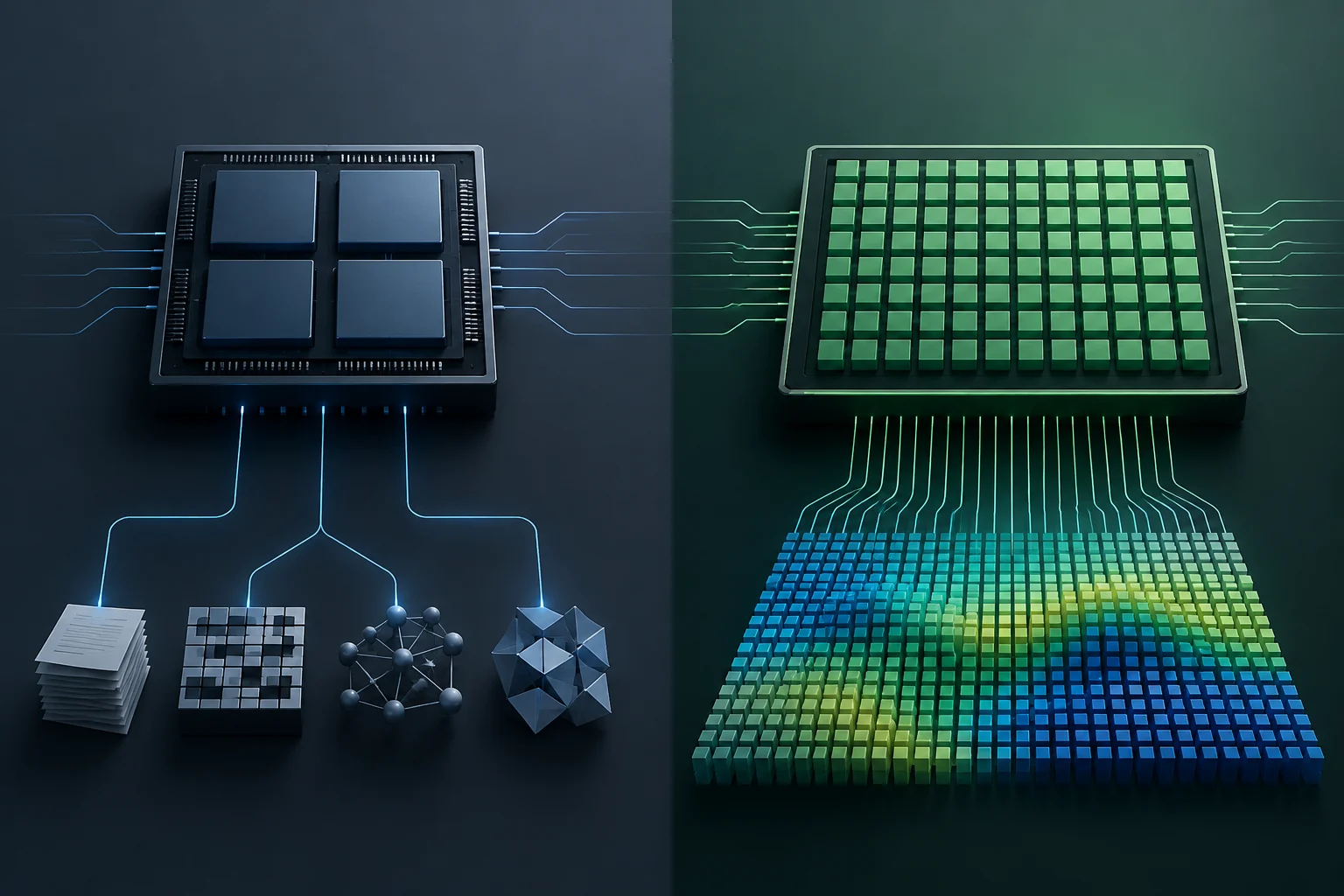
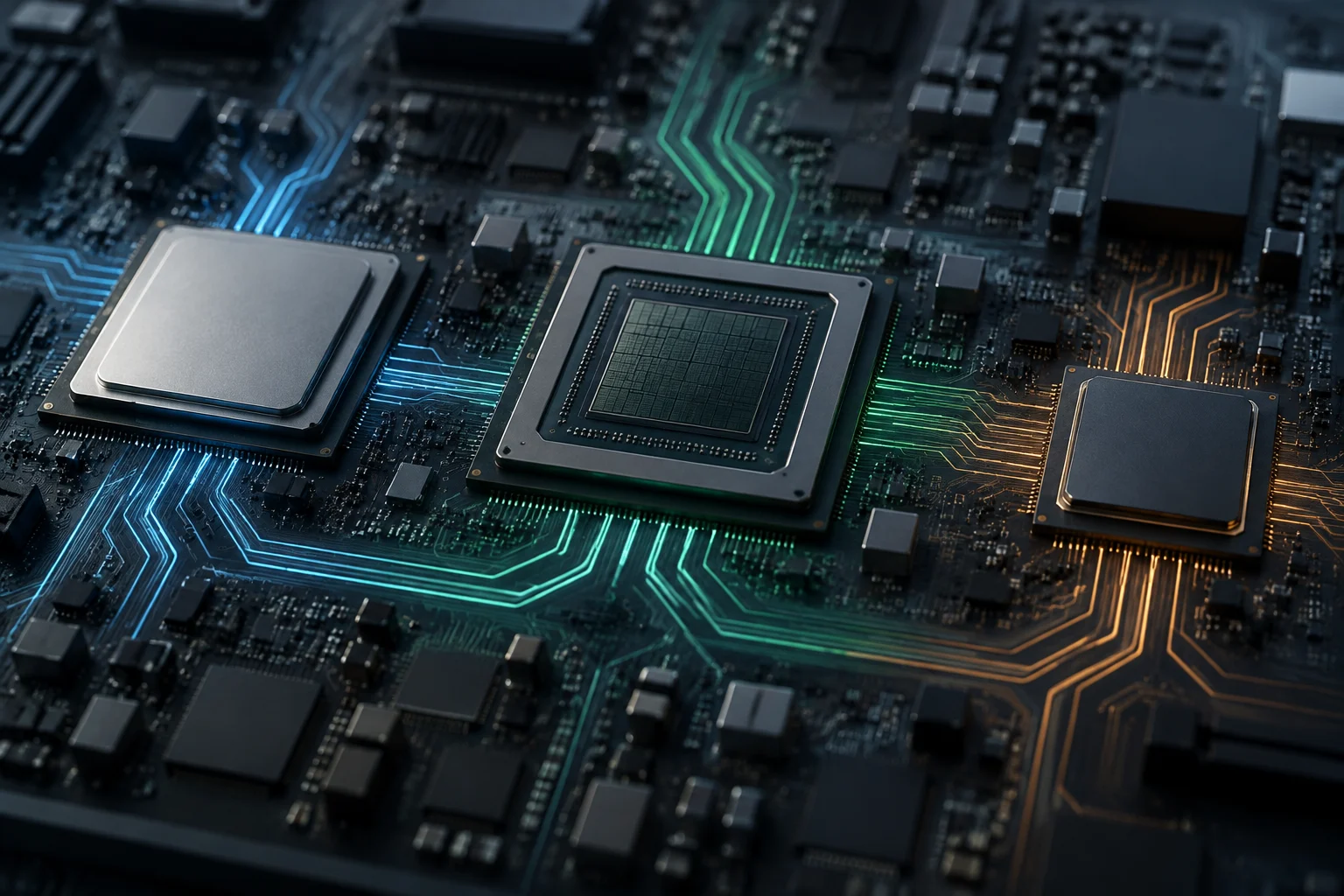
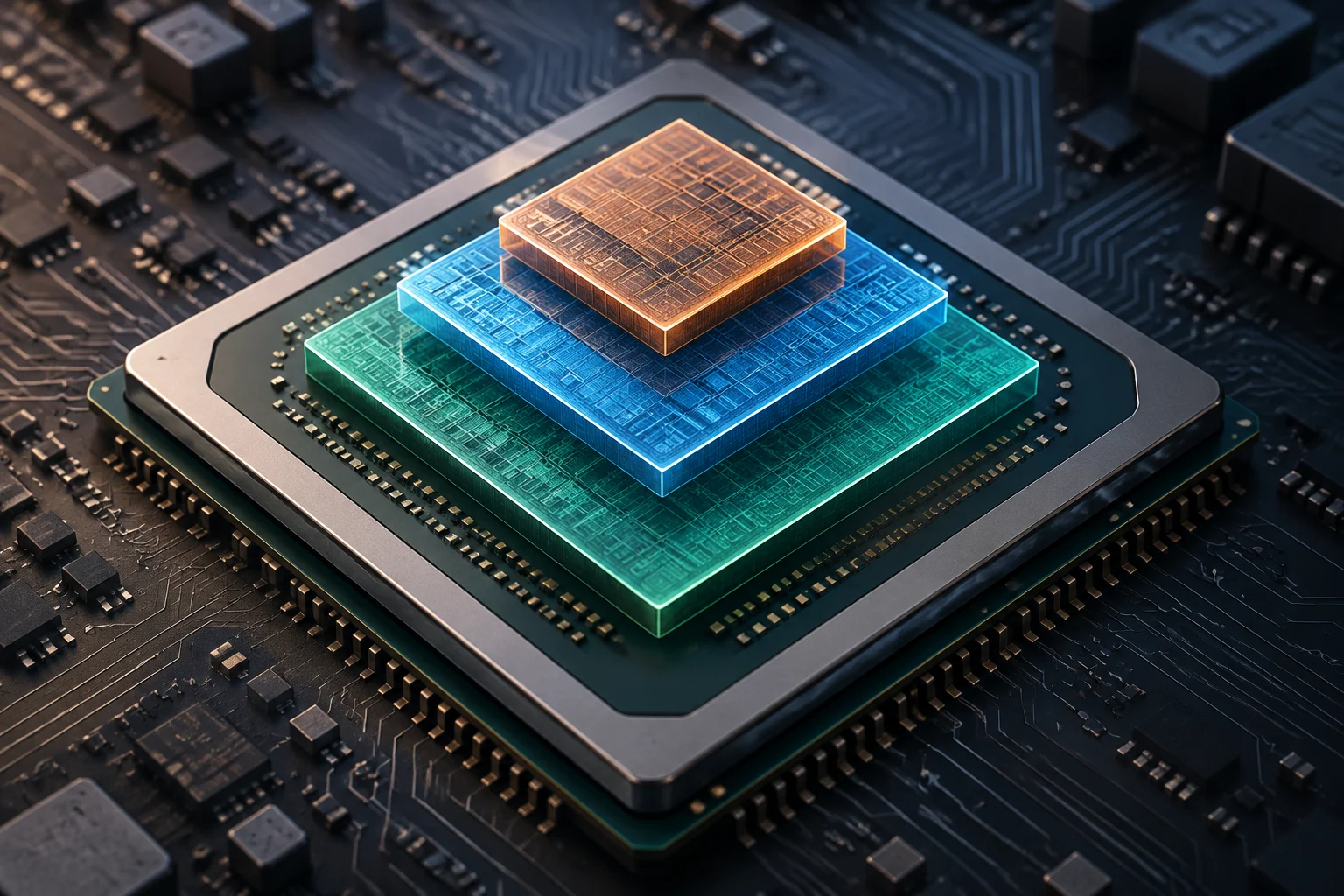
An NPU (Neural Processing Unit) is a specialized processing block for certain operations commonly used in neural networks. In a laptop, it works alongside the CPU and, where present, the GPU: which unit runs each task depends on the model, the application and software support. It does not mean that every feature described as “AI” automatically runs on the NPU.
In practice, this is a division of specialization, not a universal ranking. The CPU handles general tasks and coordinates the system; the GPU can run large-scale parallel workloads; and the NPU is designed to accelerate workloads compatible with its architecture while keeping power consumption contained. A more powerful NPU does not make the whole computer faster, and having one does not guarantee that a particular application will use it.
The potential advantage is keeping certain inference tasks on the device instead of always relying on a remote server. That can help with latency, connectivity and local data processing, but it does not mean a laptop can run any model offline at identical quality. Memory capacity, model size and the application’s implementation remain decisive.
What TOPS measures—and why the figure is not enough
TOPS means trillions of operations per second. As a unit, it expresses a theoretical rate of operations. Hardware specifications use it to characterize AI accelerators, but a number on its own does not say which operations are counted, what numerical precision is used or under what conditions the maximum is achieved.
Qualcomm explains that how TOPS should be interpreted depends, among other things, on clock frequency and computational precision. That is why two TOPS figures are not necessarily directly comparable unless the method and the component they refer to are clear. The advertised NPU maximum should also not be confused with a result measured in a production application.
Nor is TOPS a unit of energy. It does not say how many watts the system uses, how much energy a particular task requires or how many hours the battery will last. A high figure may indicate greater peak capacity under certain conditions, but it does not by itself prove that a laptop is more efficient or can sustain that rate throughout a long session.
Official figures describe different architectures
Manufacturers’ pages and documents show why it is worth reading the full label. Qualcomm lists an NPU rated at 45 TOPS for the Snapdragon X Series and links that figure to its guide to AI metrics. In its 2024 announcement, Microsoft set a 40-TOPS NPU threshold for the Copilot+ PC category. That requirement defines a compatibility category; it is not a universal measure of experience quality.
Intel specifications vary by generation and processor, and documentation may list NPU performance separately from that of other components. For example, Lenovo’s ThinkBook 14 G8 IAL specification distinguishes NPU TOPS from GPU figures and a platform total. Platform-wide totals should not be added or compared as if they were NPU TOPS without checking which units the figure includes.
For AMD, general references to the Ryzen AI family are not enough to assign one number to all its processors: the exact model must be identified and its documentation checked. A secondary technical source explains the Ryzen AI concept, but the material provided does not include an official AMD specification that would allow a consistent numerical comparison across generations. This is why no table of Intel, AMD and Qualcomm figures is presented here as though it came from a single methodology.
| Figure being compared | What to check |
|---|---|
| NPU TOPS | That the figure is for the NPU, not the whole platform |
| Precision and operations | Whether the figure specifies numerical format and conditions |
| Generation and model | The exact processor covered by the specification |
| Application | Whether the software uses the NPU and supports the intended model |
Battery life and temperature depend on the whole laptop
An NPU may be designed to run certain workloads efficiently, but that does not tell you how long a laptop will last on a charge. The battery powers the entire system: display, memory, storage, connectivity and other components, as well as the CPU, GPU and NPU. How long each unit is active, and how hard it is working, also matters. TOPS is not a prediction of battery hours.
Temperature cannot be inferred from that figure either. Thermal design, the manufacturer’s configured power limits, the chassis, ventilation and simultaneous workloads all affect sustained behavior. The available sources do not provide comparable measurements of power consumption, temperature or battery life when the same model and application run on Intel, AMD and Qualcomm systems. It is therefore not possible to say which platform sustains performance best in that scenario.
There is another difference between a chip’s peak and the user’s results: inference may be limited by memory, bandwidth, model conversion or operations that do not run on the NPU. If some of the work shifts to the CPU or GPU, the workload distribution—and total power use—changes too. The bottleneck may be outside the NPU, even when the TOPS figure looks sufficient.
Compatibility determines whether the NPU is useful
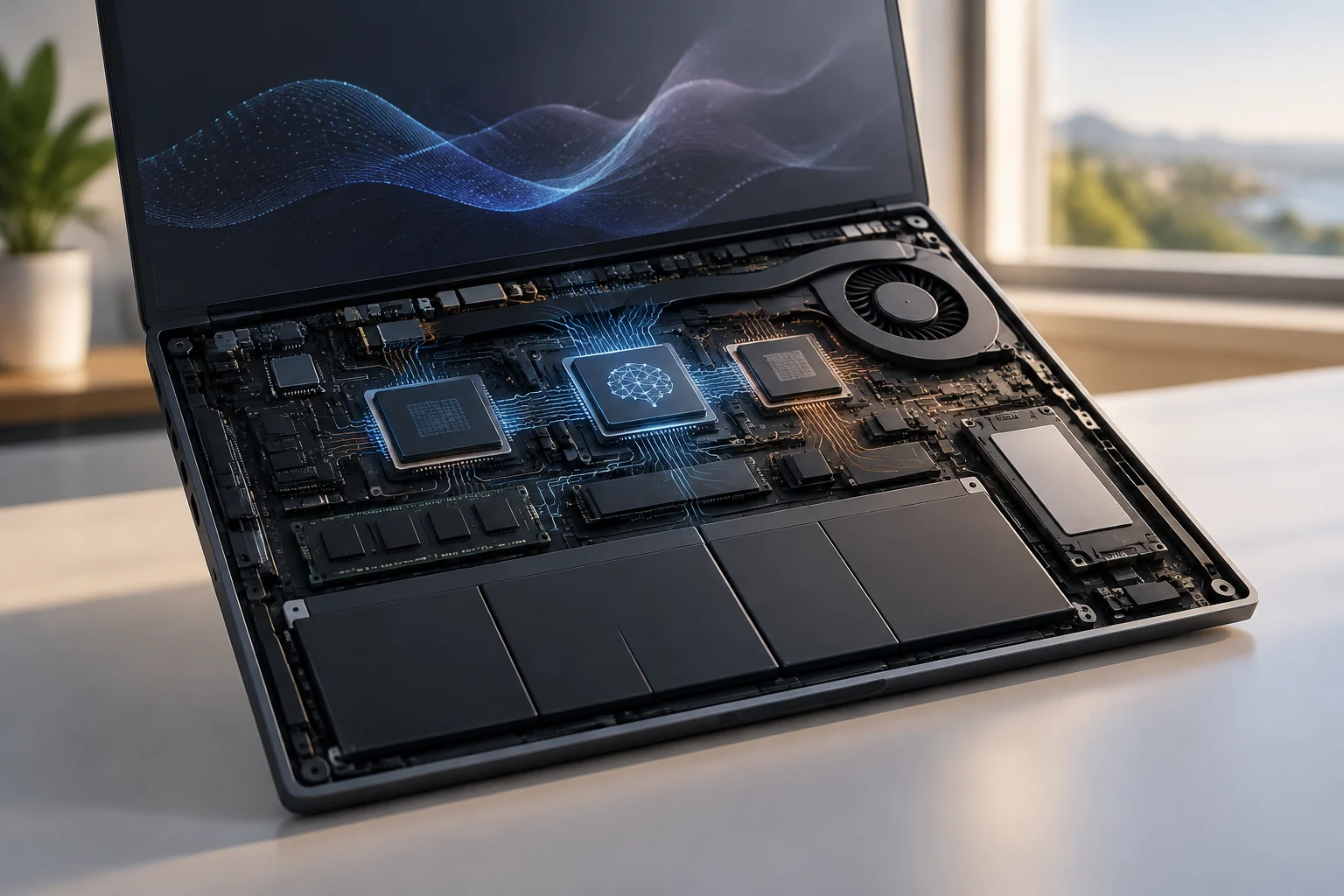
For an on-device AI task, first check that the application and model support the specific accelerator. Having an NPU does not mean the operating system or every program will use it. The execution provider, drivers and tool versions can also matter; without a compatible software stack, the figure on the specification sheet may be of little relevance to the user’s workflow.
Microsoft’s 40-TOPS requirement for Copilot+ PCs, announced in May 2024, illustrates the difference between meeting a threshold and measuring an experience. It helps define a class of devices and associated features, but it does not guarantee that any local model will run, that an application will use the NPU or that responses will be faster than with another configuration.
Before buying, pin down the actual workload—for example, transcription, camera effects, image generation or running a local model. Then confirm the hardware and software requirements for that task. If your use depends on a specific professional application, its compatibility list and results with the intended model are more useful than an out-of-context TOPS comparison.
A practical checklist for comparing laptops
When assessing a specification sheet, separate the processor’s specifications from claims about the laptop as a whole. Check that the number is explicitly attributed to the NPU, that it applies to the exact model and generation, and that it has not been combined with CPU or GPU TOPS. If the manufacturer does not specify precision or test conditions, treat the figure as a peak-capacity number with limited scope.
For a buying decision, also check available memory, compatible applications, supported models and whether the task can run offline. If battery life and noise matter, look for independent tests of the same laptop under an equivalent workload; do not extrapolate from a general battery test to a sustained AI session. The sources gathered here do not provide that kind of comparative test.
A quick check can prevent mistaken conclusions:
- Identify the exact processor and laptop model, not just the product family.
- Confirm whether the published TOPS figure is for the NPU or the whole platform.
- Look for precision, frequency and measurement conditions where available.
- Check that the application and target model can use that NPU.
- For battery life and temperature, look for comparable test results—not a TOPS figure.
The useful conclusion is straightforward: TOPS is contextual information about compute potential, not a substitute for testing performance, efficiency or battery life. When choosing a laptop for on-device AI, compatibility with the specific workload and measured system behavior matter more than an isolated number.