Three units, different strengths
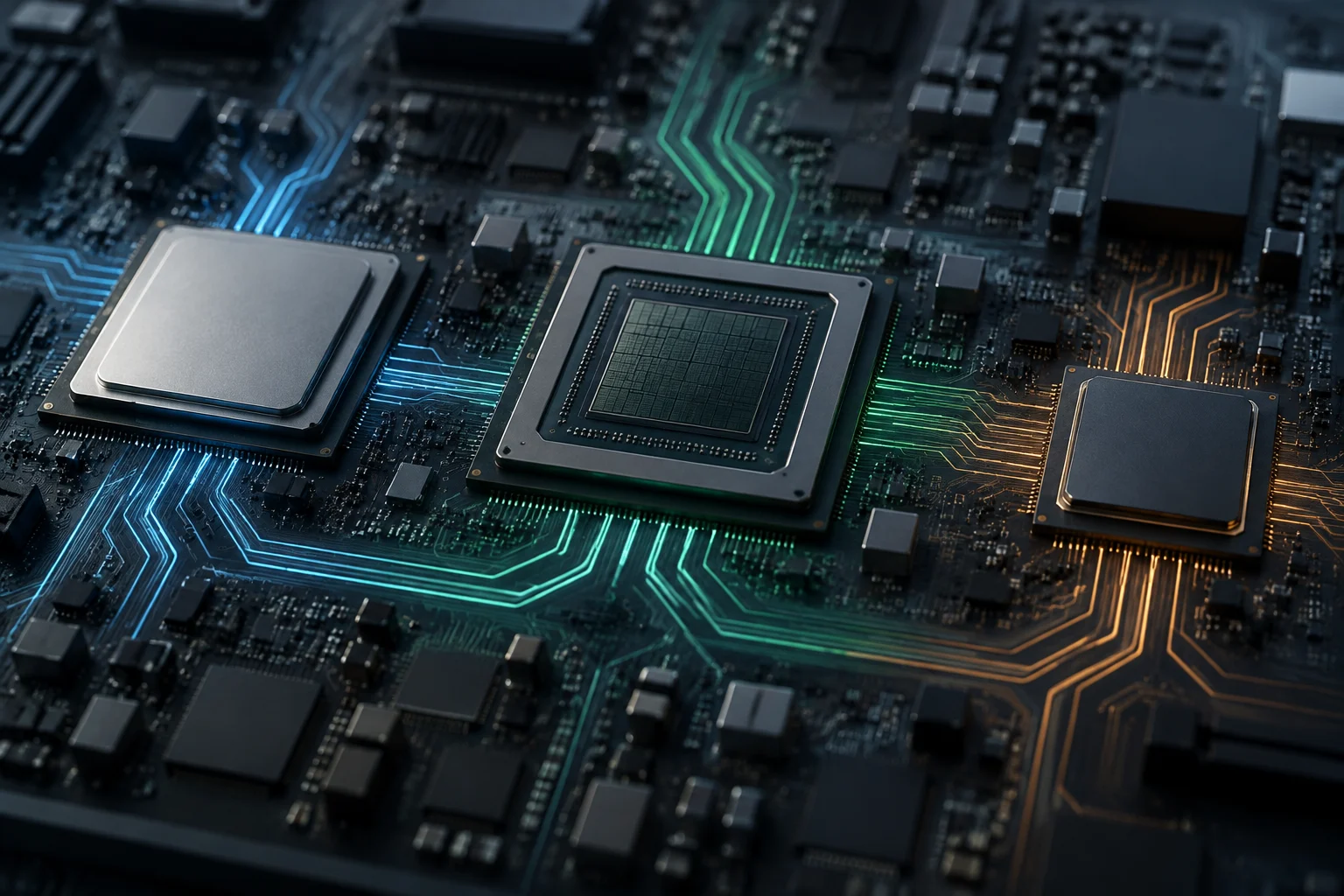
CPUs, GPUs and NPUs are often presented as three processing engines, but they are not interchangeable choices for the same task. Each has a distinct architecture and primary purpose: the CPU coordinates and executes general-purpose tasks, the GPU excels when a workload can be distributed across many similar calculations, and the NPU is geared towards operations used by neural networks and other AI models. The boundary is not absolute: what happens in practice depends on the program, its libraries and the resources available on the computer.
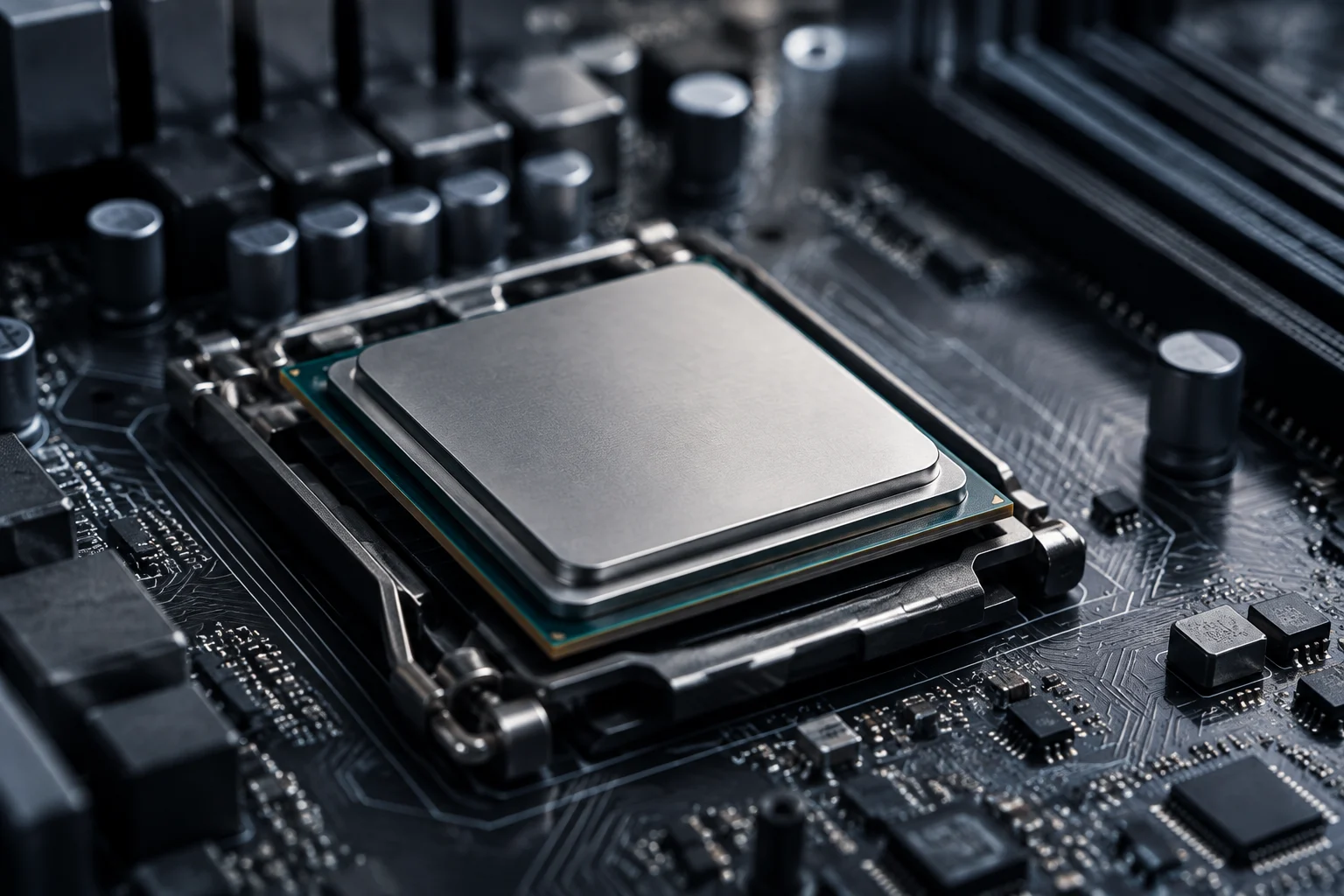
The CPU is the general-purpose processor that executes instructions from the operating system and applications. It can handle calculations, logic, input and output, and sequences of instructions that require successive decisions. Its versatility means it remains necessary even in a computer with accelerators: it organizes work, executes parts that are not delegated and handles system tasks. It is not accurate to call it “the slowest” or “the fastest” without specifying a workload, because the comparison changes with the type of operation. Microsoft describes the CPU as the component that directs other elements of a device.
A GPU began as a graphics-processing unit, but its ability to perform many calculations in parallel is also useful beyond rendering. The practical distinction is not that a GPU does everything better, but that it can process a workload efficiently when its operations can be distributed in parallel. A task with sequential dependencies or substantial control logic may not benefit in the same way. NVIDIA’s documentation on GPU computing and AWS’s explanation of GPUs versus CPUs describe precisely this specialization in parallel calculations. NVIDIA · AWS.
The NPU, in turn, is an accelerator designed to execute certain calculations associated with artificial intelligence. Its presence does not mean that every AI feature will run on it: the model, the format of its operations, the drivers and the execution software all need to be compatible. Without that route, a system can run inference on the CPU or GPU. The chip’s label describes a capability; it does not guarantee that an application will use it or that speed or power consumption will improve universally.
An application can distribute a workload
In a real program, a user-visible operation can consist of several stages: preparing data, running a model, processing the result and displaying it on screen. There is no reason all those stages must belong to a single chip. The CPU can prepare inputs and coordinate execution, an accelerator can handle intensive operations, and the CPU or GPU can take care of later stages. The specific division depends on how the application was written and on the software infrastructure connecting the model to the hardware.
Windows ML provides a documented example of this coordination layer in Windows: Microsoft describes it as a local inference framework powered by ONNX Runtime that can run models on a CPU, GPU or NPU through execution providers. The documentation says Windows manages those providers and that selection depends on the available execution path; this does not mean every model will use all the units, or that a workload will automatically be split among them. Windows ML documentation.
It is useful to distinguish distributing an application’s work from splitting a single calculation. A program may use the CPU for some functions and the GPU for others without distributing one operation between them. It may also delegate part of a model while keeping other stages on the central processor. To find out which of these situations applies, you need documentation from the framework or application; it is not enough for the computer to list several processors.
What the software can decide
The application, model format, execution provider, driver and operating system form a chain. If any link does not support a particular operation, the system may need to use another unit or implementation. That is why an application can behave differently on two computers that advertise an NPU or GPU: compatibility, the driver, available memory and the software version may differ.
Windows ML documentation says local execution can rely on the CPU, GPU and NPU, but that possibility alone does not establish an identical policy in every application. The relevant detail is the execution path the application activates, not just the hardware inventory. A general processor specification also cannot tell you which unit ran a particular feature during a session.
Available acceleration is not guaranteed performance
When a computer can accelerate a task, that means compatible hardware and software can provide an execution path. It does not show how much faster the task will run, whether the result will feel noticeably quicker or whether total energy use will be lower. Those conclusions require reproducible measurements using the same workload, configuration, software version and comparison conditions. Availability and outcome are different questions.
A GPU may suit parallel workloads, but the actual benefit also depends on whether the task fits that pattern and how much time is spent transferring data or coordinating operations. A small task may not recover the cost of delegating it. Similarly, an NPU may improve the efficiency of a compatible operation, but the accelerator’s mere presence does not let you extrapolate the result to every model or the whole application. Manufacturers’ documentation explains design and intended uses; it does not replace testing the specific workload.
Context matters too. In a virtual desktop, for example, acceleration may cover both rendering and encoding the frames sent over the network. Microsoft warns that GPU-accelerated encoding can improve the experience, but may also consume more bandwidth and client and host resources. It is a useful reminder: even when a specific unit is identified, costs shift between resources, and the outcome depends on the whole system. Microsoft: GPU acceleration in Azure Virtual Desktop.
That is why useful comparisons specify what is being measured: response time, sustained throughput, device power consumption, output quality or network load. A generic claim such as “it uses the GPU” does not answer these questions. Unless a source publishes a relevant methodology and results, it is more rigorous to describe the technical capability than to promise a quantified improvement.
Local execution and privacy: a claim with limits
Local inference means that a model runs on the device, rather than necessarily sending the entire execution to a remote service. Windows ML is presented as a framework for running models locally on the user’s hardware and accessing the CPU, GPU or NPU. This makes it possible for an application to process certain data without a cloud connection for that stage, but it does not prove that the entire application sends no data for other reasons. Microsoft: Windows ML.
An accelerator alone does not prove where data travels. Having a GPU or NPU does not confirm that a feature works offline, that all data stays on the device, or that the application does not contact servers for authentication, synchronisation, telemetry or other tasks. To assess privacy, consult the application’s documentation and policy, identify what information it processes and check which features require a network connection. The execution model and the application’s behaviour are related layers, but they are not identical.
The same caution applies to the word local. It may refer to one inference stage, not necessarily every component of a service. If a manufacturer says a feature is processed on-device, the useful questions are which feature, what data and under what configuration. A narrowly defined claim makes its scope clearer than a general promise of “private AI” based solely on the type of chip.
How to check which unit is being used
To verify an acceleration claim, work from the most specific documentation towards system indicators. First, find the application or framework documentation and check which units it supports, which versions it requires and whether the feature is enabled by default. Then review the operating-system and hardware manufacturer documentation. Advertised compatibility is an initial filter, not proof of actual use.
A task manager or another monitoring tool may provide clues about CPU, GPU or NPU activity during an operation. But an activity graph does not always identify which process, subcomponent or stage generated the activity; nor does it prove on its own that the result was accelerated. Visibility depends on the operating-system version, driver and monitoring capabilities. If the system does not provide a specific counter, do not infer that the unit is inactive: that observation may simply be unavailable.
A practical check can follow these steps:
- Identify the exact feature and the name of the model or task it runs.
- Check whether the application declares support for CPU, GPU or NPU, and which execution provider it uses.
- Review the system requirements, driver and application version.
- Observe resource activity during a controlled task, without treating the indicator as conclusive proof.
- If performance matters, compare the same workload using a documented methodology and conditions.
For a solid conclusion, combine the software’s statements with an appropriate observation and, when claiming an improvement, a comparable measurement. No single indicator answers every question: a monitor can show activity, documentation can confirm compatibility, and a test can measure performance, but each kind of evidence answers something different.
A useful rule for reading the labels
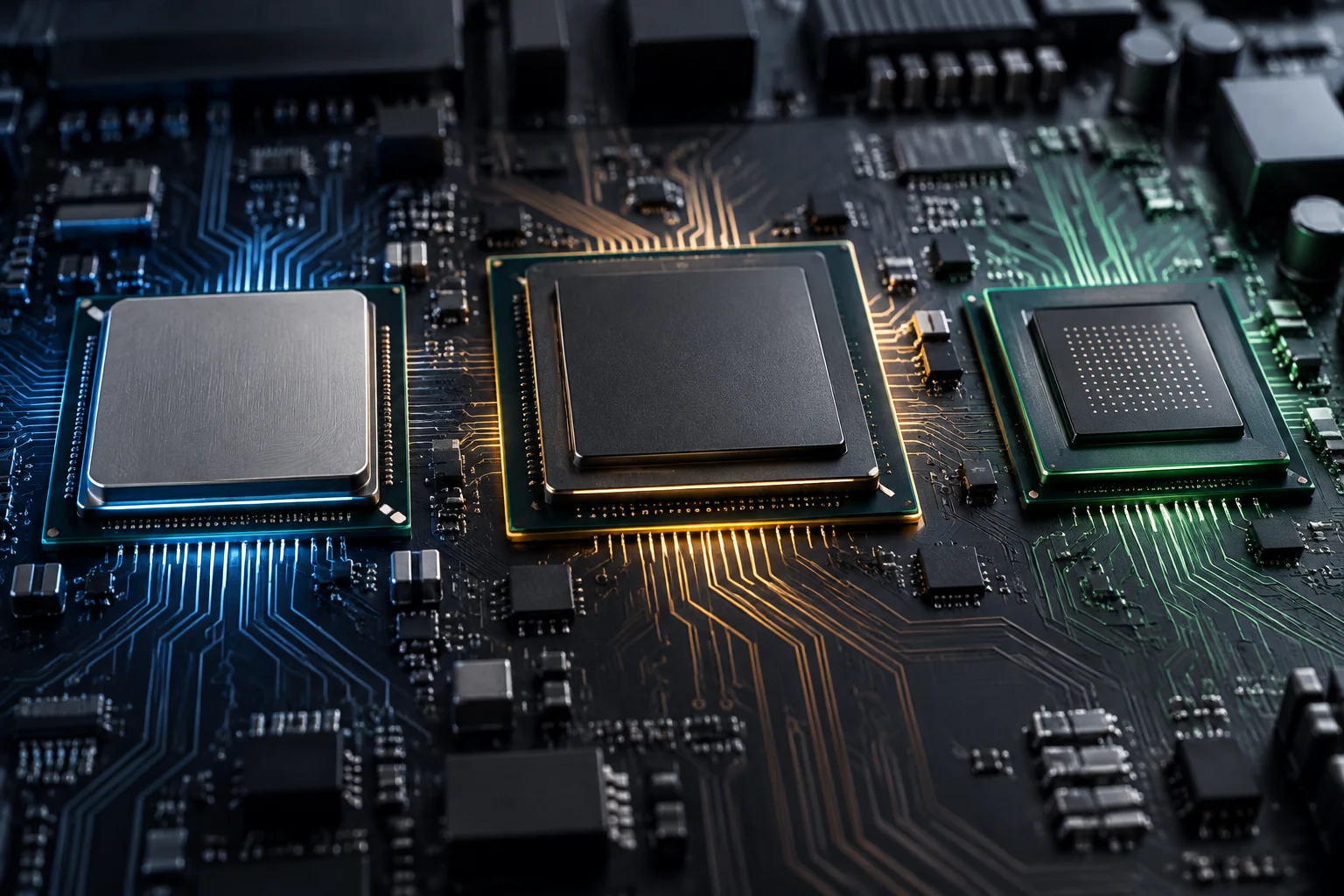
The safest way to interpret CPU, GPU and NPU is to think of complementary specializations, not a scale on which each new chip replaces the previous one. The CPU retains its general-purpose and coordination role; the GPU can accelerate graphics and parallelizable workloads; the NPU can handle AI operations that the software and model can route to it. The combination depends on the workload and software support, not just the name on a specification sheet.
When you see a claim such as “AI runs on the NPU,” ask which feature runs there, whether the model and program support that path, how activity is verified and what result was measured. For “runs locally,” clarify which stage runs on the device and what data may still be communicated to external services. These questions separate a real capability from a broader conclusion that the evidence does not support.
The final distinction is straightforward: specifications describe what a component is designed to do; software documentation explains which paths it can use; monitoring shows activity in a particular context; and comparable tests let you evaluate the outcome. None of these pieces, on its own, proves all the others. Used together, they help explain what the computer is doing without turning an acceleration label into a promise about performance, efficiency or privacy.