The inflection point: one year without free patches
October 14, 2025, marked the official end of support for Windows 10. From that date, Microsoft stopped providing free security updates, technical assistance, and feature improvements for this operating system version. For home users and small businesses, this means any vulnerability discovered since then will not be automatically corrected, exposing devices to a growing risk of malware and cyberattacks.
One year later, the situation has solidified. Devices still running Windows 10 function, but they do so in a state of software-induced obsolescence. The lack of patches does not prevent daily use, but it removes the protection layer that guaranteed system integrity against emerging threats. This scenario has turned the decision to migrate or extend into a strategic priority for any user who values data security.
The extension option: costs and limits of the ESU program
For those who cannot or do not wish to migrate immediately, Microsoft offers the Extended Security Updates (ESU) program. This paid subscription allows receiving critical and important patches defined by the Microsoft Security Response Center (MSRC) until October 2027. However, ESU does not include feature improvements, non-security bug fixes, or technical support, making it a transitional solution rather than a final destination.
The program cost is tiered and cumulative. The published commercial price for the first year was $61 per device, but from October 13, 2026, the second-year price doubles to $122. If a device enrolls late, it must pay for omitted years. For example, a device joining in the second year would pay $183 ($61 + $122) before receiving its first update. This pricing structure is designed to incentivize migration to Windows 11, making long-term retention on Windows 10 financially unsustainable.
Migrating to Windows 11: requirements and technical barriers
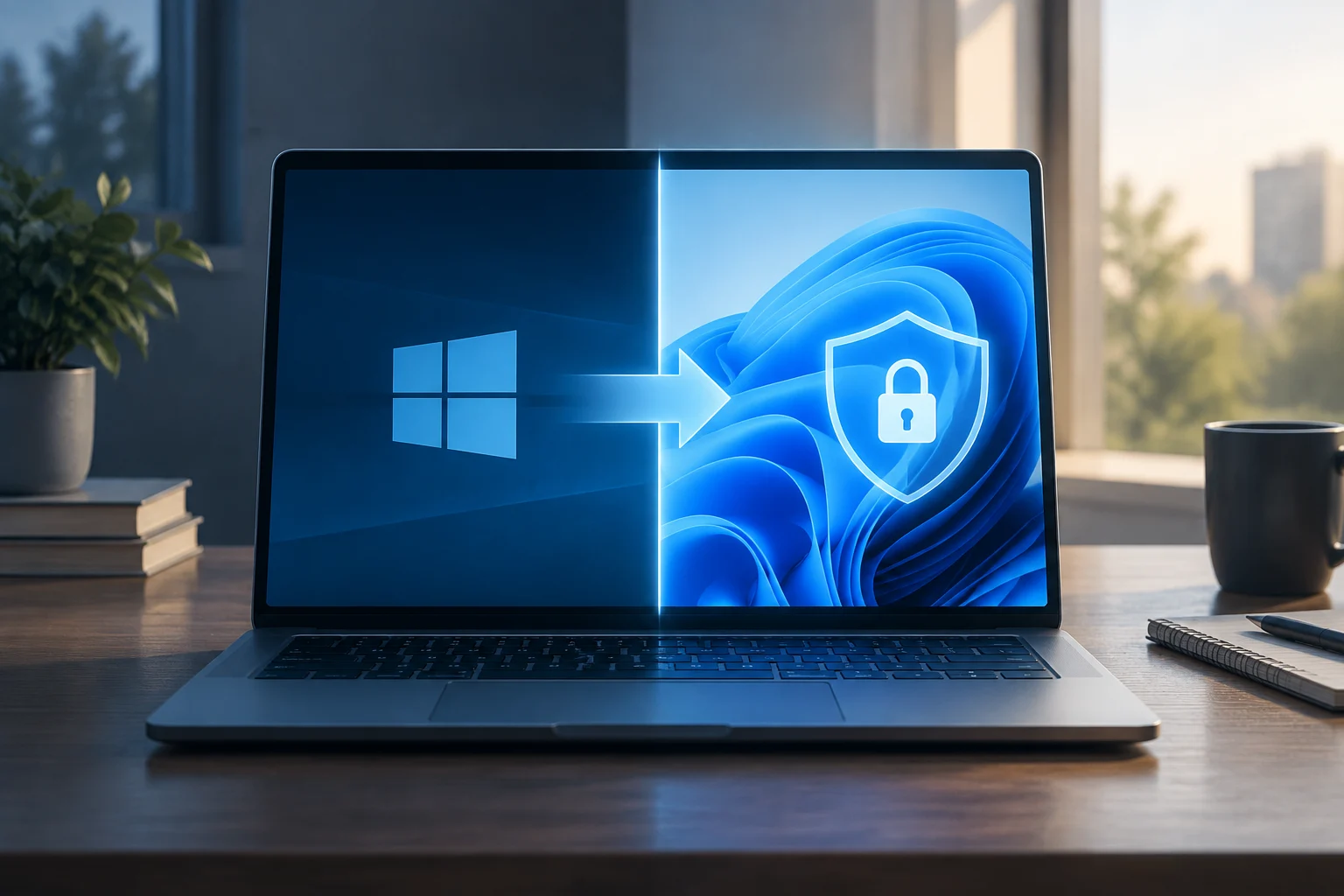
Migration to Windows 11 is the solution recommended by Microsoft to ensure a secure and modern environment. However, minimum hardware requirements represent a significant barrier for many devices older than five years. The system requires a 1 GHz or faster processor with two or more cores, 4 GB of RAM, and crucially, support for TPM 2.0 and Secure Boot. These security components are not always present in older hardware or low-end devices.
To verify compatibility, users can use the PC Health Check tool or review their device configuration. If hardware meets requirements, the update is usually free and direct. Nevertheless, software and driver compatibility may vary; some specialized programs or older peripherals might require manufacturer updates or fail to work correctly in the new environment. It is fundamental to perform a full backup before starting the migration process to avoid data loss.
Open-source alternatives: the viability of Linux
For devices that do not meet Windows 11 requirements and whose owners do not wish to invest in new hardware, Linux emerges as a viable alternative. Distributions like Ubuntu, Fedora, or Linux Mint offer a modern, free desktop environment with continuous security updates. By not relying on Microsoft's security architecture, these systems can run on older hardware, extending device lifespan.
Transitioning to Linux is not without challenges. The learning curve can be steep for users accustomed to the Windows interface, and compatibility with specific proprietary software (like advanced office suites or games) may be limited. However, for office tasks, web browsing, and development, current distributions offer a robust experience. This option requires greater initial technical dedication but eliminates license and subscription costs associated with Windows.
Practical recommendations based on user profile
The optimal decision depends on the user profile and resources. For the home user with a compatible device, free migration to Windows 11 is the safest and most economical option. If the device is incompatible, installing a lightweight Linux distribution is a sustainable alternative that avoids buying a new device. The ESU program is only justified as a temporary emergency measure if migration is not possible in the short term.
In the enterprise environment, hardware lifecycle management is critical. Organizations must evaluate the total cost of ownership (TCO) of ESU extension versus fleet renewal. Non-compliance with security policies or regulatory requirements can generate legal and financial risks. It is recommended to establish a phased migration plan, prioritizing devices handling sensitive data and leveraging free updates where possible.