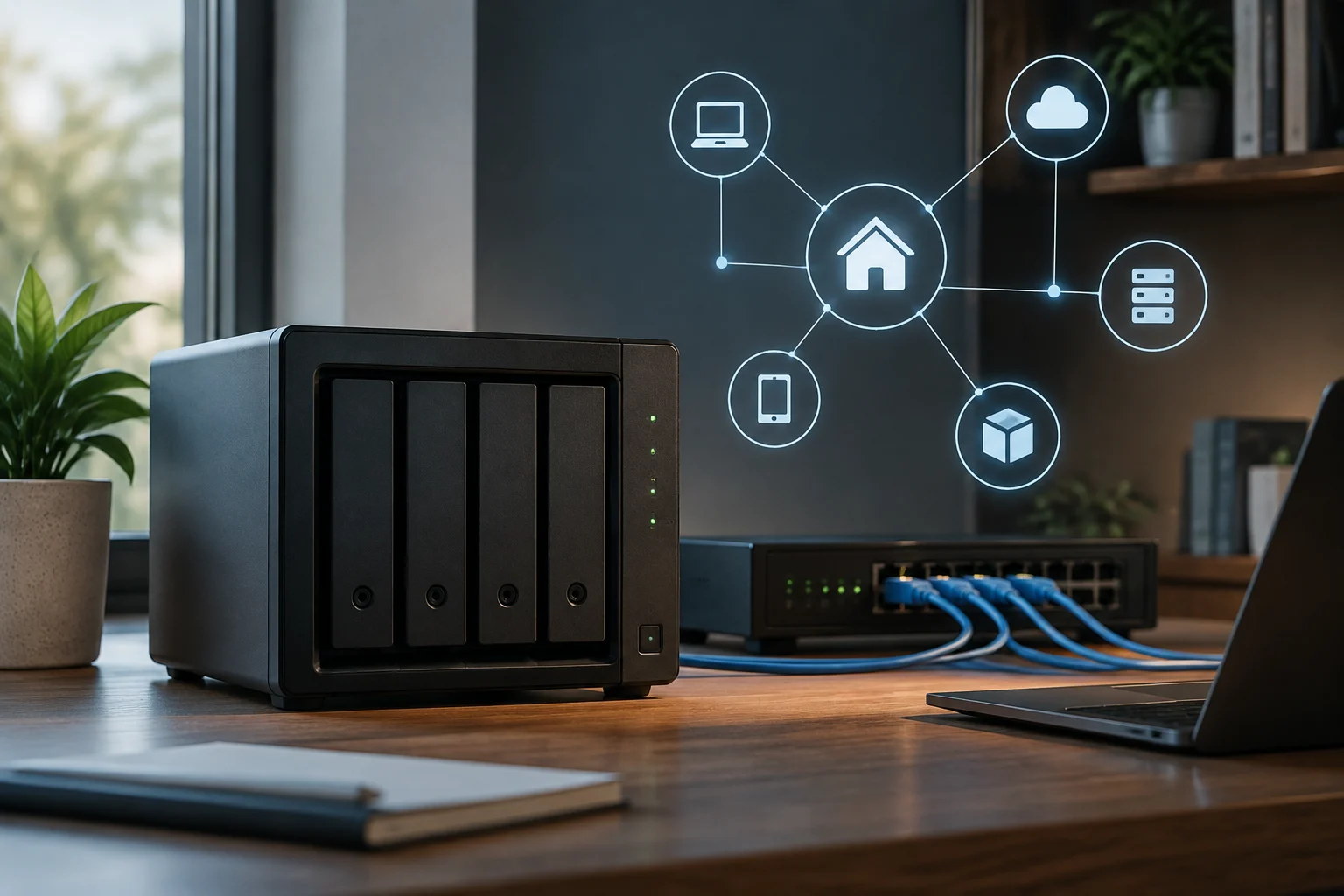
Compatibility starts with more than bays
The number of bays indicates how many drives the chassis supports, but it does not determine whether the device will fit into your network, run the planned applications, or have the data protection features you need. To decide with less uncertainty, you must review the specific model and operating system, rather than relying on a generic description of the family.
Useful verification crosses four layers: physical connection and network negotiation; compatibility with the switch, cabling, and client configuration; file system features and limits; and availability of applications in the operating system version offered by the manufacturer. A label like 'Docker compatible' does not guarantee that all images, architectures, or execution modes will work in the same way.
It is also worth separating capacity from performance. A NAS with multiple drives may still be limited by a 1 GbE link, the destination disk, the file protocol, or the client device. Conversely, installing a fast port does not automatically speed up every task: the application and the entire network path must be able to leverage it.
Network: verify the end-to-end link
Start with the official technical sheet of the exact model. Note how many Ethernet ports it includes and at what speeds they negotiate: 1 GbE, 2.5 GbE, or 10 GbE are distinct capabilities, and they are not deduced from the number of connectors. Then ensure that the switch, the router if it participates in that path, the cabling, and the computer interface support the same speed. The link will operate according to the slowest component or the available negotiation.
Link aggregation does not equate to doubling the speed of a single transfer. LACP groups physical connections to distribute traffic among them and can provide aggregated capacity to multiple flows, but its operation depends on the NAS and the switch supporting and configuring the protocol in a compatible way. Do not assume that multiple ports sum bandwidth for a single client: verify the documented behavior and the usage pattern you seek.
VLAN is another separate check. Confirm if the product allows assigning an interface or service to a tagged network and if management is performed on the NAS itself or on the switch. The documentation provided for this guide does not verify VLAN or LACP capabilities of a specific commercial model; therefore, these are requirements that must be contrasted in the sheet and manual of the equipment to be purchased, not characteristics that can be generalized to all NAS devices.
To estimate performance, the nominal speed of the link is only a theoretical ceiling. The database, file protocol, number of clients, and load of the drives influence the result. ASUSTOR describes the use of iperf3 between a NAS and a computer as a method to measure LAN connection bandwidth: the test helps isolate the network, although it does not by itself reproduce a file copy or application performance.
A simple verification before buying can consist of taking inventory of the path: NAS model considered, speed of its port, switch port, client adapter, and category or capacity of existing cabling. If there is an incompatibility, find out if it is resolved by changing an affordable component or if it requires renewing a larger part of the installation. For an online purchase, also review the return policy before relying on a subsequent test.
Btrfs, ZFS, and ext4: compare features and limits
The file system affects features such as snapshots, checksums, compression, and volume organization, but it should not be evaluated as an isolated list of advantages. You must confirm which system the NAS supports, which features its manufacturer enables, and if the available recovery and maintenance tools fit the administrator's experience. The advertised support may be limited by the manufacturer's software.
Btrfs is a Linux file system with a copy-on-write design and features that may include snapshots and integrity checks. However, specific characteristics and their maturity depend on the kernel, tools, and implementation of each platform; a general description of Btrfs does not prove that a NAS allows all operations or configurations. The Gentoo guide lists features and warnings, but the translated page is marked as incomplete or outdated, so it does not serve as the sole reference for a purchase.
ZFS combines volume administration and file system, and its OpenZFS implementation offers integrity and management mechanisms that may be relevant in a storage server. Unraid documentation describes, within that operating system, integrity checks, self-healing in suitable configurations, snapshots, and compression. This allows stating what Unraid documents, not that all commercial NAS devices incorporate ZFS or that their configuration is identical.
ext4 is an extended option in Linux and is usually presented as a simpler alternative; its specific capabilities must be compared with the real needs of the system. It is not correct to reduce the choice to 'one system protects data and another does not': integrity also depends on redundancy, backups, configuration, maintenance, and recovery. No file system replaces an independent copy of important data.
Required RAM does not admit a universal rule of the type 'ZFS needs a fixed amount per terabyte'. It depends on usage, dataset, enabled features, and platform. Prioritize the official requirements of the operating system and model; if the manufacturer does not publish clear limits, consult the technical documentation of the exact version and treat third-party figures as guidance, not as a guarantee.
Applications: check the catalog, architecture, and support
If you need Docker, Plex, or another service, look for the application in the official catalog of the operating system and confirm it is available for the specific version and model. Also check if the application is maintained by the manufacturer, a third party, or the community, and what processor architecture it requires. The presence of an application manager does not guarantee that every package or container image is compatible.
Docker and LXC are not synonyms and do not necessarily describe the same management experience. Docker packages and runs applications in containers; practical compatibility depends on the host system, architecture, permissions, persistent storage, and how the manufacturer integrates the feature. Verify the specific workload, including ports, volumes, and dependencies, before assuming a generic tutorial will apply to the NAS.
For multimedia, separately confirm that the application you want to install is available and that its playback or transcoding requirements are compatible with the hardware. Direct playback on the client may not require the same as converting video in real time. A mention of Plex or containers does not by itself prove that a CPU supports the formats, resolutions, or number of flows you are interested in.
Note which piece of the ecosystem supports each provider: NAS operating system, application, container image, or third-party service. Consult release notes and compatibility matrices when they exist. Third-party guides can help identify common issues, but confirmation of availability and support must come from the manufacturer's documentation or the software maintainer.
How to measure and validate performance without confusing tests
Before buying, you can estimate if the current network imposes an obvious limit by comparing nominal port speeds and expected usage. An iperf3 test requires two compatible endpoints and measures data transfer over the network; ASUSTOR documents a procedure with the NAS in server mode and the computer as client. It is a network measurement, not a comprehensive NAS benchmark.
During a return period, repeat tests under representative conditions and record configuration, versions, cabling, and results. For file usage, also measure a real transfer with the intended protocol and files of different sizes; for containers, test the specific service and review memory consumption, stability, and persistence after rebooting. Do not attribute a result obtained with the whole chain in operation to a single component.
Interpret figures according to the goal. A synthetic test may show that the link reaches reasonable performance, but it does not by itself anticipate how a database, multimedia library, or multiple simultaneous users will respond. If the result is low, first review link negotiation, interface used, client load, switch configuration, and storage activity; change one variable at a time to locate the limit.
Avoid using numbers from others' tests as a performance promise for your installation. Results depend on equipment, drives, file size, cache, configuration, and software. Available documentation supports the iperf3 method described by ASUSTOR, but does not provide comparable measurements for specific models; therefore, this guide does not establish real speeds for any NAS.
Final list before choosing
Before paying, keep links or screenshots of the documentation that answers your requirements. Ensure they describe the SKU and region you are buying: variants of the same commercial name may differ in ports, memory, or feature availability, and a family page does not always resolve these differences.
Use this list to detect common incompatibilities:
- Network: speed of the NAS port, switch, and client; cabling compatibility; VLAN and LACP requirements if necessary.
- Storage: supported file system, snapshots, checksums, maintenance, and documented recovery procedure.
- Applications: availability in the official catalog, compatible architecture, RAM and CPU requirements, data persistence, and maintainer support.
- Test: tool and protocol you will use, client equipment, return conditions, and success criterion defined before installing important data.
The best choice is not necessarily the NAS with the most bays, most features on the sheet, or the fastest port. It is the one that satisfies the verifiable requirements of your network and software, offers a clear path for maintenance, and allows data recovery in case of failures. If a feature is essential and not documented for the exact model, consider it not yet confirmed.