Identify your heating system before comparing models
Before looking at apps or prices, identify what you want to control: a boiler that heats water-filled radiators, an underfloor heating circuit or a heat pump. Your installation determines the connections and controls you need; a product being advertised as “smart” does not mean it can operate every kind of system. Check compatibility for the specific model rather than inferring it from the product category.
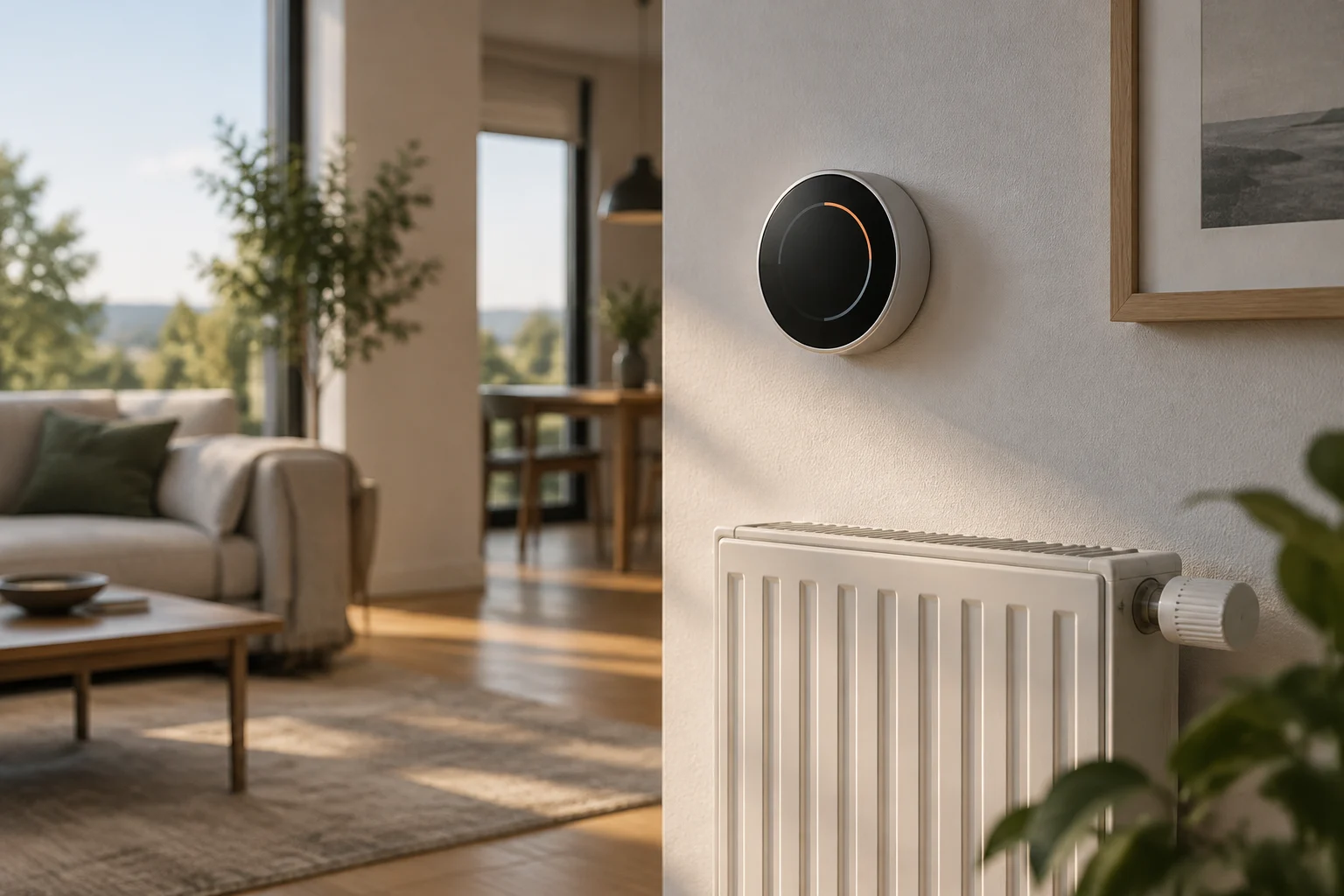
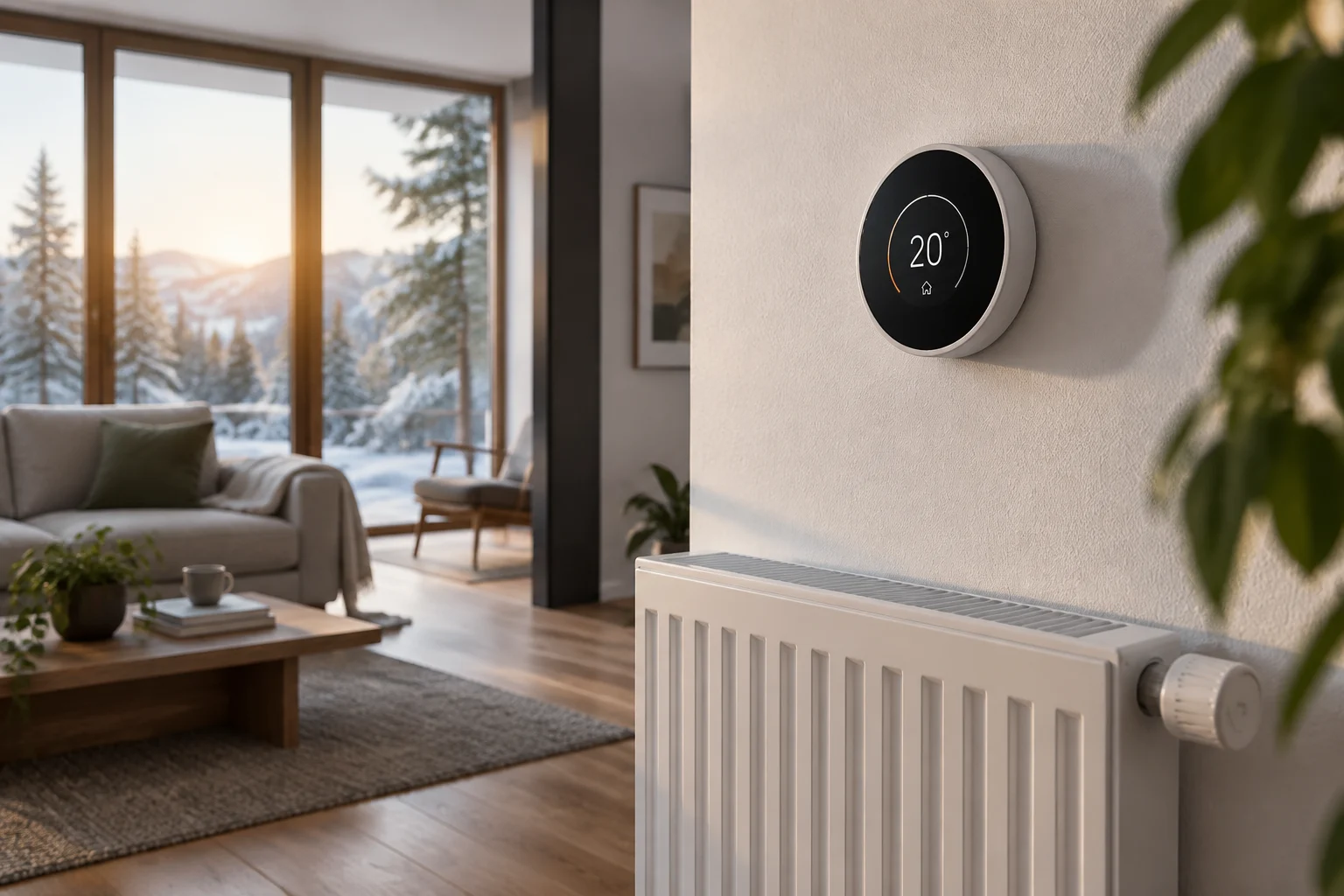
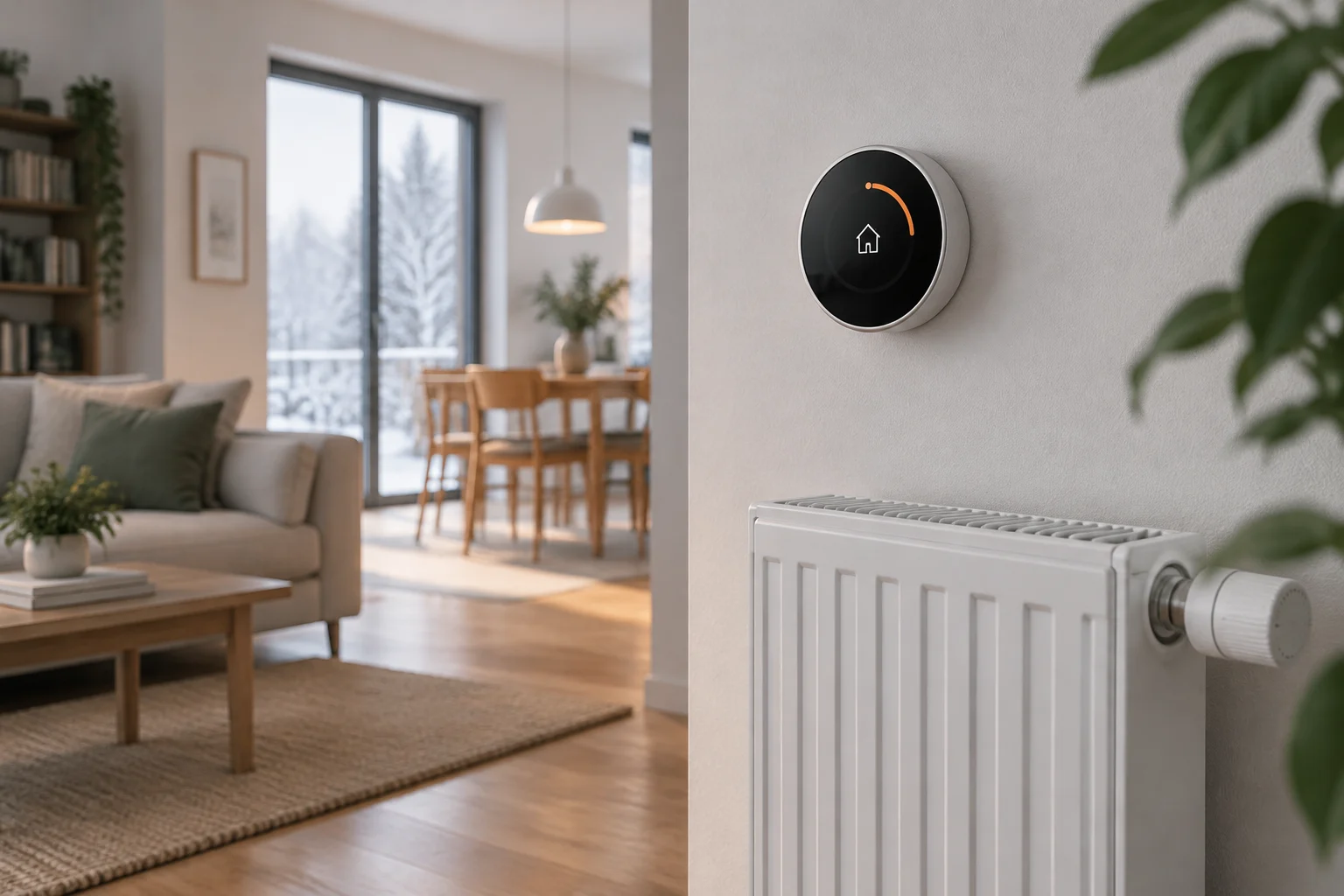
A home with radiators may have a room thermostat that tells the boiler to switch on and off, thermostatic radiator valves on individual radiators, or both. A central thermostat does not necessarily replace those valves: the former regulates overall demand, while the latter let you adjust individual rooms. If you want room-by-room control, find out whether the product includes radiator valves, whether they are sold separately and whether you need a connection bridge. Individual-room control and boiler control are different functions, even when they appear within the same product family.
Hydronic underfloor heating responds more slowly than a conventional radiator, so schedules need to account for the system’s thermal inertia. Electric underfloor heating also has dedicated thermostats, with wiring and load requirements that should not be assumed to apply to a water-based system. Bosch, for example, describes a 230 V room thermostat for underfloor heating and explains that its control learns heating and cooling times during the first few days. Check voltage, actuator type and intended use in the device and installation specifications before buying.
Compatibility: wiring, boilers and heat pumps
A practical check starts by identifying the terminals on the current thermostat and consulting the boiler manual. A volt-free relay acts as a switch without supplying its own voltage: in some installations, it opens or closes the circuit that calls for heat. Garza says its thermostats use NO and COM contacts and provides documentation for checking compatibility. That describes its products; it does not prove that every thermostat with a relay is suitable for every boiler. Follow the wiring diagrams and instructions from both manufacturers.
Do not confuse a relay connection with a digital control protocol. Where OpenTherm is available and supported at both ends, it enables a different kind of communication from a simple on/off command. Seeing the protocol named in a product listing is not enough: confirm that the boiler model supports that mode and that the specific thermostat implements it. tado°’s product compatibility information distinguishes between relay and OpenTherm connections; use its checker and the boiler documentation rather than assuming that every model in a brand or product family works in the same way.
With heat pumps, pay close attention to system compatibility and the functions the manufacturer considers suitable. A thermostat designed to control a boiler will not necessarily manage a heat pump correctly; communication, configuration or control requirements may depend on the equipment. tado° provides a compatibility checker and includes optimisers for certain types of heat pump. Check the complete installation, including the existing control unit, before disconnecting it or buying a replacement.
To check compatibility before buying, gather these details and compare them with the thermostat manufacturer’s information:
- Exact make and model of the boiler or heat pump.
- Model of the existing thermostat and wiring diagram for the available terminals.
- Supported control type: relay, OpenTherm or another system specified by the manufacturer.
- Whether the product needs a receiver, gateway, power supply or additional accessories.
- Whether compatibility applies to the complete model and the market where it is sold.
Wi-Fi, Zigbee and Matter: what they do and do not solve
The communication protocol connects a thermostat to its app, home network or other connected-home devices; it does not by itself determine boiler compatibility. A product can communicate over Wi-Fi while controlling the heating through a relay. It is therefore useful to separate two questions: how the device connects to the network, and how it sends commands to the heating system.
Wi-Fi can be a straightforward option when a product connects directly to the router and does not need a hub. Even so, check network requirements, coverage where the thermostat will be installed, and whether remote control depends on an account or cloud service. Zigbee often requires a compatible coordinator or gateway; do not assume every Zigbee hub will recognise every device. Compatibility depends on the ecosystem and model, not just the protocol name.
Matter aims to make it easier for compatible smart-home devices to work together, but it is not a universal guarantee of integration and does not replace heating specifications. For example, tado° says its X range works with Matter, while also stating that tado° X is not compatible with tado° V3+ or earlier versions. This illustrates why it is important to check the specific generation: products sharing a brand or general features are not necessarily compatible. Matter may matter for smart-home integration, but it does not confirm which boiler a thermostat controls or which features will be available on each platform.
| What to compare | Wi-Fi | Zigbee | Matter |
|---|---|---|---|
| Home connection | Check the router, coverage and app requirements | Check supported gateways and coordinators | Check which devices, platforms and features the manufacturer supports |
| Heating-system compatibility | Check separately | Check separately | Check separately |
| Useful question before buying | Does it work without a hub and retain the features I need? | Is it compatible with my specific hub? | Which products and controls are included in the stated compatibility? |
Useful features and savings: what can be verified
A well-set weekly schedule can prevent a home from being heated while it is empty or its occupants are asleep, but the effect on energy use depends on the system, how it is used and the conditions in the home. Connectivity makes it easier to change the setpoint; it does not prove a percentage saving. Commercial estimates are not a guarantee for a particular home unless they explain how they were calculated and under what conditions.
Preheating can help when a system takes time to reach the desired temperature. With underfloor heating, control that accounts for a slow response can help avoid scheduling the heating to start too late or maintaining a high setpoint longer than necessary. Bosch says its underfloor-heating thermostat learns heating and cooling times during the first few days. This confirms a product feature, not a specific amount of energy saved in every home. Treat learning as a control tool, not a quantified promise.
Open-window detection can pause heating when the device identifies a temperature drop or receives information from compatible sensors. Before valuing this feature, check how it is activated, which sensors it requires, how long the pause lasts and how the system resumes. The sources consulted do not provide evidence that this feature alone delivers greater savings than other measures. If control relies only on temperature, also ask how it distinguishes brief ventilation from a change in the weather.
Dynamic tariffs can help coordinate the use of electrical equipment with hourly prices, but that does not automatically mean using less energy or making every heating system cheaper to run. The type of equipment, tariff, control rules and acceptable comfort level all matter. Distinguish energy savings from financial savings: a lower bill may result from the price paid, while consumption is measured in energy. To assess results, compare equivalent periods and note changes in temperature, occupancy and weather.
Read the specifications without confusing features and certifications
Look in the specifications for the heating-control method, power supply, operating range, included sensors and installation conditions. If you need an external probe, check whether it is included or sold separately and whether the thermostat lets you configure it. A feature list does not replace compatibility information: check the precise model, system type and necessary accessories.
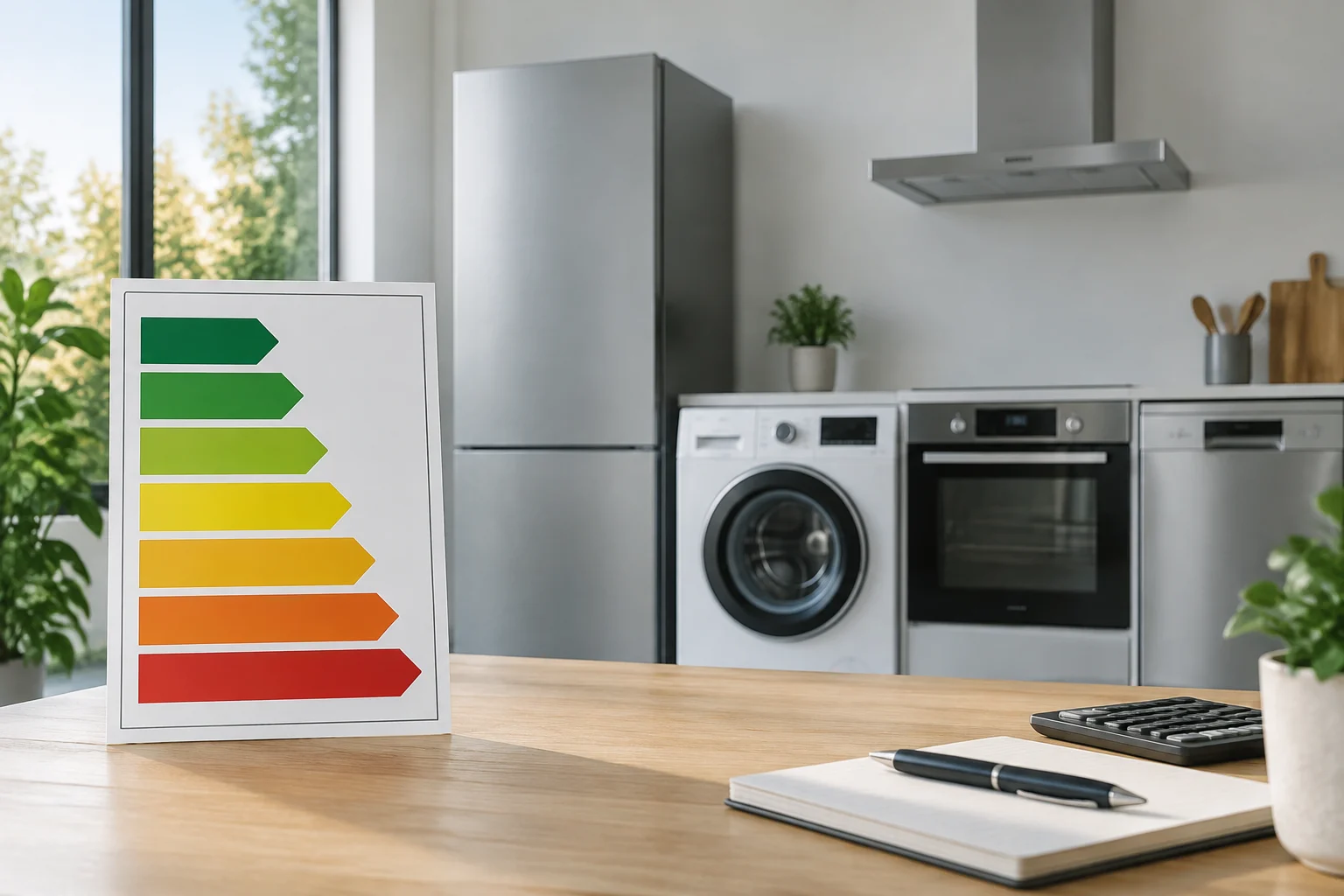
Be wary of savings percentages that lack a methodology, measurement period and comparable conditions. To assess a claim, ask whether it refers to energy consumed, money spent or an estimate based on particular habits, and whether it comes from independent testing or marketing material. The pages consulted do not provide a universal certification that can compare every smart heating thermostat by a guaranteed percentage saving. It is therefore not possible to recommend a common energy label as sufficient proof of savings for this category.
Public grants should not be treated as a fixed discount at the point of purchase either. Information published by Resideo in January 2024 mentions grants and figures that may depend on the improvements and programme conditions; it does not establish that a particular grant is still open in October 2026 or that a standalone thermostat meets the requirements. Check the current call for applications in your region and confirm eligible work, documentation and deadlines before including a grant in your cost calculation.
Installation and setup: avoid foreseeable mistakes
Incorrect installation can prevent the system from working as expected or damage the equipment. Before removing the old thermostat, photograph and label the wires, switch off the power where appropriate, and follow the manufacturer’s diagrams. If mains voltage is involved, you are unsure about the terminals, or a heat pump has dedicated controls, leave the installation to a professional. Do not use instructions for one model as directions for another.
Sensor placement affects the reading: avoid putting the thermostat near a heat source, in direct sunlight or in a draught, and follow the manufacturer’s advice on height and wall position. The available sources do not verify a single height that can be applied to every model and home. If the system uses sensors in other rooms, check which one controls each zone and how its reading is combined with that of the main thermostat.
After installation, set schedules that reflect actual occupancy and check whether the resulting temperature matches the setpoint. With underfloor heating, allow time to assess its slower response; with radiators, check that the radiator valves and central control are not working against each other. The safest buying decision is to prioritise documented compatibility, necessary features and total cost—including a hub, sensors and installation—over unverified savings claims.