What a plug measures and what it cannot conclude on its own
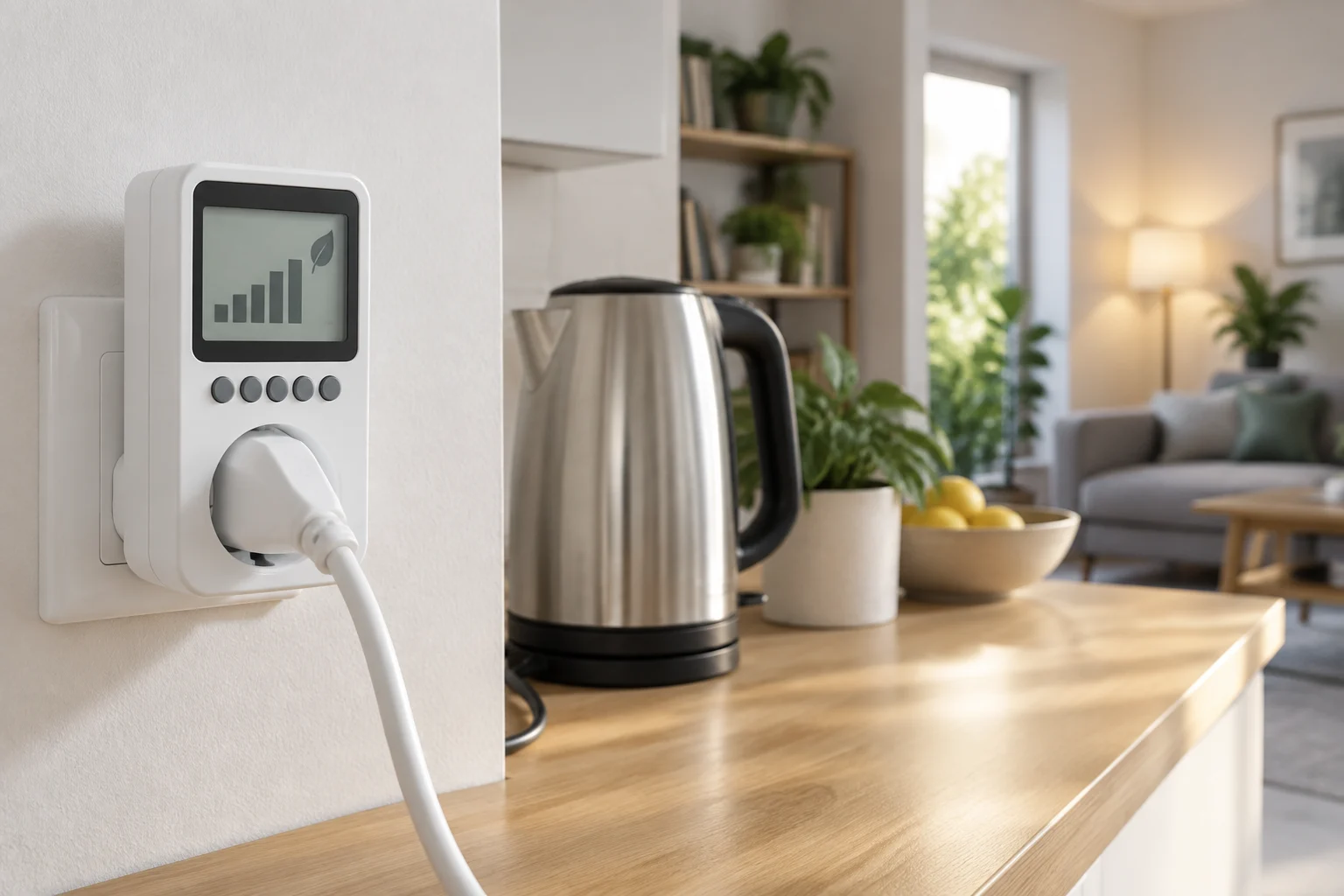
A smart plug with monitoring adds two functions that should be evaluated separately: it allows connecting or disconnecting the load and records data about its consumption. Depending on the model, the application can display real-time power, accumulated energy, or a history. The measurement serves to observe a specific device, not to describe by itself the entire electrical expenditure of the home. (TP-Link)
The distinction between power and energy is fundamental for reading the results. Power, usually expressed in watts (W), represents the rate at which electricity is consumed at a given moment; accumulated energy is usually expressed in kilowatt-hours (kWh) and sums the consumption over an interval. A single reading does not replace tracking: the history allows comparing periods, provided that their dates and units are known. (IDAE)
The device does not automatically determine what part of the consumption is avoidable, how much will be saved by turning off the device, or if the reading matches that of a reference instrument. It also does not turn a cost estimate into an exact bill if the application does not correctly consider the contracted price, schedules, and other charges. To decide, separate observed data, interpretation, and potential savings; the latter depends on changing a use that actually consumed energy.
Electrical safety: power, current, and load type
Before reviewing application features, check the maximum admitted voltage and current and the declared power limit for the product. These values describe the electrical load that the plug is designed to switch; they are not a promise of measurement accuracy. For example, Energeeks announces up to 16 A and 3680 W for its EG-EW008MC model, but those numbers correspond to that model and should not be generalized to other plugs. (Energeeks)
Comparing nominal watts is not enough. Consult the manual of the model and the connected device, especially if it is heating, motors, compressors, or loads that may have startup peaks. If the manufacturer does not clarify that the plug is suitable for the intended use, do not extrapolate its maximum limit to any type of load. Also avoid chaining adapters or power strips if the instructions do not allow it.
Size and placement affect daily use: a bulky plug can block the adjacent socket, and a loose, hot, or damaged connection requires stopping the use of the set. Do not manipulate the casing or use the product in conditions that contradict the manufacturer's instructions. The priority is safety and electrical compatibility; measurement and remote control are secondary advantages.
How to compare measurement and history
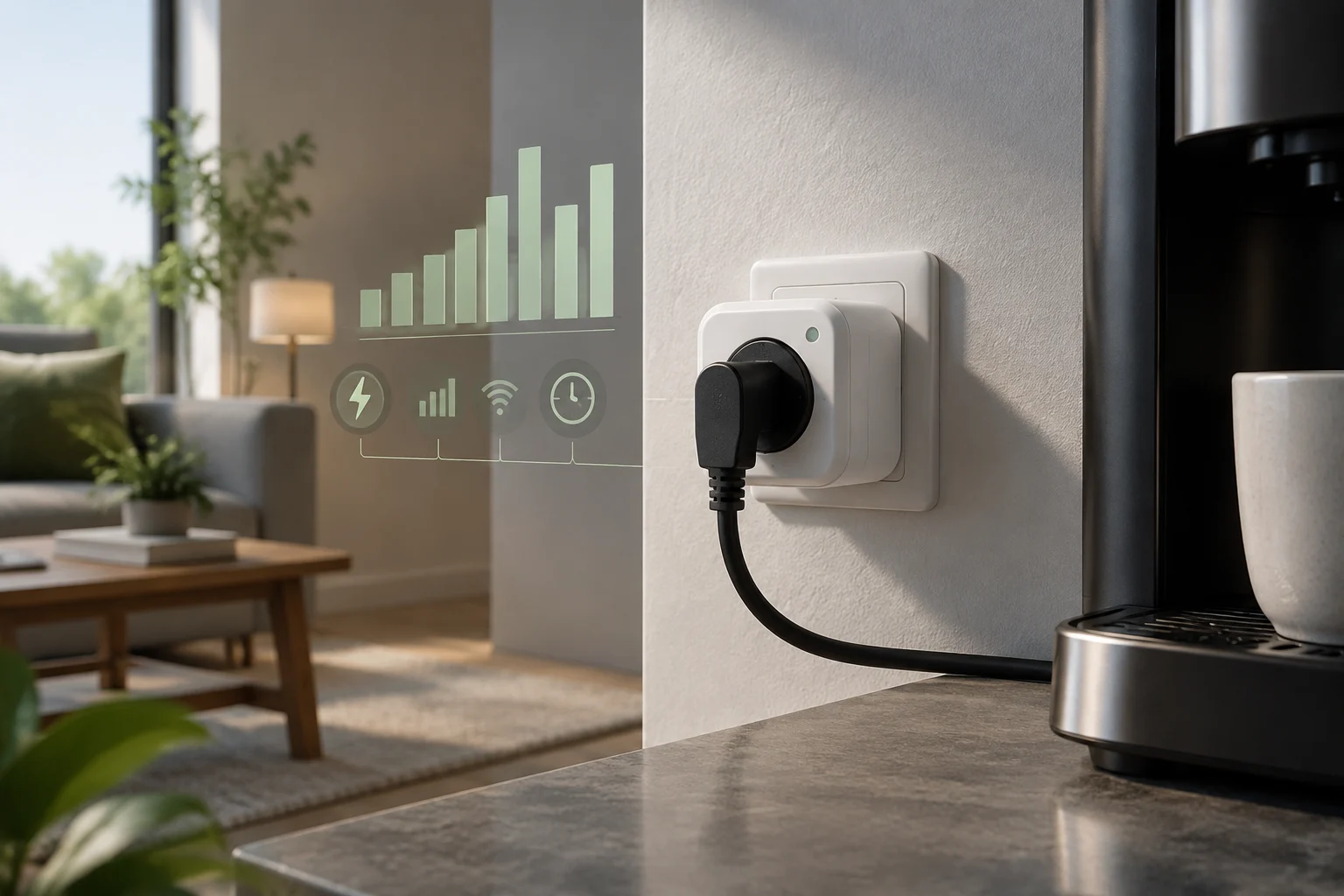
Look for a clear description of what magnitudes the application presents: instantaneous power, accumulated energy, and, if offered, history by day or month. Verify that units are indicated —for example, W and kWh— and that you can identify the period to which each total corresponds. Some sheets announce real-time and historical consumption, but a list of features does not necessarily inform about resolution, update frequency, or accuracy of readings. (Energeeks)
The word accuracy deserves specific verification. Look in the sheet or manual for an error margin, the conditions under which it applies, and what type of measurement is declared. If those data do not appear, consider the value as a reference to observe trends, not as a certified measurement or proof of small differences. Without published tolerance, there is no basis to promise accuracy; comparing the same device under similar conditions can be useful, but it does not eliminate that limitation.
For a simple home comparison, record a baseline before programming shutdowns. Note the device, the interval, the accumulated value, and any relevant change in use. Then compare another equivalent period, without automatically attributing a difference to the plug: usage duration, device mode, and home conditions may have varied. A consumption guide can help contextualize energy, but an isolated figure does not equal demonstrated economic savings. (IDAE)
Connectivity and compatibility before buying
Check what network the plug requires and if it needs a hub, a cloud account, or a specific application. In the EG-EW008MC model, Energeeks indicates 2.4 GHz Wi-Fi and control via Energeeks 3.0, Tuya, or Smart Life; those declared compatibilities are specific to the product and do not describe the entire category. (Energeeks)
The presence of Alexa or Google Home in a sheet does not resolve all integration questions. Check what actions are supported from each platform, if measurement can be consulted there or only in the proprietary application, and if automation requires internet connection. Compatibility does not always mean functional equivalence: it may be possible to turn on and off by voice without accessing energy readings from the same assistant.
If local control or continuity without internet are important, look for an explicit answer in the manufacturer's documentation. Do not assume that an automation will keep working if the remote service becomes unavailable, or that the device will maintain the history after a change of account or application. Also record what permissions the app requests and where the provider explains data storage and use. Available product evidence does not allow general comparison of privacy policies of all manufacturers.
Useful automations, with realistic expectations
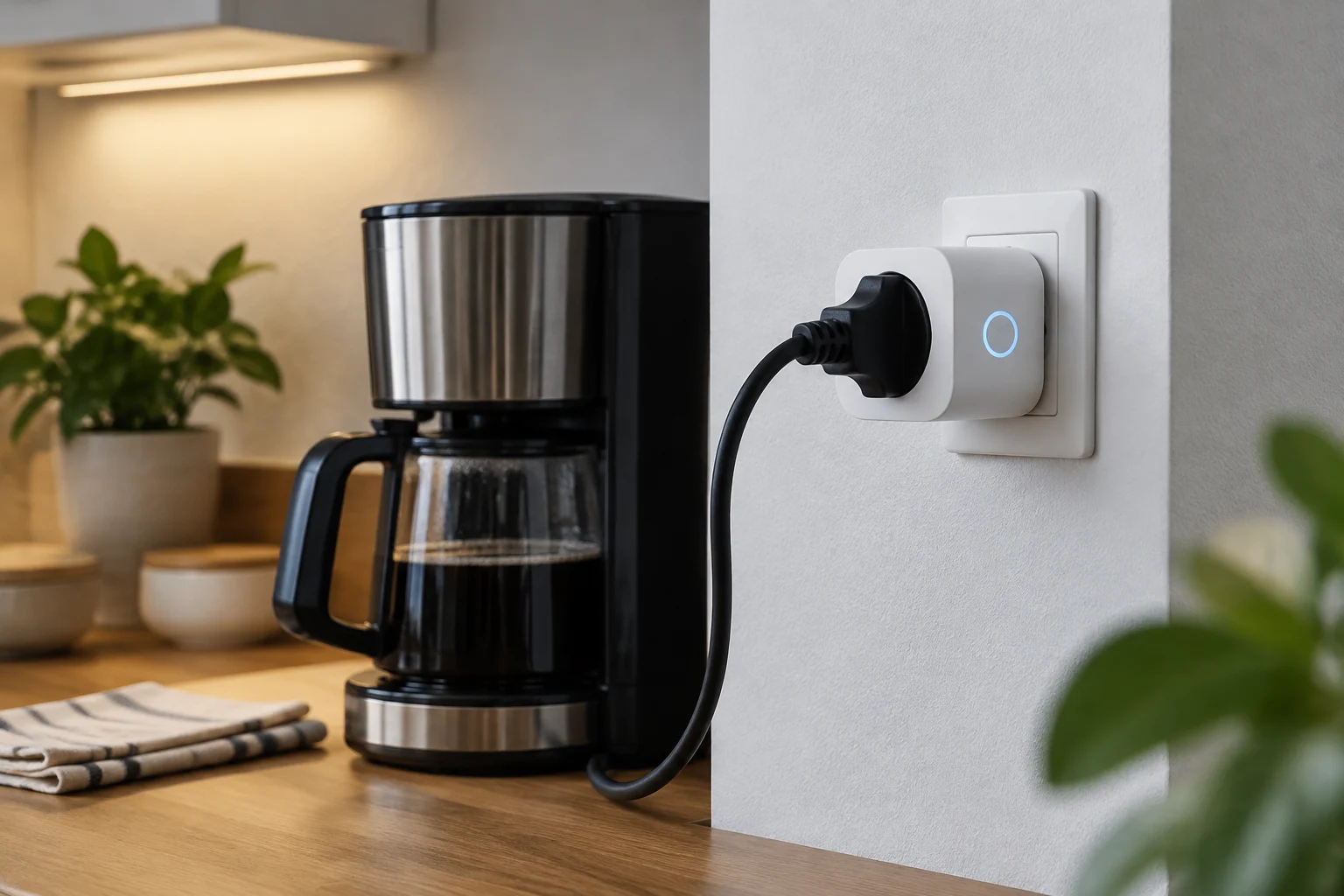
Schedules and timers can facilitate shutdown when a device does not need to remain connected. TP-Link describes as common features the programming of on/off and timers; their concrete utility depends on whether the device can be safely turned off by cutting power and whether the routine is correctly configured. (TP-Link)
Automating a disconnection does not guarantee savings. If the device already consumes very little in standby, if it must remain connected, or if turning it off forces more consumption to restart it, the result may be irrelevant or inadequate. Do not use a plug to interrupt equipment whose disconnection may erase settings, affect its operation, or contradict safety instructions.
High consumption alerts can help detect changes, but check how the threshold is defined and if the notification depends on the cloud. To evaluate a routine, ask what behavior changes: how much time operation is avoided, with what frequency, and if there are practical consequences. The result depends on real use, not the mere installation of the accessory; therefore, it is not responsible to attribute a universal savings percentage to plugs with meters.
Privacy, service dependency, and total cost
A connected plug can link measurements and schedules to an account, an application, and provider services. Before buying, review the privacy policy, requested permissions, options to delete the account or data, and information about operation when internet is lost. If the manufacturer does not document local control or record preservation, treat it as a specific unknown, not as an implicit feature.
The convenience of controlling the device from outside the home may depend on online services and the manufacturer maintaining the application and integration. Evaluate what you would lose if service conditions change: remote access, history, automations, or only accessory functions. A useful measurement should be accessible and understandable; if it can only be consulted for a short period or within a platform you do not want to use, the data may serve you less than expected.
Compare the device cost with the function you need and the time you plan to keep it. Available research includes specific models and features, but not a homogeneous analysis of accuracy, long-term support, or privacy between brands. Therefore, price alone does not allow establishing which offers better value. Review the exact sheet and manual before paying, instead of assuming that all models with the 'meter' label record and preserve data in the same way.
Practical list to test a device and decide whether to automate it
Start with a plug-in device that can be disconnected without risk and whose operation you want to understand. Before connecting it, contrast the electrical limit of the plug with the specifications of the device and follow the instructions of both manufacturers. Then confirm that the application shows the magnitude you seek and that you can read its units. Do not turn the plug into a whole-house meter: the data refers to the load connected to it.
To make an orderly check:
- Record consumption during a representative period and note dates, duration, and usage mode.
- Repeat the observation in a comparable period if you change a schedule or routine.
- Check if the history is preserved and if the figure corresponds to the interval you believe.
- Calculate the possible economic effect only with a relevant energy price and period; do not confuse a kWh variation with confirmed savings on the bill.
- Keep the automation only if it is safe, reliable, and changes a dispensable use.
Finally, decide according to the specific problem: identifying the consumption of a device, reducing its connected time, or controlling a load remotely. A dedicated meter may be more suitable if you need independent measurement; a monitored plug adds control and programming, but requires reviewing connectivity, load limits, and app dependency. The purchase is justified by a practical decision, not by a generic promise to lower the bill.