What TGP means and how it differs from TDP
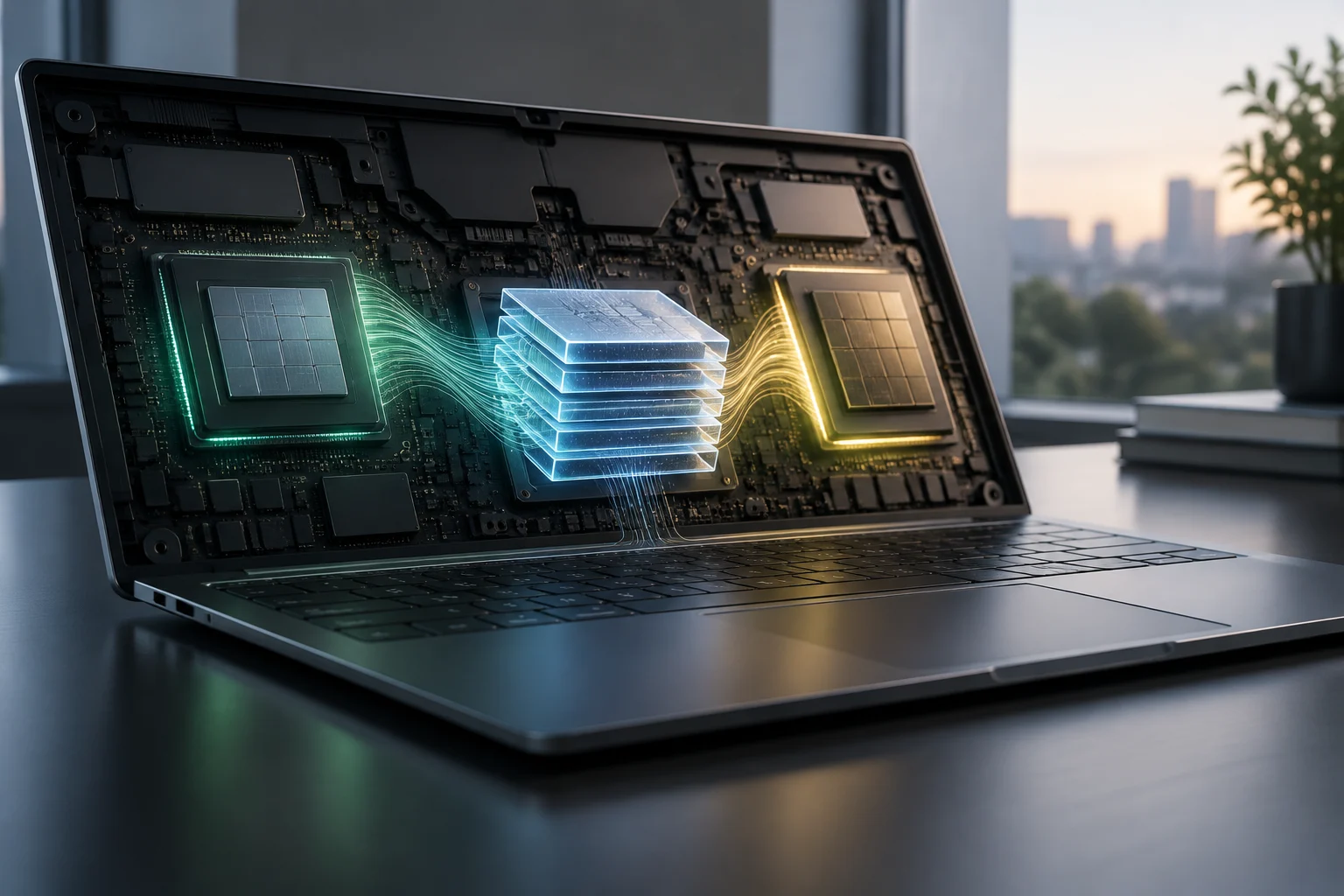
Total Graphics Power (TGP) is the maximum power that a laptop manufacturer assigns to its graphics card. Unlike Thermal Design Power (TDP) for CPUs, which indicates the maximum heat that the cooling system must handle, TGP is an active limit imposed by the system to control power consumption and temperature inside the chassis.
While a desktop GPU typically runs close to its maximum designed power, TGP can vary dramatically in a laptop. This distinction matters because TGP is not a fixed chip specification: it is an engineering decision made by the laptop manufacturer that sets the ceiling for the graphics performance available to the end user.
This variation stems from the physical constraints of mobile hardware. In a desktop, the power supply and airflow let the graphics card draw what it needs until it reaches its thermal limit. In a laptop, by contrast, space is scarce and the battery places strict constraints on power. The manufacturer therefore has to decide how much electrical power the GPU can receive without compromising system stability or battery life during gaming.
How power limits affect performance
Two laptops with the same GPU, such as an NVIDIA RTX 4060, can deliver dramatically different gaming experiences if their TGP limits differ. A model rated at 100 W may produce 15–20% fewer frames per second than one rated at 140 W, even with the same architecture and memory. That gap exists because clock speeds and memory bandwidth are reduced to stay within the imposed wattage limit.
The effect is even more pronounced at the high end, as with the RTX 5090 Laptop. Relative performance rankings put the RTX 5090 at a 100% reference level, while the RTX 4090 sits at 88.3%. But if a manufacturer limits the RTX 5090 to a TGP below its optimum, its real-world performance may fall below that of a well-cooled RTX 4080, undermining the theoretical specification hierarchy.
The relationship between watts and frame rates is not linear, but it is directly tied to processing capacity. When TGP is reduced, the GPU driver dynamically adjusts the clock speeds of the processing cores and memory. So even when the number of cores is identical, they run more slowly. For users, that means longer loading times, lower refresh rates in demanding games, and less ability to handle high resolutions with graphics settings maxed out.
The role of cooling and chassis design
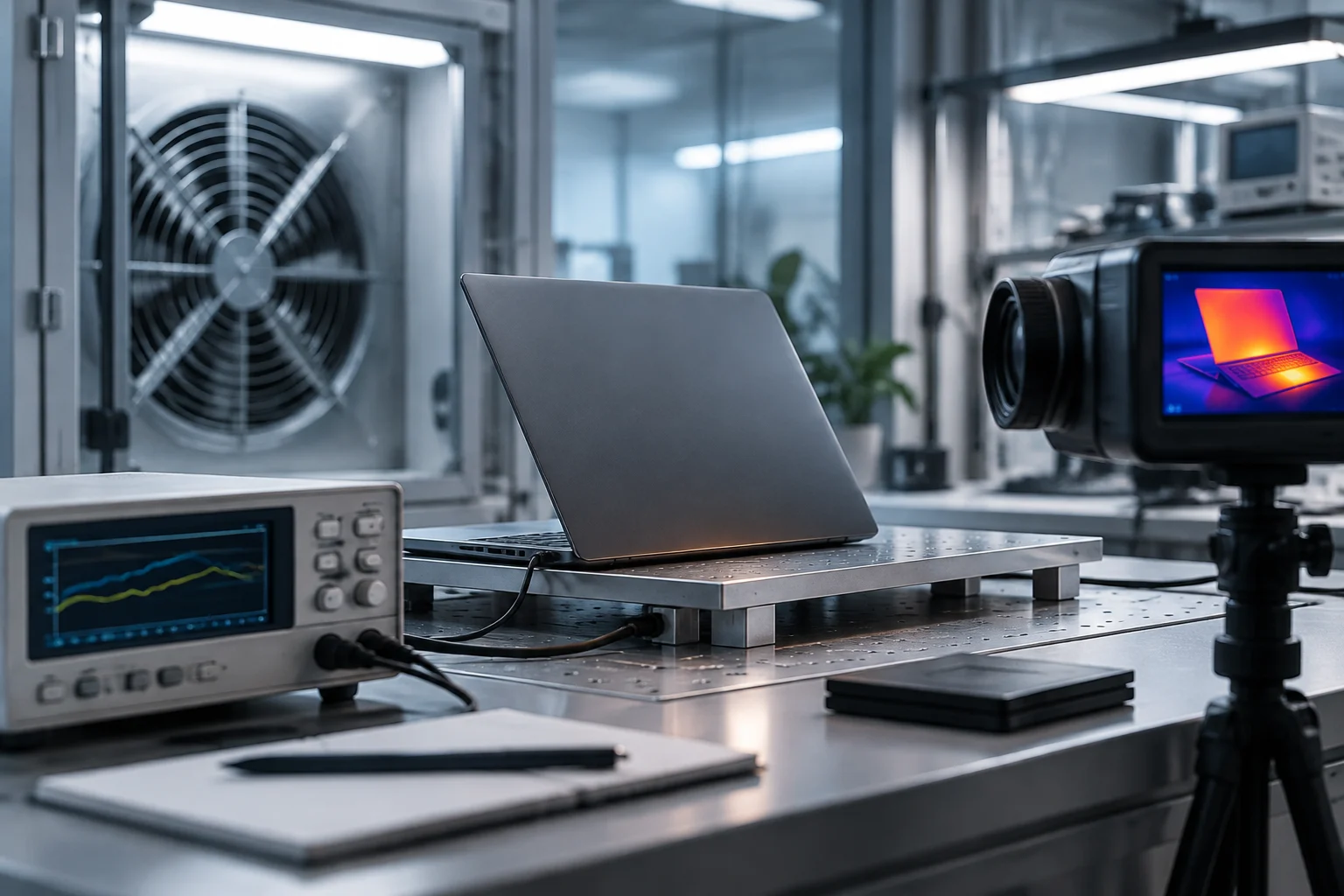
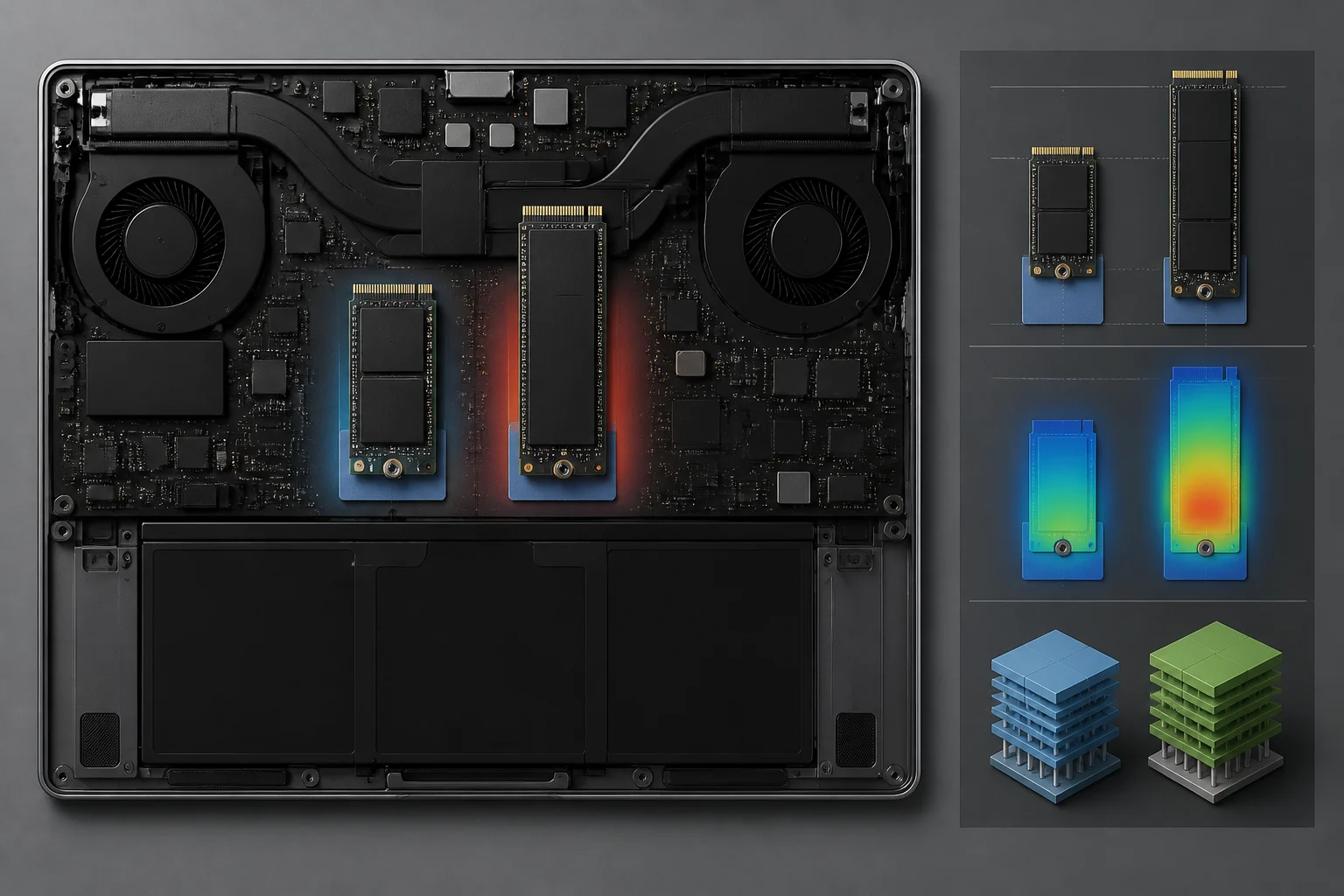
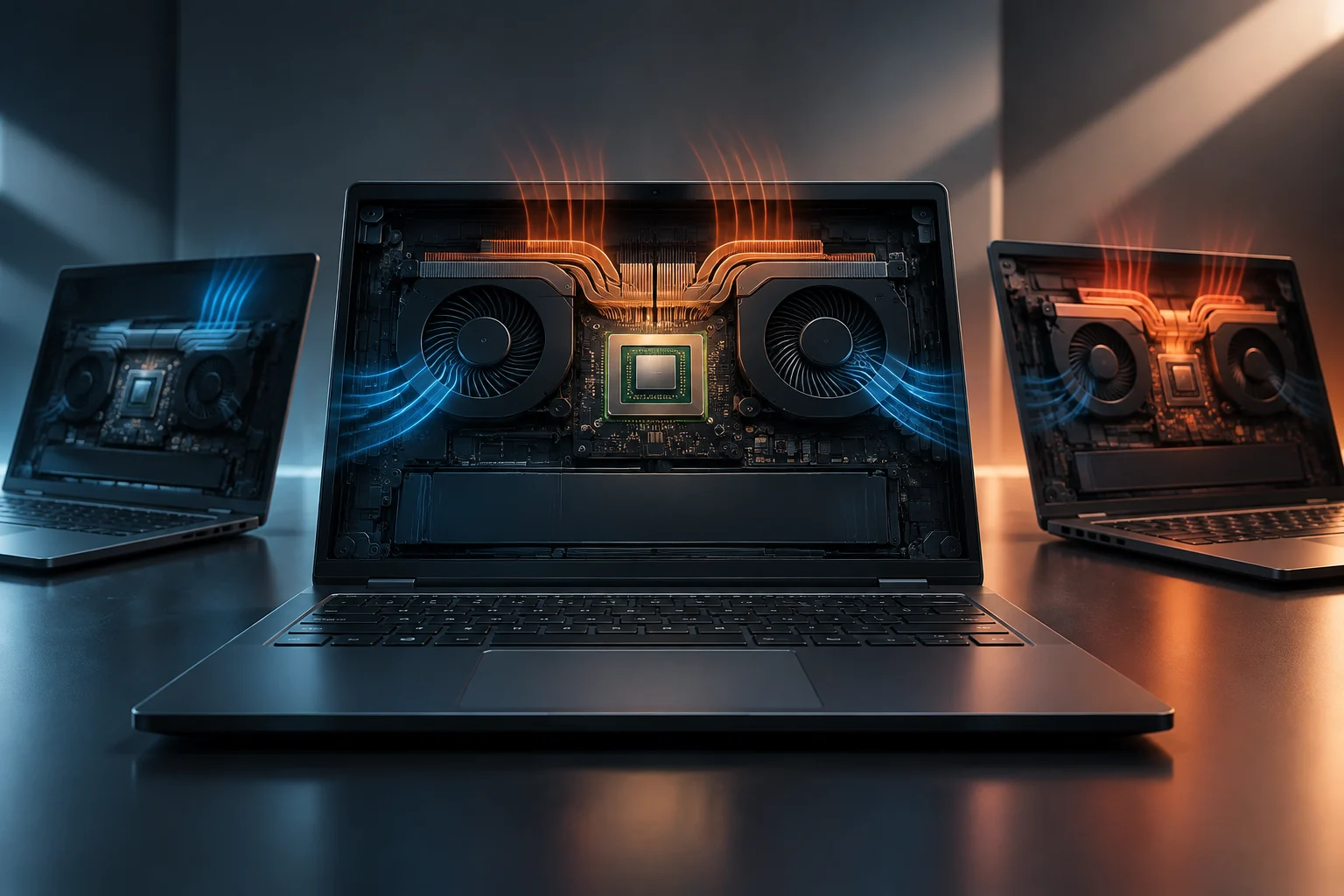
TGP does not exist in isolation; it is directly tied to a laptop’s thermal capacity. A thin chassis with small fans cannot dissipate the heat from a GPU running at full power, so the manufacturer lowers TGP to prevent thermal throttling. This means the cooling system’s efficiency determines the highest sustainable TGP without degrading performance.
When components overheat, the system activates protective mechanisms that reduce clock speeds, significantly lowering performance. That is why two laptops with the same GPU and nominal TGP can have different temperatures and noise levels. A design with better copper heat sinks and more fans can sustain high clock speeds for longer, delivering more consistent performance under sustained load.
Thermal management is therefore the main limiting factor. If the cooling system cannot remove the heat generated by a 140 W GPU, the manufacturer has to lower that limit to 100 W or less to keep temperatures within safe ranges. This explains why ultralight laptops usually have lower TGP values than thicker gaming models, even when both use the same graphics card. Investment in heat-dissipating materials and airflow design is directly proportional to the graphics performance the system can deliver consistently.
How to check TGP before buying
Most manufacturers’ product specifications do not state the exact TGP, so buyers have to look for information from secondary sources. Independent databases and hardware reviews often detail the power assigned to the GPU in each specific model. It is essential to check the TGP reported by specialist publications before comparing two laptops with the same graphics card.
Advanced users can also use software tools to read the GPU’s power configuration in real time. On NVIDIA laptops, utilities that display the current power limit can be used to check TGP. This method confirms whether the laptop is operating at the advertised maximum power or is limited by the selected power profile, providing a direct check of its performance potential.
Alongside software tools, hardware enthusiast communities maintain updated databases of TGP values for individual models. These sources are useful because manufacturers often leave this information off their websites to keep consumer-facing specifications simple. By cross-checking the product specification against these databases, buyers can build a clear picture of a laptop’s actual capabilities. It is a recommended way to avoid unpleasant surprises after purchase, especially with mid-range models, where TGP variations are more common.
Common mistakes when comparing laptops
The most common mistake is relying on the GPU’s name alone to judge performance. Buying a laptop because it has an “RTX 4070” without checking its TGP can lead to disappointment if that model is limited to 80 W while another laptop with the same GPU runs at 115 W. The power assigned to the GPU matters as much as the chip architecture when determining smoothness in games and creative applications.
Another mistake is overlooking a bottleneck between the CPU and GPU. If the processor cannot keep up with the graphics card, the GPU’s TGP will not be the limiting factor; the CPU will. A balanced purchase therefore requires assessing the component combination, making sure the CPU and GPU are well matched to get the most from an investment in graphics performance.
Finally, many buyers forget that TGP can vary depending on the power profile selected in the operating system. Some laptops let users switch between “Silent,” “Balanced,” and “Performance” modes, dynamically adjusting the GPU’s power limit. TGP specifications usually refer to maximum-performance mode. If someone plans to use the laptop mainly on battery power or in silent mode, graphics performance will be lower still than the maximum TGP figure suggests. Checking the laptop therefore means considering not just the hardware, but also its software settings and available power profiles.