Defining Your Storage Needs
Before purchasing a NAS, it is advisable to determine what data will be stored and how it will be accessed. Storing files that rarely change is not the same as streaming multimedia or running virtual machines: each use case imposes different capacity and performance needs. A NAS with 4 TB may be sufficient for a movie library, but this figure should not be taken as a universal reference.
If you plan to host Docker containers or keep frequent snapshots, the available space must also absorb the data from those workloads and their copies. Therefore, the required capacity may double compared to a simple multimedia collection. Planning prevents storage from quickly becoming a limit for the intended use of the device.
For advanced users, the forecast must include data growth, for example, a 20% annual increase. Calculating this evolution helps decide both the initial capacity and the expansion margin, rather than buying based solely on the current volume. RAID-Z1 redundancy in ZFS allows adding disks without interrupting the service, while Btrfs offers instantaneous snapshots with low space consumption.
Bays and Disks: The Physical Foundation of the NAS
The number of bays establishes how many disks can be installed and conditions the available RAID configurations. It is not just about adding capacity: the number of units also determines which redundancy options can be considered. A 4-bay model allows RAID-5 or RAID-10 configurations, while an 8-bay NAS facilitates RAID-Z2, which tolerates two simultaneous failures.
This difference matters when comparing devices because fault tolerance and the ability to distribute data depend on the chosen configuration. Additional bays offer more organization options, but the selection must respond to volume, expected growth, and the desired protection level, not just the maximum advertised capacity figure.
Attention must also be paid to the recording technology of the disks. When using frequent snapshots, it is preferable to choose CMR (conventional magnetic recording) over SMR (shingled magnetic recording): the former offers more predictable latency and is compatible with most file systems. The UKrabot guide highlights that, for a home NAS, 4 TB SATA III CMR disks are usually the optimal option in terms of performance and cost.
In practice, disk choice is part of the overall reliability: the NAS and its file system do not eliminate differences between units. Considering the intended use—especially the frequency of snapshots—allows prioritizing a more predictable response during write operations, in addition to price and nominal capacity.
CPU and RAM: The Processing Engine
The CPU should be chosen based on the tasks the NAS will perform, not just its ability to share files. Transcoding 4K video or running Docker containers requires more processing than basic storage, so it is advisable to relate the type of workload to the available power. For these uses, an Intel Core i5-12400, with 6 cores and 12 threads, offers a good balance between power and energy consumption.
QNAP models with an AMD Ryzen 7 5700U processor are another alternative and support light virtualization. This option may be relevant when running several tasks on the same device is planned, although the recommendation still depends on specific needs. In both cases, the decision is better understood by considering both the planned workloads and the available memory.
RAM also influences the operational margin. For Linux-based systems, the recommendation is at least 16 GB DDR4, as ZFS needs space for its ARC cache. The installed amount should be considered along with the file system and the functions to be activated, rather than treated as an isolated specification.
If daily snapshots or virtual machines are planned, considering 32 GB helps avoid bottlenecks. The memory increase is therefore related to more demanding use: to choose between 16 GB and 32 GB, one must assess which processes will remain active and which tasks are to be hosted on the NAS.
Operating System and Encryption: Btrfs vs ZFS
Btrfs and ZFS are modern file systems that offer data integrity and snapshots. These features make the choice not just a matter of compatibility: it also affects how stored data is protected and managed. Snapshots allow preserving data states, and both systems include them among the highlighted capabilities in this guide.
ZFS includes native block-level encryption, which facilitates protecting data against unauthorized access without relying on external software. This feature can be a relevant criterion if encryption-based protection is part of the priorities, although it does not replace the need to choose a system suitable for the device and its administration method.
For those who prioritize portability and compatibility with Windows, Btrfs may be easier to manage; ZFS, on the other hand, offers greater robustness in production environments. Therefore, there is no universal choice: management simplicity and robustness respond to different priorities, which must be weighed according to the intended use.
The QNAP comparison indicates that both systems are compatible with its firmware, although ZFS requires an additional disk controller in some models. Before deciding, it is advisable to check this condition for the specific device, as general firmware compatibility does not imply that all models require exactly the same configuration.
Network Connectivity: Choosing the Right Speed
The choice between 1 GbE, 2.5 GbE, or 10 GbE depends on the bandwidth available at home and the intended use. The port speed sets a limit for network transfers, so paying for a faster connection does not guarantee an improvement if the rest of the network or devices cannot take advantage of it.
A NAS with 2.5 GbE ports allows transfers of up to 300 MB/s, a speed sufficient for 4K streaming without bottlenecks. According to RedesZone, these ports can offer real speeds of 280-300 MB/s, approximately three times faster than 1 GbE. The difference is especially noticeable when moving large files, provided the infrastructure can sustain that pace.
If the available router is Gigabit, the jump from 1 GbE to 2.5 GbE may be marginal because the existing connection limits performance. Therefore, before choosing a port, one must consider the components linking the NAS to other devices and the type of transfer that will be done routinely.
On the other hand, if the network includes 10 GbE devices or RAID-Z2 with fast disks is planned, opting for 10 GbE can guarantee future performance. The RedesZone guide indicates that most users would notice a 200% improvement in large file transfers when moving to 2.5 GbE. The convenience of this update thus depends on whether the rest of the network and the intended use can take advantage of it.
Backup Strategy: The 3-2-1 Rule
The 3-2-1 rule establishes that there should be three copies of the data, on two different media, with one copy off-site. Applied to a home NAS, it serves to organize copies in different locations and supports, instead of relying on a single unit or the NAS itself as the only protection. A possible distribution is:
- Local copy on the NAS itself (daily snapshot).
- External copy on a USB external disk or another NAS.
- Cloud copy via services compatible with rsync or S3.
This structure separates the copies so that a problem in one location does not imply relying exclusively on it. The local copy facilitates having snapshots on the NAS; the external one provides another physical support, and the cloud copy keeps a copy off-site. The three parts respond to the components of the rule and allow planning protection with concrete options for a home environment.
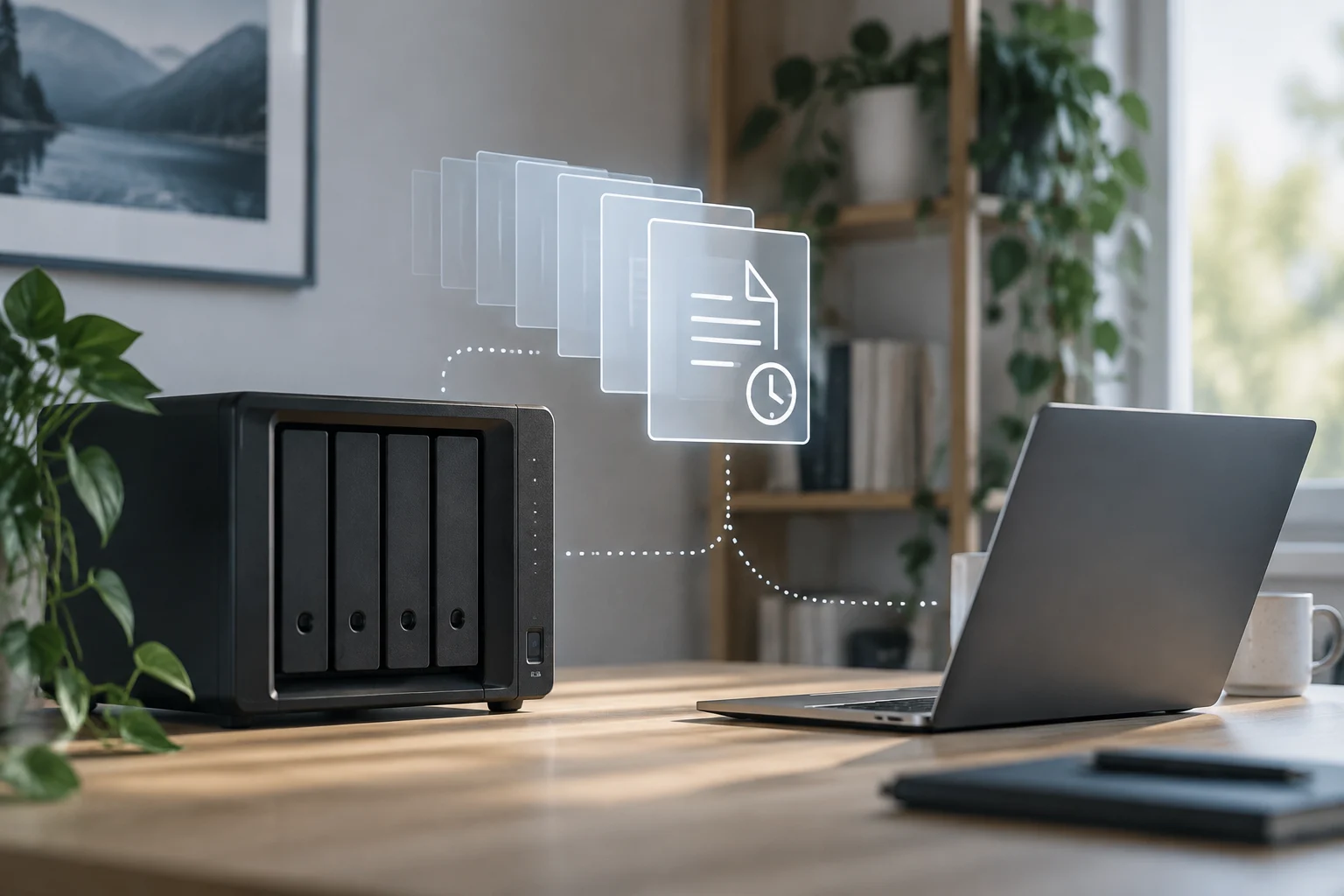
The strategy is essential to protect against hardware failures and ransomware attacks. Having several copies is not enough in itself if it is never verified that they can be recovered: regular restoration tests allow verifying that process and that the copies are available when needed.
SentinelOne highlights that, although the original strategy was designed for physical disasters, its modern application includes encrypted cloud copies and regular restoration tests. Thus, the rule retains its structure of three copies, two media, and one external location, while incorporating measures related to digital protection and recovery verification.