Start with the Risk, Not the Tech Specs
Before comparing cameras or alarms, define the specific problem you need to solve. Monitoring an entry door, receiving alerts when the house is empty, and having a monitoring center manage an alert are distinct needs. Function determines the equipment: buying first and finding a use later often leads to duplicating devices or paying for features you do not need.
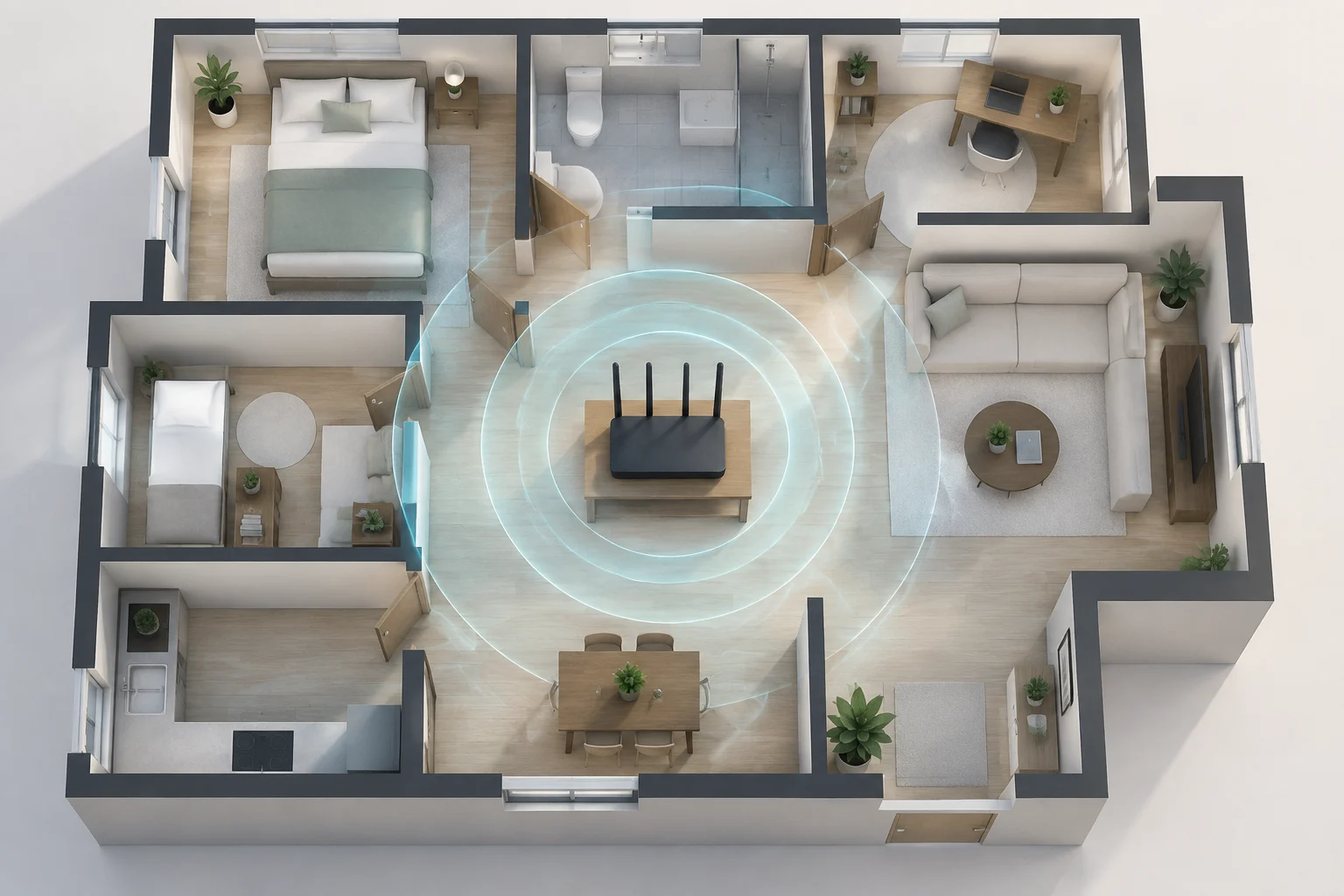
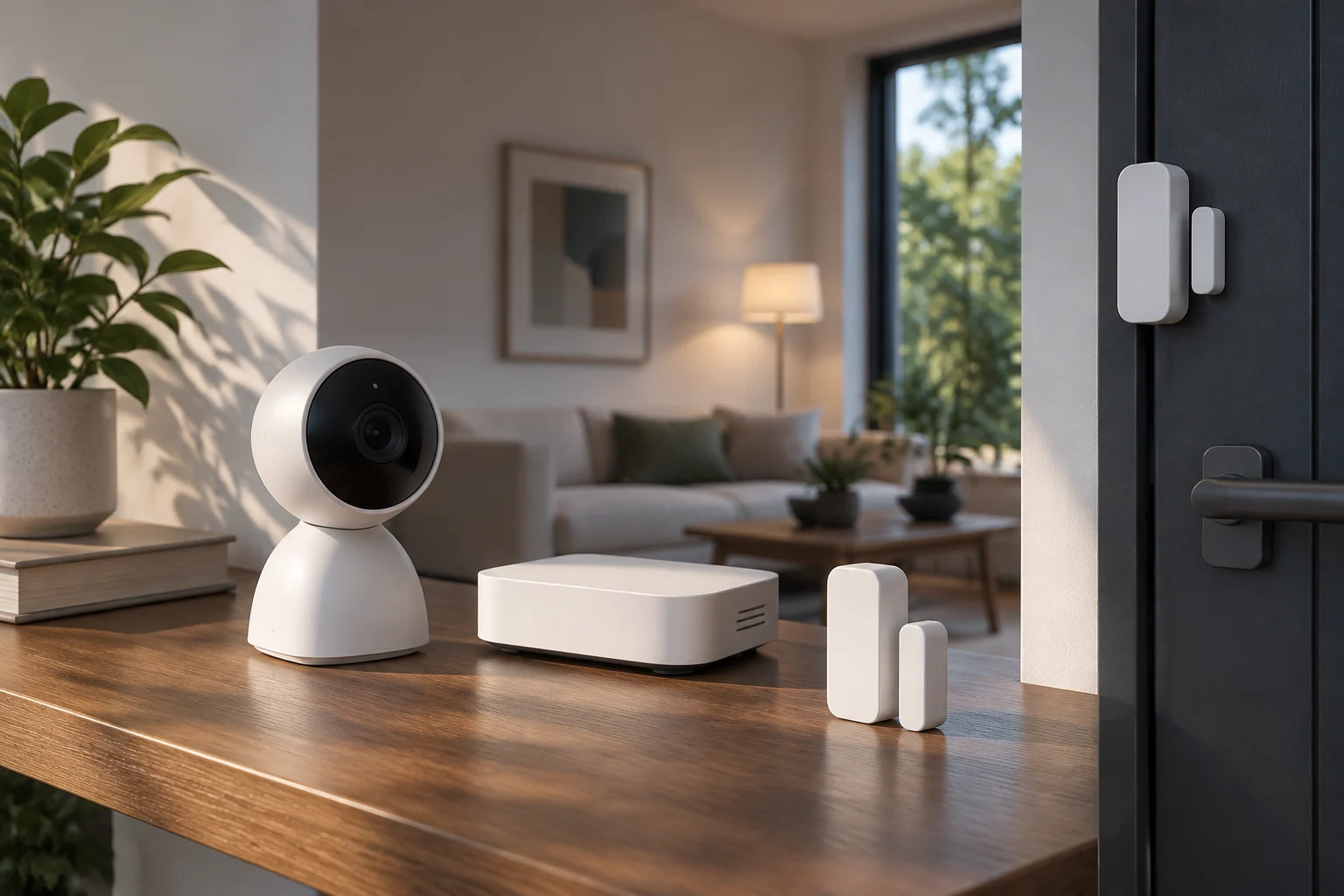
Walk through your home and note entries, accessible windows, and blind spots. Distinguish between detection and verification: a sensor can alert you to an opening, while a camera allows you to review what happened. Neither guarantees a physical response to an intrusion on its own.
Think of security as a chain: detect an event, alert you or trigger a response, and allow you to verify what occurred. If any link depends on the internet, an app, or a subscription, include it in your evaluation. A concrete list of needs helps you compare different systems without being swayed by the number of advertised functions.
Cameras: Privacy, Recording, and Access
In a home camera, resolution is only part of the decision. It also matters where images are processed, stored, and who can access them. A pan-European survey commissioned by Reolink and conducted by Weber Shandwick placed data protection and recording control among the criteria valued by Spanish respondents when choosing cameras or video doorbells. This is a signal of consumer interest, not proof that one storage method is always safer than another.
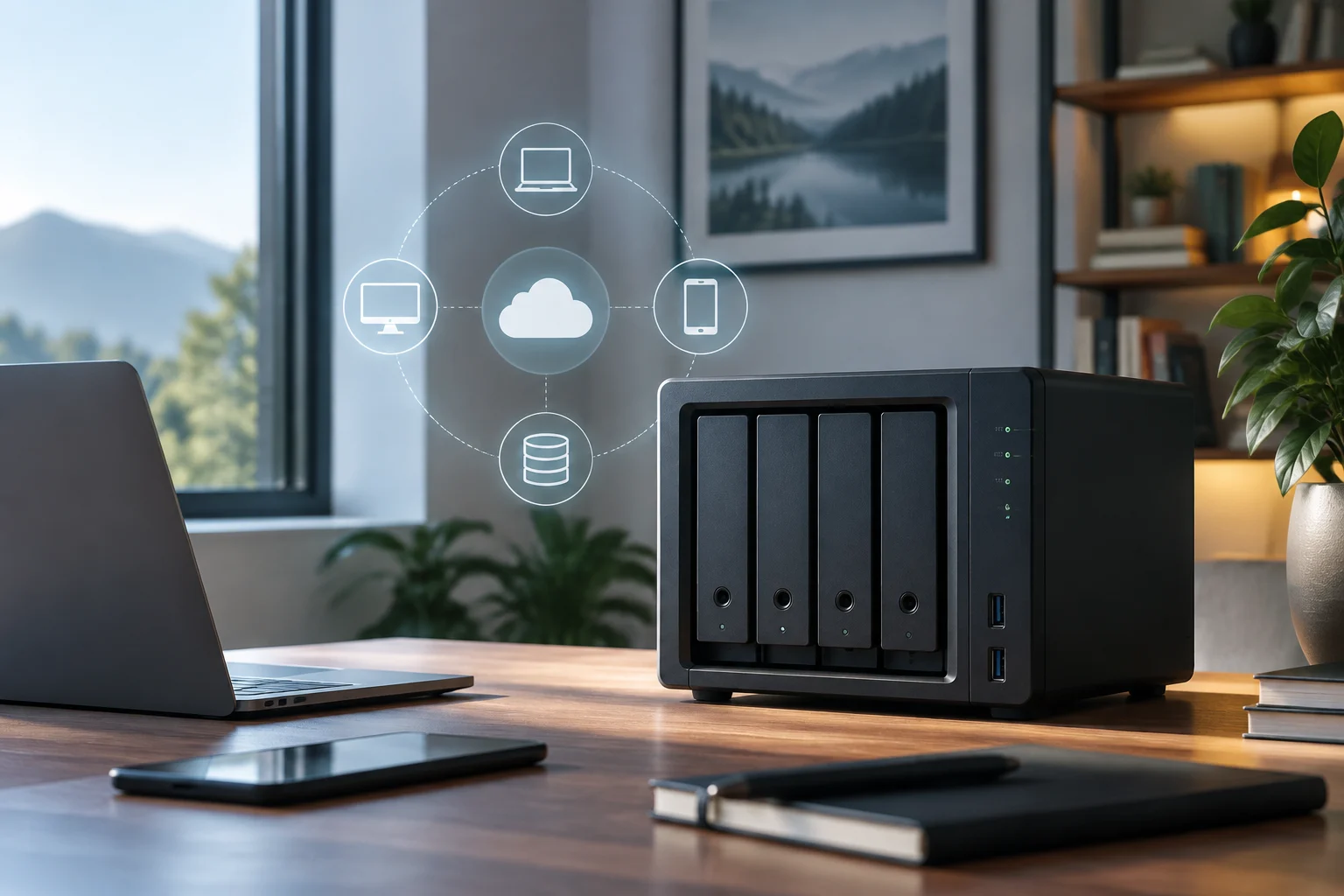
Local storage can reduce reliance on remote services, but it does not eliminate all risks: a camera or card can be stolen, damaged, or exposed if the account and network are poorly protected. The cloud can facilitate access to recordings from outside the home, though you should check how long they are kept, what plan is required, and what happens upon cancellation. The decision depends on the level of control you want and the specific manufacturer's conditions.
Before buying, check if the camera allows you to limit who sees images, configure alerts, and delete recordings. Also review if certain features, such as saving clips or distinguishing movement types, require a fee. Do not assume that “local” automatically means private or that “cloud” necessarily implies exposure: review the options and policy of the specific model, not just the box claim.
Local AI and Resolution: What They Add and What They Don't
The artificial intelligence label can describe very different functions: motion detection, classification of people and animals, or more advanced analysis. Ask what the camera actually does and whether that function operates on the device or requires sending images to a remote service. Local processing can limit video transmission and reduce connection dependence for certain detections, but it does not equal a complete privacy guarantee: notifications, remote access, or other functions may still need the internet.
Resolution must also be contextualized. A higher-detail image can help review a scene, but the result depends on lighting, field of view, location, and video compression. A camera with a high pixel count does not resolve a blind spot or ensure a face is recognizable in any circumstance. Check product samples and specifications, and avoid treating an isolated figure as a sufficient measure of efficacy.
An example cited by ABC is the Netatmo Interior Advance, described in its May 2026 article as a camera that processes images and recognition functions locally, without external servers or mandatory subscription. It is a reference for understanding a design option, not a universal recommendation: convenience depends on location, necessary functions, and current product conditions.
Alarms and Smart Home: Integration Without Losing the Main Function
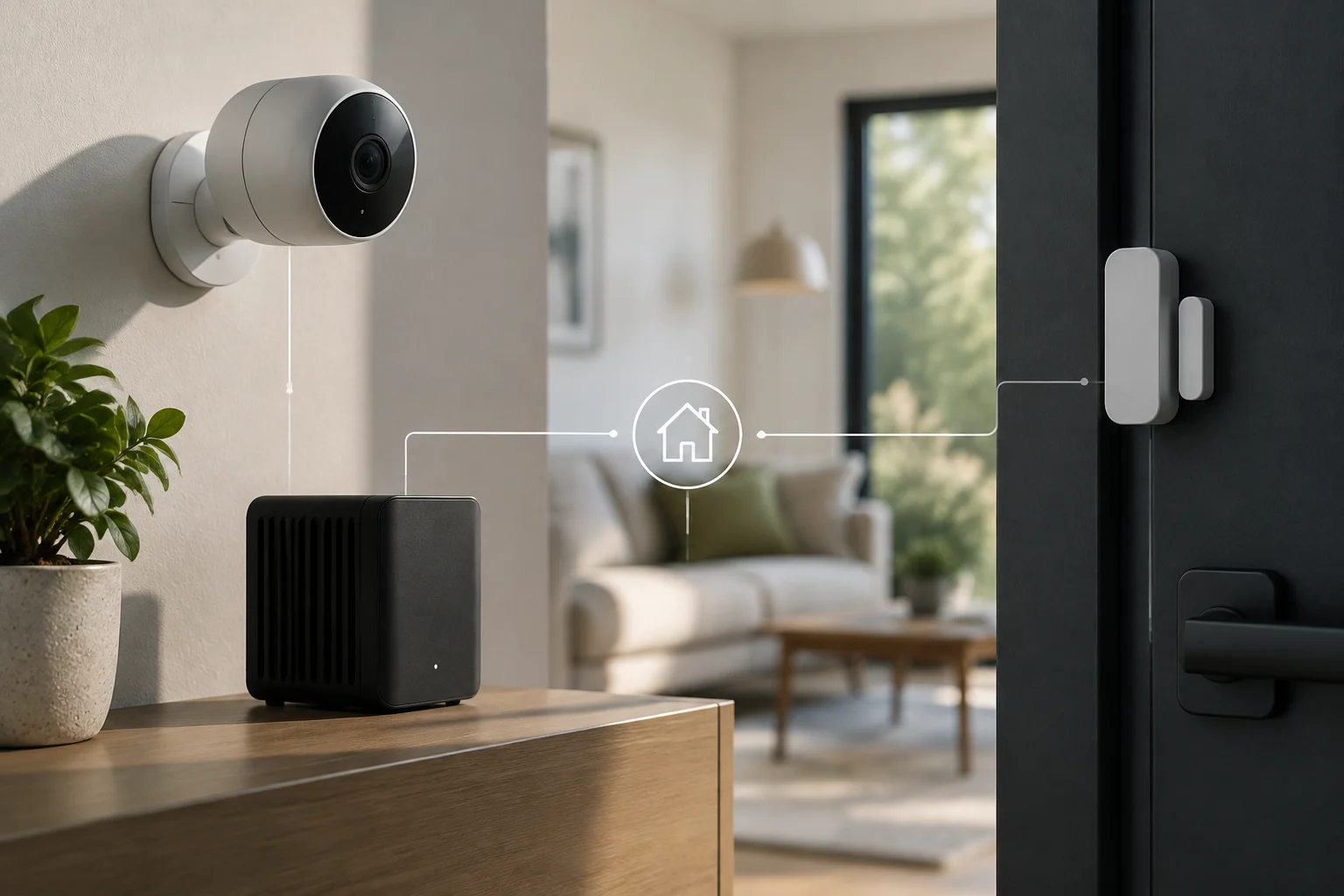
Connecting an alarm to smart home systems can enable useful automations, such as turning on lights during an event or sending a notification alongside another home signal. But sharing information does not mean a home platform replaces an alarm system. A Home Assistant integration guide distinguishes between a dedicated alarm with its own logic and a configuration that builds logic from sensors connected to the platform. The key difference is where the alarm function executes and what happens if the controller or network fails.
For an installation where detection continuity is a priority, check which components continue to work without the internet and what depends on the smart home platform. The same guide recommends keeping primary detection and activation in the dedicated alarm and using Home Assistant for additional automations and notifications. This is a recommendation from that source, not a rule that can be applied without evaluating each system.
Before buying, verify compatibility by model and function: two products announcing integration does not ensure they share all features. Check which events are transmitted, if the connection is local or remote, and if you must maintain an external account or service. Integration only adds value if it is stable and understandable for those who will use the alarm daily.
Total Cost: Equipment, Fees, and Conditions
The initial price does not necessarily represent the cost of maintaining a system. Add the equipment, installation if applicable, fees, additional storage, and any response service. A comparative of alarms published by Quécomparo shows offers with different advertised prices, including monthly amounts for some services; these are commercial examples and not a universal rate. Request a complete and current quote before comparing providers.
Ask exactly what the fee includes: connection to a monitoring center, maintenance, installation, equipment replacement, or app functions. Also review the commitment duration, cancellation conditions, and what features stop working when the contract ends. Conditions can vary between offers and change over time, so it is not advisable to base the decision on an isolated reference price.
For equipment without fees, consider the cost of cards, disks, batteries, and replacements, as well as the time needed to maintain them. A self-managed solution can avoid some recurring payments, but it requires someone to configure the system, review alerts, and respond to them. Compare the associated cost and responsibility, not just the monthly cost.
A Checklist Before Deciding
With clear needs, you can compare alternatives in a more orderly way. Not every home needs connected cameras, sensors, and alarms: select only the pieces that solve an identified need and that you can maintain correctly.
Use this list to review each option:
- Coverage: Which access or zone does it protect and which points remain uncovered?
- Operation: What remains operational if the internet fails or the platform crashes?
- Privacy: Where are data processed and stored, who accesses them, and how long are they kept?
- Costs: What is paid upfront, what requires a fee, and what happens upon cancellation?
- Compatibility: Is integration confirmed for the model and functions you need?
- Daily Use: Can all people in the home activate, deactivate, and review the system without confusion?
The best choice is not necessarily the most advanced or the cheapest. It is the one that covers the risks you have identified, has understandable conditions, and can continue to be used reliably. If a provider does not clearly explain storage, fees, or response to failures, consider that lack of information a decision cost and compare another alternative before committing.