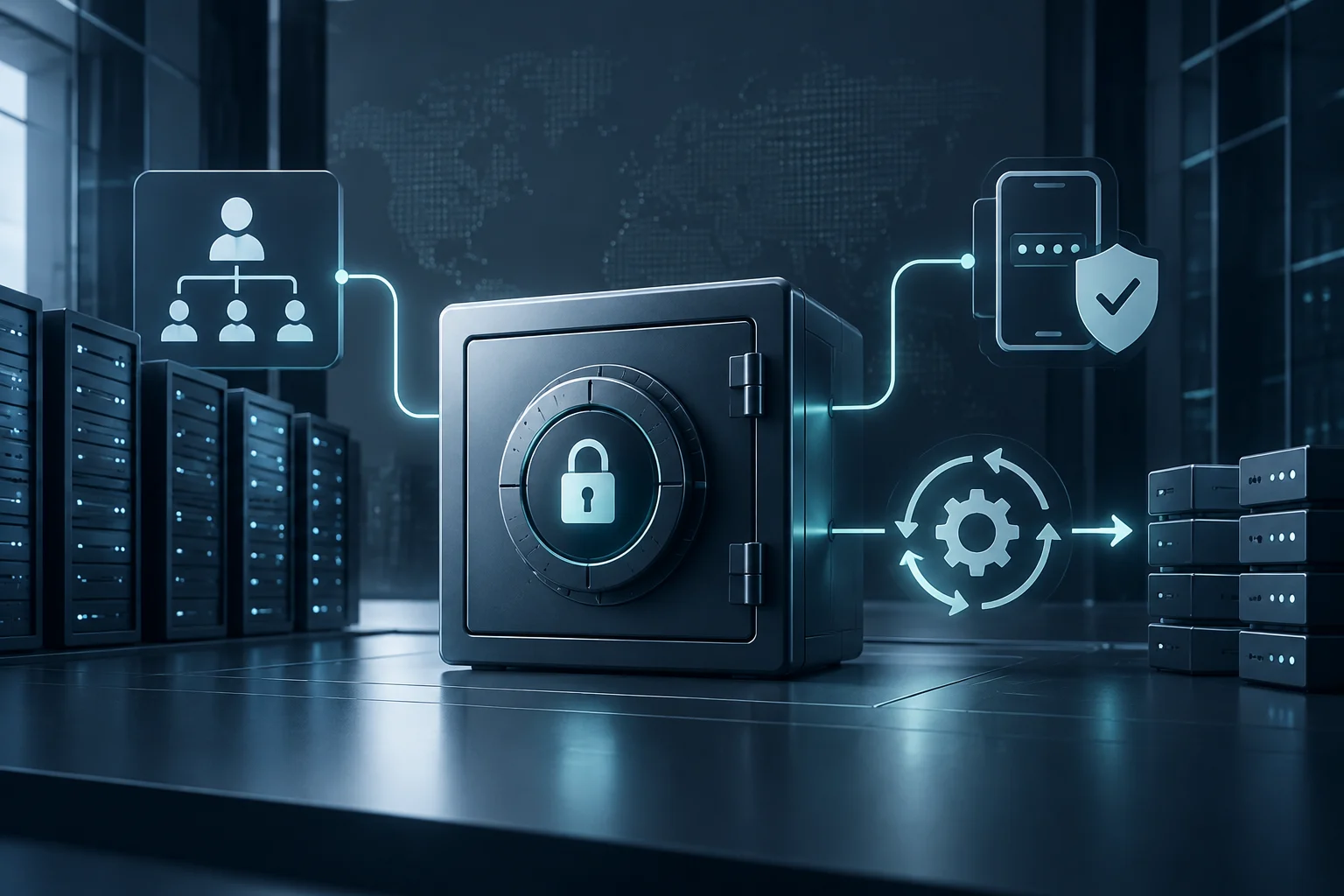
Minimum permissions for the workflow and each job
GITHUB_TOKEN lets GitHub Actions authenticate to perform operations in a repository. The permissions key configures its access for the entire workflow or for individual jobs, so each task receives only the capabilities it needs.
As a starting point, GitHub recommends setting GITHUB_TOKEN's default permission to read repository contents and expanding it when a specific job requires more. If a workflow only reads files, it does not need write access for convenience.
Permissions should match the operation: creating an issue requires issues: write; other tasks may need different permissions. You can set a workflow-wide baseline and adjust permissions for the job that performs the operation. Do not broaden every job to solve a localized need.
Actions can also access the token through the github.token context, even when it is not passed as an input. Limit permissions accordingly and review which actions run in each job. Not explicitly passing secrets.GITHUB_TOKEN does not prove that an action cannot access the token.
Example of a read-only workflow
The following template runs when changes are pushed to main and grants read access to repository contents. Before using it, replace actions/checkout@<VERIFIED_FULL_SHA> with a real, verified full SHA; the placeholder is not an executable reference.
Adaptable template: replace the placeholder with a verified full SHA before saving and running the workflow.
name: Check changes

on:
  push:
    branches: [main]

permissions:
  contents: read

jobs:
  check:
    runs-on: ubuntu-latest
    steps:
      - name: Check out code
        uses: actions/checkout@<VERIFIED_FULL_SHA>

      - name: Run checks
        run: ./scripts/check.sh
Pinning an action to a full SHA reduces the risk of a tag changing its target, but does not prove that the code is safe. Confirm that the SHA belongs to the expected repository and review the code of the actions you use. GitHub presents dependency lock files as stronger protection than pinning SHAs alone.
Set permissions according to the actual job. If you do not need to access the repository, consider whether contents: read is necessary. If you add a write operation, identify the required permission and grant it to the relevant job instead of broadening access for the whole workflow.
Grant write access only to the job that needs it
To create an issue with GitHub CLI, a job needs the issues: write permission. GitHub's documented example configures that permission for the job and provides the token to the tool through the GH_TOKEN environment variable.
name: Create issue

on:
  workflow_dispatch:

jobs:
  create-issue:
    runs-on: ubuntu-latest
    permissions:
      issues: write
    steps:
      - name: Create issue with GitHub CLI
        env:
          GH_TOKEN: ${{ secrets.GITHUB_TOKEN }}
        run: gh issue create --title "Automated task" --body "Review the workflow result."
Do not write secrets directly in workflow files or print them in logs. GitHub warns that automatic masking is not guaranteed for transformed values. If a credential appears unprotected in a log, delete the affected log and rotate the credential.
If GITHUB_TOKEN does not provide the required permissions, GitHub documents alternatives: a GitHub App installation token or a personal access token stored as a secret. Apply the principle of least privilege and restrict who can access those credentials.
External pull requests and privileged tasks
Content in an external pull request must be treated as untrusted input: its author can control code, scripts, and dependencies that run during tests. GitHub Security Lab says that the pull_request event blocks write permissions and access to the target repository's secrets by default for requests from forks.
pull_request_target runs in the context of the target repository and can have write permissions and access to secrets. Risk arises when that privileged context is combined with checking out and executing external code: scripts, tests, and package installations controlled by the PR author can run code in the workflow environment.
Do not run untrusted code in a privileged job. pull_request_target can serve limited tasks, such as labeling or commenting, if the workflow does not execute code controlled by the pull request. An explicit checkout alone is not proof of exploitation: content can also be treated as passive data, but it must not control build, test, or installation processes.
To test external code, use a non-privileged workflow with pull_request. If you need to publish a result afterward with write permissions, you can separate testing from that task using workflow_run. Artifacts produced from the pull request remain untrusted data: a privileged workflow can read the information it needs, but must not execute binaries or scripts from those artifacts.
Also review pull requests that were already open when you changed a vulnerable workflow. GitHub Security Lab warns that a pending request may continue to use the workflow version that existed when it was opened; it may need to be closed or updated in a controlled way.
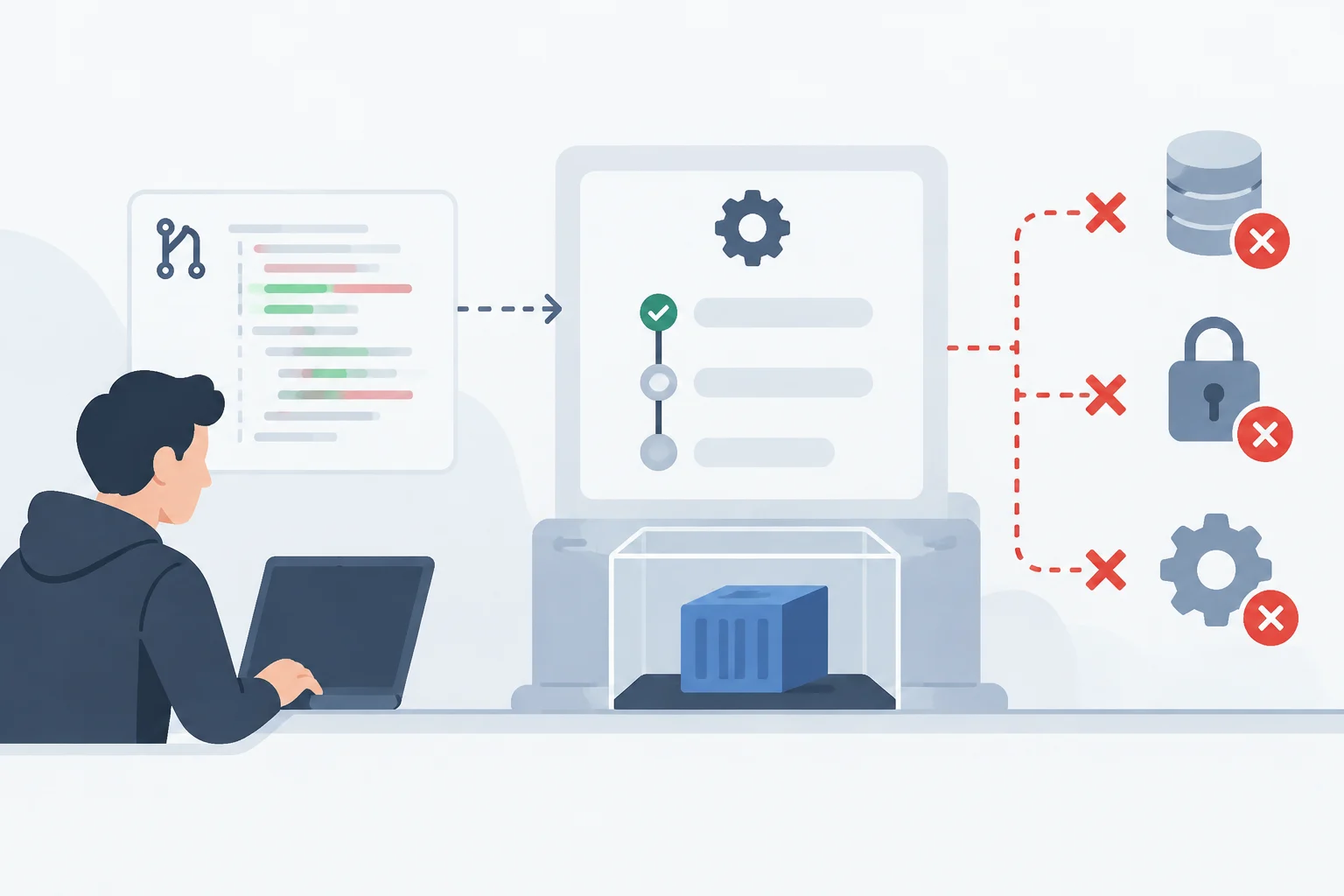
Inputs, actions, and secrets
Pull request data can reach the shell through workflow expressions. To reduce injection risk, GitHub recommends placing the external value in an intermediate environment variable and using that variable in the script instead of interpolating the data directly into the command.
Third-party actions also need review. Jobs can share information or resources, and a compromised action can affect the token and secrets available to it. Review the code of every action and check that it does not send secrets to unexpected destinations or write them to logs.
For workflows that access compatible cloud services, GitHub recommends considering OIDC authentication instead of storing long-lived credentials as secrets. If a job needs secrets from an environment, you can configure required reviewers so access depends on approval.
Reduce the secrets available to only those that are essential and audit their use. Log masking helps, but it does not replace separating trusted and untrusted code; rotate credentials if they are exposed.
Review checklist for an existing workflow
Start by identifying the event that triggers each job, then follow the chain through its permissions, actions, secrets, and input data. Do not search only for secrets.GITHUB_TOKEN: an action may access the token through github.token.
- Can the job work with read access instead of write access?
- Is write permission limited to the job that performs the operation?
- Does a privileged workflow process code or artifacts from an external pull request?
- Are actions pinned to verified full SHAs, and is their code reviewed?
- Do external values reach the shell through intermediate environment variables?
- Are secrets essential, and are they kept out of logs?
In public repositories, pay special attention to self-hosted runners. GitHub warns that untrusted code can compromise them persistently. By contrast, it describes its hosted runners as clean, ephemeral virtual machines; that description is not a guarantee for self-hosted runners and does not remove the need to limit permissions and secrets.
As an operational rule, combine read access by default, write access when needed, and isolation of external code. After testing a workflow, review its logs to ensure sensitive information was not exposed, and rotate any compromised credential.