What It Means to Depend on the Internet
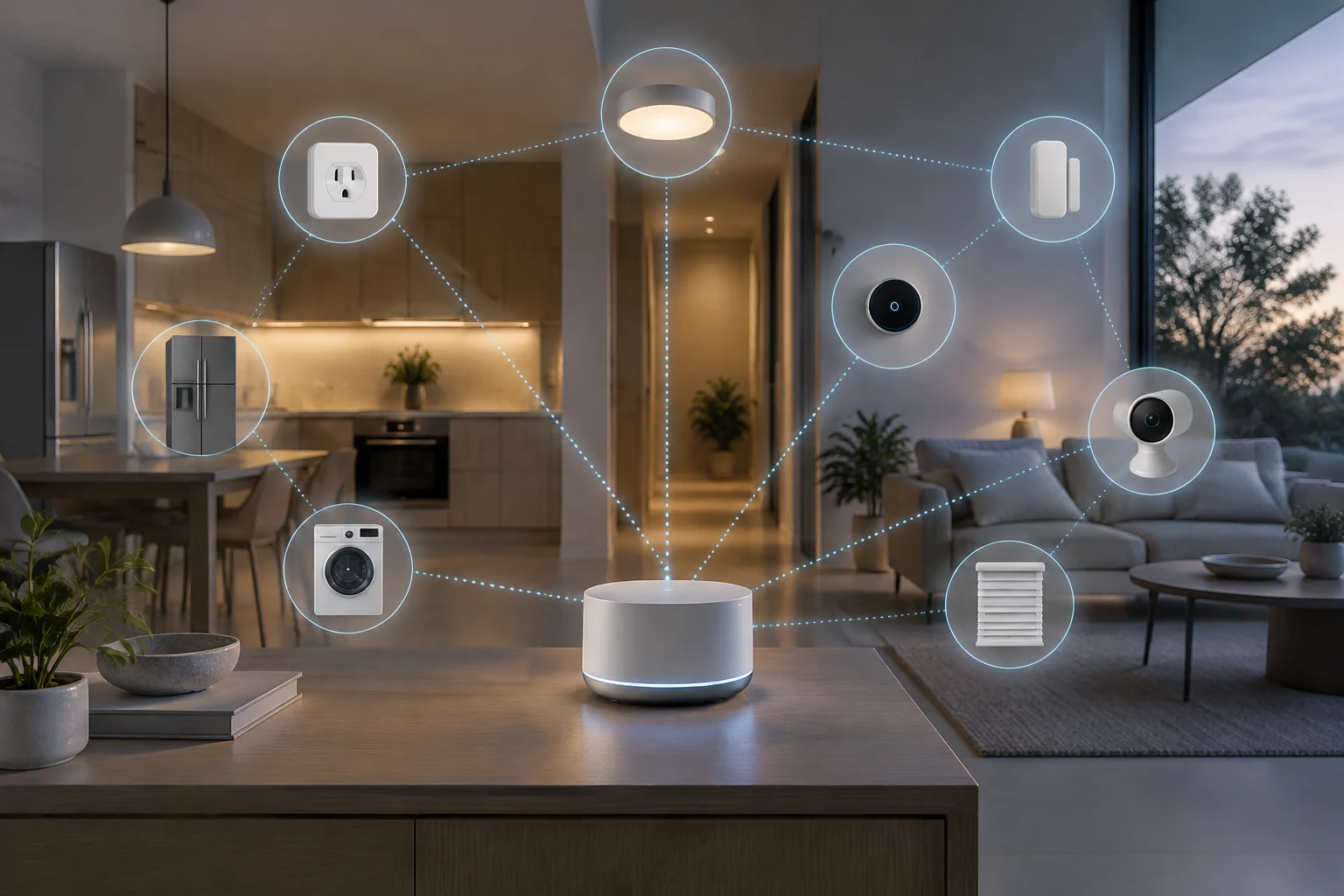
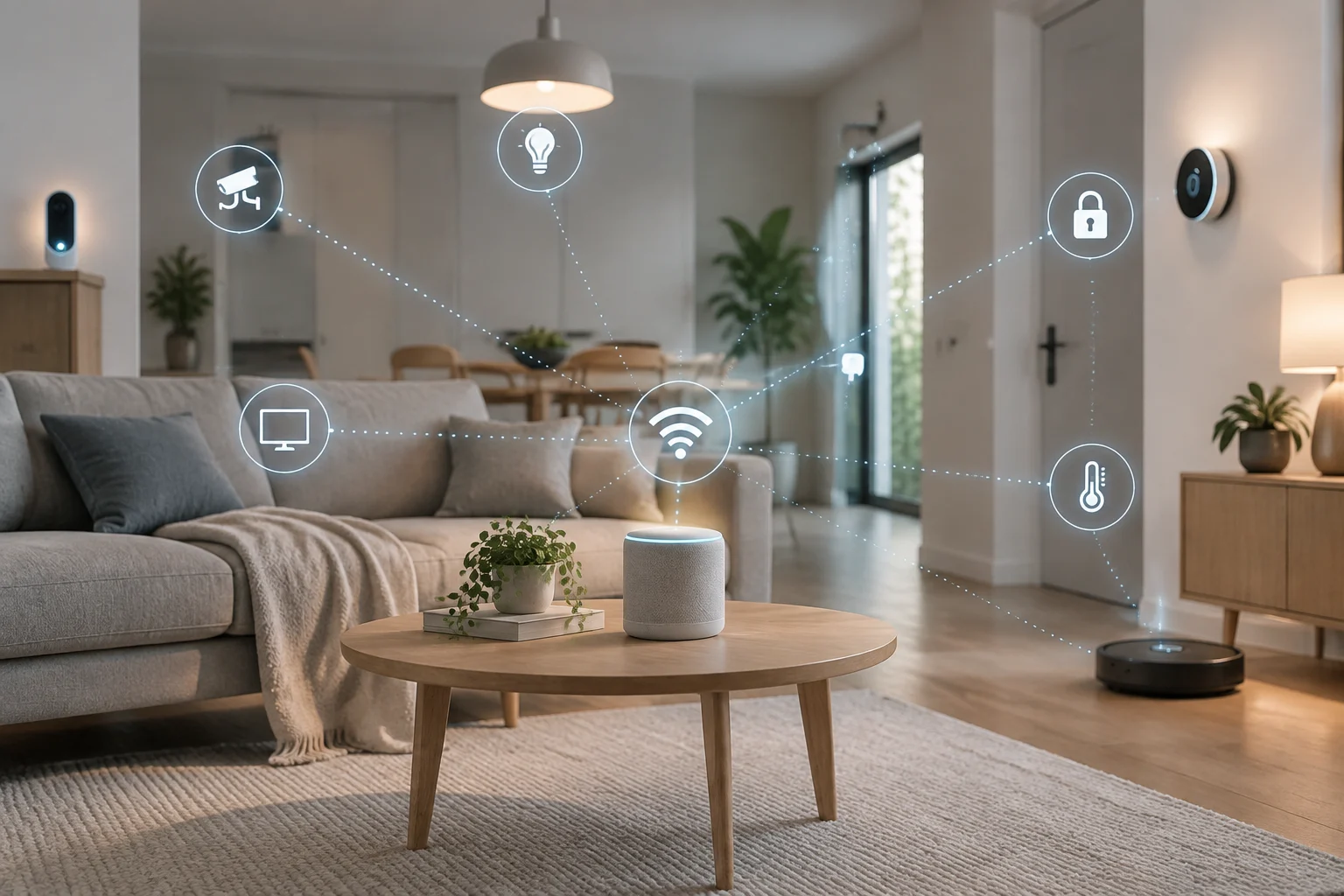
Connectivity determines how Home Assistant receives information from a device and sends commands to it. A local integration communicates directly with the equipment; a cloud integration goes through the relevant remote service. Classifying the route helps reveal dependencies, but it does not guarantee that every device feature will remain available if the Internet fails.
The documentation distinguishes two aspects: local or cloud connectivity, and state received by push or through polling. With push, the system receives a notification when a new state is available; with polling, it checks periodically to find out whether the state has changed. These categories are not mutually exclusive: a device may offer both local and cloud access, and the way its state is obtained does not by itself describe all its control options.
The Four Connectivity Categories
For each integration, record separately whether the connection is local or cloud-based and how updates arrive. The category guides the audit, but does not prove that every action or feature works in the same way. Check the documentation for the specific integration and the features you actually use.
Local Push and Local Polling
Local Push provides direct communication and notifies Home Assistant when there is a new state. The documentation describes updates as nearly instantaneous and notes that some devices may sleep between them to extend battery life. When it wakes, a device using Wi-Fi may take time to connect and receive an IP address. If it does not support queries, its state may not be known again until it changes.
Local Polling also communicates directly, but Home Assistant queries the state periodically, so it may detect a change with a delay. The documentation says the device must remain online to be queried, which requires electrical power. This detail is useful when assessing battery-powered sensors, although it does not by itself determine how long the battery will last or what other features the device offers.
Cloud Push and Cloud Polling
With Cloud Push, the integration communicates through the cloud and Home Assistant receives a notification when a new state becomes available there. With Cloud Polling, Home Assistant queries the state through the cloud, so a change may be detected later. Both categories require an active Internet connection.
The documentation warns that cloud state queries stop working if the Internet goes down or the company stops providing support. An automation that needs this data therefore has an external dependency. Do not assume all cloud devices behave alike: check which features are available and what happens in each integration during an outage.
Assumed State: A Command Is Not Confirmation
Some integrations cannot retrieve a device’s actual state. In that case, Home Assistant may assume the state based on the last command: for example, showing a light as on after sending the command, without confirming that it was carried out.
Infrared-controlled devices are an example of equipment whose state may not be available. The command might not arrive because the appliance is off or something is blocking its receiver, while Home Assistant retains the assumed state. It may also become outdated if someone operates the appliance another way. For important automations, distinguish between the command sent and the confirmed state; do not treat an assumed representation as proof that the action was completed.
ESPHome and Its Native API
The ESPHome native API enables direct communication between its devices and clients using an optimized network protocol. The documentation describes it as a custom TCP protocol that uses protocol buffers. Using it does not by itself prove that the entire device works without the Internet: the local network, the client, and the specific services each feature depends on still matter.
The configuration lets you define, among other options, the port and the maximum number of simultaneous connections. On devices with little memory, avoid increasing the connection count without a reason: the documentation explains that each connection slot consumes static memory and active connections use additional memory. There is also a maximum number of queued messages per connection; this is a separate option from the size of each message.
Encryption and Outgoing Connections
The API supports a 32-byte encryption key encoded in Base64. Outgoing connections require encryption, according to the ESPHome documentation. In this mode, the device initiates the connection with the client. This can maintain the connection when the client can no longer reach the device directly because of network or firewall changes, provided the device can still communicate with the client. It does not guarantee access from every network or remove other connectivity requirements.
Backups and Recovery
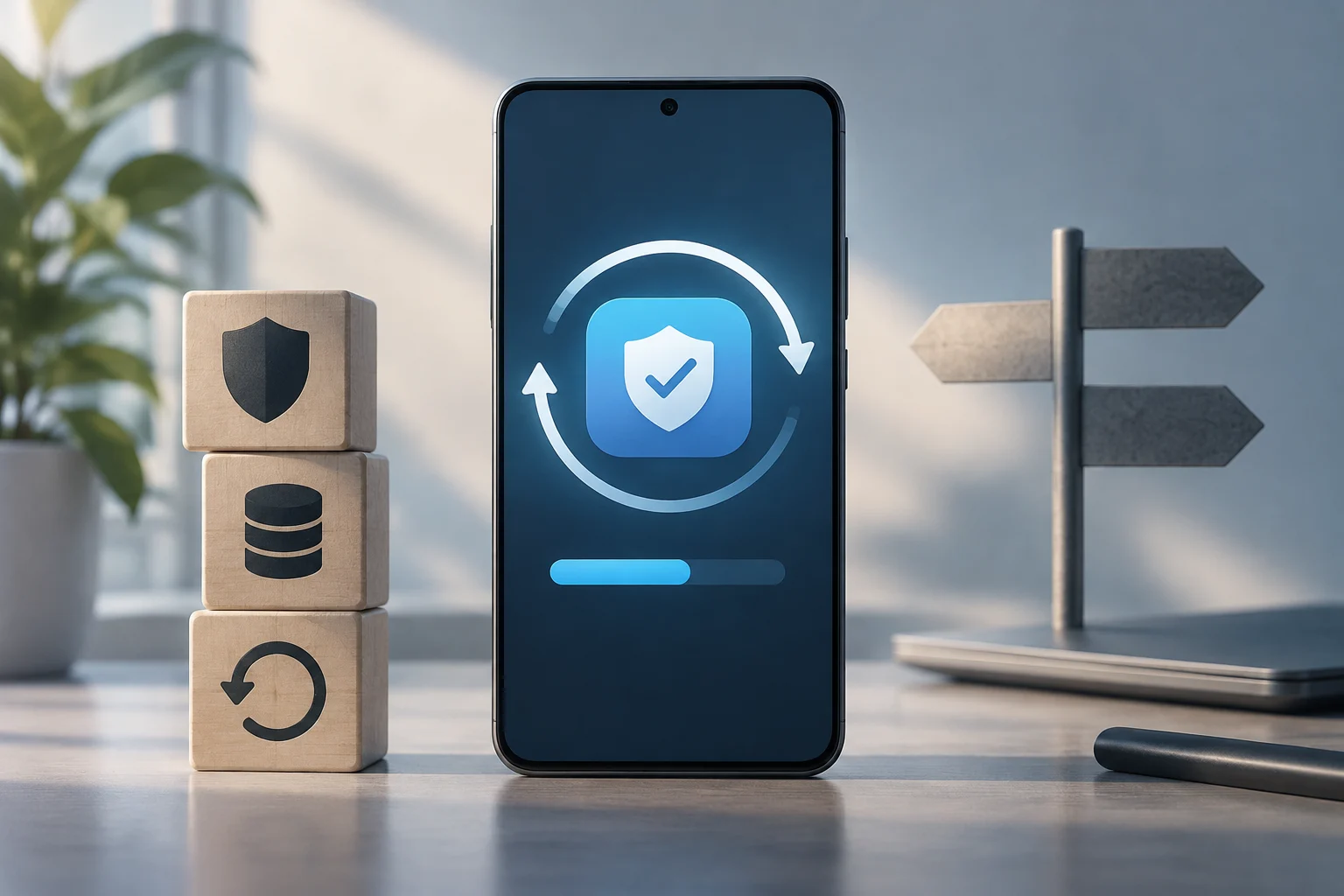
Home Assistant states that backups are encrypted by default and stored in a compressed .tar file. The local location depends on the installation type: Home Assistant OS stores them in \/backup; in Home Assistant Container, for example, they are stored in the backups folder in the configuration directory.
If all backups remain on the same equipment as Home Assistant, a failure of that equipment may make them difficult to access. The documentation recommends keeping a copy on another system and, if possible, another copy off-site. Network locations can also be configured. Home Assistant Cloud supports a backup of up to 5 GB and retains a single file: the most recently saved one. Each newly uploaded backup replaces the previous one, even if the previous one was created manually.
For automatic backups, you can define a schedule and a retention policy. Old automatic backups are deleted according to that policy; manual backups are not deleted through automatic retention. Home Assistant recommends keeping the emergency kit in a secure place: its key is required to restore encrypted backups. Keep that key with the recovery plan, while protecting it from unauthorized access.
How to Carry Out a Practical Audit
Start with an inventory and complete one row for each integration. Separate connectivity from the update method: push or polling describes how state information is communicated, not necessarily how the equipment is controlled.
| Integration or device | Connection | State update | Practical check |
|---|---|---|---|
| Directly connected sensor | Local | Push or polling | Check whether it reports changes and whether it must remain connected to power |
| Device linked to a cloud | Cloud | Push or polling | Identify which features need the Internet or the manufacturer’s service |
| Control without confirmed state | May vary | Assumed state | Check what happens if the command does not arrive or the equipment is operated another way |
First, identify each category in the integration documentation: local or cloud, push or polling, and whether the state is confirmed or assumed. Do not attribute the behavior of one product to every product from the same brand; assess the integrations and features you have configured.
Next, list the important automations and their input entities. If any require data queried from the cloud, note that the action depends on access to the service. If an automation relies on an assumed state, consider the outcome of a failed command or a change made outside Home Assistant. This separates technical dependencies from assumptions about state.
Finally, review where backups are stored, which retention policy applies, and whether you have the encryption key. You can cautiously observe which states continue to update on the local network when Internet access is unavailable. That check describes the behavior observed in your installation; it does not make a function local if it depends on an external service. Local operation also requires the home network and the devices’ power supply to work.