The Current State of Copilot+ PC Hardware
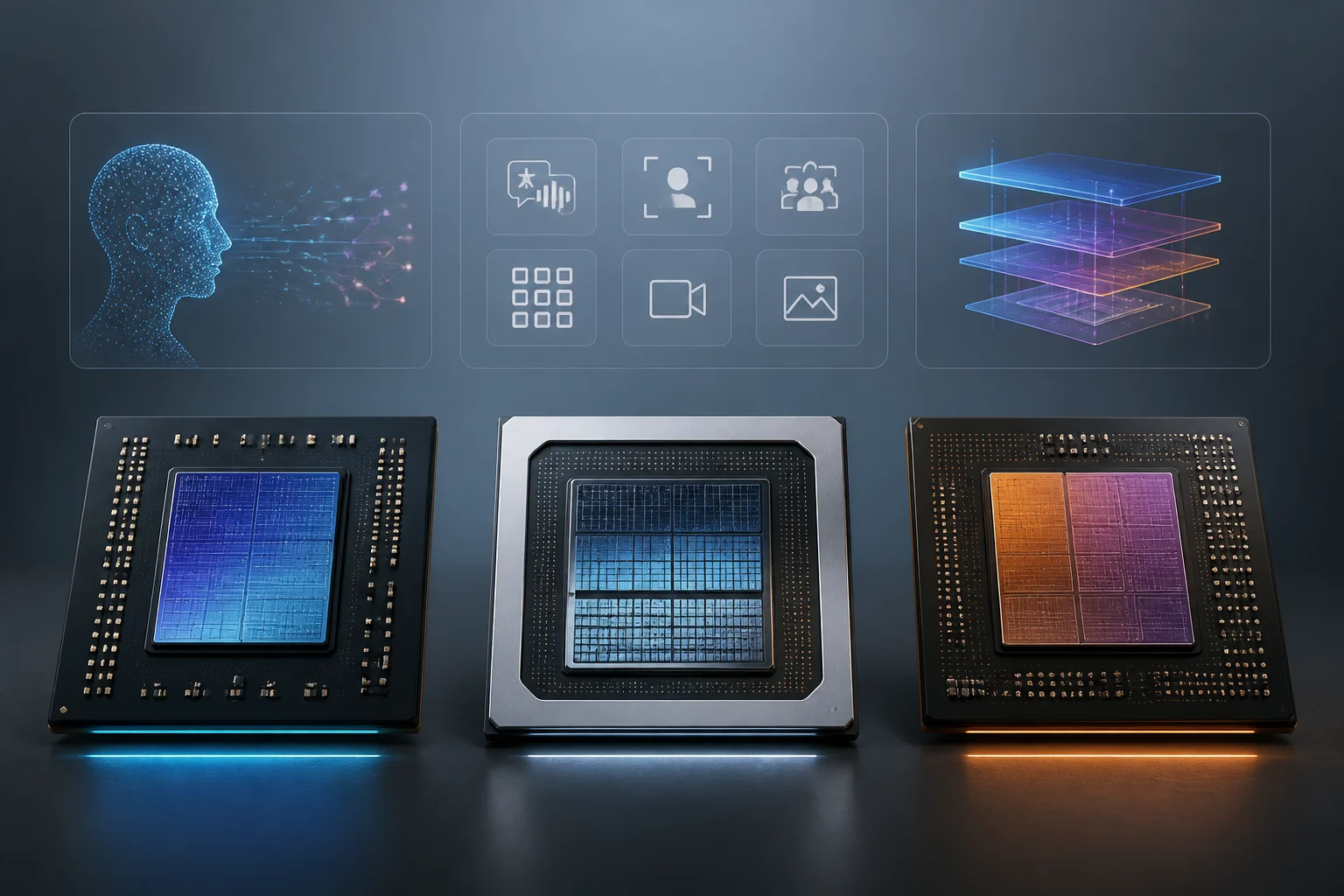
The Copilot+ PC category is defined by a specific hardware requirement: a neural processing unit (NPU) capable of executing over 40 trillion operations per second (TOPS). This threshold is the baseline for the three primary silicon architectures currently powering these devices: Snapdragon X Series, Intel Core Ultra 200V Series (Lunar Lake), and AMD Ryzen AI 300 Series.
Microsoft lists these three platforms in its business comparison. According to Microsoft, an NPU can handle some AI workloads while freeing the CPU and GPU for other tasks, and optimized power distribution may help battery life.
Feature Availability: Wave 1 and Wave 2
A common misconception is that AI features are exclusive to one chip manufacturer. In reality, Microsoft has standardized the feature rollout across all three architectures. The features are divided into two waves, and as of 2026, both waves are available now on all three platforms.
| Feature | Snapdragon X | Intel Lunar Lake | AMD Ryzen AI 300 |
|---|---|---|---|
| Live Captions | Available now | Available now | Available now |
| Windows Studio Effects | Available now | Available now | Available now |
| Recall (preview) | Available now | Available now | Available now |
| Click to Do | Available now | Available now | Available now |
| Improved Windows Search | Available now | Available now | Available now |
Microsoft notes that Copilot+ PC experiences vary by device and region and may require updates. Check the features available on the particular laptop and in your region before choosing a configuration.
Live Captions and Real-Time Translation
One of the most visible features is Live Captions, which provides automatic transcription of audio on your PC. On a Copilot+ PC, this feature goes beyond simple transcription by offering real-time translation.
According to Microsoft’s support documentation, Live Captions on a Copilot+ PC can translate live or pre-recorded video from over 40 languages into English and 27 languages into Chinese (Simplified). This processing happens entirely on the device. Microsoft emphasizes that audio, voice data, and captions never leave your device and are not shared to the cloud or with Microsoft. This on-device processing is a direct result of the NPU’s capability to handle complex speech recognition models locally.
Recall and Intelligent Search
Recall (preview) is another NPU-dependent feature that allows users to search for past content on their screen by describing it in natural language. It works in conjunction with improved Windows search, which can find files and images based on a simple description rather than exact file names.
Microsoft presents Recall as a preview feature with IT controls and lists the Microsoft Pluton security processor among the standard Copilot+ PC hardware features. Check the feature settings and organizational policies before using Recall.
Windows on Arm and the Snapdragon Advantage
While feature availability is equal, the Snapdragon X Series has a unique advantage in the form of Windows on Arm architecture. Microsoft has significantly improved the Prism emulator, which allows x86/x64 software to run on Arm-based PCs.
In January 2026, Microsoft announced that the Xbox app is now available on all Arm-based Windows 11 PCs. This milestone means that players can download and play a wide range of titles from the Xbox PC app game catalog. In that January 2026 announcement, Microsoft reported compatibility with more than 85% of the Game Pass catalog. The Prism emulator now supports AVX and AVX2, which has expanded compatibility for many modern games, including titles that use Epic’s Easy Anti-Cheat (EAC).
For developers, the QNN execution provider is available for Snapdragon X Elite and X Plus processors, allowing them to optimize AI models specifically for the Qualcomm Hexagon NPU. This is a distinct advantage for developers targeting Arm-based Windows devices, as it provides a direct path to leveraging the NPU’s capabilities through the Windows ML framework.
Intel Lunar Lake: Efficiency and Graphics
Intel Lunar Lake (Core Ultra 200V Series) takes a different approach, focusing on breakthrough x86 power efficiency and a massive leap in graphics. Intel’s fact sheet highlights that the Xe2 GPU in Lunar Lake delivers more than 50% more gaming performance and more than 3.5 times the AI throughput over the previous generation.
The NPU 4 in Lunar Lake delivers up to 48 TOPS, which exceeds the 40 TOPS baseline for Copilot+ PCs. Intel also integrates memory on package, which enables fast access to data and reduces latency, further decreasing overall power consumption. For developers, the OpenVINO execution provider is available for Intel processors, providing a dedicated path for AI inference on the NPU and GPU.
AMD Ryzen AI 300: NPU and GPU Synergy
Microsoft includes AMD Ryzen AI 300 Series in its Copilot+ PC comparison. For developers, Windows ML lists MIGraphX and VitisAI as execution providers for AMD hardware, with separate device and driver requirements.
The MIGraphX execution provider requires an AMD RDNA 3 or later GPU and is not currently supported for GenAI scenarios. However, the VitisAI execution provider is specifically designed for the NPU, with requirements for specific Adrenalin Edition drivers. This dual-provider approach gives developers flexibility in choosing whether to offload AI tasks to the NPU for efficiency or the GPU for raw compute power.
Developer Ecosystem and Execution Providers
The Windows ML framework is the key to unlocking the NPU’s potential for developers. It provides a set of execution providers that allow AI models to run on the NPU, GPU, or CPU. The availability of these providers varies by silicon vendor:
- Qualcomm (Snapdragon X): QNN execution provider for the Hexagon NPU.
- Intel (Lunar Lake): OpenVINO execution provider.
- AMD (Ryzen AI 300): VitisAI execution provider for the NPU and MIGraphX for the GPU.
This ecosystem ensures that developers can build AI applications that are optimized for the specific hardware they are targeting, while still maintaining a consistent API through Windows ML. Microsoft also lists an experimental WebGPU execution provider, with its own package, device and driver requirements.
Conclusion: Choosing the Right Copilot+ PC
Microsoft lists Live Captions, Recall and Click to Do across Snapdragon X, Intel Core Ultra 200V and AMD Ryzen AI 300 in its business comparison. Availability still depends on the device, region and installed updates.
Base your choice on the laptop configuration and the applications you need. For games and x86 applications on Arm, check individual compatibility rather than treating Xbox app availability as a guarantee. For AI development, check the execution provider and driver requirements of the intended application.
Before buying, compare the actual devices, confirm application support and check which Windows features are available in your context.