Voice recognition starts with an interaction
LG says its smart TVs do not continuously record or transmit conversations. The company describes voice recognition as off by default; it operates after the relevant voice agreement has been accepted and the user starts an interaction by pressing the remote’s microphone button or, on supported models, enabling hands-free voice control and using the wake word.
Wake-word detection is processed locally on the TV, according to LG. If the wake word is not detected, the audio is not converted to text, stored, or transmitted. On supported models with hands-free voice control enabled, the TV may continue checking for the wake word in standby mode. LG says this check takes place on the device and that audio is discarded when no wake word is detected.
Once voice recognition is activated, the TV starts a limited voice session to process the request. LG says the session ends when speech is detected to have finished, after about 10 seconds without detected speech, or at a maximum duration of approximately 18 seconds. The company notes that nearby sounds or speech may sometimes appear in recognition results during an active session. It says those results relate to a specific interaction, not continuous recording outside the session. LG also says voice-recognition results are not uploaded later if the TV is offline or when its connection returns.
On supported models, a physical microphone switch can disable the TV’s built-in microphone and the hands-free control that relies on it. The remote’s microphone may still be used if LG voice recognition is enabled and the user presses its microphone button. Turning off the TV microphone therefore does not necessarily disable voice input from the remote.
ACR identifies some content
Automatic Content Recognition, or ACR, is separate from voice control. LG says it uses audio fingerprints generated by the TV to identify content. The company says ACR does not collect screenshots, screen images, video recordings, voice recordings, or other audio recordings from the TV.
LG describes ACR as optional and off by default. Enabling it requires accepting the Viewing Information Agreement. Where ACR is available and enabled, LG says related information may be used for audience segmentation and viewing or audience trend analysis. The company lists Live TV, HDMI-connected devices, and LG Channels as supported sources. It says ACR does not operate within third-party streaming apps accessed through LG Apps, including Netflix and YouTube.
LG distinguishes the Viewing Information Agreement from the separate consent required for interest-based and cross-device advertising. The company says both agreements must be accepted before ACR-related information is used for interest-based advertising. Users can withdraw consent or turn ACR off in the TV settings. The Viewing Information Agreement may also be needed for some voice functions: to follow a request to change channels, for example, the service may need to determine whether the TV is using Live TV or an HDMI input.
Device discovery, Wi-Fi, and advertising
Device discovery lets a TV recognize and communicate with compatible connected equipment, such as set-top boxes, DVD players, game consoles, and IoT devices. LG says information identified by this function supports connectivity features and is not used for household profiling, cross-device targeting, or advertising segmentation.
LG says information about nearby Wi-Fi access points and signal strength is processed separately from device discovery. Where ACR is available and enabled, this information may help estimate the TV’s approximate location for ACR services, provided the relevant agreements have been accepted. The company describes device discovery, Wi-Fi processing, and ACR as separate functions with different purposes.
Managing privacy settings
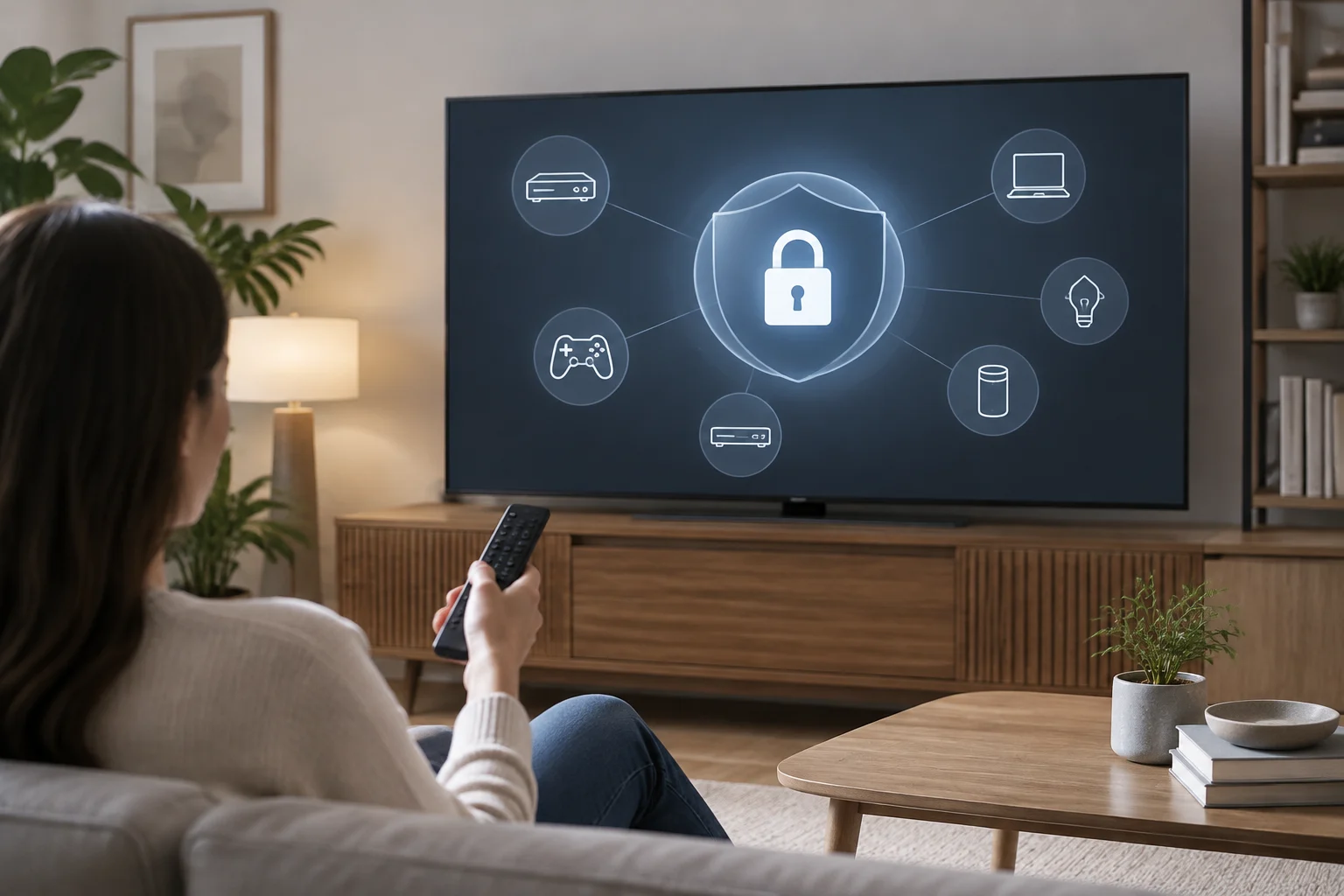
LG says users can review, manage, or withdraw consent for optional features in the TV settings. Look for controls related to privacy, agreements, voice recognition, viewing information, and advertising.
- To disable voice control, check the relevant setting and agreement. On supported models, the physical switch disables hands-free control through the TV’s built-in microphone.
- To disable ACR, use its specific setting or withdraw consent under the Viewing Information Agreement.
- To limit interest-based or cross-device advertising, review the separate advertising agreement and withdraw consent if desired.
- Check device-discovery settings separately if you want to change how connected equipment is recognized.
LG says declining optional agreements does not prevent use of the TV, although it may limit features that rely on those services. The controls are separate: switching off ACR does not, by itself, determine whether voice recognition or device discovery is active.
What LG’s explanation covers
LG’s statement describes how the company says its TVs and associated consent settings work. It distinguishes a user-started voice command from preliminary wake-word detection, and audio fingerprints used to identify content from audio or video recordings. These are LG’s descriptions of its products and settings, not an independent assessment of every model or configuration.
To manage privacy, review voice control, ACR, advertising agreements, and device discovery separately in the TV settings. Some features are available only on supported models or in supported markets.