One UI 9 and Android 17 for the Galaxy S24
Samsung has begun rolling out One UI 9, its latest interface layer built on Android 17, to the Galaxy S24 (model SM-S921E). According to Samsung's official documentation, the update carries build number S921EXXU3DZIF and was released on October 12, 2026, with a security patch level of September 5, 2026. This release represents a significant update for the device, bringing a suite of new features focused on AI integration, health tracking, and system security.
Enhanced Galaxy AI and Now Nudge
A central focus of the update is the expansion of Galaxy AI capabilities. The Now nudge feature has been enhanced to provide helpful suggestions in more places throughout the Galaxy experience. Previously limited to the keyboard, these suggestions now appear in conversation notifications and via a floating button in the bottom right corner of the screen. New types of suggestions include addresses and saving places in Google Maps, aiming to make the assistant more contextually aware and proactive.
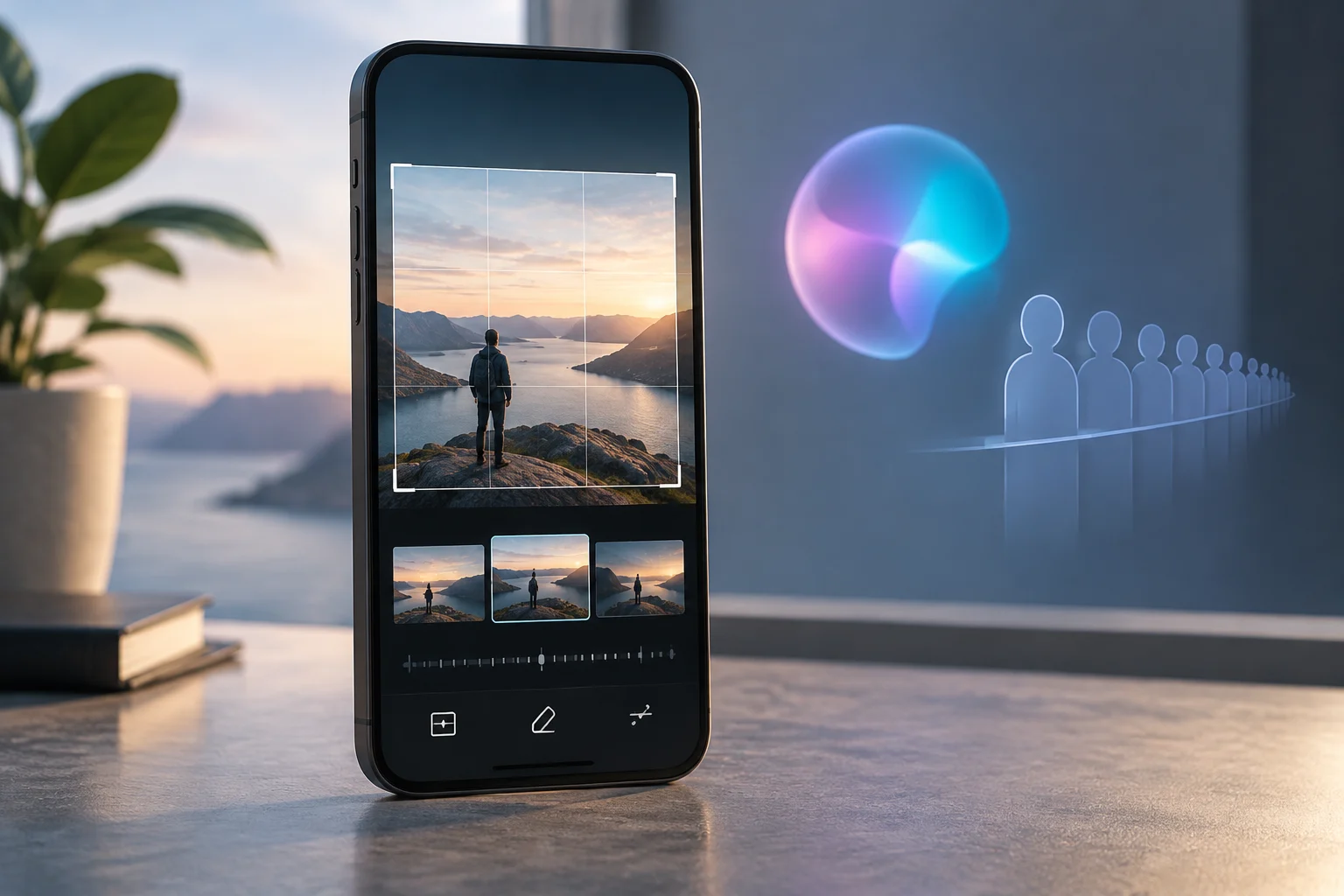
Additionally, the My FanCam feature allows users to select a person in a video and follow them automatically while cropping out the rest of the video. The Interpreter app has also been improved, allowing users to scroll through the whole conversation in conversation mode while still talking, keeping the dialogue in front of them. During calls, users can now see relevant events and other information related to the current call directly on the call screen.
Productivity and Multitasking Improvements
The update introduces a more customizable quick panel. Users can now rearrange and customize the controls in the quick panel even more than before. This includes changing the size of the brightness and volume sliders as well as the media player. A new option allows users to separate the sound mode button from the volume slider, offering greater flexibility in how they interact with their device's audio settings.
Privacy, Security, and Device Protection
Samsung has placed a strong emphasis on privacy and security in this release. A new Warranty and care menu in settings lets users check warranty information and access diagnostic checks. For quick security, users can now lock their phone by pressing and holding the Volume down and Side buttons simultaneously or tapping the Power button in the quick panel. This action prevents biometrics from being used the next time the phone is unlocked, adding a layer of physical security.
A blue indicator will appear at the top of the screen when an app accesses location services, improving transparency. Tapping this indicator in the quick panel reveals which app is using the location. Furthermore, AI privacy alerts will monitor how apps use permissions and notify users about unnecessary access to personal data. Alerts in Now brief will also warn about risks from malware, apps from unknown sources, and unnecessary permissions.
Samsung Health Redesign
Samsung Health has undergone a significant redesign to make health data easier to understand. The app features clearer visuals, improved charts, and a more engaging experience. Users can customize the Health home screen by resizing cards and organizing them by categories such as Activity, Sleep, Mindfulness, and Nutrition. Logging health data is now easier, with options to add mood, meals, and more directly from the home screen, even using the camera for faster input.
Advanced trend analysis allows users to track progress with improved trend charts, viewing data in hourly, daily, or weekly intervals. The app also helps monitor changes in sleep vitals using Galaxy Watch or Ring measurements. New features include tracking heart health with a daily score based on sleep, exercise, BMI, and vascular load, as well as a Fitness Index calculated using five key metrics: body composition, cardio, strength, flexibility, and endurance. A new Hearing tracker monitors sound levels detected by Galaxy Watch and headphones to help manage exposure to loud sounds.
Accessibility and Bixby Updates
The update includes several accessibility enhancements. A new Text spotlight feature allows users to tap any text on the screen to show it enlarged and highlighted in its own window, with customizable font size and colors. Physical keyboard shortcuts have been added to access Accessibility settings without touching the screen. The Select to speak feature provides quick audio readouts without turning on full TalkBack, allowing users to select an item on the screen and hear it read or described out loud.
Bixby has also been updated with better conversation management. Users can search, rename, or pin favorite chats and delete past conversations at once. A new Bixby widget can be added to the Home screen to type or talk to Bixby or jump directly to conversation history.
Android 17 Context and Pixel Beta Status
In a September 17, 2026 report, Android Central described the rollout of Android 17 QPR2 Beta 5 to enrolled Pixel testers. The reported fixes included unexpected reboots while scrolling media-heavy applications and Bluetooth audio noise or distortion after calls. This release concerned testing of a quarterly Android update.
How to Update
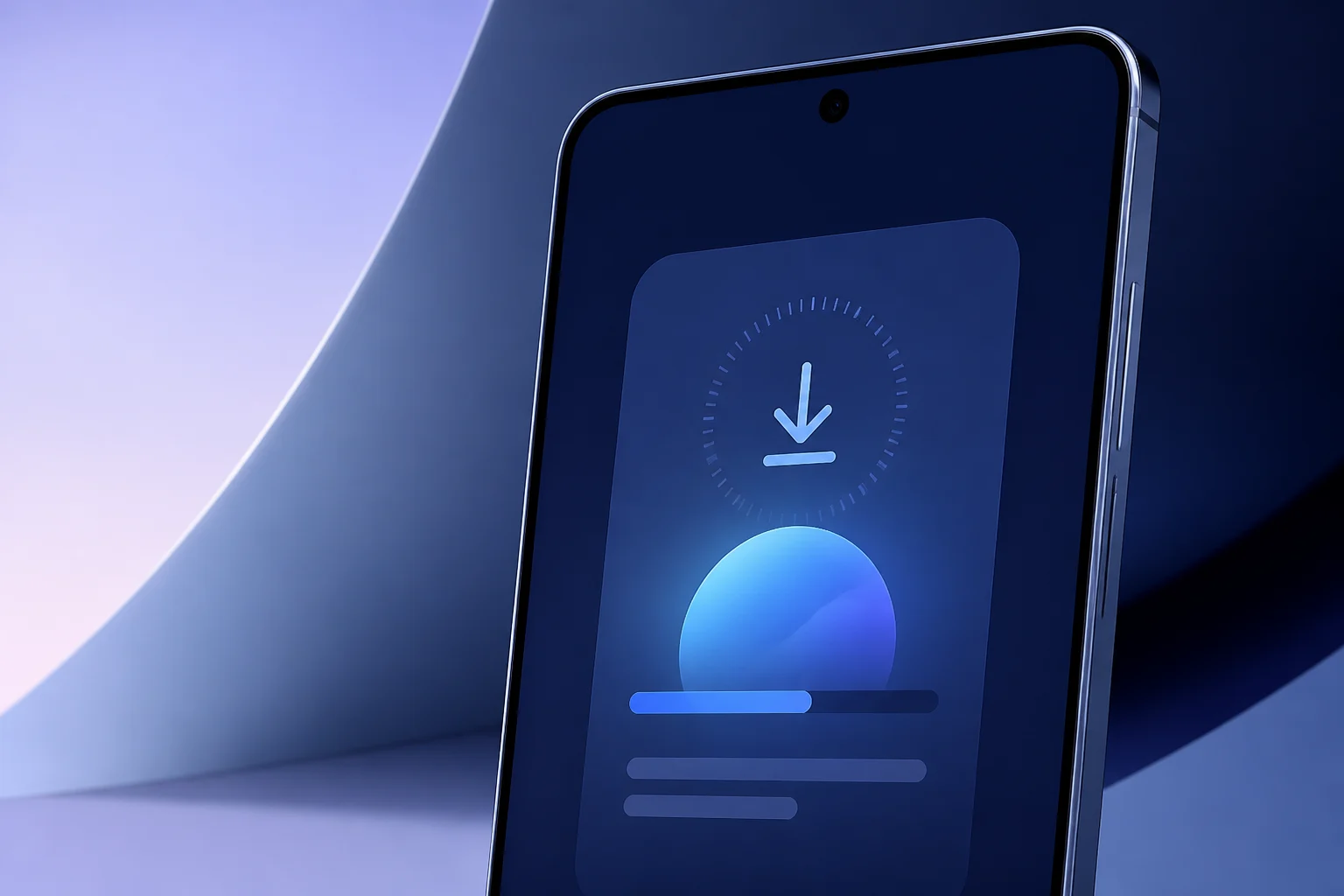
To update your Galaxy S24 to One UI 9, go to Settings, tap Software update, and then select Download and install. If an update is available, it will begin downloading automatically. You can also enable Auto download over Wi-Fi to have your device update automatically when connected to a Wi-Fi network. For manual updates or if the FOTA update fails, Samsung recommends using Smart Switch on a Windows PC or Mac to connect the device and install the update via USB.
Concurrent Apple Software Updates
In a parallel development, Apple released major updates for its software platforms, including iOS 27, iPadOS 27, and macOS 27, on September 14, 2026. These updates introduce Siri AI, a more intelligent version of Siri with personal context understanding and onscreen awareness. Apple also announced new parental controls, a redesigned Screen Time experience, and performance improvements, such as apps launching up to 30 percent faster on iPhone and iPad. This simultaneous release highlights the competitive landscape of mobile operating systems in late 2026.