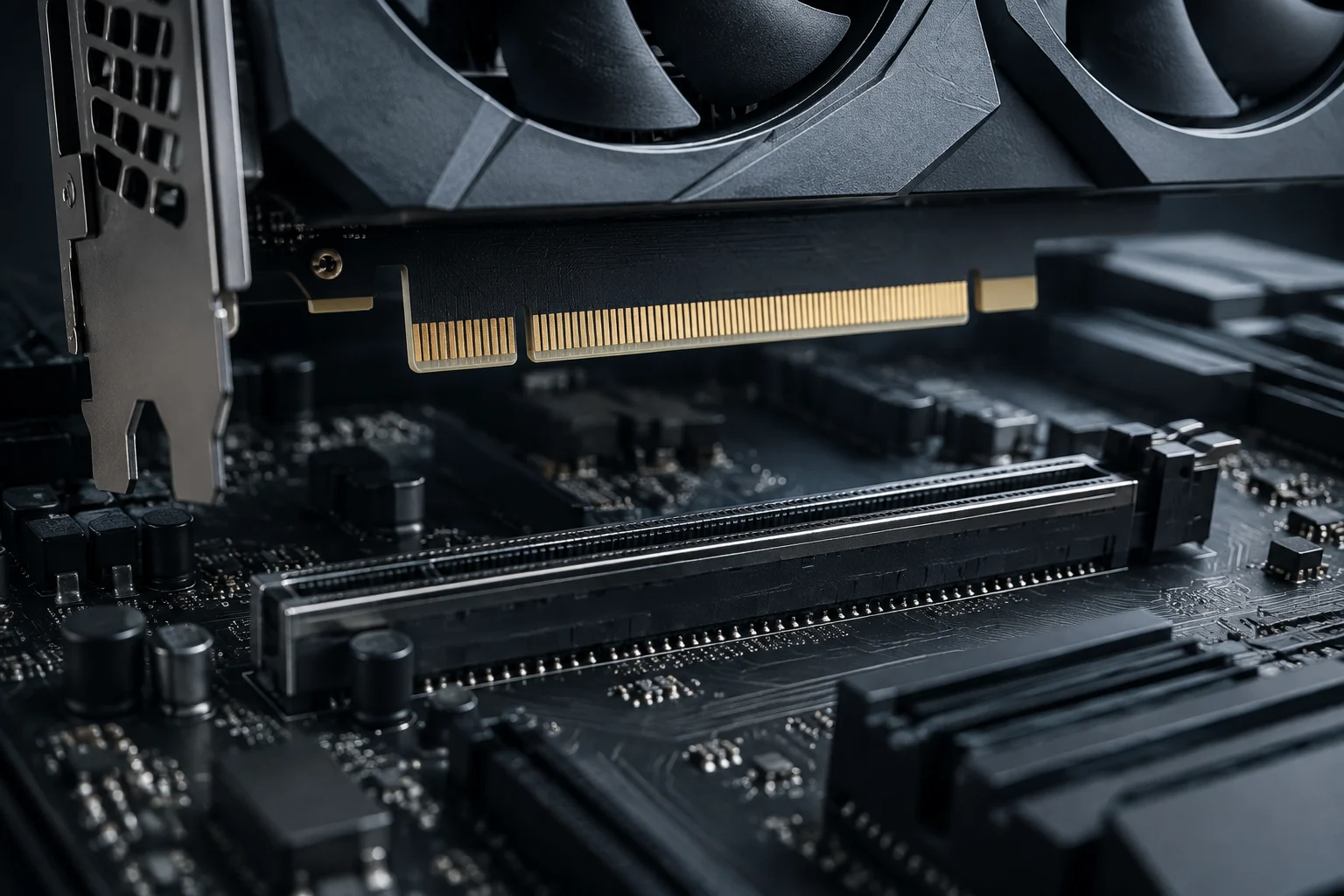
x16, x8, and x4 describe lane counts; the generation sets their speed
PCI Express connects a graphics card to the rest of the system through one or more links called lanes. The number after the “x” indicates how many lanes are used: x16 combines sixteen, x8 eight, and x4 four. More lanes can carry more data at once, but total capacity also depends on the PCIe generation.
PCIe 5.0 doubles the per-lane signaling rate of PCIe 4.0, which in turn doubles that of PCIe 3.0: 32, 16, and 8 GT/s per lane, respectively. For an x16 connection, that corresponds to theoretical maximums of approximately 63, 31.5, and 15.8 GB/s per direction after accounting for the encoding scheme used by those generations. These are link-bandwidth figures, not frame rates.
This makes useful comparisons possible, as long as their limits are clear: PCIe 4.0 x8 offers approximately the same theoretical bandwidth per direction as PCIe 3.0 x16; PCIe 5.0 x8 offers about as much as PCIe 4.0 x16. That does not mean the pairs perform identically in every task: latency, drivers, simultaneous traffic, and GPU behavior also matter.
The slot’s size does not tell you how many lanes are connected
A long slot may accept an x16 card and still be wired for x8 or x4. It is important to distinguish the connector’s physical size, the number of lanes the motherboard assigns to that slot, and the link that the card and platform ultimately negotiate. Effective link width depends on the CPU, motherboard, slot, card, and any riser cable in use.
Lane allocation can change when other components are installed. For example, the ASUS ROG Strix Z890-E Gaming WiFi specifications state that two M.2 sockets share bandwidth with the primary graphics slot: when both are occupied, that slot drops to x8. This is a specific example, not a rule for every motherboard. The manual for the exact model determines which connections share lanes and whether a secondary slot disables another connection.
The graphics card can also limit the maximum. Some GPUs are electrically designed for x8 even when installed in an x16 slot. So an x8 reading by itself does not show that anything is faulty or that the motherboard is improperly reducing the link: check the card’s interface and the lane allocation supported by the installed configuration.
The link reported by the system can change between idle and load
The current link reading does not always show its maximum. To save power, some combinations of card, motherboard, and firmware reduce signaling speed when the GPU is lightly loaded; under load, the link can return to a higher state. Check both generation and width while a graphics workload is running, then compare them with the card’s and motherboard’s maximum specifications.
GPU-Z includes information about the PCIe interface; its bus field can distinguish the stated maximum capability from the active connection. ASUS also describes checking the operating mode using GPU Tweak III and GPU-Z, and recommends checking the link under load as well as reviewing slot settings in the BIOS and the motherboard manual. These tools show the current state: they do not replace the motherboard documentation or prove a performance loss on their own.
If the link remains at x4 under load, or runs at a lower generation than expected, check methodically that the card is fully seated, that it is in the intended slot, and that the BIOS is not forcing a lower generation. Then check whether an SSD or another card shares lanes. A riser adds another variable; temporarily connecting the card directly can help distinguish a cable or mounting problem from the motherboard’s lane allocation.
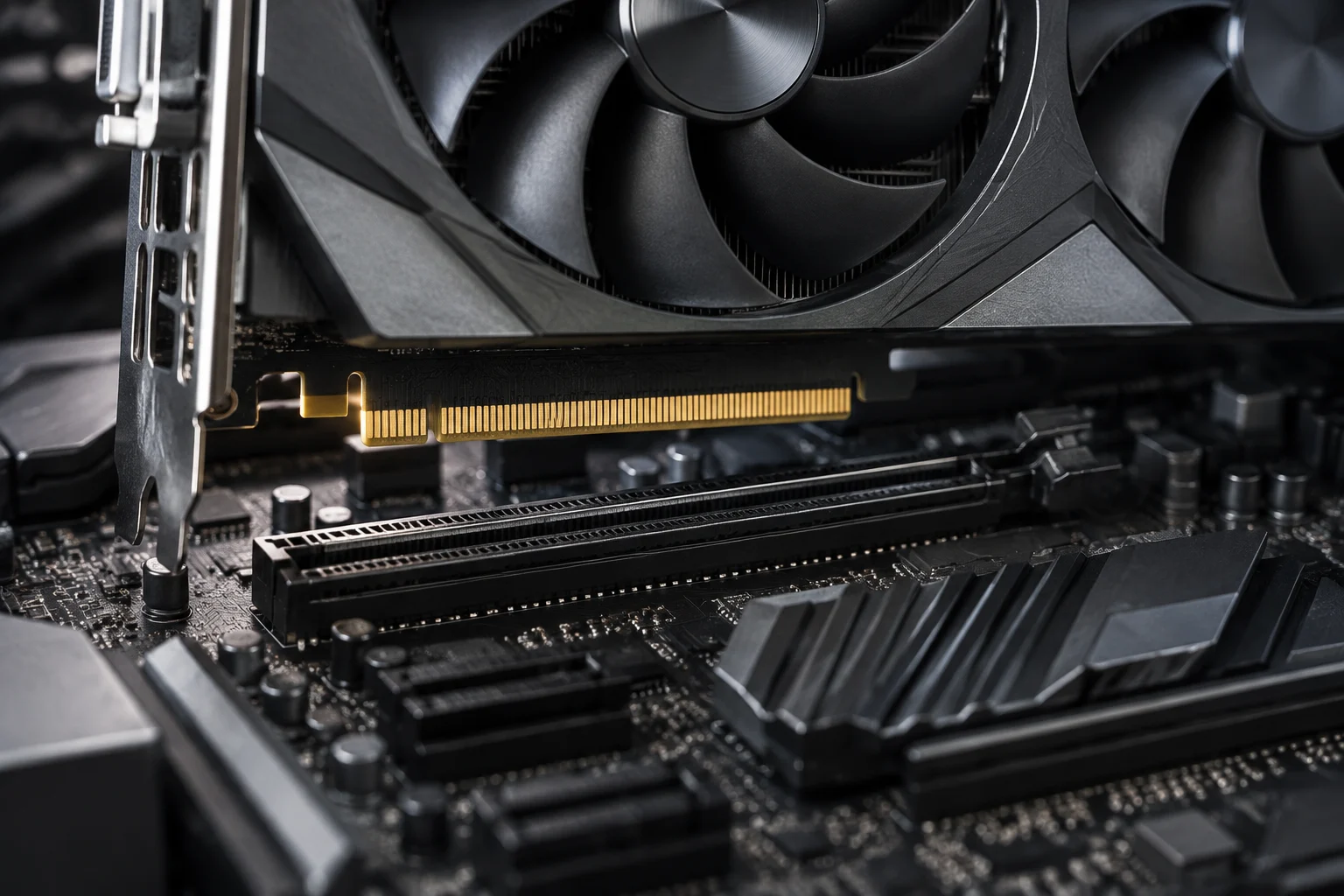
Theoretical bandwidth does not translate into a universal performance loss
A GPU does not continuously send all of its data through PCIe. When the resources it needs are in its local memory, much of the work happens on the card itself. As a result, moving from x16 to x8 can have a small effect on a workload that barely saturates the link, even though the available bandwidth is cut in half. The difference depends on actual traffic, not just the x-number.
A task that moves a lot of data between system memory and the GPU, by contrast, may be more sensitive to a narrow or older link. Pressure on video memory can increase data transfers, but capacity alone is not enough to predict the impact: content, application, and resource-management behavior all play a part. Games, rendering, compute workloads, and transfers do not necessarily produce the same traffic patterns.
That is why a theoretical figure should not be turned into an FPS prediction. A useful independent comparison should specify the same card and platform, the negotiated generation and width, workload, resolution, and settings; it is also worth looking at frame times and variation, not just an average. Without those conditions, differences between results may be caused by other changes, rather than isolating the effect of PCIe lanes.
How to decide whether a reduced link warrants action
When upgrading or assembling a PC, the goal is not to pursue x16 as though it were always mandatory. First check the link supported by the GPU, what the primary slot offers with the installed CPU, and what changes when M.2 drives or other slots are populated. Then observe the active mode during a repeatable task. If it matches the expected maximum and the PC handles its actual workload, there is no practical reason to replace the motherboard just for the PCIe label.
If the link is narrower than expected, identify the cause before buying components: check the manual, lane allocation, BIOS settings, card seating, and riser if applicable. Then compare the same scenario with only one variable changed. A consistent improvement after fixing the link may justify taking action; a different reading with no noticeable effect on the target workload does not show that an upgrade is needed.
The reasonable conclusion is conditional: x8 or x4 reduces maximum bandwidth compared with x16 of the same generation, but the performance impact depends on how much traffic crosses PCIe and how each workload behaves. Generation matters as much as lane count, and the motherboard manual determines shared routes. Together, those factors help distinguish a real limitation from a number that, on its own, does not describe PC performance.