Why RAM and integrated graphics are connected
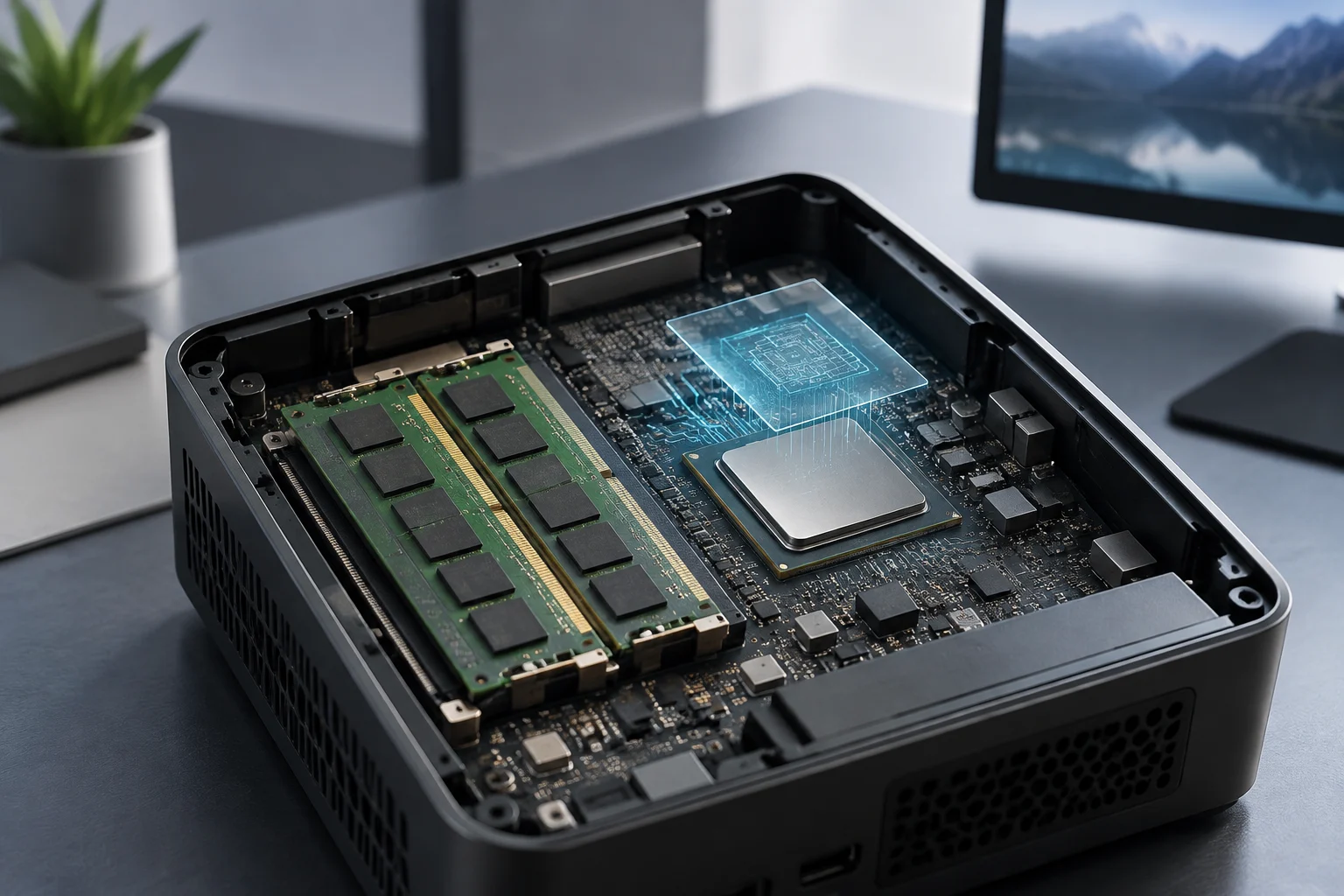
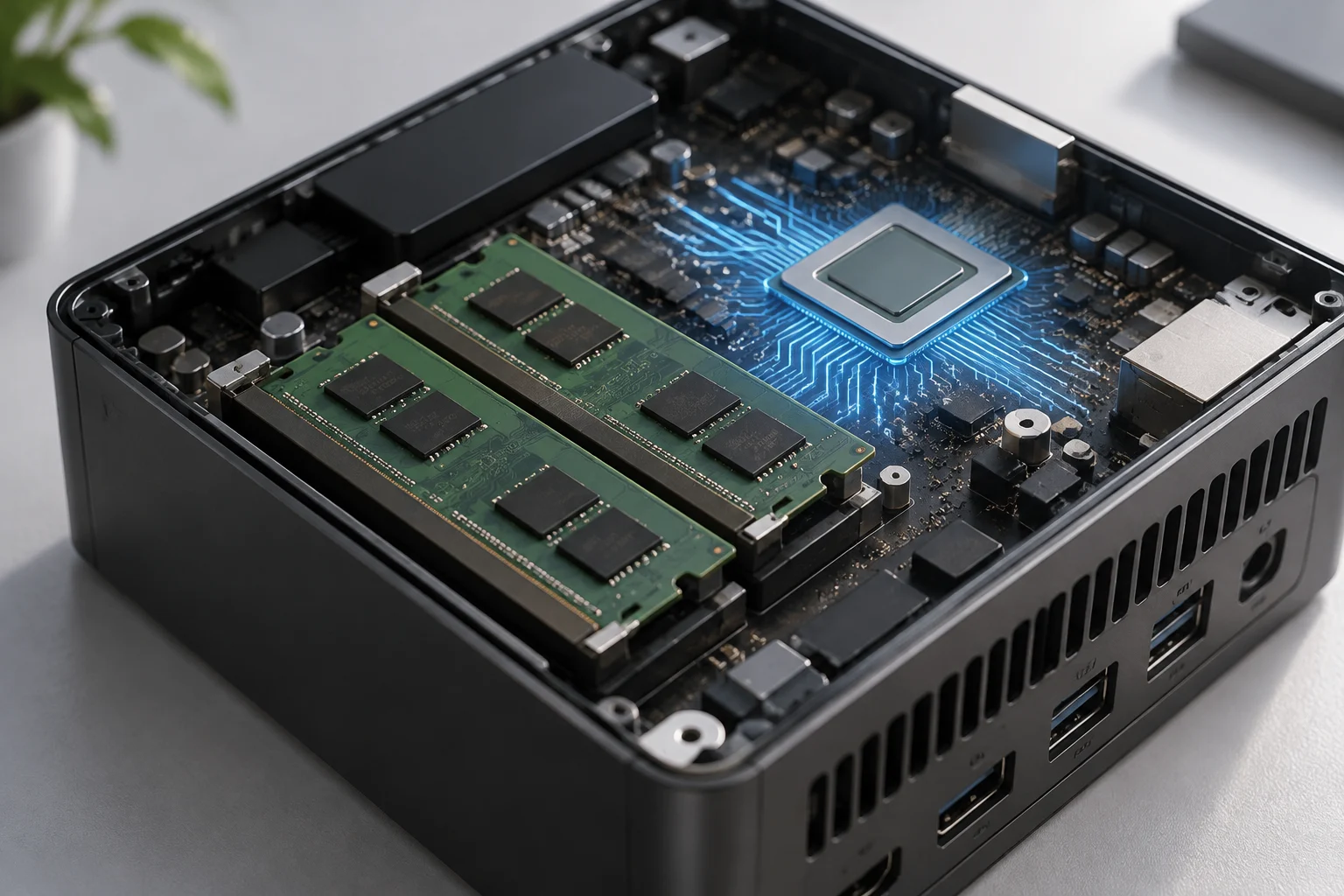
The processor, RAM and graphics work together in a mini PC. When the GPU is integrated into the processor, it uses system memory rather than having dedicated memory like a separate graphics card. RAM capacity and configuration therefore affect both multitasking and the resources available for graphics tasks.
Start with the work you plan to do. Web browsing, document editing and video playback place different demands on a computer than graphics-intensive games, video editing or running several demanding applications at once. PCBox describes mini PCs as suitable for everyday tasks, while noting that some models can be limited for demanding games and 4K video editing.
Look beyond the advertised capacity
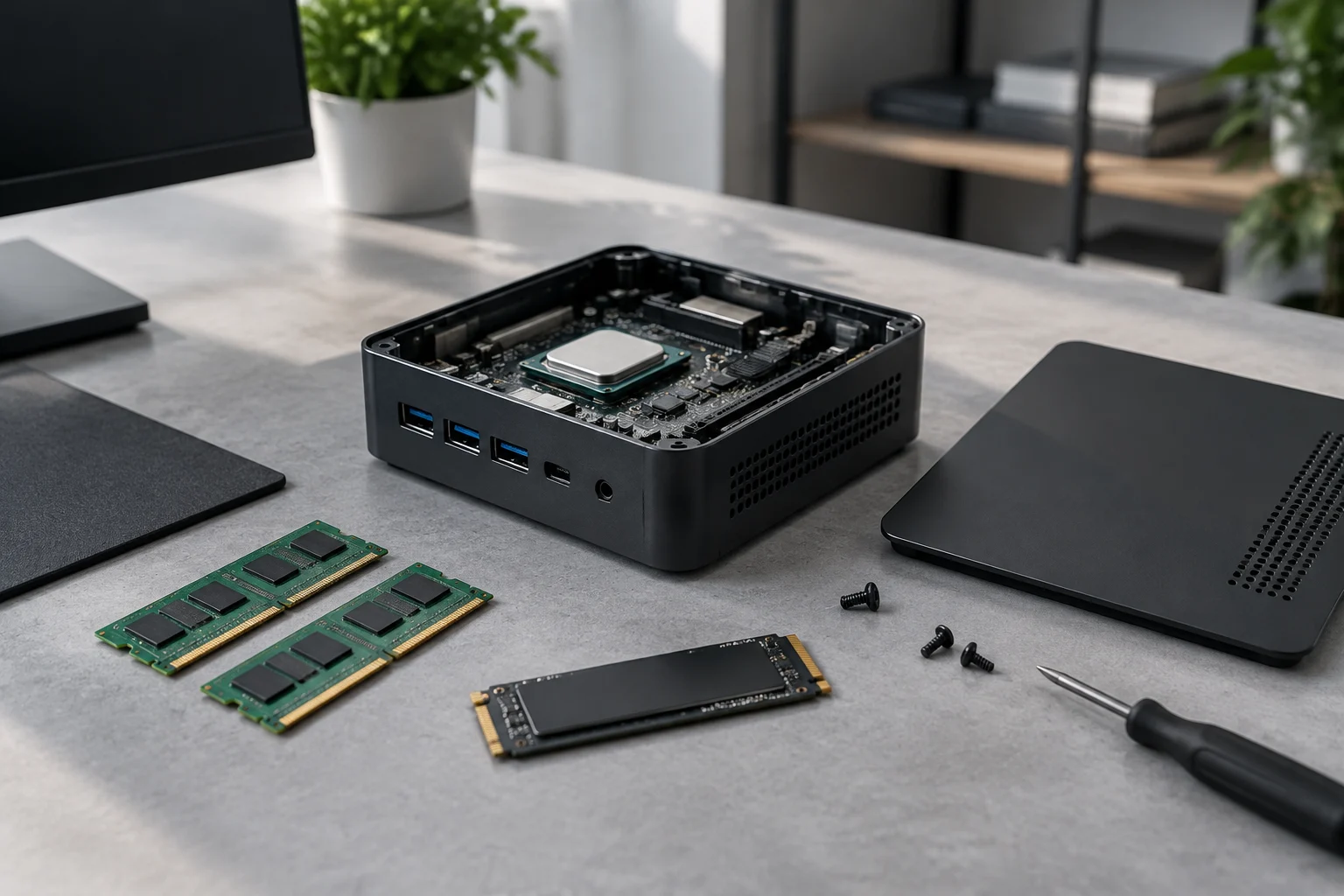
A specification such as “16 GB of RAM” tells you the capacity, but not whether the memory is installed in one module or several, whether it operates in one or multiple channels, whether it can be replaced, or what memory type and speed the system supports. These details vary by mini PC. For example, GEEKOM lists LPDDR5 memory in some machines and two SO-DIMM slots in others.
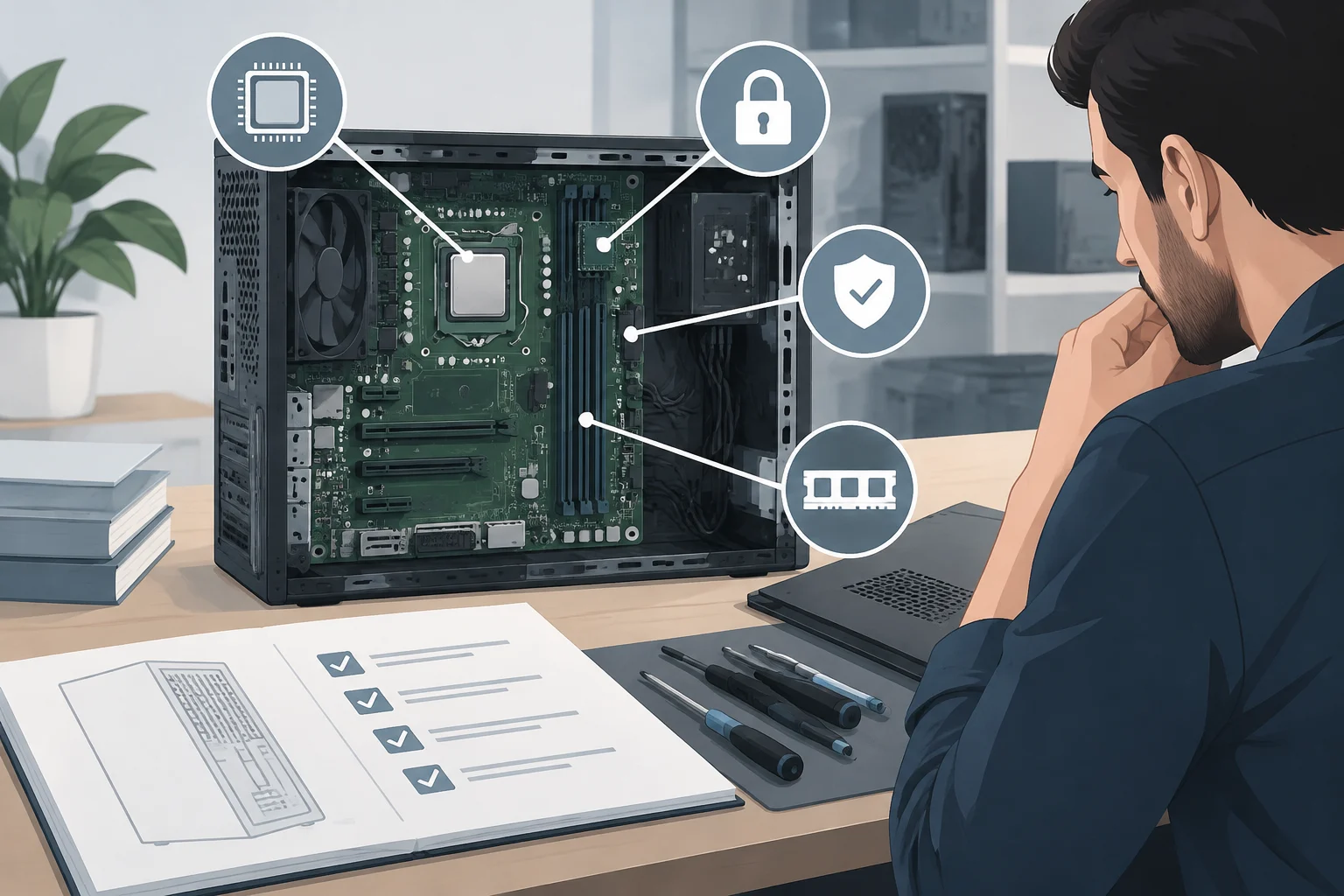
Check the exact model’s configuration. The manufacturer’s specifications or manual should state the memory type, supported capacity, number of slots and whether the RAM is soldered or expandable. Processor specifications may set some limits, but they do not, on their own, determine the configuration of the complete mini PC.
If you expect to need more memory later, check whether the model has accessible slots and what maximum capacity is specified. PCBox cautions that not all mini PCs allow RAM upgrades. Do not assume one model has the same features as another from the same brand—or even the same product family.
What integrated graphics tell you—and what they do not
Integrated graphics are part of the processor platform, but performance and features depend on the model. Intel’s specifications for the Celeron N4020, for example, identify Intel UHD Graphics 600 and provide graphics and display details for that processor. Those details apply to that processor, not to every mini PC.
Compare the graphics with the processor and the complete system. Check the GPU model, supported video outputs, resolutions and refresh rates for the mini PC itself. The connections you need for your monitors must also be present. A processor’s theoretical capabilities do not guarantee that a finished computer has the same ports or features.
Integrated graphics also use system resources, so RAM configuration can matter for graphics workloads. Dual-channel operation may be relevant, but it does not, by itself, guarantee a particular level of gaming or editing performance. The result depends on the whole system: among other factors, the processor, memory access, cooling, power limits, software and application in use.
How much RAM suits each use?
There is no single ideal RAM capacity for every mini PC buyer. For lighter tasks, check which applications and operating system you plan to use, then compare their requirements with the memory installed in the specific model. People who keep many browser tabs, office programs and communication apps open at once may benefit from extra headroom.
Demanding graphics work depends on the whole system. Video editing, games and other heavy applications can rely on graphics, the processor, cooling and memory. PCBox notes that some mini PCs may be limited for demanding games or 4K video editing. Adding RAM alone will not remove those limitations.
A checklist before buying
- Define your use: List the applications, games and monitor setup you plan to use.
- Check the processor and graphics: Refer to the specifications for the exact mini PC, rather than relying only on a product-family name or broad promotional claim.
- Compare RAM type and capacity: Make sure the installed configuration suits your intended workload and is supported by the system.
- Check channels and slots: Where specified, confirm whether the memory operates in one or more channels and whether it is soldered or replaceable.
- Confirm upgrade limits: Check how many RAM slots there are and the stated maximum capacity.
- Compare video outputs: Make sure the physical ports and supported outputs work with your monitors.
- Consider other trade-offs: Ports, storage, cooling, size and price also affect whether the mini PC is a good fit.
Conclusion
The configuration matters more than a single number on a spec sheet. RAM capacity counts, but so do memory type, channel configuration and upgrade options. Assess integrated graphics using the specific processor and documented features of the complete computer, not generic claims that a mini PC is suitable for gaming or content creation.
For everyday tasks, compare the specifications with your applications and monitor requirements. For demanding graphics work, RAM is only part of the picture: the processor, graphics implementation, cooling and connections also help determine whether a compact computer is suitable.