What the IP68 Rating Means
The Ingress Protection (IP) rating identifies a device’s protection against the entry of solids and liquids. The IP code contains two digits indicating the corresponding protection levels; to interpret IP68 for a phone, consult the information for the specific model, since the code does not by itself set a single depth for all phones.
Apple says the iPhones included in its list were tested under controlled laboratory conditions. The company publishes their ratings and limits by model under the IEC 60529 standard: some have an IP68 rating and others IP67. Therefore, IP68 does not mean absolute waterproofing or authorize submerging any phone in any environment. The sources consulted do not provide a universal depth and duration limit for this classification.
Limits Published by Manufacturer and Model
Apple’s published figures show why it is important to check the exact device name. The company specifies IP68 and up to 6 metres for a maximum of 30 minutes for the listed iPhone 12 and later models, including iPhone 12 mini and 13 mini; up to 4 metres for a maximum of 30 minutes for iPhone 11 Pro and 11 Pro Max; and up to 2 metres for a maximum of 30 minutes for iPhone 11, XS and XS Max. Not all later models necessarily share that limit.
Samsung lists the Galaxy devices that have an IP rating and directs users to the user guide or its website for the specific rating. Its list includes phones with different ratings, so the same limit should not be attributed to the entire Galaxy range. Google, for its part, says Pixel protection details are in each phone’s technical specifications.
| Brand and models mentioned | Published information | What to check |
|---|---|---|
| Apple: listed iPhone 12 and later models, including iPhone 12 mini and 13 mini | IP68; up to 6 m for a maximum of 30 min | Check that the exact model is among those listed |
| Apple: iPhone 11 Pro and 11 Pro Max | IP68; up to 4 m for a maximum of 30 min | Do not confuse them with iPhone 11 |
| Apple: iPhone 11, XS and XS Max | IP68; up to 2 m for a maximum of 30 min | Check the model and its rating |
| Samsung Galaxy | Rating depends on the device; the page lists models with different IP categories | Consult the guide or the model’s page |
| Google Pixel | Details depend on the phone | Consult its technical specifications |
The table summarises only the Apple limits explicitly stated in the available documentation. For Samsung and Google, the model’s specifications are the useful reference, rather than a depth inferred from the code.
Resistance in Real-World Conditions
Apple warns that splash, water and dust resistance are not permanent and may decrease through normal wear. Samsung also says that its devices’ water resistance may diminish over time because of normal wear and tear. In addition, Samsung says cracks and other physical damage can significantly reduce a device’s ability to resist water and dust.
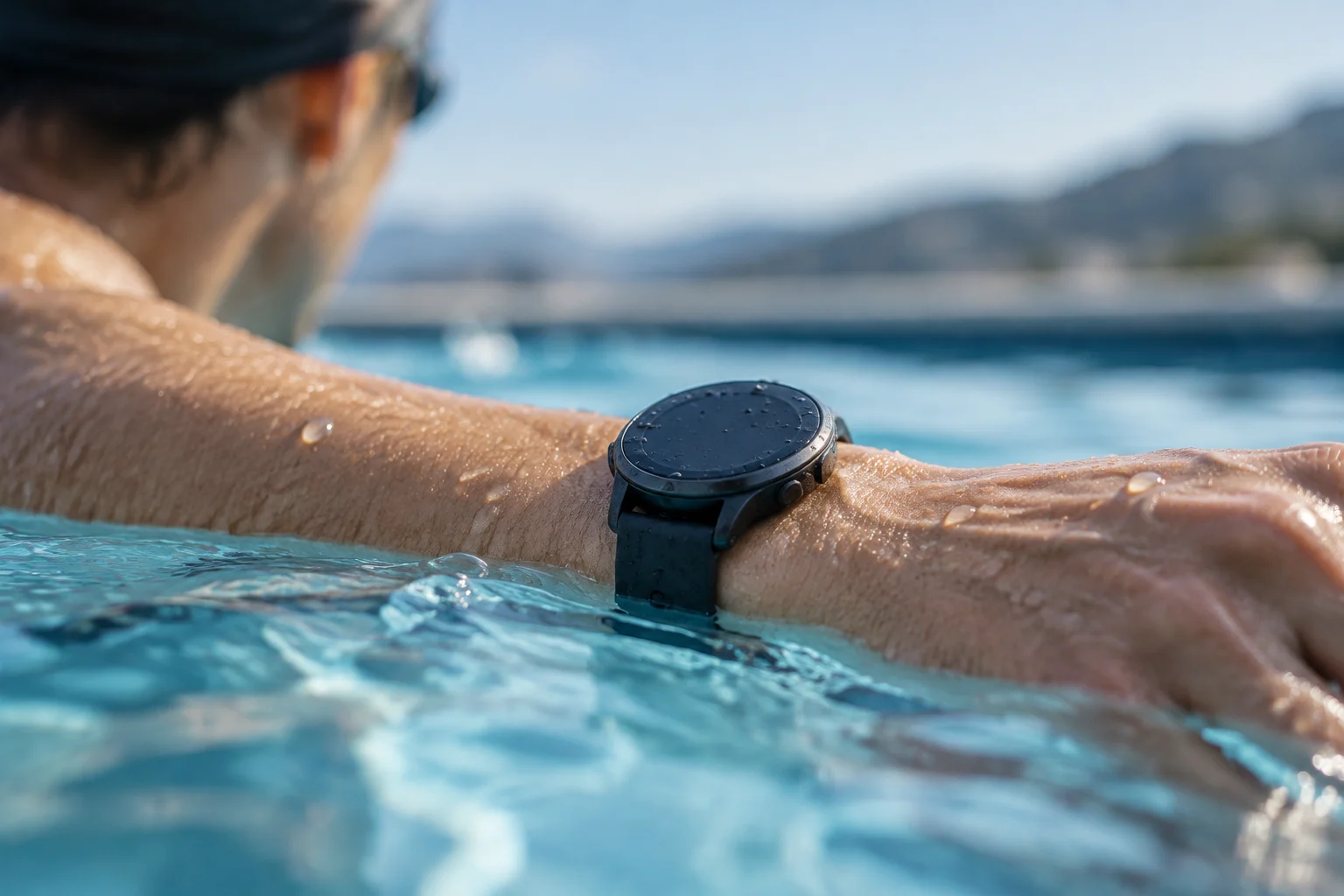
Recommendations vary by manufacturer. Apple advises against swimming or bathing with an iPhone, exposing it to pressurised or high-velocity water, or intentionally submerging it. It also recommends reducing contact with soap, detergent, lotions and sunscreen. Google says not to submerge a Pixel or take it into a pool or other body of water. These are usage precautions, not a guarantee that the device will withstand those situations.
Samsung recommends not exposing its devices to salt water or ionised water. If that happens, it says to rinse them with fresh water and carefully dry them with a soft, clean cloth. It explains that, as the water evaporates, salt can accumulate and block the microphone, earpiece or speaker. Salt water calls for specific precautions and is not covered by a generic interpretation of IP68.
What to Do If Your Phone Gets Wet
If a Pixel falls into water, Google recommends taking it out, turning it off, drying it with a soft cloth and leaving it on a flat surface at room temperature to finish drying. Samsung likewise advises drying a Galaxy with a clean, soft cloth. If it gets wet, Samsung recommends letting it air-dry before making a call, because water in the microphone can reduce voice volume.
For an iPhone, Apple recommends drying it with a soft, lint-free cloth, with the Lightning or USB-C connector facing down, and leaving it in a dry place with some airflow. If it is splashed with a liquid other than water, Apple says to rinse the affected area with tap water and dry it. Do not use an external heat source or insert objects into the connector; these are Apple’s instructions for iPhone, not universal guidance for every brand.
Charging and Preventing Damage
Apple says to disconnect cables and not charge an iPhone until it is completely dry. Its guide recommends waiting at least five hours before connecting it with a Lightning or USB-C cable or attaching an accessory. For wireless charging, it advises drying the phone with a soft, lint-free cloth and checking that it is dry before placing it on a compatible charging pad.
For an iPhone, do not charge it while it is wet: Apple warns that charging it or connecting accessories in those conditions could damage it. The five-hour wait recommendation applies to the iPhone guide and should not be presented as a common timeframe for all brands. If the phone has cracks or has been dropped, do not assume it retains its resistance; Samsung says physical damage can reduce it.
Warranty and Decisions About Use
Water resistance and warranty coverage are separate matters. Apple says liquid damage is not covered by its warranty, while noting that rights under consumer law may apply. Google says damage caused by accidents or external causes, such as water, is not covered by its warranty. Check the terms that apply to your product and region, as coverage may vary.
In practice, interpret IP68 as limited protection specific to the model, not as permission to swim with a phone. Check the exact rating, avoid unnecessary exposure and follow the manufacturer’s instructions if the phone gets wet. If you need to use it near water, do not assume the IP code replaces a suitable case or the precautions recommended for that activity.