TLC and QLC: What the Acronyms Mean
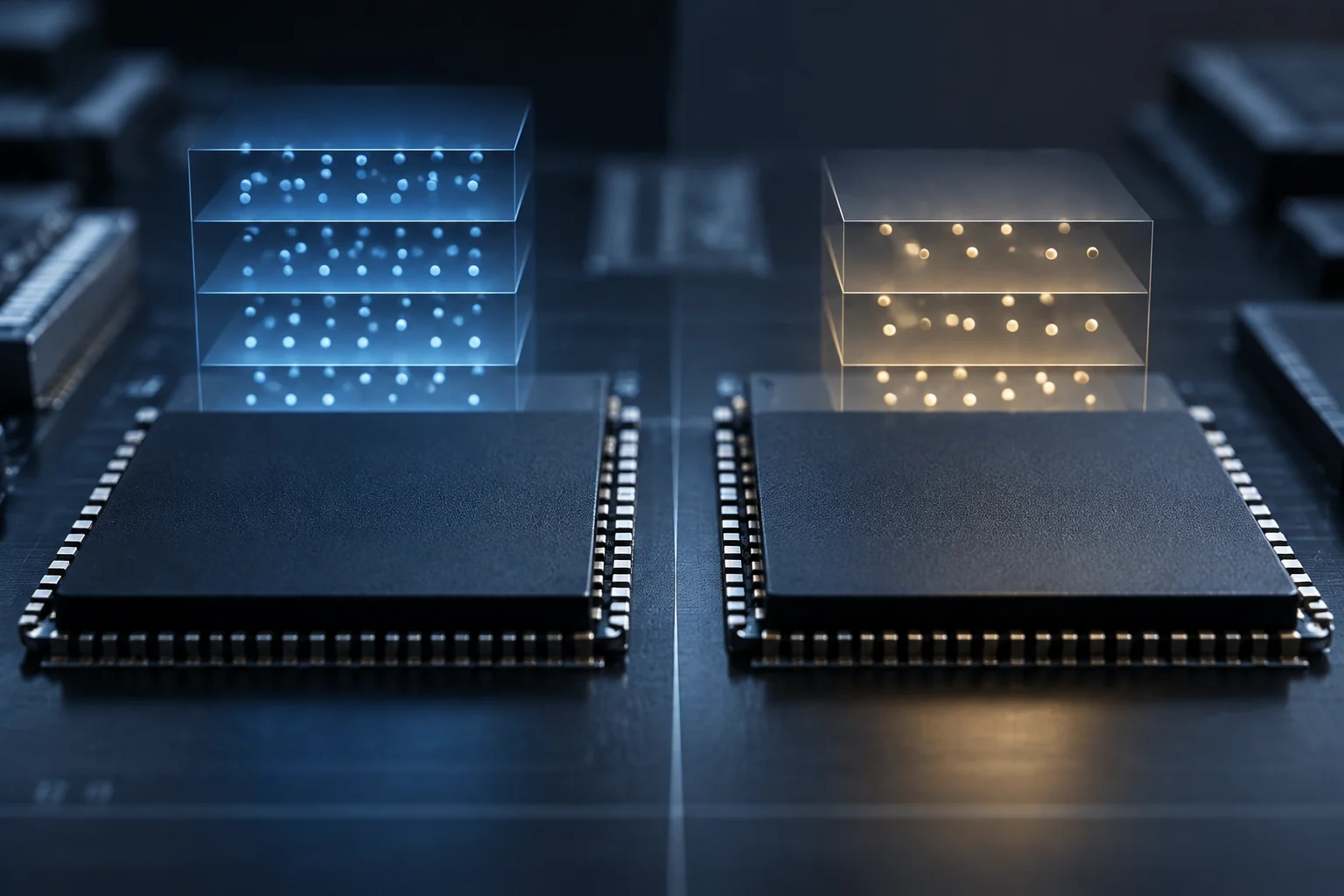
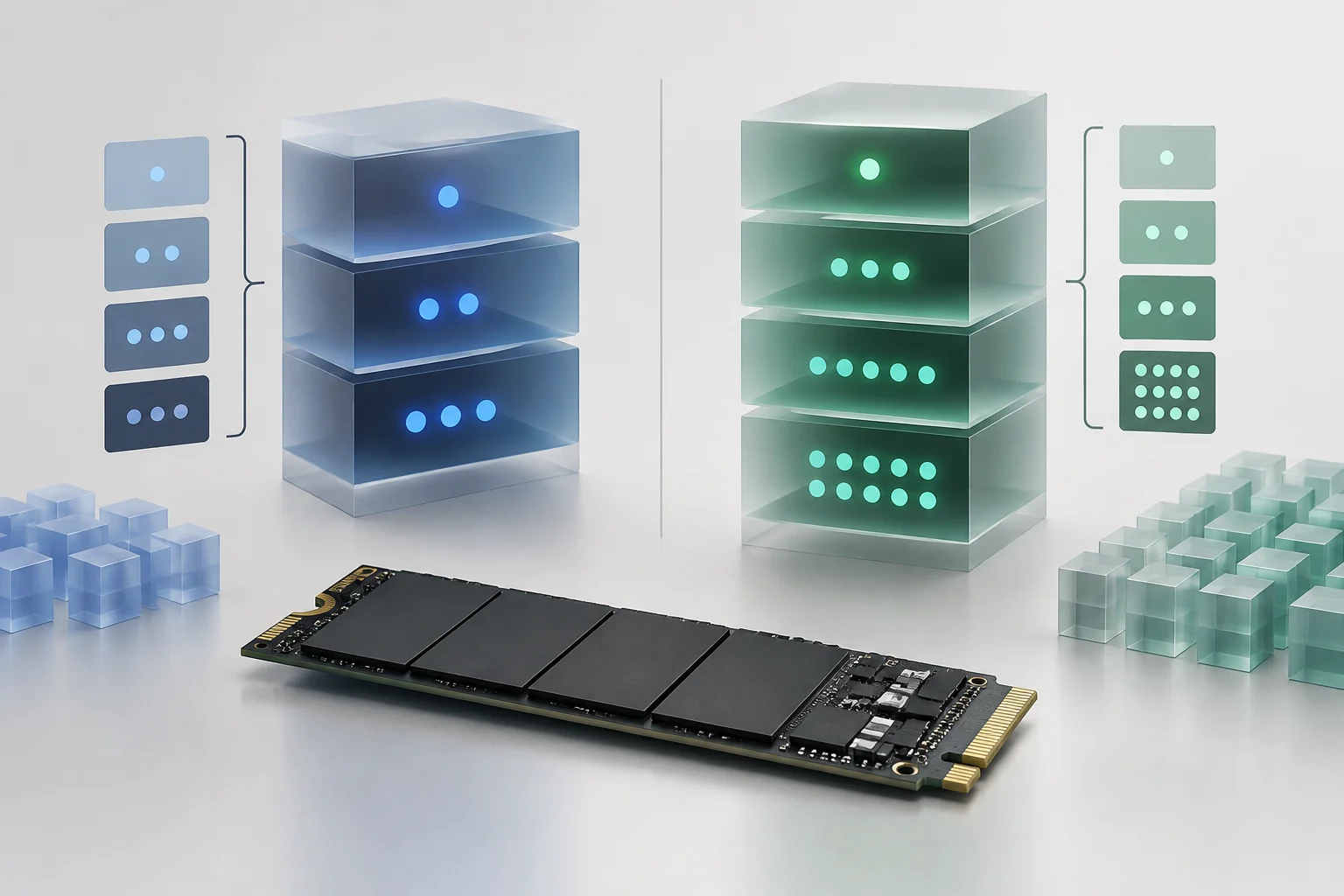
TLC and QLC describe how many bits each NAND memory cell stores: three for TLC and four for QLC. In theory, that corresponds to eight possible states for TLC and sixteen for QLC. The higher density can store more information in a comparable number of cells, but it also requires the drive to distinguish more voltage levels. (Micron, https://www.micron.com/about/micron-glossary/solid-state-drives; SanDisk, https://www.sandisk.com/topics/ssd/what-is-qlc)
This architectural difference helps explain why QLC is often associated with high-capacity drives and may require more control and error-correction work. It does not determine the speed or lifespan of the complete SSD on its own: the controller, firmware, NAND generation, capacity, reserved space, and workload also matter. Manufacturers describe read-oriented QLC designs that can deliver read performance comparable to TLC, but that applies to particular products and configurations, not the category as a whole. (Solidigm, https://www.solidigm.com/products/technology/qlc-nand-ssds-are-optimal-for-modern-workloads.html; Micron, https://www.micron.com/products/storage/ssd/data-center-ssd/6500-ion)
That is why “TLC is faster” and “QLC wears out sooner” are unreliable shortcuts unless you specify which operation and which drives you are comparing. For buyers, the more useful distinction is that QLC favors density, while suitability for write-heavy use depends on the exact model’s published sustained-write performance and endurance. A well-designed QLC SSD may suit a read-intensive workload; an entry-level TLC drive is not automatically better than every QLC drive in every scenario.
Capacity and Cost: Potential Advantages, Not Guarantees
Storing four bits per cell can improve density compared with three bits, potentially allowing more capacity in a similar form factor or lowering cost per gigabyte. That can be especially relevant for high-capacity storage: Solidigm positions its QLC SSDs for read-intensive workloads and highlights density as part of their appeal. NAND density does not determine the final price. (Solidigm, https://www.solidigm.com/products/technology/qlc-nand-ssds-are-optimal-for-modern-workloads.html)
The price of an SSD can also reflect its controller and reserve memory. Comparing only TLC and QLC can obscure differences in capacity, generation, form factor, and specifications. For a consumer purchase, QLC is worth considering when it offers more usable capacity or a better overall price without compromising important requirements for the intended use—not because the acronym guarantees a better deal.
Data-center drives show why a trend should not be treated as a universal rule. Micron sells the 6500 ION, a 30.72 TB QLC SSD, and publishes performance and endurance comparisons against a competing QLC drive of equivalent capacity. The page describes a specific product and the manufacturer’s own comparison; it does not show that any QLC drive matches any TLC drive, but it does illustrate that NAND architecture and drive design are not the same thing. (Micron, https://www.micron.com/products/storage/ssd/data-center-ssd/6500-ion)
Long Writes: The Cache Can Change the Results
Many drives use some NAND in one-bit-per-cell mode as a pseudo-SLC write cache, allowing them to handle bursts quickly. Once that cache fills, the SSD has to write data in its native TLC or QLC mode, and performance can change. SanDisk describes the use of its nCache in QLC drives; implementation and cache size vary by product. A peak write-speed figure does not necessarily describe a long transfer. (SanDisk, https://www.sandisk.com/topics/ssd/what-is-qlc)
There is no single post-cache speed for TLC or for QLC. Capacity and remaining free space, whether the cache is dynamic, the controller, firmware, temperature, and internal data-management tasks all have an effect. Solidigm also documents how write size and write amplification can affect performance and endurance in high-density QLC data-center SSDs; in that context, an acceleration layer can group writes before sending them to the drive. (Solidigm, https://www.solidigm.com/products/technology/platform-optimization-for-performance-and-endurance-qlc-csal.html)
If you occasionally copy small or medium-sized files, the transfer may finish before the cache has a noticeable effect. By contrast, copying large volumes, ingesting video frequently, or repeatedly writing disk images can extend beyond the initial burst. For those workloads, look for a sustained-write test of the specific model and capacity, not just the manufacturer’s peak figure. Also check how full the drive was and the thermal conditions during the test.
When reading a review or product specification, distinguish among three things: advertised peak speed, speed during a transfer that fits in the cache, and speed after the cache is exhausted. If consistent performance matters, also check how long the drive takes to regain cache capacity after a transfer. Do not extrapolate a result measured on an empty drive to one that is nearly full: free space can affect performance, especially when the dynamic cache depends on available NAND.

Endurance: Compare TBW and Warranty for the Exact Model
TBW indicates the total amount of data the manufacturer rates the drive to write under its specified conditions. It is a practical comparison metric, but it is neither an expiration date nor an exact prediction of failure. Micron explains that SSD endurance can be expressed in terabytes written and that the controller manages tasks such as wear leveling, error correction, and garbage collection. (Solidigm, https://www.solidigm.com/products/technology/efficiently-access-more-warm-data-solidigm-tech-brief.html; Micron, https://www.micron.com/about/micron-glossary/solid-state-drives)
Read the TBW figure alongside capacity, warranty period, and usage conditions. A higher-capacity drive may have a different total TBW because it has more memory over which to distribute writes, but that does not make it a like-for-like comparison with an SSD of a different capacity. When choosing between two models, compare the same capacity and check the warranty terms for your market. Also check whether coverage ends when the warranty period expires or when the write limit is reached, as specified by the manufacturer.
Workload matters as much as the rating. A system drive used for browsing and applications usually receives a different pattern of writes from a workstation that edits video daily, stores temporary caches, or makes recurring backups. Solidigm notes that read-intensive profiles and frequent random writes place different demands on a drive; endurance figures should therefore be interpreted in light of the workload. Do not treat NAND type as an individual longevity forecast. (Solidigm, https://www.solidigm.com/products/technology/efficiently-access-more-warm-data-solidigm-tech-brief.html)
To put the rating in context, estimate annual writes from backups, projects, downloads, and temporary files. Divide the stated TBW by that estimate as a rough guide, not as a promise of how many years the drive will last: workloads can change, and actual wear also depends on the SSD’s internal management. If the drive will hold important data, no TBW rating replaces an independent backup.
How to Compare Two SSDs Without Blaming Everything on NAND
Before looking at TLC or QLC, confirm the exact model and capacity. Check the interface and form factor too: a SATA SSD cannot be compared directly with an NVMe PCIe drive as if NAND were the only variable, and an external enclosure may limit transfers through its bridge, cable, or host port.
For workloads involving long writes, look for independent tests that specify how much data was written, whether the drive was empty or full, the temperature, and the speed after the cache was exhausted. An overall average can hide a fast start followed by a sharp drop. For read-oriented use, such as opening a game library, capacity, read performance, warranty, and the model’s price at the time of purchase may matter more; updates and installations still involve writes, even if gameplay is mostly read-heavy.
Use this checklist before deciding: compare the same capacity and generation, check TBW and warranty, identify post-cache performance, and confirm that a test matches the same revision when the manufacturer specifies one. If the manufacturer does not identify the NAND type in a variant, do not infer it from a generic family specification: the relevant reference is the full model number and its corresponding documentation.
Manufacturer testing can help explain a product’s design and intended workloads, but commercial comparisons should be read in context. For example, Micron publishes results for the 6500 ION against a specific 30.72 TB QLC drive. That comparison applies to those products under the stated methods, not to all TLC NAND versus all QLC NAND. For a consumer purchase, a recent independent test of the exact SKU is usually more useful for understanding how it may handle your files. (Micron, https://www.micron.com/products/storage/ssd/data-center-ssd/6500-ion)
What to Choose for Different Uses
For an SSD that will receive prolonged or repeated writes—such as one holding active video files, editing projects, virtual machines, or an intensive workload—TLC is a sensible starting point if the model has stronger sustained performance and adequate TBW. Do not pay a premium for the label alone: compare post-cache performance and the warranties of the specific drives.
For a library of games, photos, or media files that is written occasionally and accessed often, QLC may be a good fit if the capacity and price are attractive and the specifications meet your needs. QLC is designed to support high-capacity, read-oriented storage, but suitability depends on the specific SSD and its specifications.
For backups, distinguish between a file created occasionally and a repository that is rewritten often. A high-capacity QLC drive may work for an infrequently accessed collection; a drive used for frequent full backups or continuous changes deserves closer comparison of TBW and sustained-write performance. An SSD, whether TLC or QLC, should not be the only copy of important data: NAND type does not replace a backup strategy.
In short, TLC is often a sensible choice when frequent writes dominate; QLC can be a reasonable purchase when capacity is the priority and use is mostly read-oriented. But the decision should be based on the specifications and tests for the specific SSD: capacity, cache, sustained performance, TBW, and warranty matter more than the acronym alone.