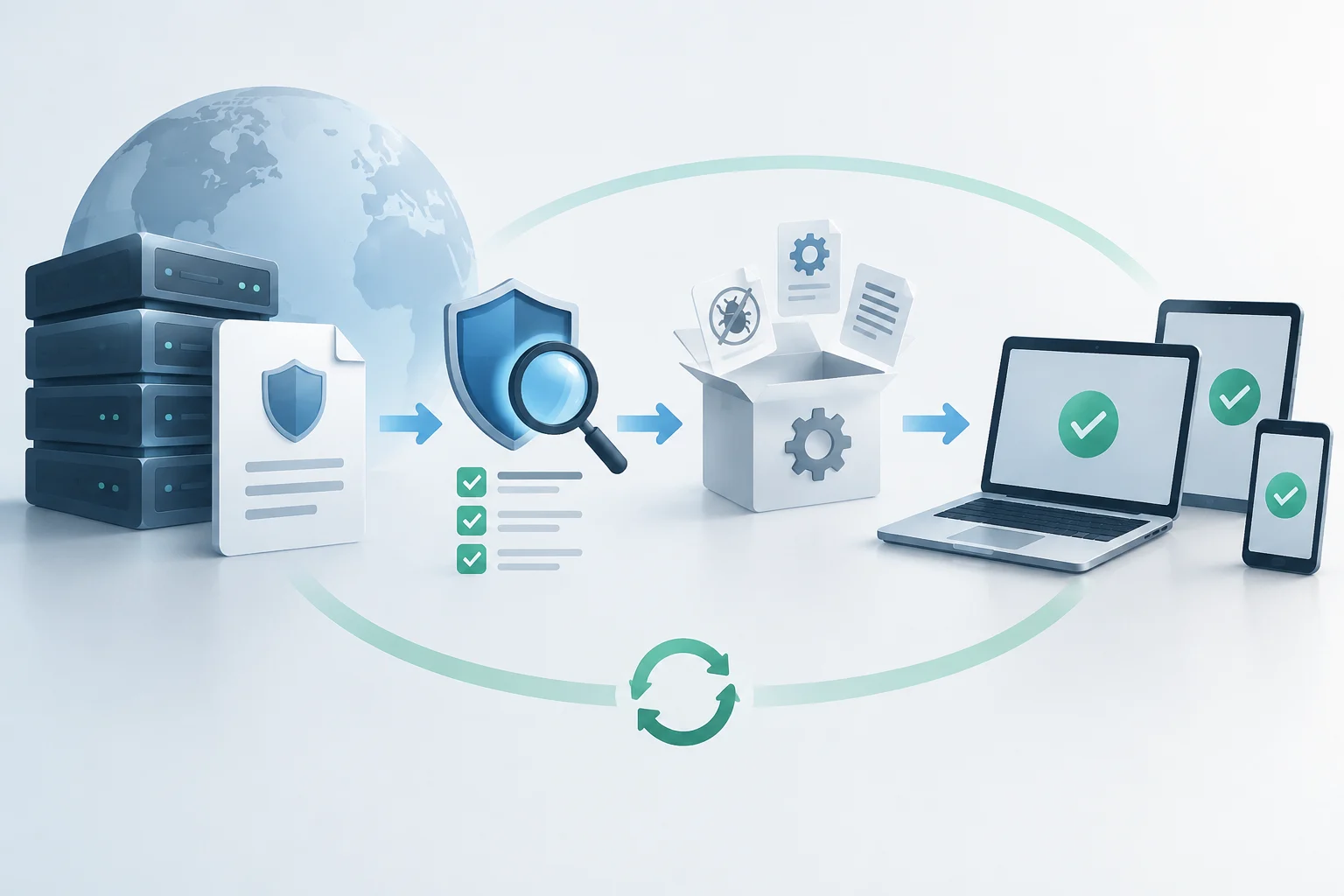
General availability followed the testing phase
Windows 11, version 26H2, is no longer limited to Insiders: Microsoft said it was available for all eligible devices on October 28, 2026. The timeline matters: the company had introduced the build in the Release Preview channel on August 27, still as a preview ahead of general availability. A test announcement is not the same as public availability.
General availability also does not mean every PC receives the update at once. Microsoft is rolling out 26H2 in a controlled manner and may hold it back on devices affected by a known compatibility issue. So if a PC does not yet show the option, that alone does not mean it is ineligible: availability depends on the device and the gradual rollout.
An enablement update on the same servicing foundation
On many PCs running Windows 11 24H2 or 25H2, 26H2 installs through an enablement package. Microsoft describes this as a small download and a quick installation with one restart. In practical terms, the version number does not mean a complete system reinstall: on compatible devices, the package activates features delivered gradually through servicing updates. The experience and download size depend on the version and device.
The upgrade path also distinguishes 26H2 from Windows 11 26H1. Microsoft defines 26H1 as a release optimized for certain new hardware, preinstalled on selected devices and not offered to existing PCs through Windows Update. By contrast, 26H2’s update history says it may be offered to eligible devices running 24H2 and 25H2. 26H1 and 26H2 are not interchangeable just because their year labels look similar.
What it enables, especially in business environments
Microsoft presents 26H2 as a release that brings together improvements introduced gradually in 24H2 and 25H2. They cover security, management, accessibility, and productivity. Not every feature is exclusive to 26H2: some may have arrived earlier through monthly updates, while the feature update consolidates or enables the set associated with the new release.
For commercial customers, Microsoft highlights three items that are enabled by default: backup of Windows settings and supported Microsoft Store app lists; app-specific actions from the taskbar; and improvements to navigation and usability in File Explorer. The backup feature is designed for device recovery or replacement, while still respecting administrator-configured policies. The commercial context matters: some default activations are described specifically for that environment.
In an organization, 26H2 can enable features already delivered gradually and apply the corresponding feature-release version. It is worth comparing management policies with the features to be enabled and validating behavior in a pilot group before expanding deployment.
How to check whether Windows Update offers 26H2
On an eligible PC, the usual route is to open Settings > Windows Update and select the option to check for updates. If the offer appears, you can choose to download and install Windows 11 26H2. Microsoft also provides the “Get the latest updates as soon as they’re available” option for those who want to receive them sooner; turning it on does not remove eligibility requirements or safeguard holds.
Before starting, users can find their installed version under Settings > System > About, in the Windows specifications section. For IT teams, this check helps distinguish PCs still on 24H2 or 25H2 from those on the specific 26H1 path. Windows Update can also show whether 26H2 is offered for the device.
A sensible preparation sequence is straightforward:
- Confirm the current version and PC model, especially on managed devices or systems with specialized hardware.
- Check Windows Update and whether the update is offered for the device.
- In an organization, test first on a limited set of devices and review essential apps, policies, and peripherals.
- Keep backups and check update history for issues or subsequent fixes.
Known issues and fixes that affect the decision
Availability does not eliminate the risk of specific compatibility problems. In November, Microsoft’s health dashboard recorded an issue with SQL Server connections to linked servers: after certain October updates, some OLE DB connections to external databases could remain open and accumulate. Microsoft said this could degrade server performance over time and that it was preparing a mitigation for affected enterprise environments. This warning is especially relevant to server administrators, not evidence that all home PCs have the same problem.
Audio failures were also documented on some USB Audio Class 1.0 devices, including Code 10 errors or no sound. Microsoft marked the issue as fixed by security update KB5132061, released on November 10, 2026, and later updates. That update’s page also notes security improvements and other fixes, including changes to NTLM message signing and fixes for printing and Remote Desktop. Installing the latest cumulative update is part of the assessment, not a separate formality.
The resolved-issues history also records earlier Remote Desktop and desktop-loading problems, with fixes in later updates. For deployment decisions, check both the issue and its current status: a resolved problem should not be treated as still open, but a confirmed issue affecting a critical workflow is a reason to test before expanding installation.
Support and practical guidance for updating
Installing a new feature release can reset the support lifecycle for supported editions. Microsoft specifies 24 months for Windows 11 26H2 Home and Pro, and 36 months for Enterprise and Education. This may affect a company’s maintenance plans, though it does not replace checking support dates for each edition or the device’s internal policies.
For individuals, a reasonable approach is to check whether Windows Update offers 26H2, install it when the PC is ready, and keep cumulative updates current. For IT, the priority is to validate specific applications, peripherals, and workloads, as well as review safeguard holds and issue status. General availability makes an update possible; it does not make an immediate, uniform rollout the best choice for everyone.
The practical takeaway is to distinguish three things: a release announcement, an installation offer for a particular device, and the current status of its fixes. Microsoft has declared 26H2 available for eligible PCs; whether it appears in Windows Update depends on the device and the controlled rollout. After installing, check that subsequent updates addressing known issues have also been installed.