The first distinction: iOS 27 does not equal all its features
When choosing an iPhone with iOS 27 in mind, it is useful to separate two questions: can it install the system? and can it run the features I care about? The answer to the first can be yes even if the second is no. Apple publishes the list of models compatible with the system and the requirements for specific features like Apple Intelligence separately; therefore, the version number alone is not enough to compare capabilities.
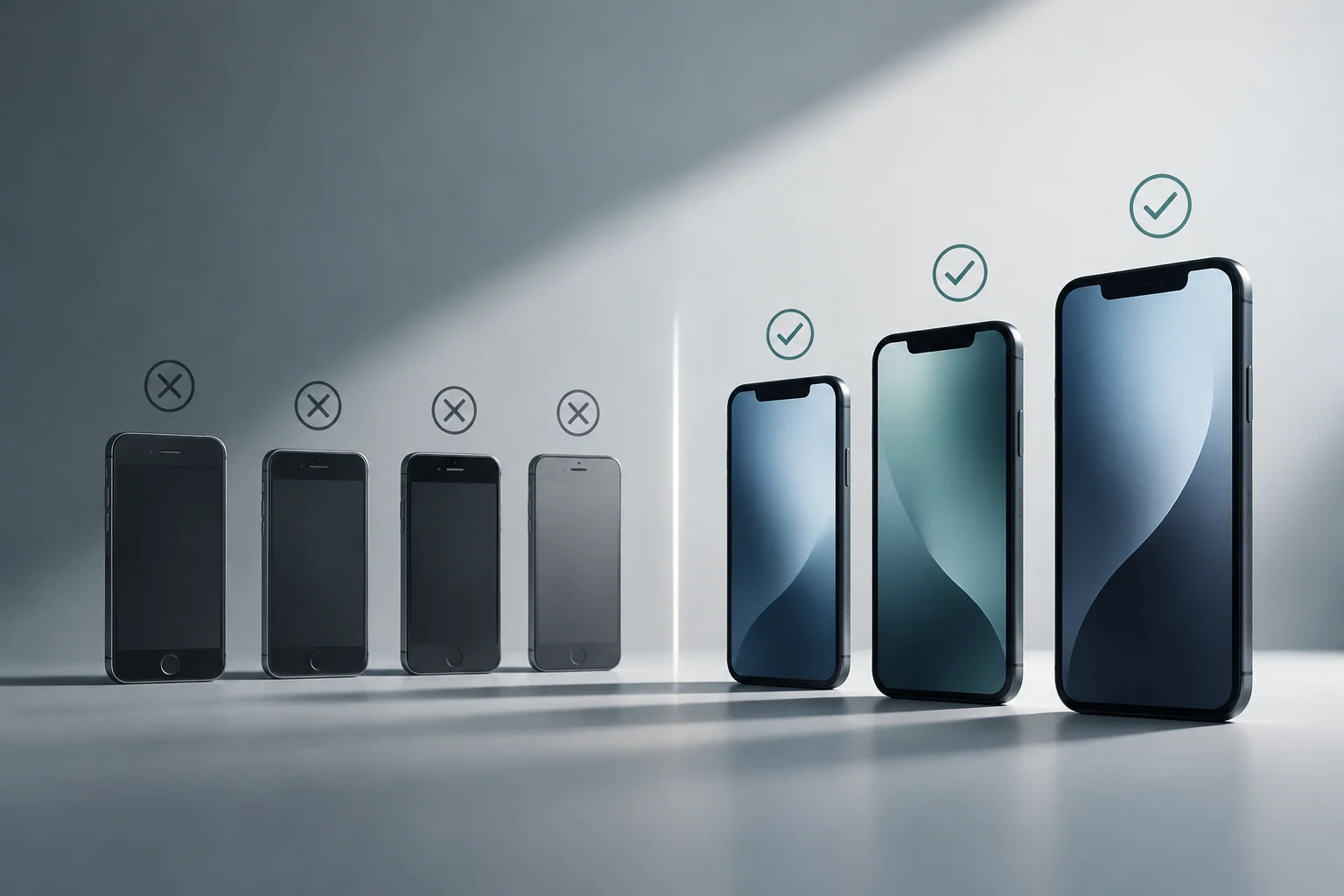
Apple's guide includes models compatible with iOS 27 ranging from the iPhone 11 and iPhone SE (2nd generation) to later generations. In another list, Apple restricts Apple Intelligence to more recent models and specific iPhone 15 family devices, namely the 15 Pro and 15 Pro Max. iOS compatibility does not guarantee Apple Intelligence compatibility. If an AI feature is decisive for the purchase, you must check the exact model against its requirements, not infer it from the phone supporting iOS 27.
The difference also matters when evaluating price. Someone who mainly uses messaging, camera, navigation, and everyday apps may not need to choose the newest model just to install the system. However, if the purchase depends on specific smart tools, you must confirm that the chosen iPhone supports that feature and that it will be enabled in the user's language and region. Paying for a system label does not ensure access to every novelty.
iOS 27 and Apple Intelligence: check them separately
Apple’s iPhone list and Apple Intelligence requirements show that support for the operating system does not by itself establish support for its AI features.
| Install iOS 27 | Listed from iPhone 11 and iPhone SE (2nd generation) onward |
|---|---|
| Use Apple Intelligence | Requires a separately supported iPhone model |
| Allow space for AI models | Up to 8 GB or up to 14 GB, depending on model |
Apple Intelligence availability can also depend on language, region, and individual feature requirements; confirm the intended feature before buying.
Check the exact model and separate system from hardware
Before buying, identify the full model name, including generation and variant. Apple's compatibility list may include names like iPhone 15 Pro or iPhone SE (3rd generation), which are not interchangeable with other models in the same family. On a used phone, review this information in Settings and compare it with Apple's list; the name appearing in a commercial ad may be incomplete or ambiguous.
A two-step check
- Verify iOS 27: search for the exact model in Apple's guide list of compatible iPhones.
- Verify each priority feature: check its model, version, language, region, connection, account, or accessory requirements.
- Confirm device status: ensure the device can update and has available space; Apple notes that Apple Intelligence features may need additional storage to download models.
It is not enough for the spec sheet to say "compatible with iOS 27" if you are looking for a specific feature. Apple Intelligence, for example, requires compatible models and that the device and Siri are configured in the same supported language. Apple also points out that the space used by this technology can reach up to 8 GB on other compatible models and up to 14 GB on certain recent models. These values are published storage requirements for the feature, not a universal measure of how much it will occupy on each phone over time.
The sensible choice is to compare the price of models that pass the two relevant checks. If a specific feature is not part of the priority list, its absence does not automatically make an iOS-compatible model a bad buy; it simply delimits what the buyer can expect from it.
Language, region, connection, and account can change the experience
Availability does not depend only on hardware. Apple says many Apple Intelligence features are available in several languages, including Spanish, while noting that availability can vary by language and region. Its feature list identifies Mail suggestions as English-only; it lists personalized Smart Reply in Mail separately. A feature announced for the system may not be available in every language and region combination.
There are also differences between features processed on the device and those requiring remote services. Apple explains that some requests may use Private Cloud Compute when they are not resolved locally. In practice, connectivity and the corresponding service may be necessary to complete certain tasks; it is not advisable to assume that every smart feature will be available offline. If use without internet is important, you must review the specific requirements of the tool and test availability in the intended context, without confusing a system capability with a guarantee of offline operation.
Accounts and associated devices can add conditions. Apple notes, for example, that certain Home features require a compatible home hub and an iCloud+ subscription that meets the requirements. In other cases, a feature may depend on a compatible accessory or the iPhone remaining nearby. Buying the phone is not always enough to complete the necessary set. Before paying, note if the desired feature requires an account, subscription, stable connection, accessory, or additional configuration.
Apps, files, and accessories: what to test before switching
Before switching, list the apps you rely on for banking, authentication, work, health, or transport. Check each app’s availability for the exact iPhone model and iOS version, and make sure you can sign in again and retrieve the relevant account information and data. Review any stated iOS version, account, or authentication requirements before beginning the migration.
For files and backups, the practical question is where data is stored and how it is transferred. Before switching, confirm that photos, notes, conversations, local files, and access keys are synchronized or backed up in a way you can restore. A backup does not replace access verification: an app may require logging in again, approving the device, or recovering credentials. Make a list of critical apps and verify each recovery method before deleting the old phone.
For accessories, note the models you actually use: earbuds, watch, car, chargers, home devices, and external storage. Compatibility may depend on the accessory generation, connection method, and features available in each region. If a specific characteristic—for example, translation with earbuds—conditions the purchase, check the requirements of that feature, not just general iPhone compatibility. Check the specific combination you intend to use before buying.

Updates and lifespan: avoid turning a version into a promise
A model compatible with iOS 27 can receive the system, but that condition alone does not indicate how many years of future updates it will have. Apple publishes software updates and security notes for its devices. Treat compatibility with iOS 27 as a statement about that version, not as a prediction of support for later versions.
To compare a new iPhone with a used one, consider the model's age, battery condition, storage capacity, and price along with current compatibility. Apple specifies storage requirements for Apple Intelligence, which may need additional space to download models. On a refurbished device, confirm warranty, return, and battery-condition terms with the seller, and check that the advertised model matches the device.
A prudent decision separates current compatibility from expectations about future support. If the budget points to an older model, focus on whether it covers the functions needed now and whether you are comfortable with uncertainty about later software versions, rather than relying on a categorical prediction about how long it will last.
Privacy: review permissions and processing, not just brand discourse
Privacy features are also part of the comparison, but it is useful to distinguish available controls from general claims about protection. Apple offers settings to review which apps access location, photos, camera, microphone, and other data, and allows modifying permissions. When setting up the new iPhone, review those controls and grant access only when it makes sense for the app. Practical privacy also depends on configuration decisions and each app's behavior.
For Apple Intelligence, Apple describes on-device processing for certain tasks and Private Cloud Compute for requests requiring more capacity. It is useful to understand that distinction: a feature using local processing does not mean all related operations are local, and the existence of remote processing does not allow concluding by itself what happens in each request. Consult the privacy explanation and terms of the specific feature before entering sensitive data.
The App Privacy Report and system permissions can help review access and activity. The App Store privacy label provides developer-declared information about data practices, but it does not replace reading service terms or guarantee that all practices are the same. A useful rule is not to enable a feature by its name: check what data it uses, what permissions it requests, if it requires an account, and how it can be disabled.
Final list for choosing among compatible models
The right model is not necessarily the newest or the one with the most features. It is the one that satisfies relevant needs, works in the intended language and region, fits the budget, and maintains compatibility with essential apps and accessories. Comparison improves when starting from specific uses—photos, navigation, communication, accessibility, productivity, or artificial intelligence—instead of a long list of novelties.
Before closing the purchase, use this brief list:
- Exact model: matches the official iOS 27 list designation.
- Priority features: check each feature's hardware and version requirements separately.
- Language and region: check availability where and in the language it will be used.
- Usage conditions: identify any connection, account, subscription, or accessory requirements.
- Migration: check how to transfer essential apps and data, and how to recover account access.
- Status and total cost: compare storage, battery condition, warranty, and price.
If all decisive features are covered by more than one model, then compare price, capacity, size, and condition, not features that will not be used. If a feature only works on a specific generation or with regional restrictions, that condition may justify paying more; if it is not part of the intended use, it should not become an automatic argument to discard alternatives. Useful compatibility is that of your real tasks, not an abstract list of novelties.