
What is Apple Intelligence and How It Differs from Siri
Apple Intelligence is the name Apple gives to a personal intelligence system integrated into its platforms. It is not a single application nor an assistant that only responds to spoken commands: it brings AI capabilities to various system functions, such as writing tools, summaries, editing, image generation, and certain interactions with Siri. Its specific scope depends on the device, software, and regional and linguistic availability.
The practical difference from a traditional voice assistant is the place it occupies. Siri is a way to interact via voice or text; Apple Intelligence can also intervene within other tasks and applications. For example, a writing function can help rephrase text in a compatible app without the user opening a separate chatbot. This does not mean that all apps or requests have identical capabilities, nor that the system always correctly understands the intention.
Apple describes these functions as based on foundation models and the personal context available on the device. In developer documentation, it also outlines ways for apps to incorporate actions and content into the ecosystem via App Intents and to access models with its development tools. Integration is not omniscience: the system can only act on the content and actions that the corresponding function supports, and its generated responses must be reviewed like any AI result.
How Processing Is Distributed Between Device and Cloud
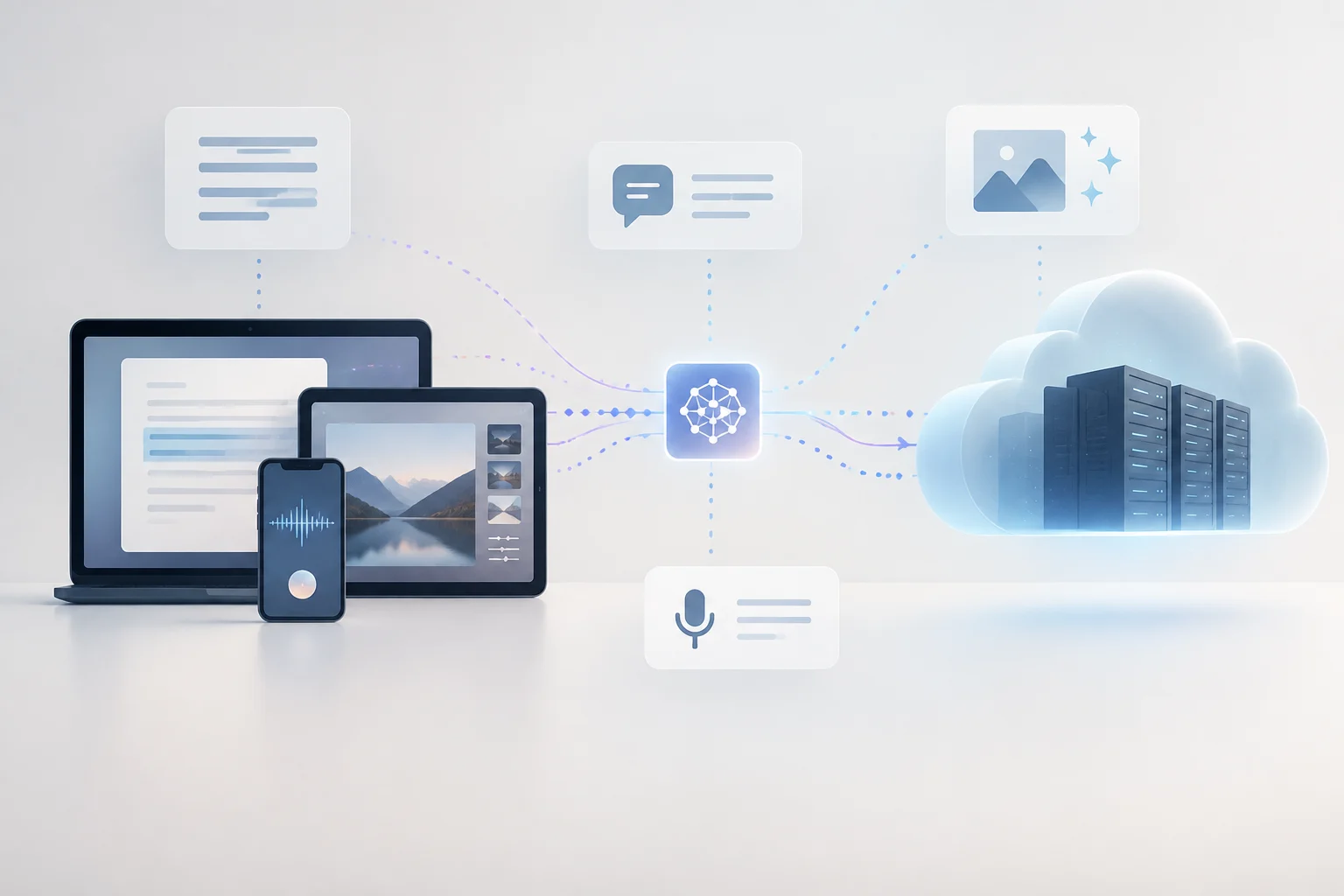
Apple Intelligence uses an architecture with local and remote processing. According to Apple, many tasks are resolved entirely on the device, so the necessary information does not have to leave it to complete those requests. Local processing can be useful for functions that do not require greater capacity and reduces dependence on a connection for those operations, although available documentation does not allow asserting that all tasks are always local.
When a request requires more computing power, Apple indicates that it can resort to Private Cloud Compute (PCC), its cloud processing system for those requests. A useful way to understand the route is: the device receives the request; the function determines if it can resolve it locally; if it requires additional resources, it can send the necessary information to PCC; and the result returns to the device. It is incorrect to assume that every prompt is sent to the cloud or that every function is available offline.
The distinction matters for deciding what to expect in practice. A local task can avoid sending data for that operation; a task that depends on PCC requires that service to be usable. The consulted documentation describes the architecture and its principles, but does not offer an exhaustive public rule that allows the user to anticipate, for each specific question, which route will be used. Therefore, it is advisable to treat 'local' and 'private cloud' as system modalities, not as a guaranteed manual choice for each request.
Private Cloud Compute and Privacy: What Apple Claims
The name PCC does not mean that information never leaves the device: it means that some requests can be processed on Apple's servers under the privacy design the company documents. Apple states that it seeks to send only the data necessary to handle the request and that Apple Intelligence is designed to offer personalized functions without the company collecting personal data for that purpose. It is a description of the design and policy declared by Apple, not an independent guarantee that any imaginable processing is impossible.
Official documentation points out that many operations are completed on the device and that, when more power is needed, remote processing can be used. Apple's legal page describes the data treatment associated with Apple Intelligence; nevertheless, the material in the source package does not allow sustaining all the most categorical claims of the previous draft, such as that every prompt sent to the cloud is encrypted in a specific way or that it is never retained under any circumstance. For that reason, these details not proven by available evidence are not presented here as universal facts.
For the user, the practical consequence is to separate data minimization from 'no transmission'. If a function requiring cloud processing is used, part of the necessary information may leave the device to complete the task. Before introducing sensitive content, it is prudent to check which function is being used and consult the applicable privacy explanation. The guarantees described by Apple help understand the model, but they do not turn a generated response into absolute confidentiality or eliminate the need to review the content.
Features: Usage Examples and Scope
Apple documents writing functions that can help rewrite or review texts, as well as summaries of unattended messages. It also lists capabilities for editing photos, generating images, and performing tasks with Siri. These are different examples of the same platform: some modify existing content, others produce new content, and others connect interaction with system tasks. Utility depends on context: summarizing a communication can save time, while a rephrasing still needs checking of tone, accuracy, and data.
A writing example allows seeing the limit clearly. If a person asks for a shorter version of an email, the tool can propose a draft; it does not verify by itself that dates, commitments, or names remain correct. Similarly, a summary can highlight main points, but it does not replace reading the original message when an omission would change the decision. In image generation, the result is an automated creation and must be evaluated for its suitability to the purpose, not taken as a record of a real fact.
Siri and integrated functions are also not interchangeable with an agent capable of acting in any application. Apple describes personal context capabilities, actions in apps, and awareness of what appears on the screen in its development materials, but specific access depends on implemented functions and compatible versions. In practice, the useful question is not just 'does it have AI?', but what action this function supports, what data it needs, and whether the result can be verified before use.
Compatibility: Devices, Chips, and Versions
Compatibility is not deduced solely from the fact that an iPhone, iPad, or Mac can install a recent version of its operating system. Apple establishes a list of devices and versions for each generation of Apple Intelligence; it also points out that availability depends on compatible languages and regions. The official support page included in the sources describes requirements for the generation it identifies as iOS 27, iPadOS 27, and macOS 27. This list should not be confused with the requirements of previous versions nor generalized to all future functions.
Current cited documentation lists, among others, iPhone 16 or later and iPhone 15 Pro/15 Pro Max; iPad mini with A17 Pro and iPad with M1 or later; and Mac with M1 or later, in addition to some specific equipment indicated by Apple. The page also mentions devices from other categories. The table summarizes only the hardware and system requirements that appear in that source; it does not add RAM memory, because the supplied evidence does not provide a verifiable RAM requirement.
| Device Family | Hardware Indicated by Apple | System Cited in Source |
|---|---|---|
| iPhone | iPhone 16 or later; iPhone 15 Pro and 15 Pro Max | iOS 27 |
| iPad | iPad mini (A17 Pro); iPad models with M1 or later | iPadOS 27 |
| Mac | Mac with M1 or later; source also lists MacBook Neo (A18 Pro) | macOS 27 |
The table does not equate to a complete list of all products nor guarantee that each function is available in every country or language. Check the model and version on the current support page before updating or buying a device based on a specific function. For equipment that falls outside published requirements, compatibility should not be inferred from commercial name similarity or release date.
Languages, Limits, and Checks Before Use
Technical compatibility is only part of availability. Apple conditions access to compatible languages and regions, and official pages may describe a specific generation or function instead of the entire catalog. Consequently, it is not reliable to assert that all tools are available only in English, nor to promise that Spanish is already enabled for each function, based on a promotional page that talks about Siri AI and a future expansion. System language, region, and specific function can make differences.
There are also limits inherent to generative systems. A text suggestion or summary may contain errors or leave out nuances; AI should not be considered an authority for medical, legal, financial, or security decisions. Capability documentation demonstrates what types of tasks Apple announces, but it does not establish a universal success rate nor allow asserting that the system always understands the context. Human review is especially important when the result is shared or produces consequences.
Before deciding if Apple Intelligence is useful to you, check these points:
- Exact model: verify that the device is on the official list, not just that it is recent.
- System and region: confirm software version, language, and geographic availability for the function you want to use.
- Type of task: distinguish between editing, summary, generation, and Siri actions; their conditions may vary.
- Content sensitivity: consider if a request might resort to remote processing and review the corresponding privacy policy.
- Validation: cross-check names, dates, claims, and important decisions with the original source.