The Second Security Layer: What 2FA Really Adds
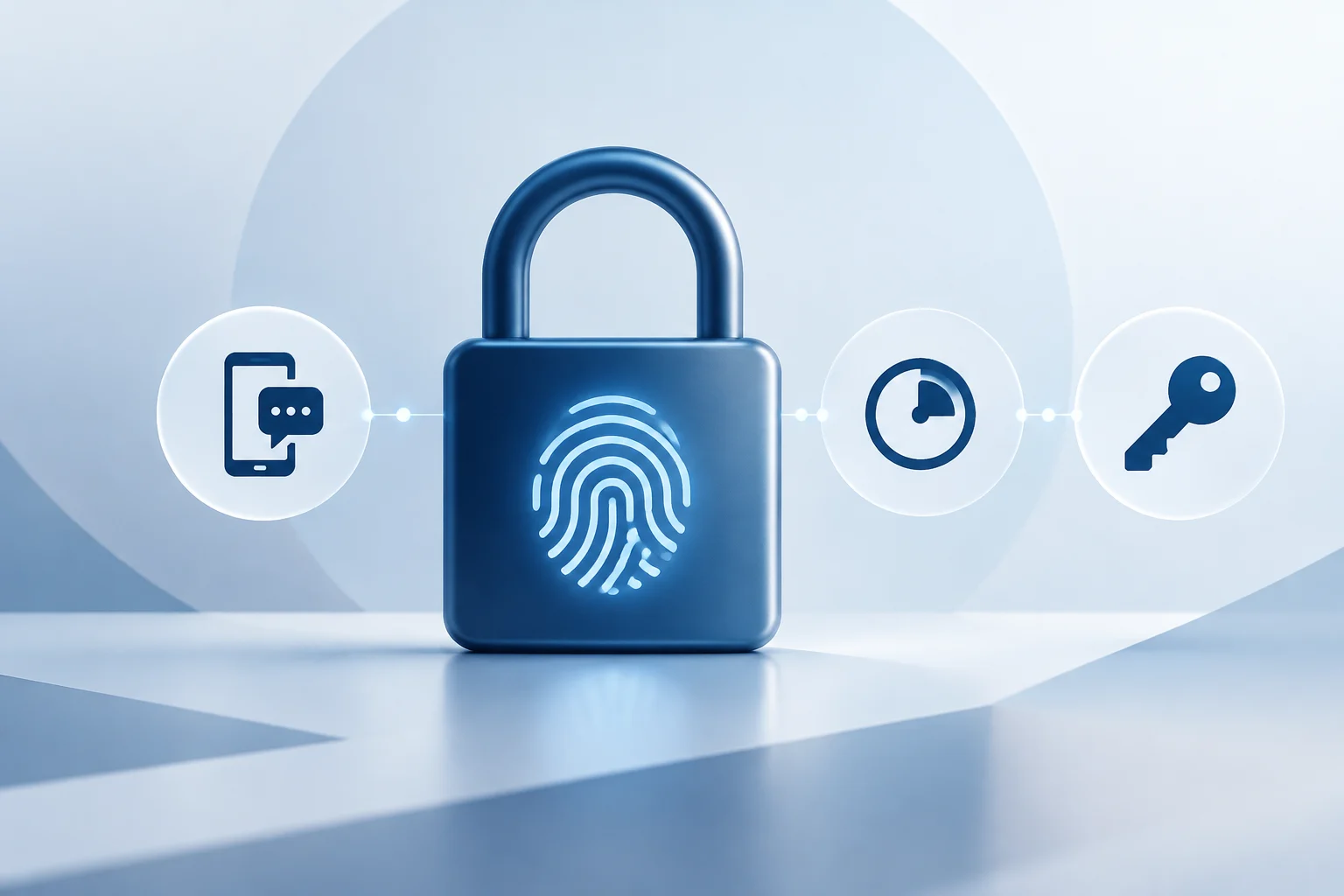
Two-factor authentication (2FA) does not replace the password but adds a mandatory second identity proof before granting access. According to IBM, the system combines something the user knows (password) with something they possess (mobile device, physical key) or something they are (biometrics). This dual verification prevents an attacker who has stolen the password from entering the account, as they lack the second factor. The logic is simple: if the first factor fails, the second acts as a final barrier requiring a physical action or possession the intruder does not have.
It is crucial to distinguish between 2FA and multi-factor authentication (MFA). While 2FA requires exactly two factors, MFA allows three or more. Most consumer services, such as banks or email providers, implement 2FA as the minimum standard. The key is that each factor must belong to a distinct category; using two passwords or two SMS codes does not count as real 2FA, as both factors rely on what the user knows or the same delivery channel. This distinction is vital for evaluating the actual security of a configuration.
SMS Codes: The Vulnerability of the Transport Channel
The most widespread, yet weakest, method is sending codes via SMS. The mechanism is simple: the server sends a temporary numeric code to the registered phone number. However, this method relies on mobile telephony infrastructure, which presents documented structural vulnerabilities. Psono notes that attackers can exploit SIM swapping, tricking operators into transferring the victim's number to an attacker-controlled SIM, thereby intercepting all codes in real time. This process can be completed in minutes, leaving the user without access while the attacker takes control.
Beyond SIM swapping, SS7 attacks exploit flaws in the global mobile network signaling protocol to intercept messages remotely. This means the SMS code travels over a network not designed for high-level security. Therefore, sources like Signaturit and Psono recommend avoiding SMS as the sole 2FA method, especially for banking or email accounts, where the impact of a breach is critical. The dependence on operator networks introduces an external failure point that the user cannot directly control.
TOTP Authentication Apps: Local Generation and Time Synchronization
Authentication apps, such as Google Authenticator or Microsoft Authenticator, use the TOTP (Time-based One-Time Password) standard. Unlike SMS, the code is generated locally on the user's device using a cryptographic function (SHA-1) that combines a shared secret with the current time. According to Proton, these codes are usually 6 digits long and valid for 30 seconds, drastically limiting the attacker's window of opportunity. Local generation eliminates the need to send data over the network, improving privacy and response speed.
The main advantage of TOTP is that it does not depend on the telephony network or message delivery. The code exists only on the device and the server, which verifies it via time synchronization. This eliminates SIM swapping and SS7 attack vectors. However, TOTP is not immune to phishing: if the user enters the code on a fake page, the attacker can use it immediately. Additionally, if the device is lost or formatted, access may be compromised if recovery codes were not saved. Device management is, therefore, the user's new responsibility.
FIDO2 and Passkeys: Eliminating Phishing via Cryptography
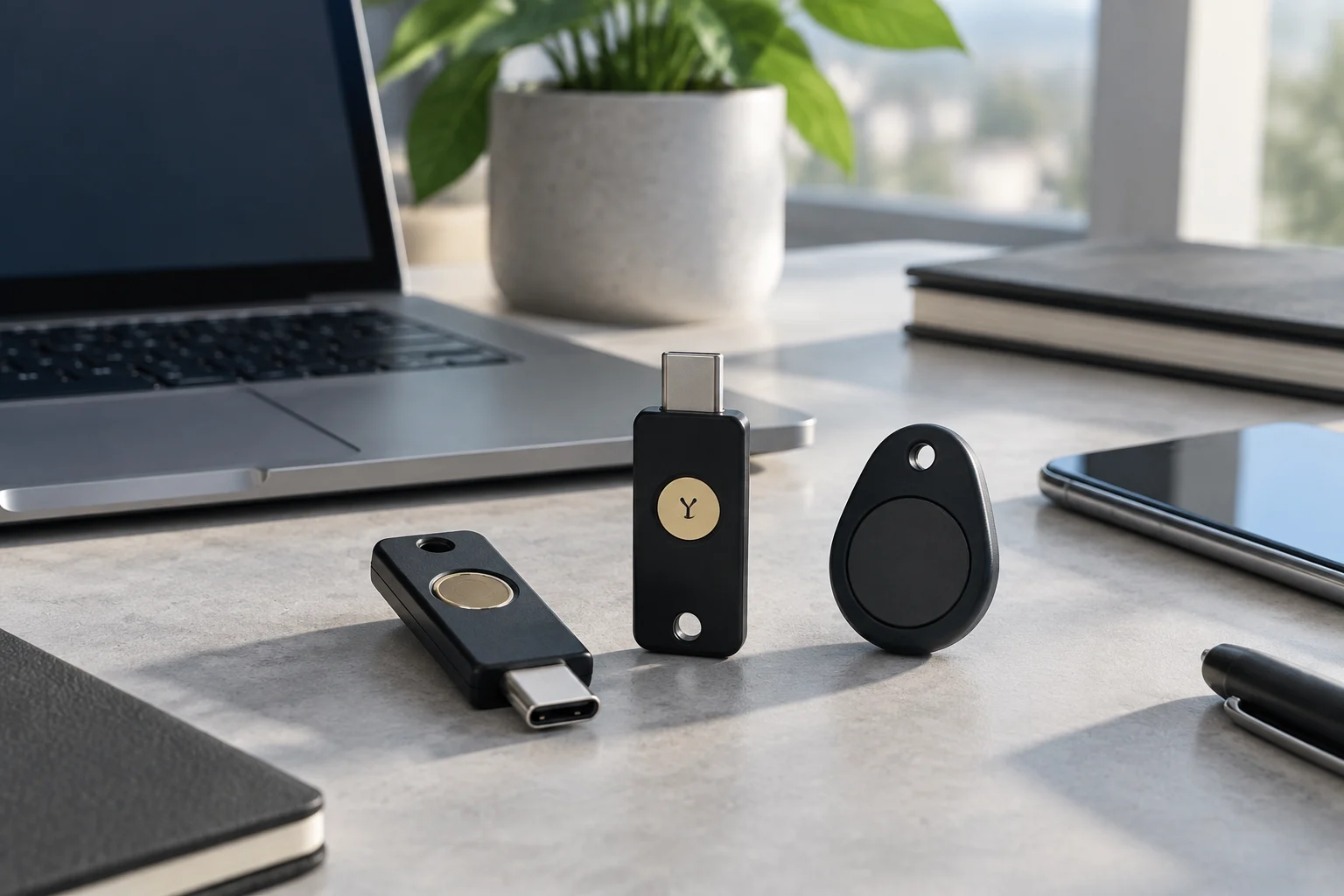
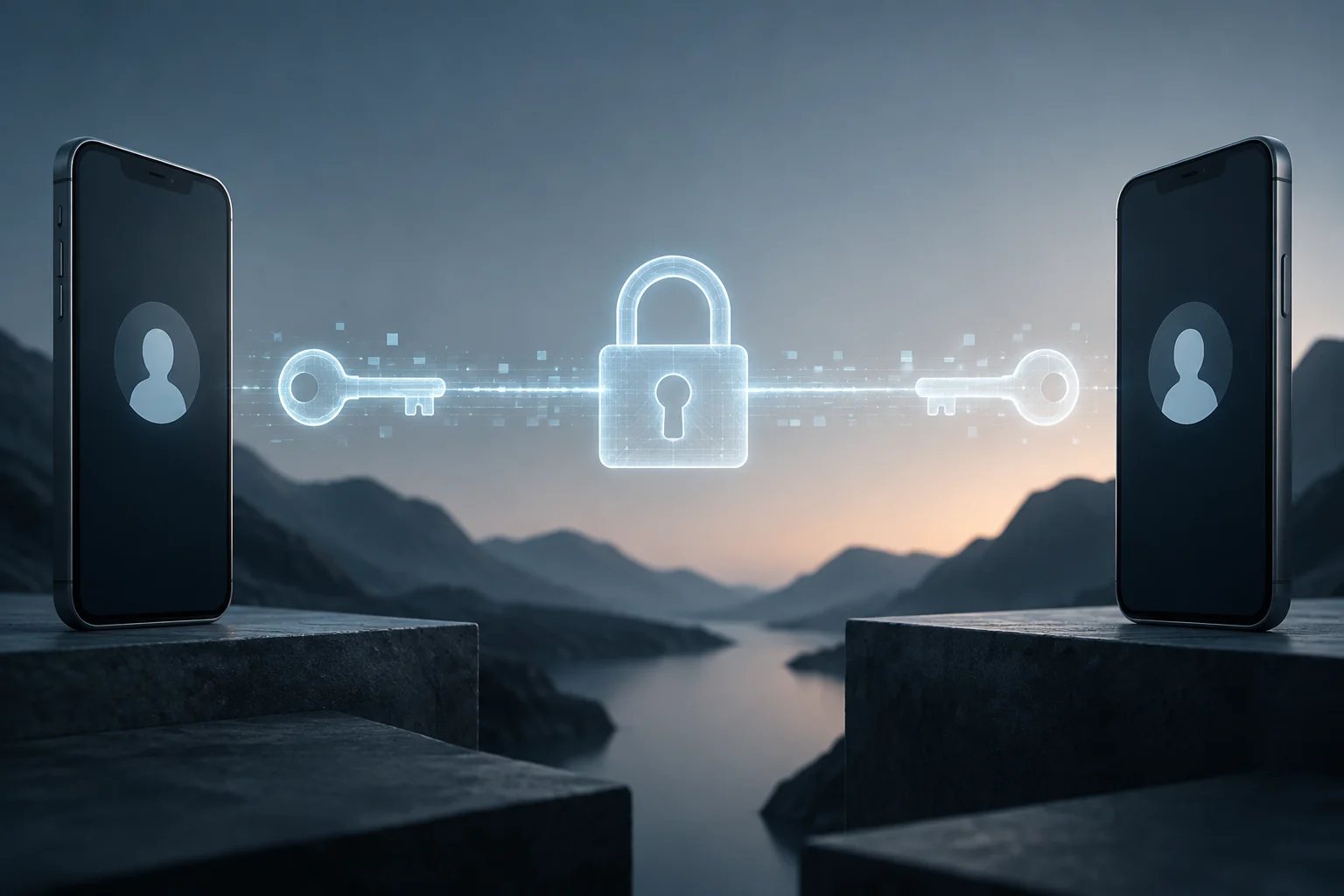
FIDO2 (Fast Identity Online) represents the most advanced evolution of authentication. Based on the W3C WebAuthn standard, FIDO2 uses unique cryptographic keys for each website, eliminating the need for shared passwords and codes. According to the FIDO Alliance, this system generates a key pair (public and private) on the user's device; the public key is sent to the server, while the private key never leaves the device. This public/private key architecture is the foundation of modern web security.
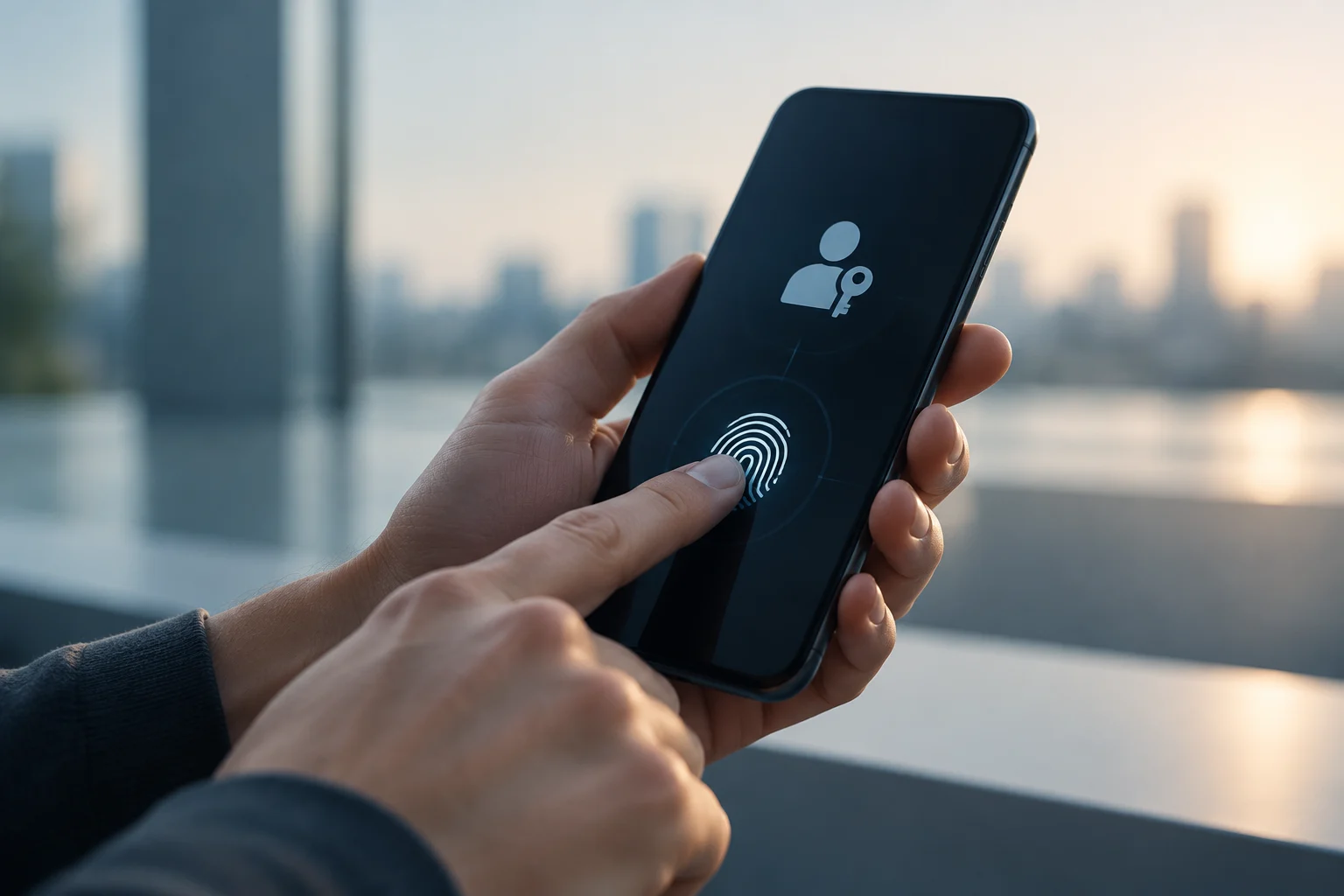
This mechanism makes phishing practically unviable. By not sharing secrets over the internet, the attacker cannot capture a valid credential for another site. Passkeys (access keys) integrated into browsers and operating systems allow authentication via local biometrics (fingerprint or facial recognition) without sending biometric data to the cloud. Microsoft and Google already offer this option as a priority method, as it simultaneously proves device possession and user identity. The user experience is simplified by eliminating the friction of manually entering codes.
Practical Guide: Configuring the Right Method Based on Risk
The choice of 2FA method should be based on the service's risk level. For critical accounts (banking, main email, cryptocurrencies), FIDO2 or TOTP with an authentication app is recommended. For lower-risk services, SMS may be acceptable as an additional layer, but never as the only option. Below are the general steps to enable 2FA on common services:
- Access the security settings of your account (e.g., in Google: Account > Security > 2-Step Verification).
- Select the preferred method: FIDO2 (passkey) or TOTP (authentication app).
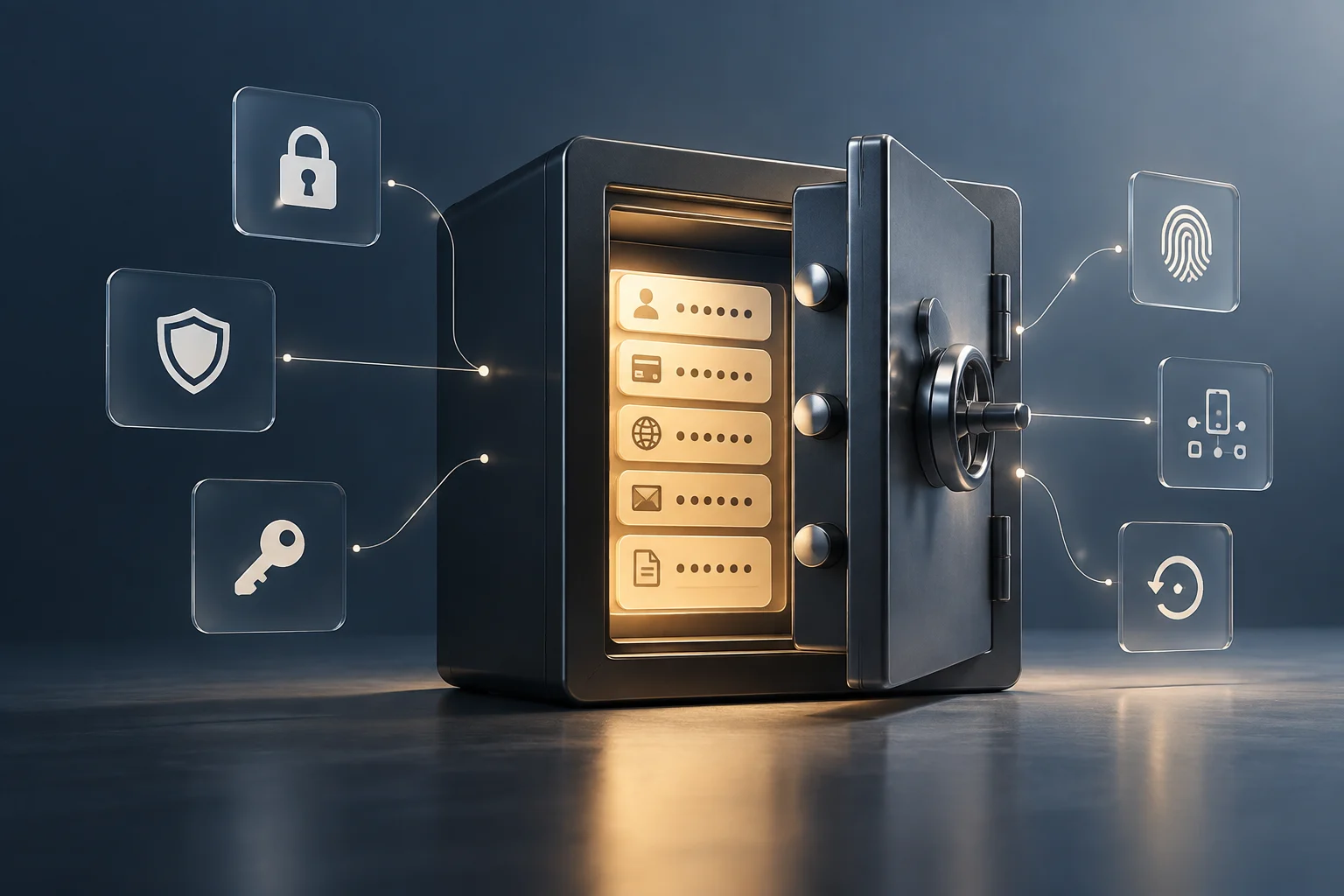
- Generate and save recovery codes: these are one-time codes that allow access recovery if you lose your device. Store them in a password manager or a secure physical location.
- Verify the configuration by logging in again to ensure the second factor works correctly.
| Method | Security Level | Main Vulnerability | Recommendation |
|---|---|---|---|
| SMS | Low | SIM swapping, SS7 | Avoid as sole method |
| TOTP (App) | High | Phishing, device loss | Ideal for critical accounts |
| FIDO2 (Passkey) | Very High | Device loss | Best available option |
Common Mistakes and Recovery Management
One of the most frequent errors is not saving recovery codes or storing them on the same device as the authentication app. If you lose your phone, these codes are your only way to recover access without calling technical support. INCIBE recommends enabling 2FA on all accounts that allow it, but emphasizes the importance of following each platform's specific instructions, as configuration varies. Preparation for device loss is as important as the initial activation of the system.
Another mistake is trusting that 2FA is an infallible solution. Although it drastically reduces risk, it does not eliminate the phishing threat in the case of TOTP. To mitigate this, it is crucial to educate yourself to identify fake pages and, whenever possible, migrate to FIDO2. If the device is lost, recovery must be quick: use recovery codes, contact support with required documentation, and once access is restored, reconfigure 2FA on a new device. Security is a continuous process requiring periodic review of credentials.