Technical Definition and Difference from In-Transit Encryption
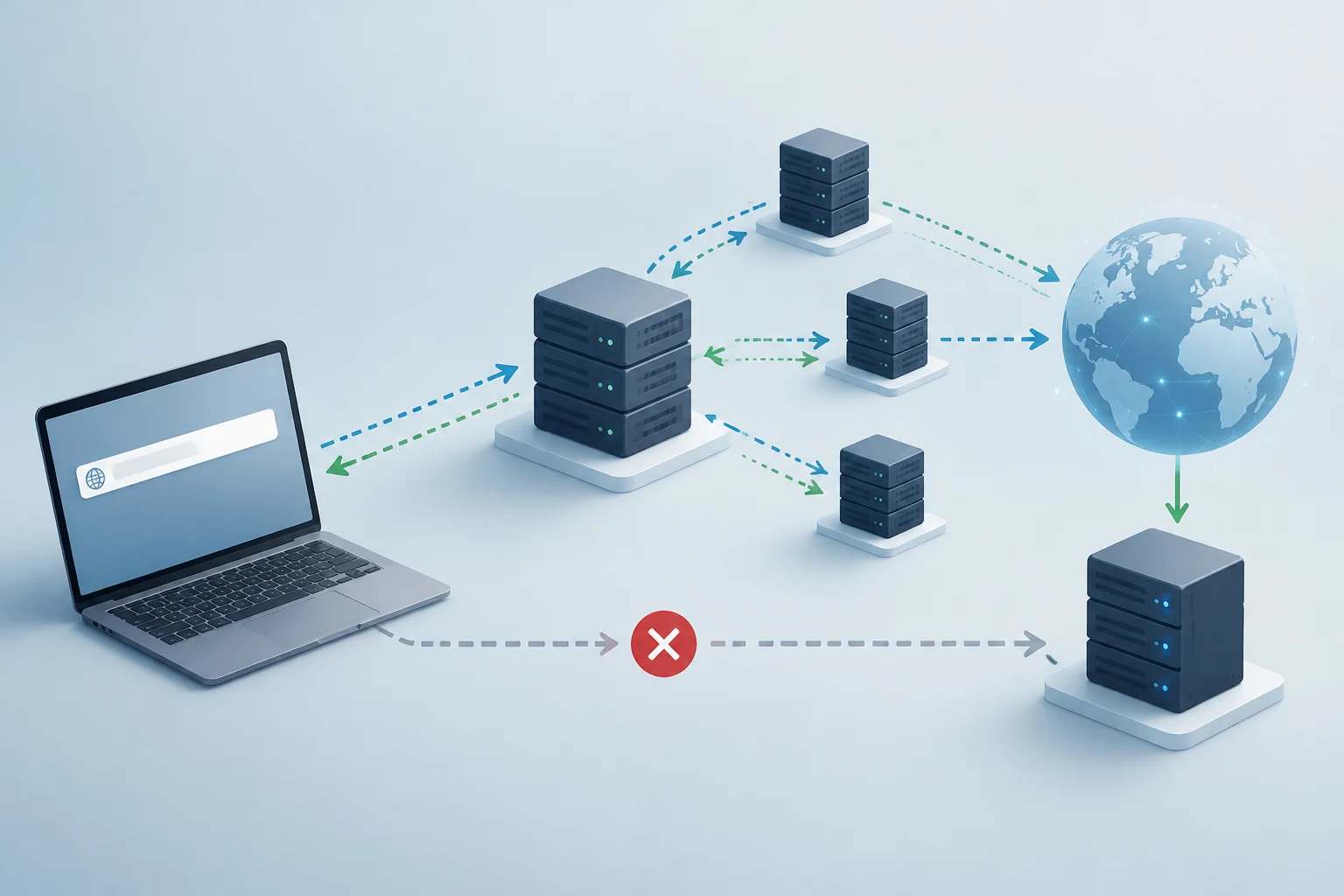
End-to-end encryption (E2EE) is a cryptographic process that transforms readable text into unreadable data on the sender's device before it leaves the local hardware. Unlike in-transit encryption, which protects the connection between a client and a server using protocols like TLS, E2EE ensures that the messaging server only handles encrypted text and never has access to the decryption keys. This distinction is fundamental: in-transit encryption protects the network route, while E2EE protects the message content regardless of the delivery infrastructure.
According to IBM, E2EE differs from other methods because it encrypts data on the sender's device, keeps it encrypted during transmission, and decrypts it only on the recipient's endpoint. This means that even if a service provider like WhatsApp or Meta intercepted the traffic, they could not read the messages without the user's private key. Security does not reside in the trust of the intermediary, but in the exclusive possession of the keys by the authorized end points.
Generation and Exchange of Cryptographic Keys
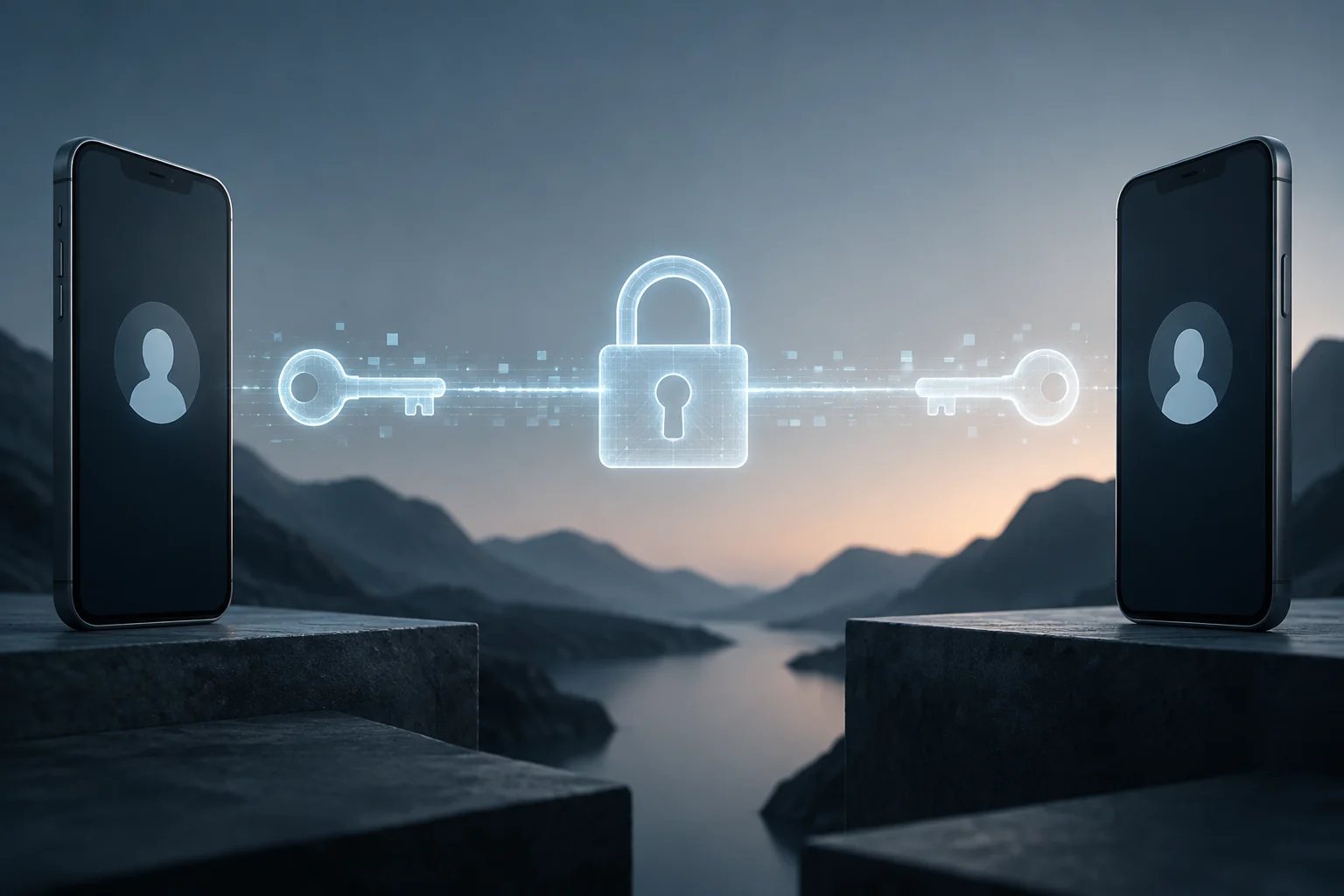
In most modern messaging applications, each device generates a key pair: a public key and a private key. The public key is openly shared with contacts so they can encrypt messages intended for that device, while the private key remains securely stored in local hardware and is never transmitted over the network. This mechanism is based on asymmetric cryptography, where encryption with the public key can only be reversed with the corresponding private key.
When a user starts a conversation, the application exchanges these public keys through the messaging server. The server acts as a simple key messenger, without the ability to decrypt the content. If a user changes phones, they usually generate a new key pair, which invalidates the previous keys and requires a new identity verification to re-establish cryptographic trust between the interlocutors.
Identity Verification via Digital Fingerprints
The weakest point of E2EE is not the cryptography, but identity verification. An attacker can insert themselves into the conversation if they manage to make the victim use a false public key instead of the legitimate one. To mitigate this risk, applications offer security fingerprints: numeric codes or QR codes derived from the public keys that both parties must compare to confirm they match. If the codes are not identical, there is a high probability of a man-in-the-middle attack.
The EFF describes this process as a tedious manual verification, especially when a user changes devices. However, tools like the Android system Key Verifier seek to unify this process for RCS-compatible applications, allowing standardized QR code scanning. In WhatsApp, verification can be done by scanning a QR code or manually comparing a 60-character code, although the beta introduces automatic verification based on key transparency that reduces the operational burden for the user.
Persistent Risks on End Devices
E2EE protects the route between devices, but does not protect the end devices if they are compromised. Malware installed on the user's phone can capture messages before they are encrypted or after they are decrypted, completely bypassing cryptographic protection. Additionally, cloud backups, such as those on iCloud or Google Drive, may store chats in an unencrypted state or with shared access keys, exposing the information to unauthorized access risks by the cloud provider.
Another attack vector is screenshots, which in many operating systems are not blocked by the messaging application. Although the message is encrypted in transit, a local screenshot can be shared or exfiltrated without E2EE being able to prevent it. Therefore, real security depends on the integrity of the operating system, the absence of malware, and the correct configuration of encrypted backups.
How to Audit Privacy Settings in Your Apps
To verify if an application really implements E2EE, the user must look for specific indicators in the interface. In Messenger, for example, the "End-to-end encryption" option appears in the chat settings only when the conversation is protected. In WhatsApp, the "End-to-end encryption" label next to the contact's name confirms the protection. If the label does not appear, the conversation might be using in-transit encryption or not be encrypted at all, especially in group chats with participants who do not have the app updated.
It is crucial to review the backup settings. In WhatsApp, backups on Google Drive or iCloud may not be end-to-end encrypted by default, depending on the version and regional configuration. The user must explicitly enable backup encryption if the app allows it. Additionally, it is recommended to disable optional features that share metadata or content with the provider, such as AI integration or business tools, which may exempt the service from E2EE protection.