Public rollout and launch context
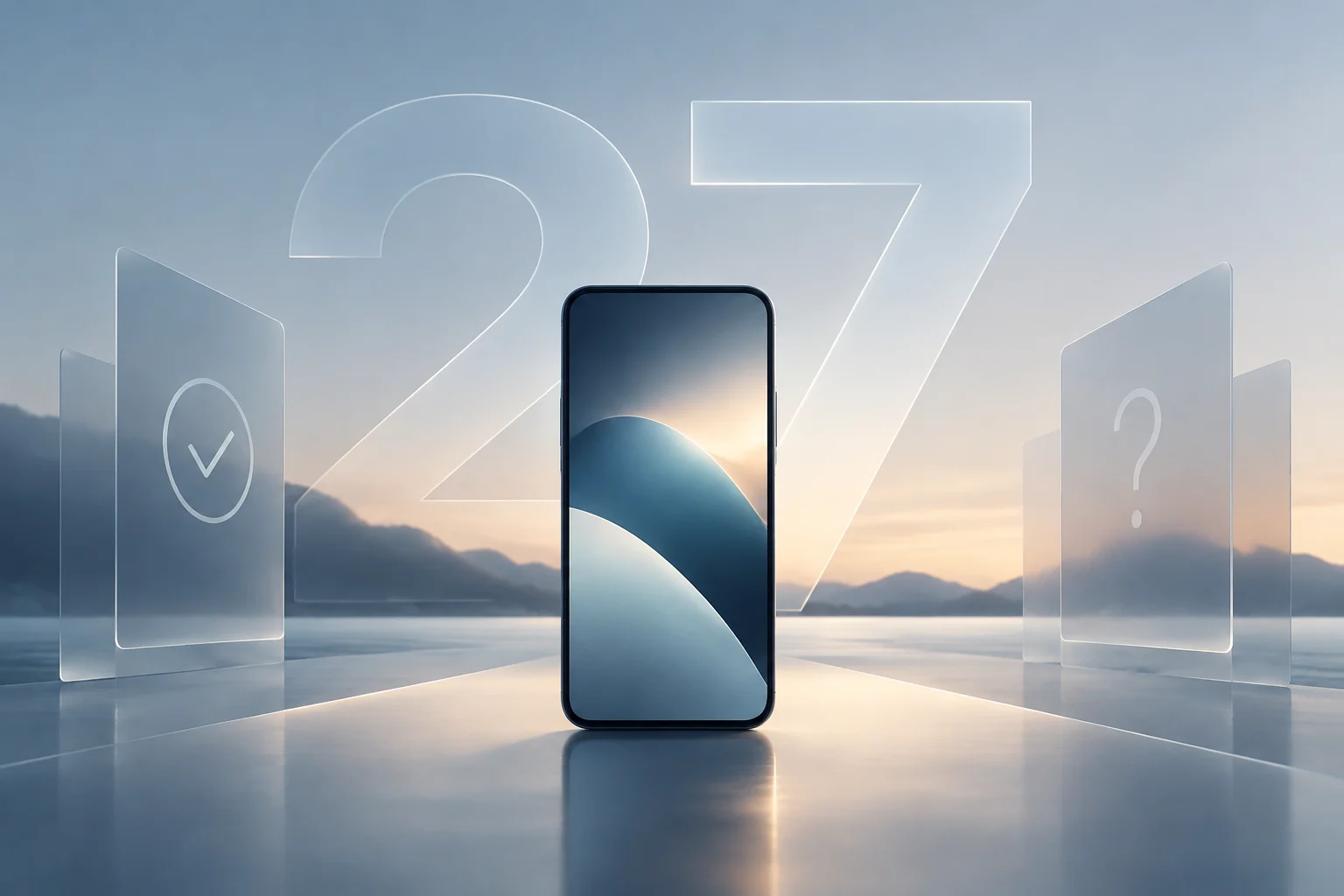
Apple confirmed the public release of iOS 27 on September 14, 2026, following its initial announcement at WWDC 2026 on June 8. The final version comes after a public beta that began on July 13, marking a development cycle of around three months. This update consolidates Apple’s software strategy, which this year prioritised deeper artificial-intelligence integration and child safety over adding cosmetic features.
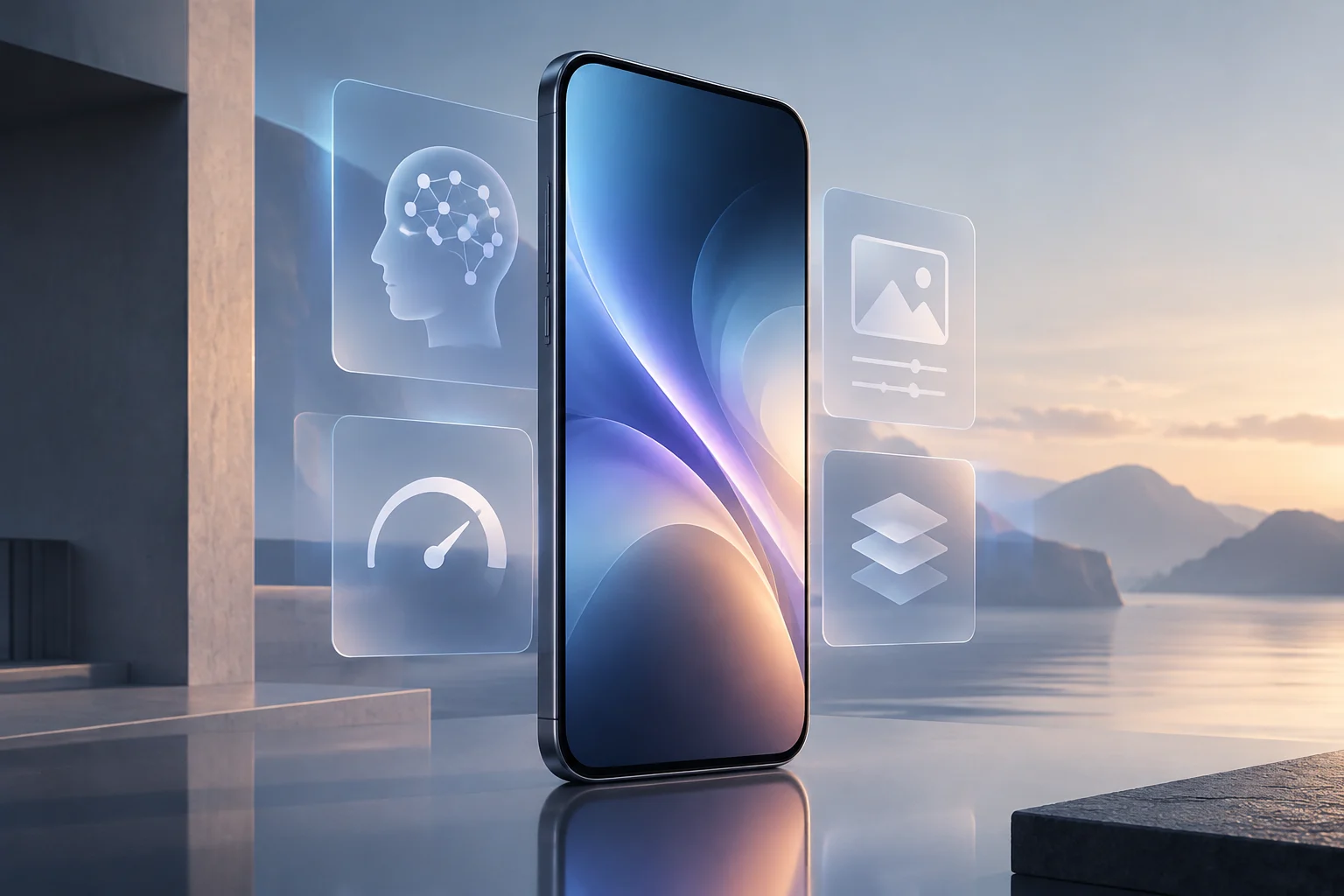
The operating system has three main areas of focus: Siri AI, new parental-control tools and system-level performance improvements. Unlike in previous years, Apple has not introduced radical interface changes; instead, it has focused on making everyday tasks faster and its virtual assistant more capable. For the average user, that means the update does not change how the phone looks, but it does change how it behaves behind the scenes and what it can do with its processing power.
Performance improvements beyond AI
One of the most significant, if less publicised, changes in iOS 27 is an optimised CPU scheduler. Apple devoted a substantial part of its presentation to explaining how the new system decides which app gets priority and how resources are allocated when switching between tasks. The result is a more fluid feel, particularly on older devices that can be affected by resources being fragmented across processes.
The improvements are not limited to the processor. Apple documented faster app launches, AirDrop data transfers and photo loading in the gallery. These optimisations have a direct effect on everyday use, reducing the wait for operations that previously needed more processing time. For iPhone 11 users and owners of similar models, they could help extend a device’s useful life by keeping the system responsive.
New AI tools for photo editing
The Photos app gets three new tools powered by Apple Intelligence: Extend, Enhance and Reframe. They let users adjust the perspective of images, generate new content within a photo and improve overall quality. Reframe, in particular, makes it possible to change a photo’s framing more naturally, adjusting its composition without losing quality in the cropped areas.
However, these features have not been implemented without problems. According to developer reports and pre-release leaks, Extend and Reframe showed inconsistencies in Apple’s internal testing. Although the operating system is now available, some users may see variable results when generating content or find that reframing is not always precise. Apple has said the features rely on AI models that run locally on the device, which protects privacy but makes results dependent on the hardware’s computing power.
Siri AI and specific hardware requirements
Siri AI is the most notable evolution of the previous version of Siri. It combines personal context, awareness of what is on screen and web knowledge to deliver more natural conversations and richer answers. Unlike traditional Siri, this version can take actions in third-party apps and keep chat history across devices. To enable these advanced features, an iPhone needs Apple’s most powerful AI model, which is available only on the newest devices.
The models compatible with the full Apple Intelligence experience are iPhone 17 Pro, iPhone 17 Pro Max, iPhone 18 Pro, iPhone 18 Pro Max, iPhone Air and iPhone Duo. Owners of older models, such as iPhone 11 or iPhone 15, will get iOS 27 but will not have access to Siri AI’s most advanced features or the most powerful on-device AI models. This hardware segmentation is a clear strategy by Apple to encourage users to upgrade, by limiting AI capabilities to its newest chips.
Compatibility guide and how to check your system
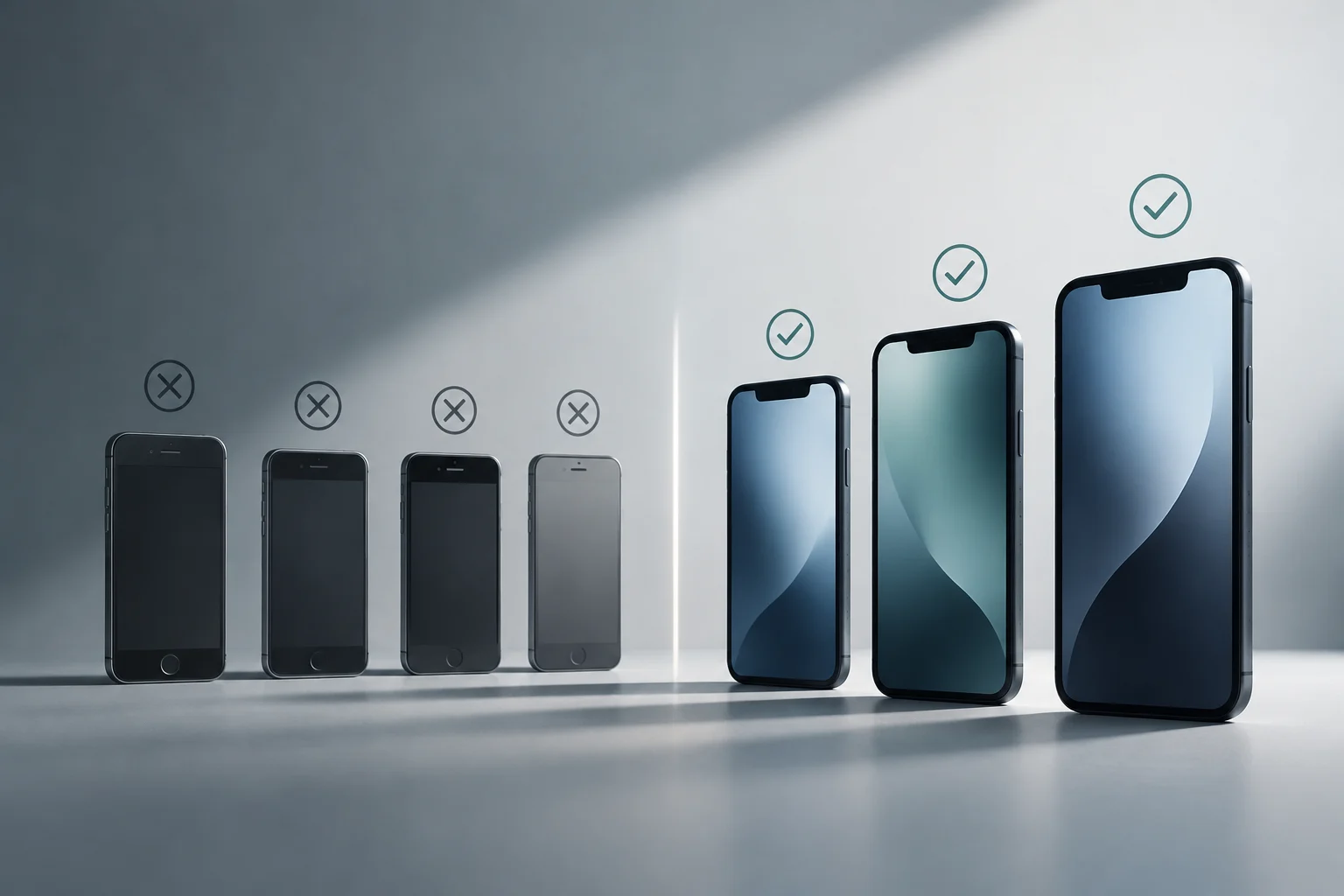
iOS 27 supports a broad range of devices, from iPhone 11 through iPhone 18 Pro Max, as well as the second- and third-generation iPhone SE. In all, 29 iPhone models are receiving the update, extending the lifespan of older devices more than initially expected. The inclusion of iPhone 11, which many rumours had written off as obsolete, was a surprise that expanded the number of users affected by this release.
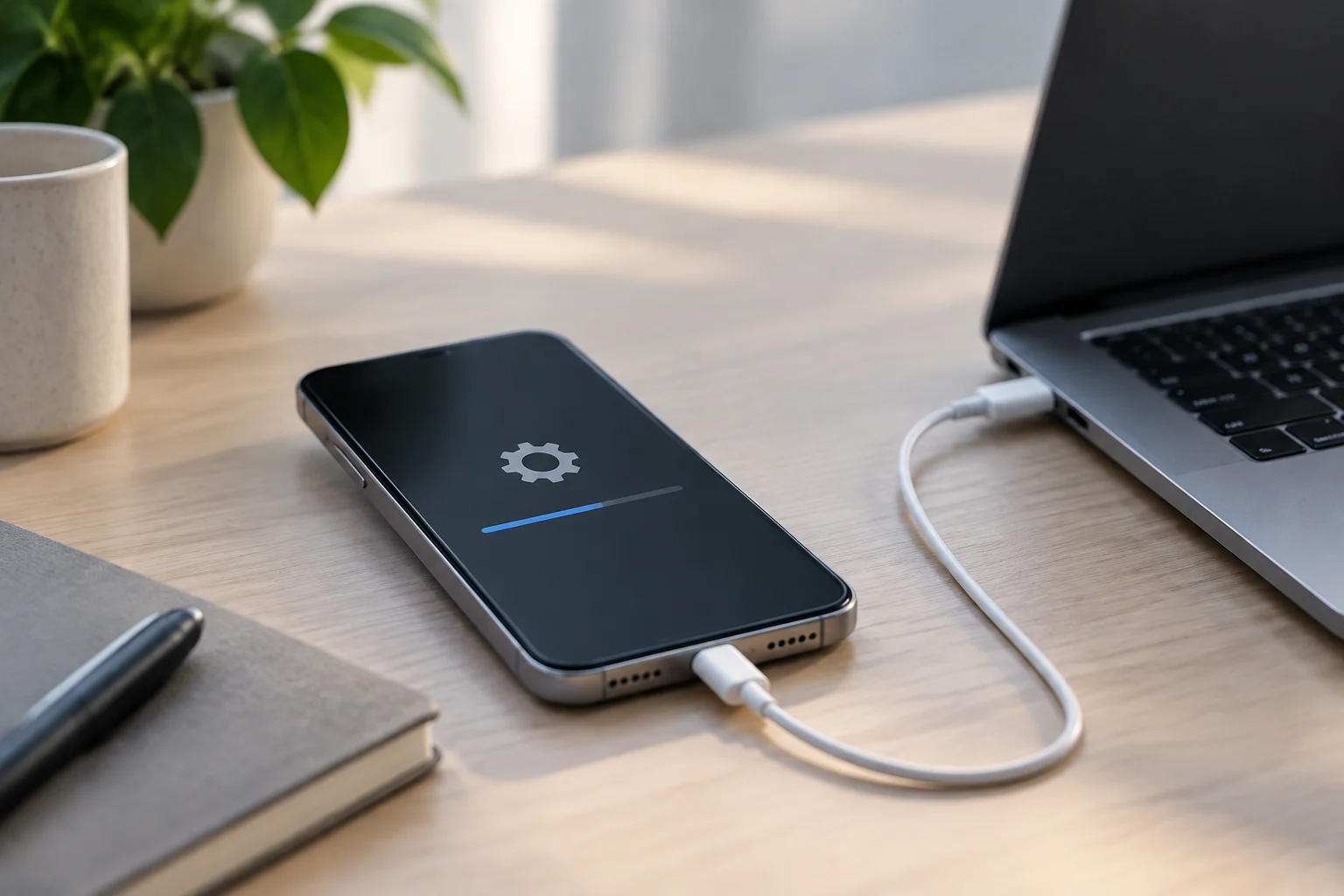
To check whether your device is compatible, consult Apple’s official support page or go to Settings > General > Software Update. If your iPhone appears on the list, the update will be available to download. Keep in mind that the update may be between 7 and 8 GB, so it is a good idea to have enough free storage and a stable Wi-Fi connection. It is also wise to make a backup before updating, particularly if you have an older device or depend on specific apps that may need adjustments afterwards.