QLC Does Not Mean All Mid‑Range SSDs Have Changed
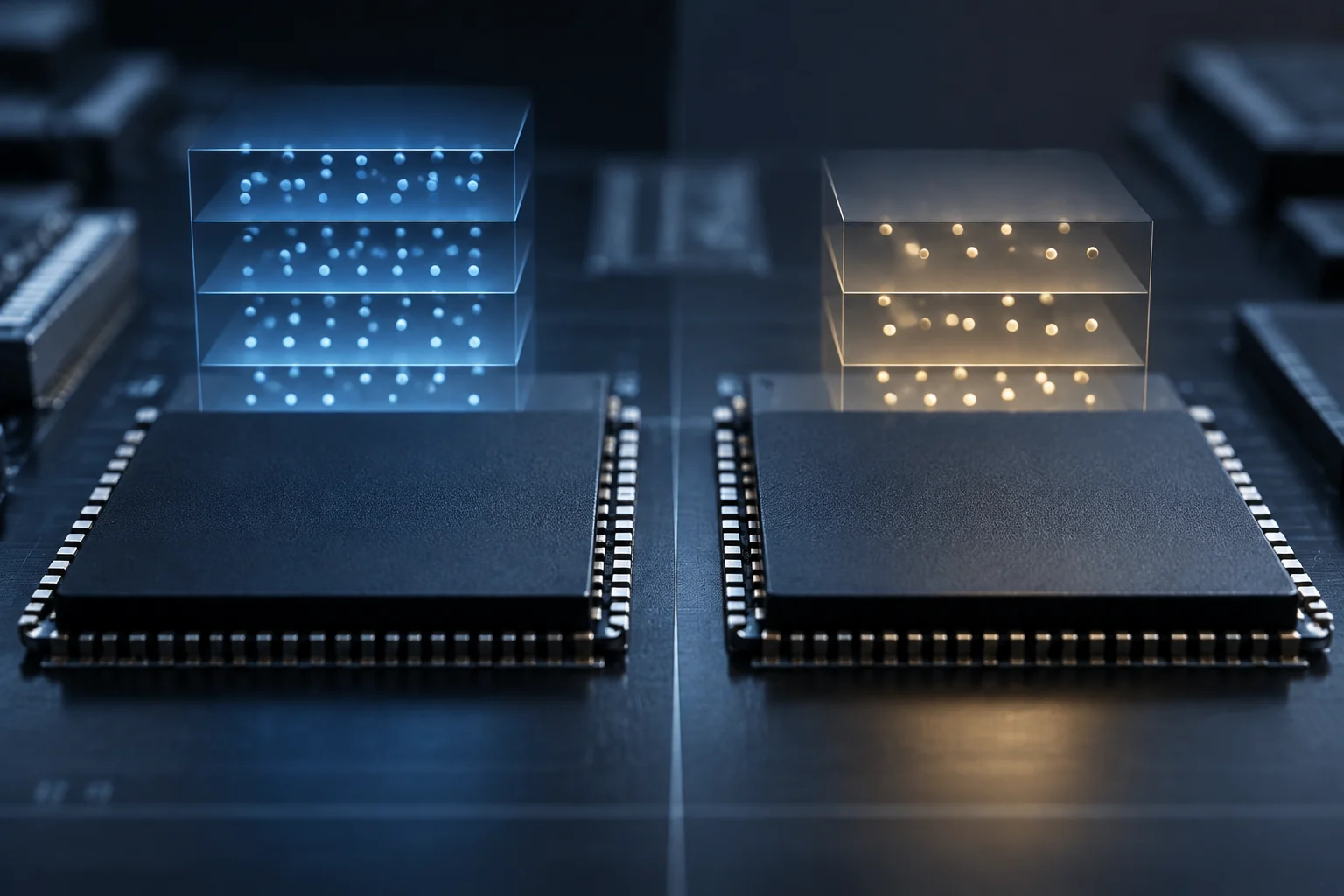
The memory QLC stores four bits per cell, compared with three in TLC. That higher density lets manufacturers produce high‑capacity drives, but it does not by itself prove that QLC has replaced TLC across the entire mid‑range or that a particular SSD is cheaper or less reliable. The available sources explain the technology and describe QLC products, yet they do not provide a representative sales or shipment series to verify a general market transition in 2026.
Therefore the useful question when buying is not whether “mid‑range is already QLC”, but what type of NAND the exact model uses and how it fits with the intended workload. The QLC label indicates memory organization; it does not replace the resistance spec, warranty or sustained performance tests. Two units with the same NAND type can differ in capacity, firmware, controller and cache configuration.
It is also unwise to treat a feature that has been on the market for years as a new trend. TEAMGROUP documented QLC and differences between DRAM and SLC cache in a 2021 article, while IBM published its TLC‑QLC comparison in 2025. Those references help explain concepts but do not prove that consumer market composition changed massively during 2026.
What Changes Between TLC and QLC
The basic difference is the amount of information stored per NAND cell: TLC holds three bits, QLC four. Theoretically this allows eight states in a TLC cell and sixteen in a QLC one. More states per cell increase density, but also make reading and programming those states more demanding. Sandisk and IBM pages describe the bit‑per‑cell difference and the general relationship between density, capacity and cost.
This comparison should not become an absolute durability rule. A unit’s endurance depends on its full design and manufacturer specification, not just the TLC or QLC acronym. Fabrication technology, layer count, SSD capacity, controller and firmware all form part of the system. Consequently a blanket claim like “all QLC lasts less than any TLC” does not replace comparing specific units and their declared limits.
| Cell type | Bits per cell | Practical read |
|---|---|---|
| TLC | 3 | Fewer bits stored per cell than QLC |
| QLC | 4 | Higher potential density per cell |
The table summarizes the definition; it does not classify products, so you cannot infer speeds, TBW or price of a commercial unit without consulting its specific datasheet. In particular, higher density does not automatically mean lower total capacity per device, because final capacity also depends on how many cells and layers the device integrates.
Cache Accelerates Bursts, Not Design Differences
In drives with pseudo‑SLC cache, part of the NAND is temporarily used as if it stored one bit per cell. This can improve write speed while space remains available and the drive can maintain that mode. When the cache depletes, the write rate may drop; the result depends on implementation, amount of data written and SSD occupancy. The advertised peak speed does not necessarily describe sustained performance.
DRAM is another matter: a separate component that can help the controller manage metadata, including the mapping table between logical and physical addresses. It is not the same as reserving NAND for SLC cache and should not be interpreted as a direct endurance measure. Some drives without DRAM may use HMB, which takes a small amount of host RAM to support certain mapping tasks; configuration and effect depend on device and platform.
What to Look For in a Technical Sheet
- Sustained write: look for independent tests measuring long‑haul transfers, not just the maximum burst.
- Cache and DRAM: verify whether the manufacturer declares DRAM, HMB or pseudo‑SLC cache; they are distinct functions.
- Free capacity: a very full drive may behave differently than a freshly installed one, depending on design and load.
TEAMGROUP’s general documentation explains the distinction between DRAM and SLC cache but does not provide a universal cache size or performance outcome applicable to all QLC SSDs. Therefore, you cannot deduce the exact speed drop from NAND type alone.
TBW: Compare Model Specs, Not a Label
TBW means terabytes written: a figure the manufacturer declares for a unit under its warranty or specification conditions. It is useful to compare models but does not predict when an SSD will fail on its own. Warranty period also matters, and the figure must be read alongside specific manufacturer conditions. There is no single TBW for “QLC”: capacity and exact model matter.
To size a workload you can do a simple estimate: declared TBW divided by terabytes written per day gives a theoretical number of days until that value is reached. If a system writes 0.05 TB daily and its drive declares 300 TBW, the quotient is 6,000 days, about 16.4 years. This is an illustrative operation, not a real‑life lifespan prediction or a recommendation to ignore backups: it does not account for electronic failures, firmware, environmental conditions or usage pattern changes.
When comparing datasheets, record the same capacity and measurement criteria. TBW and DWPD are not interchangeable without context: DWPD expresses how many times total capacity can be written per day over a specified period, so period and capacity form part of the comparison. If the manufacturer does not publish the figure for the exact variant, do not extrapolate from a different capacity or similarly named commercial family.
| Data | What Helps Evaluate | What It Does Not Show on Its Own |
|---|---|---|
| TBW | Total declared write volume | Exact failure date of SSD |
| DWPD | Daily writes relative to capacity | Endurance without knowing the specified period |
| Warranty | Coverage and term per conditions | That all failures are covered |
A buying guide can use these figures to rule out a unit clearly unsuitable for heavy writing, but it must rely on the official product sheet. General TBW sources explain the concept; they do not validate endurance values of each current SSD.
When QLC Fits and When You Should Prioritize Something Else
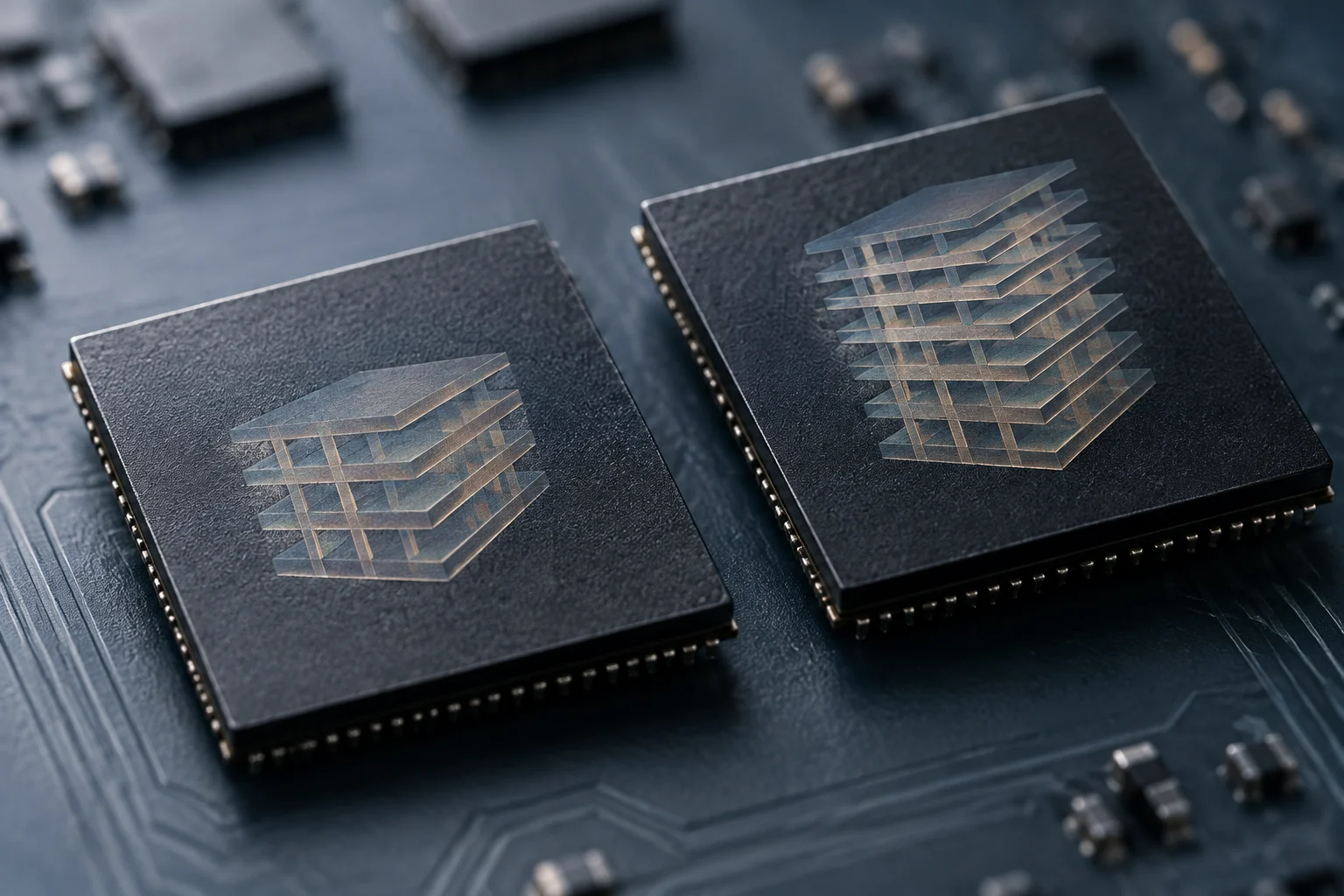
QLC can be a reasonable choice when the priority is to get lots of capacity for data that is read frequently and rewritten rarely: multimedia libraries, game files or general storage. But that convenience depends on price, warranty and model specifications being competitive. Do not assume QLC always costs less: the evidence here defines its density potential but does not provide a current, uniform retail price comparison between TLC and QLC units.
For workloads with sustained writes—e.g., frequent large file edits, work‑cache or tasks that regenerate data continuously—it is important to verify TBW, warranty and performance after cache depletion. TLC may be preferable if the specific unit offers more endurance or better sustained behavior; but the acronym alone does not guarantee superior results in all models. The correct comparison is between datasheets and equivalent tests, not between two isolated labels.
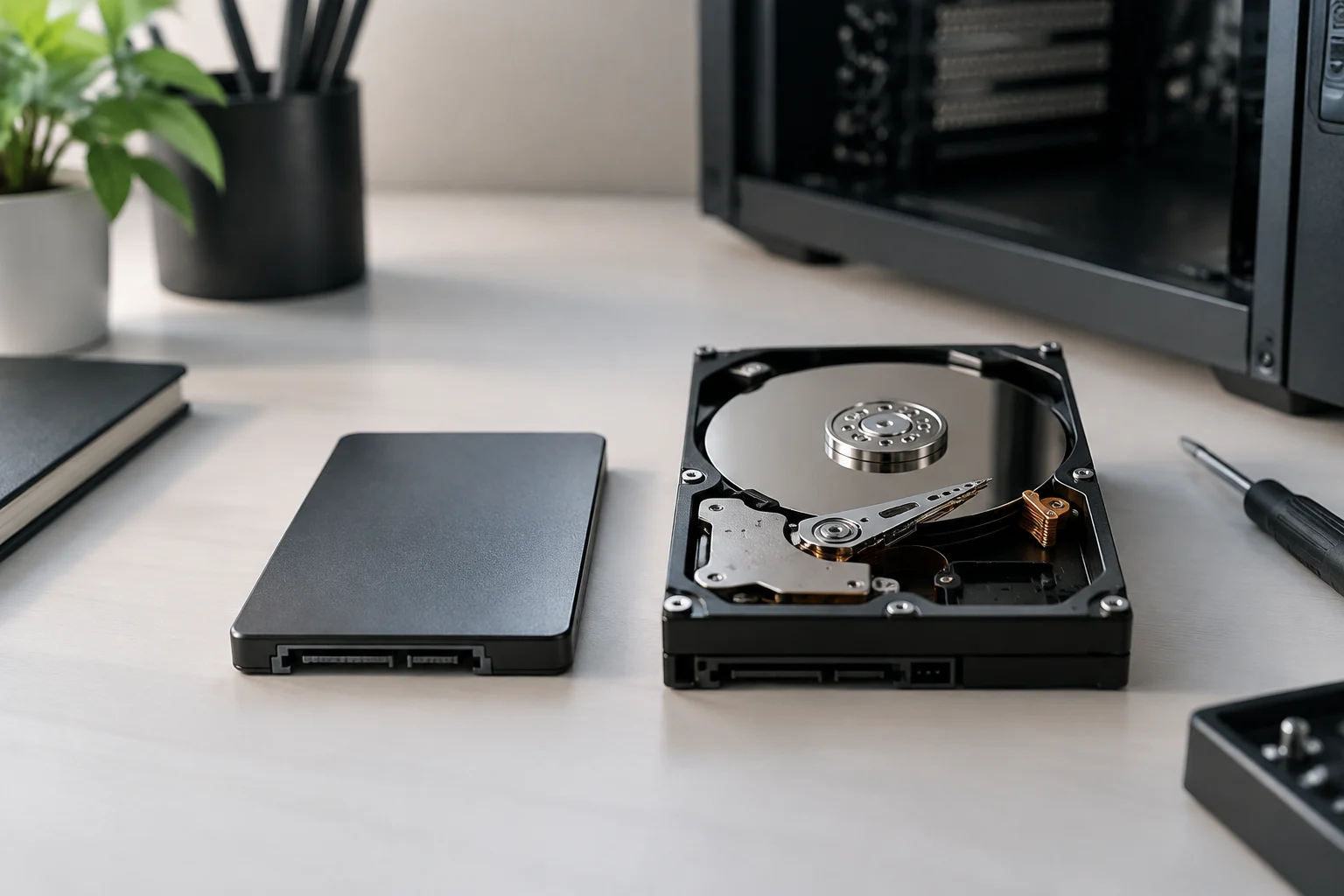
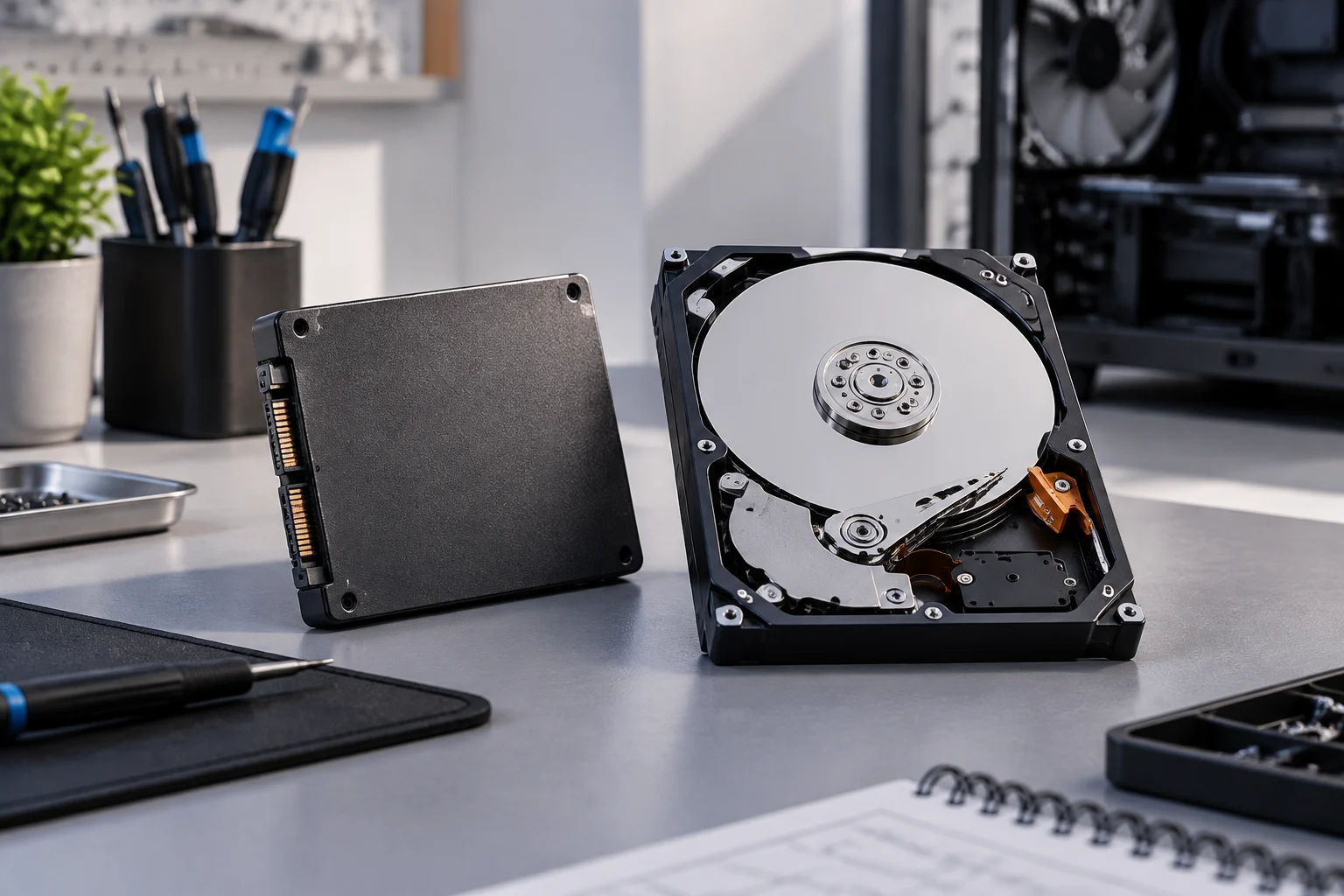
An HDD can still make sense as large‑capacity storage accessed infrequently, provided access speed and shock resistance match usage. You cannot conclude it is cheaper or better value across all markets from the references in this study: the price report covers 30 TB enterprise units and is not a consumer SSD comparison. The decision should include capacity, local cost, backups and access frequency, not just memory type.
A Buying Guideline That Avoids Premature Conclusions
Before buying, identify the exact model number and capacity. Check the NAND type if the manufacturer declares it, the TBW figure, warranty period and conditions, and sustained write speeds when comparable tests exist. If a drive advertises a maximum read or write speed, do not confuse it with constant performance: a short burst does not necessarily describe long‑haul transfer.
For a primarily read system, a QLC unit can perform well if the model meets required capacity and endurance. For intensive or sustained writes, demand sufficient endurance figures for your real data volume and consult long‑term tests of that variant. If the manufacturer does not identify NAND or publish TBW, treat that absence as missing information, not proof of poor quality.
The verifiable conclusion is limited: QLC stores more bits per cell than TLC and offers a path to higher density; cache can smooth bursts but does not automatically turn burst performance into sustained performance. Durability is decided in the SSD’s datasheet, compared against the expected workload. The available sources do not justify asserting that TLC was massively replaced by QLC in mid‑range SSDs during 2026.