The installed version doesn’t tell you how much support is left
When comparing phones, the installed Android version doesn’t tell you how long the phone will receive updates or how many updates remain for that model. A phone can have a recent version yet have less support ahead than an older-generation model covered by a longer support policy.
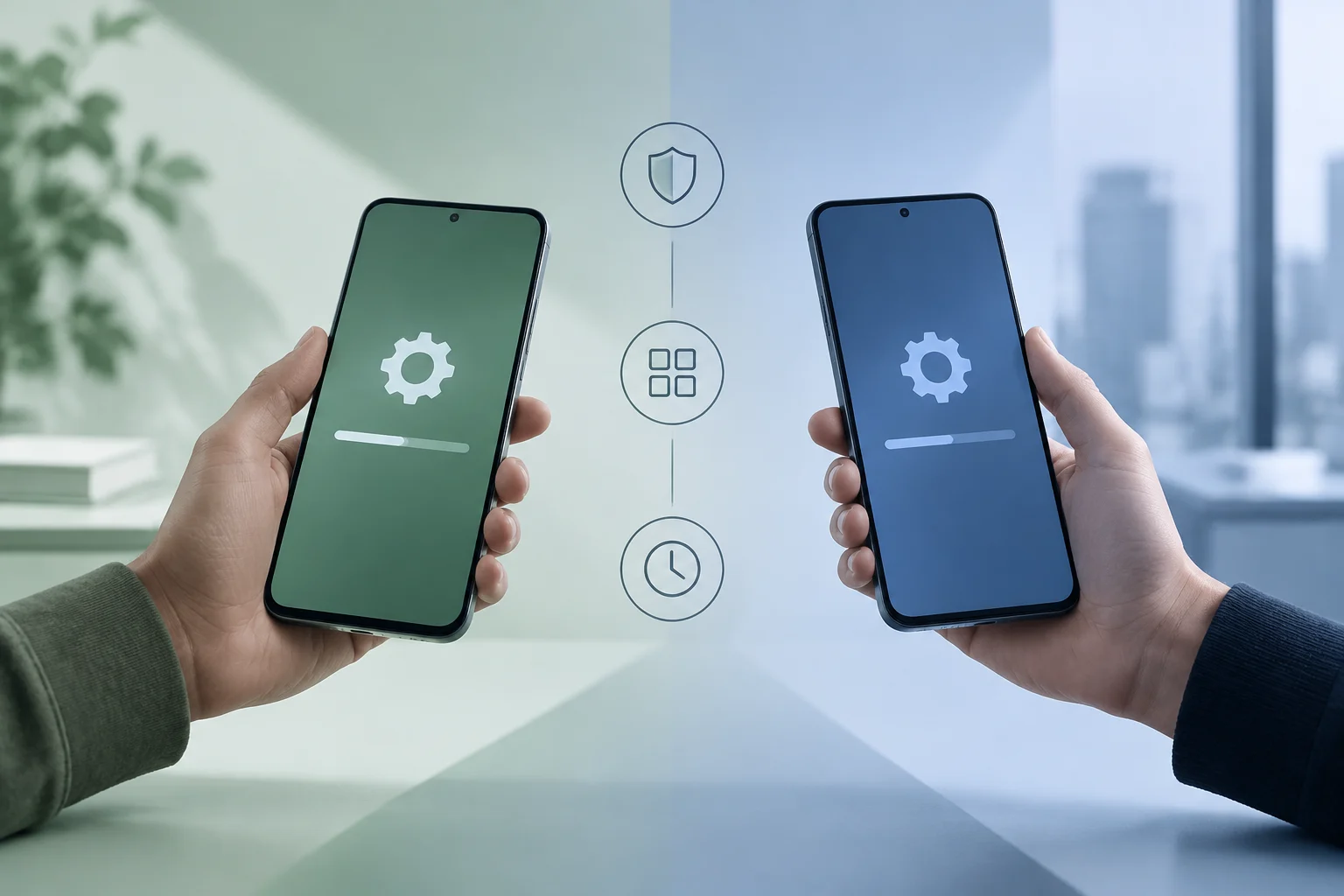
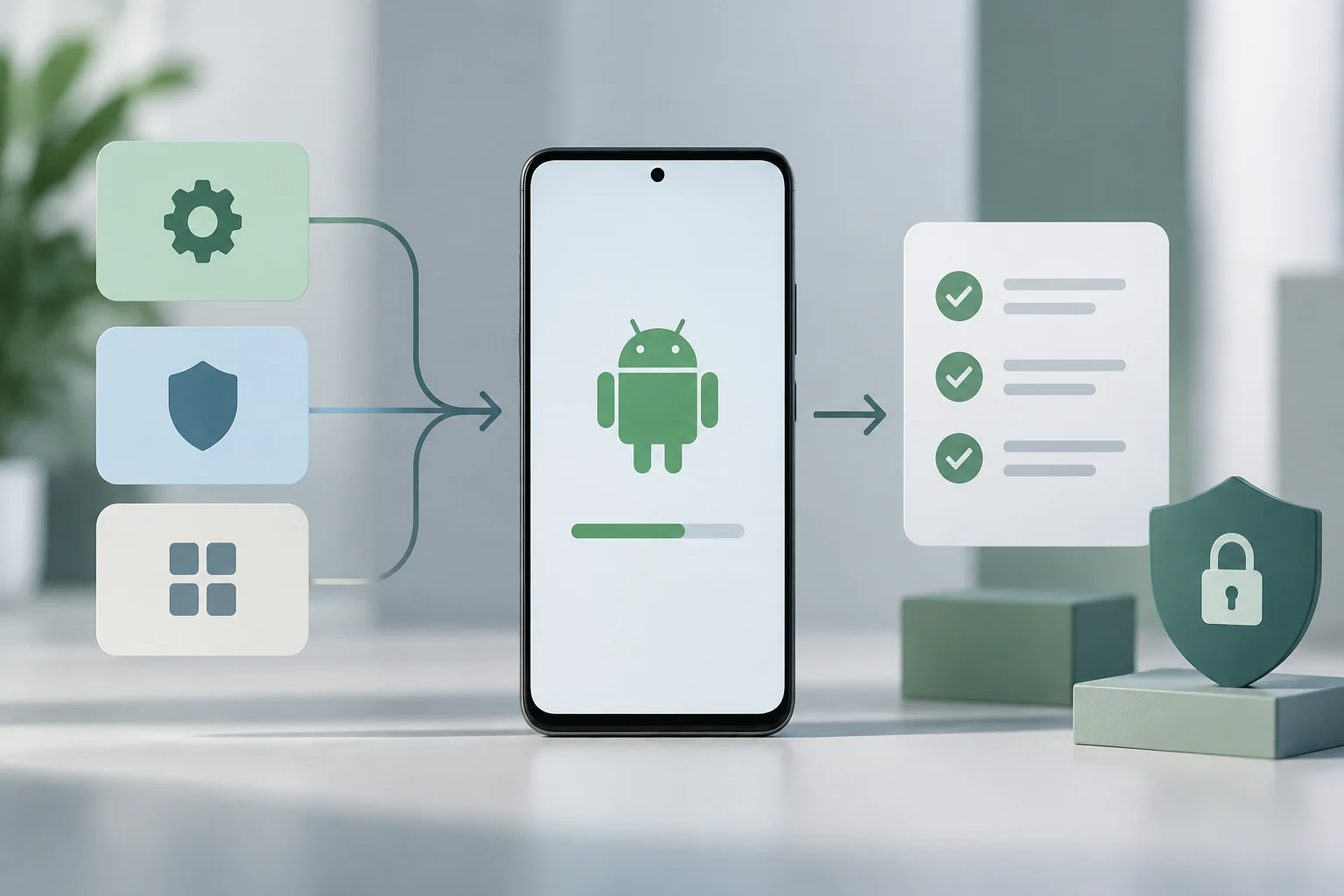
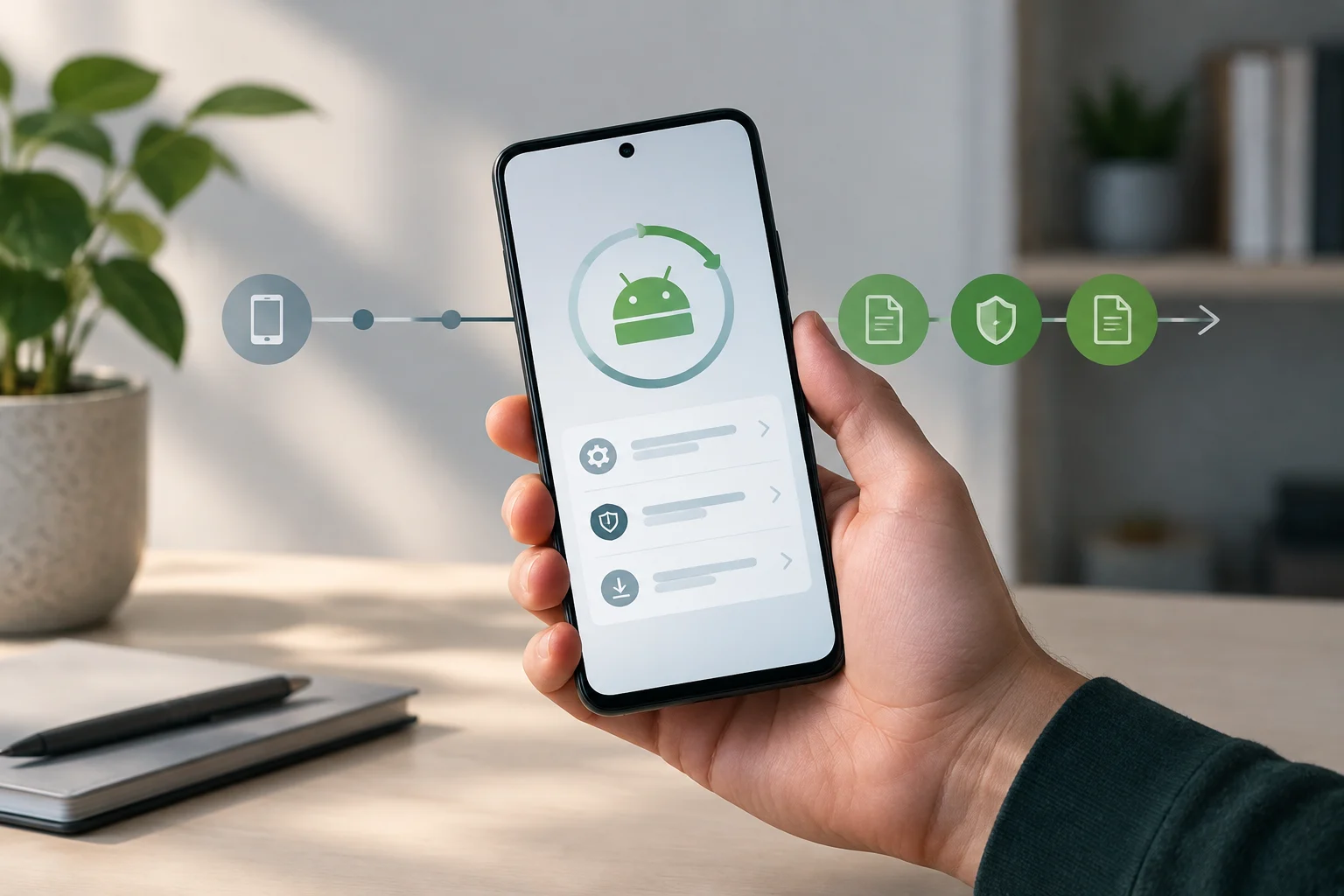
It helps to distinguish three things: new Android versions, security patches, and Google Play system updates. Manufacturers may commit to different periods for system and security updates; Google Play system updates also have a separate status you can check in Settings. These are not three names for the same update.
Your priorities depend on how you use the phone. If you plan to keep it for several years, the security-patch period is an important measure of its useful life. New Android versions can bring system changes, but the version number doesn’t answer the practical question: How long will the manufacturer support this model? Specific features can also vary by device and software.
Look for a commitment covering the exact model
A brand’s general policy is a guide, not a guarantee for every phone in its lineup. Even within one family, the range, launch year, and variant can affect the number of updates. Check the full model name and variant, then look for an official support page or product listing that spells out the commitment for that device.
Pay attention to how the promise is worded. “Years of support” may combine different things or be ambiguous if it doesn’t clarify whether it covers Android versions, security patches, or both. Note separately what is guaranteed and the period for each. A manufacturer’s end-of-support date or model-by-model table is more useful for comparison than a general marketing figure.
Before paying, save the link to or a screenshot of the official page that identifies the model and its policy. If the retailer uses an abbreviated product name, compare it with the manufacturer’s model identifier. The unit you buy must match the policy you’re reading, especially when regional variants or carrier versions are involved.
Find out when the support period starts
The promised years don’t necessarily start on the day you buy the phone. For Pixel 8 and later, Google says the seven-year period starts when the device first becomes available on the Google Store in the US. Your purchase date doesn’t reset the clock. A phone that’s new to you may already have used up part of its support period while sitting in a store.
Find out which milestone the manufacturer uses: announcement, launch, first sale, or availability in a particular market. Don’t assume all brands count the same way. If the start date isn’t listed alongside the promise, look for an official support table or ask the manufacturer before comparing models of different ages.
To estimate remaining support, subtract the time since the manufacturer’s stated start date from the promised period. This is a guide, not a guaranteed end date unless the manufacturer publishes an official schedule for that model. Compare the years remaining, not just the years promised, especially if the phone has been on the market for a while or is being sold new at a discount.
Distinguish system updates, patches, and Google Play updates
A major Android update changes the operating-system version. A security patch addresses vulnerabilities and is identified on the phone by its security patch level date. Google Play system updates appear as a separate status in the device settings. Check each indicator separately: seeing a recent Google Play update doesn’t prove that the manufacturer still provides new Android versions for that model.
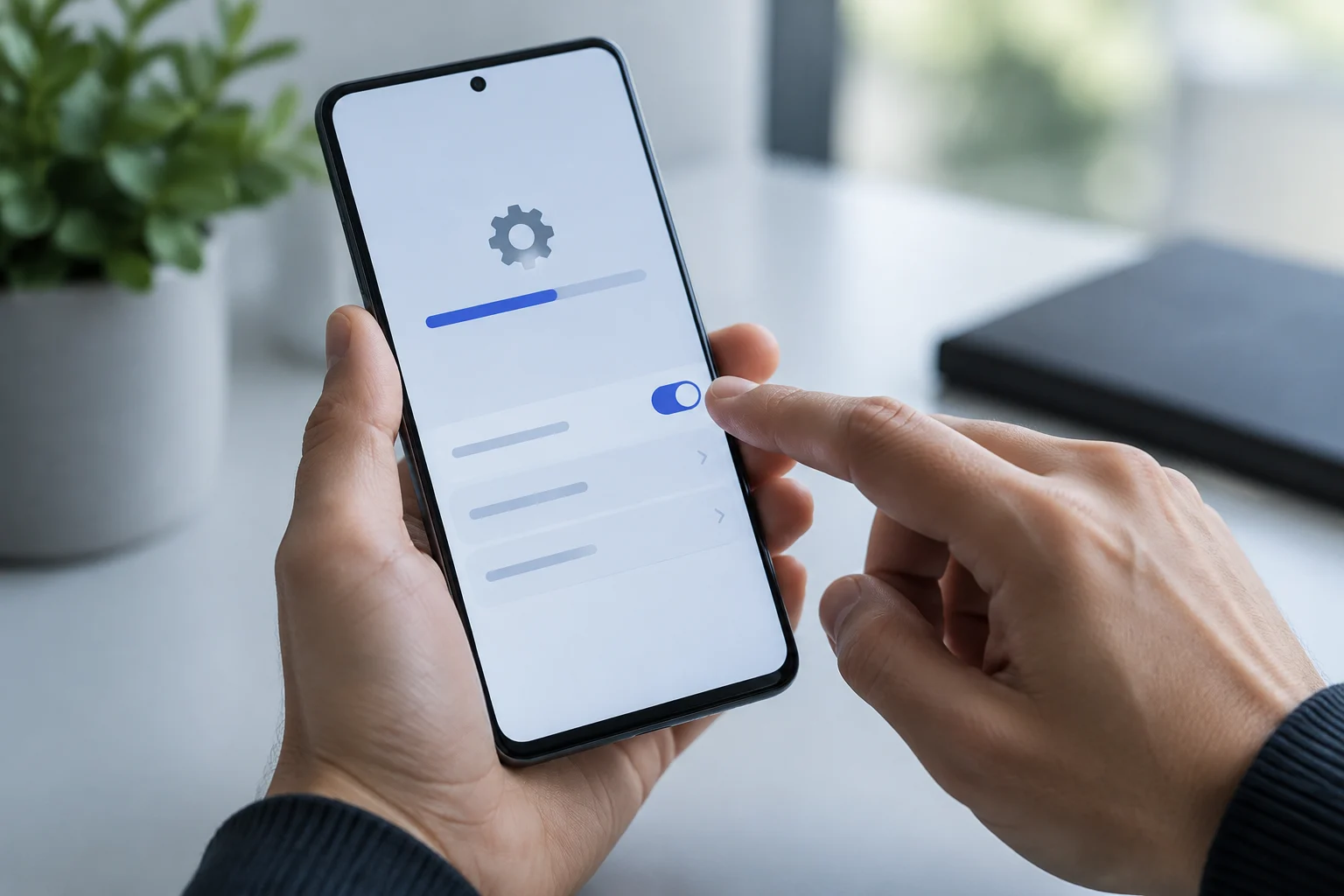
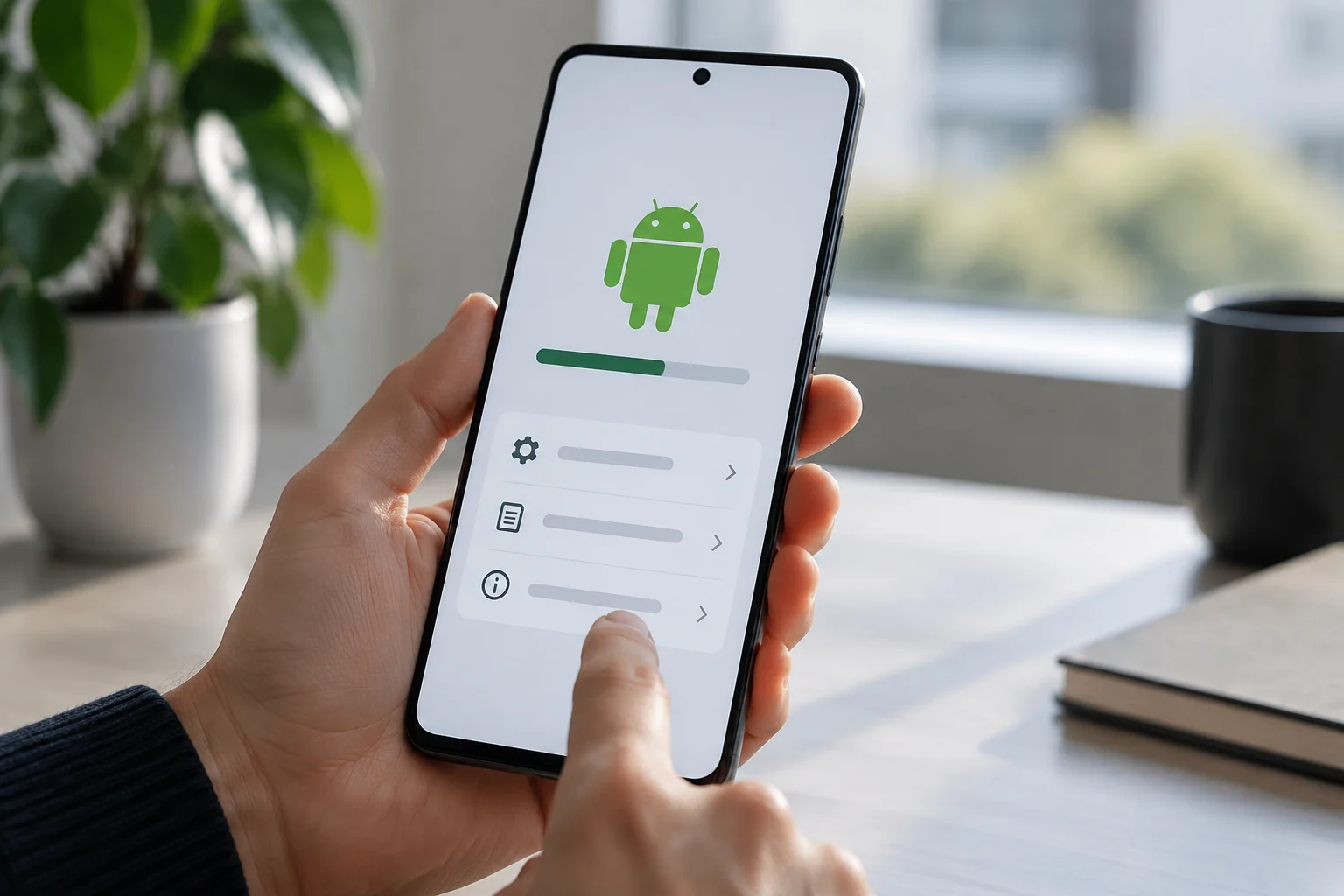
On Android, you can check the installed version, security update status, and Google Play system update status in Settings, under your phone or tablet’s information. On many devices, update checks are under System and then Software update. Samsung describes a similar route, although menu names can vary by model and software version.
The latest patch date shows when the device received a security update; it doesn’t by itself confirm future eligibility for updates. To find out how much support remains, compare that date with the manufacturer’s official commitment for the model. The build number can also help identify a specific version when the manufacturer asks for it.

Region, carrier, and rollout can affect the schedule
An update being available for a phone family doesn’t mean it has reached every unit. Google explains that schedules vary by device, manufacturer, and carrier. Check the update status on your phone rather than assuming a rollout elsewhere means it is ready for your device.
The manufacturer may adapt the software for its interface, and the carrier may be involved in distributing updates to some devices. In practice, the promised support period and the date you receive an update are separate questions. Check Settings for pending updates and consult the support channel for your model, market, and carrier.
When comparing two phones, consider both the promised support period and how regularly patches are distributed. A device’s update history can help you judge the experience, but it isn’t a guarantee of future updates. A long promise doesn’t mean every patch arrives immediately, and a pending update alone doesn’t show that support has ended.
A short checklist before you buy
Before completing your purchase, check these details on the manufacturer’s product or official support page: exact model and variant; years of Android version updates; years of security patches; when the support period starts; and the market or carrier covered. If anything is unclear, ask the retailer to identify the exact version and confirm the details with the manufacturer.
Then estimate how much support remains from the start date and compare it with how long you plan to keep the phone. You can check the Android version and patch date on the device, and the official product page for its support policy. The key figure is the support remaining for that unit, not whether it’s new to you or advertises the latest version.
A useful comparison can be summarized like this:
| What to check | What it tells you | Where to look |
|---|---|---|
| Android versions | How many system updates the manufacturer promises | Official model page |
| Security patches | How long the manufacturer commits to providing them | Official support policy |
| Start of the support period | How much of the period may already have elapsed | Manufacturer’s terms |
| Installed status | The unit’s software version and patch date | Phone settings |
| Rollout | Whether the schedule varies by market or carrier | Manufacturer or carrier |
When a promise is vague, don’t turn it into a support figure the manufacturer hasn’t specified. Compare only commitments that cover the same type of update and the same market. If the remaining period doesn’t cover how long you plan to use the phone, a model with longer support may be the smarter buy, even if its initial Android version is older.