Latency: the time between an event and its picture
In a live stream, latency is the time between an event happening and its appearance on screen. It becomes noticeable when a play appears on one device after someone has already commented on it elsewhere, or when a response to an interactive broadcast arrives late. That delay does not directly tell you how sharp the picture is: quality and speed are different properties.
Apple describes Low-Latency HLS as extensions to HTTP Live Streaming designed to combine HLS quality and scalability with a stream delay of two seconds or less. That figure describes Apple’s approach; it is not a blanket guarantee for every stream, platform or network connection. The delay a viewer experiences depends on the complete path between the video source and the playback device.
What can affect delay
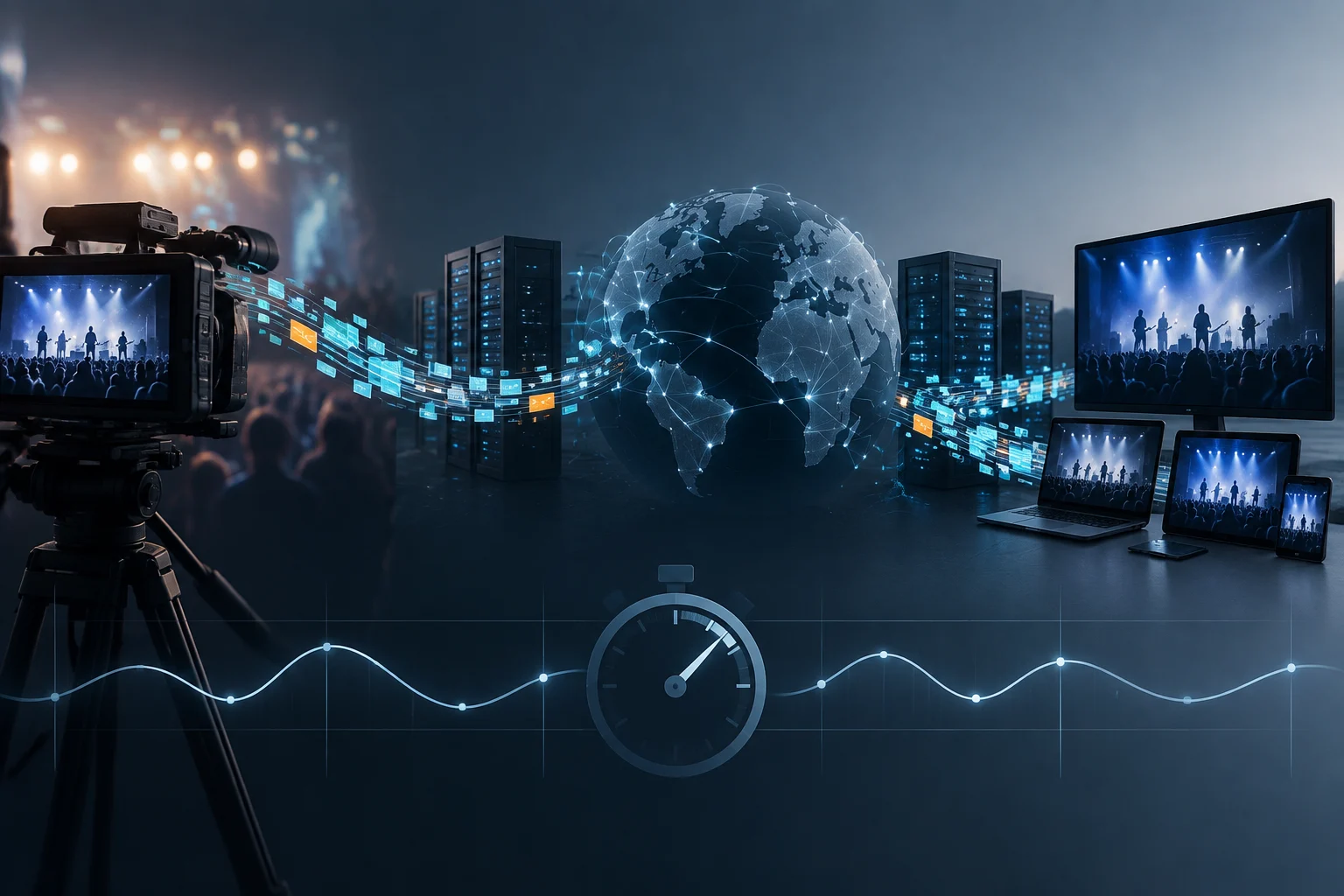
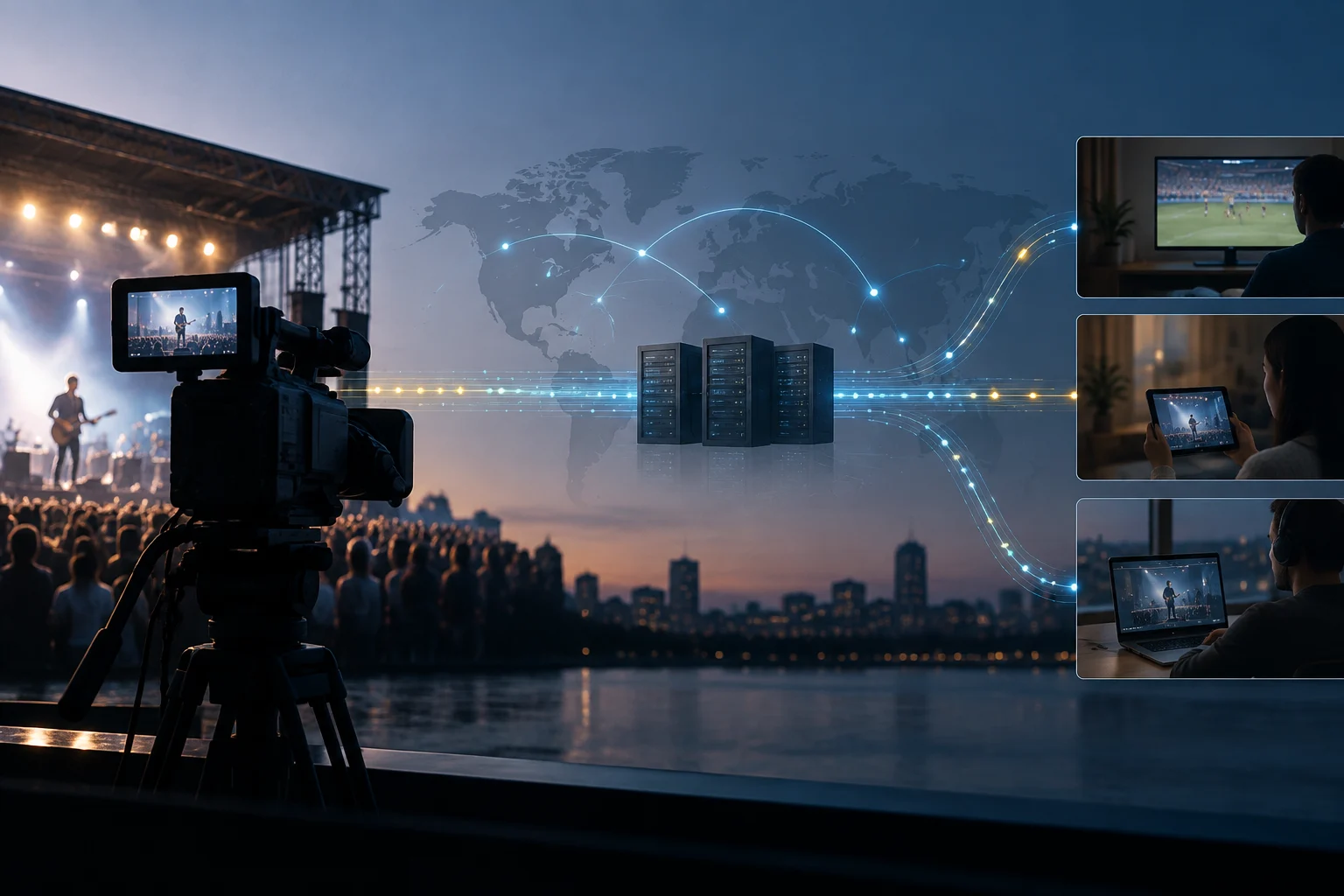
A live stream passes through several stages: capture, encoding, delivery and playback. The video is prepared and transmitted, the service distributes it over a network, and the receiving device gets enough data to start or continue playback. Each stage can take time, so total latency is not determined by a single setting on a phone or in an app.
Low-Latency HLS is a delivery option intended to reduce delay while retaining HLS’s quality and scalability characteristics. For an individual stream, the result can also depend on how the service implements the approach and on the conditions of the network carrying it.
Encoding matters too. Apple says VideoToolbox supports low-delay H.264 hardware encoding to minimize end-to-end latency in real-time communication and video playback. Low-delay encoding can help, but it does not remove distribution time or other delays between the source and the audience.
Picture quality and playback stability
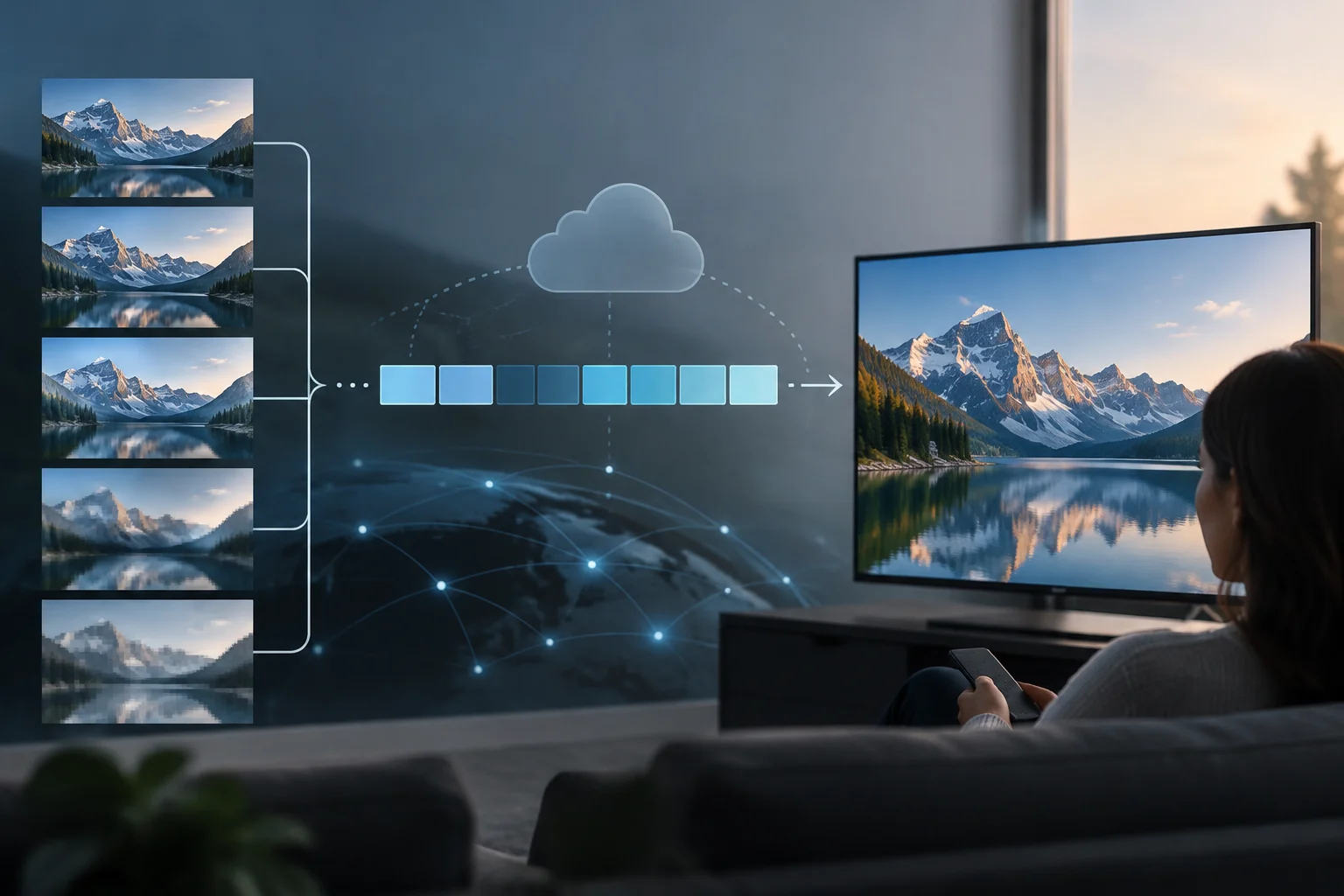
Visible picture quality depends on how the video is encoded and whether the network can carry the stream. Picture quality and latency are not the same: optimizing for one does not, by itself, establish the result for the other.
If a connection cannot keep up with the incoming stream, playback may become unstable or a service may use a lower quality. How a service handles this depends on that service. Changing network conditions can affect the experience even when the device is compatible.
Apple’s explanation of low-latency encoding in VideoToolbox concerns video preparation, including H.264. Low-Latency HLS extensions, by contrast, concern delivery of the stream. Encoding and delivery are separate stages, and neither establishes a particular performance level in every app.
Understanding data use
Data use is the amount of information transferred during playback. The stream’s bitrate and the length of the session determine how much data is involved, so both the duration and the stream actually received matter.
Latency is a measure of time, not data volume. Low-Latency HLS is intended to reduce delivery delay, while encoding affects how video is represented. Low delay and low data use are not equivalent: a stream can be designed for a faster response without that alone indicating how much data it transfers.
What to consider when watching live
To assess a live viewing experience, keep three things separate: the delay relative to the event, playback stability, and data use recorded by the device or network. Treating these as distinct measures helps avoid drawing the wrong conclusion about performance.
To reduce data use, check the quality options offered by the service and monitor the device’s data usage. To follow an event as close to real time as possible, also check whether the service supports a low-latency mode. The outcome still depends on the source, platform, network and playback device together.
In short, latency describes how long the picture takes to reach playback, picture quality describes how it is presented, and data use describes the amount transferred during the session. These measures differ, but they combine to shape the experience: encoding and delivery affect playback, while the conditions of a particular stream determine what viewers actually receive.