What an Ultra HDR image contains
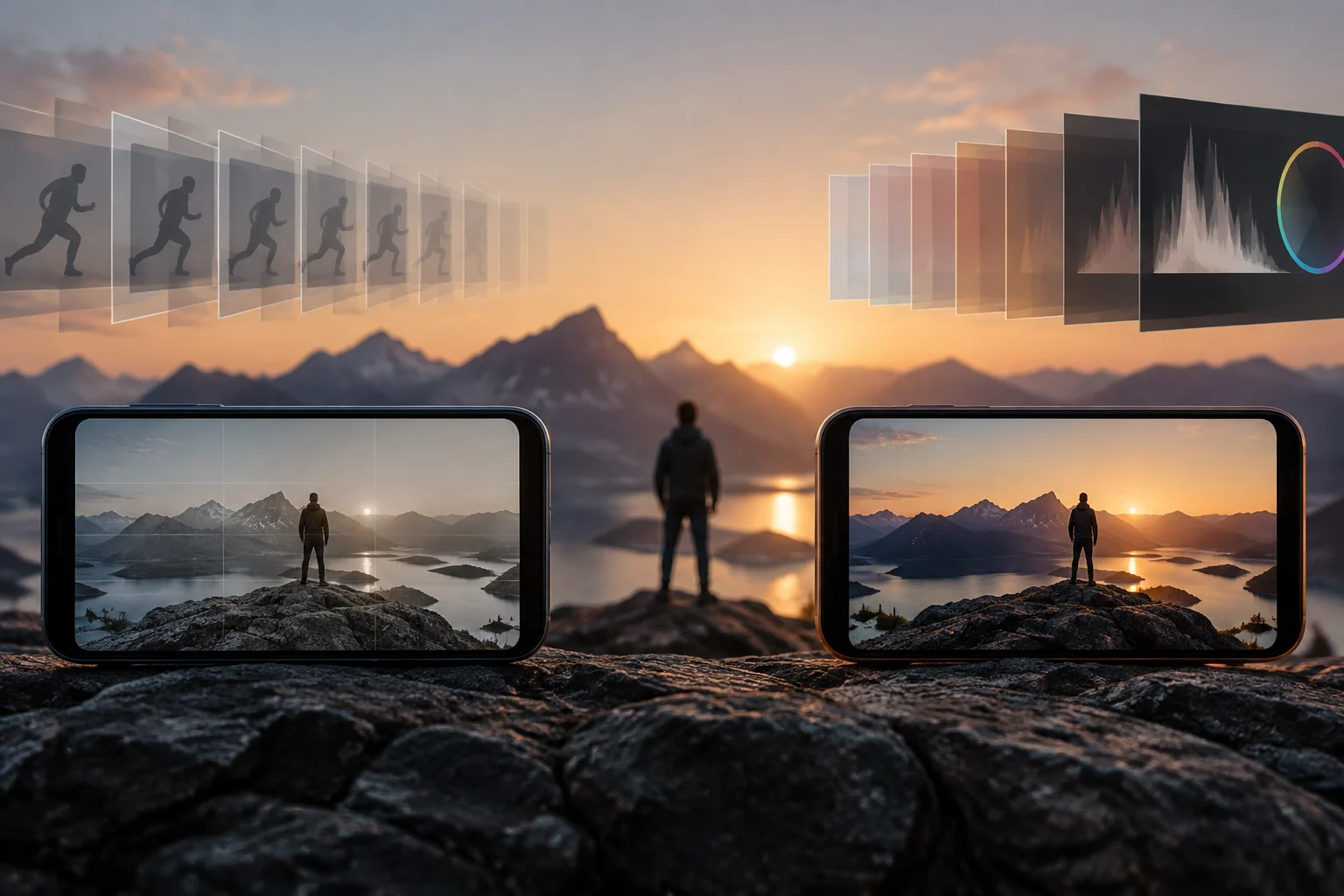
Ultra HDR encodes a gain map inside a JPEG file that also contains a primary SDR image. Older readers that do not recognize the format can display that conventional image; compatible readers combine the primary image with the map to produce an HDR rendering on suitable displays. The SDR image and gain map are components of one file, not necessarily two separate files that must be sent independently.
The specification organizes these components using XMP metadata and container mechanisms. GContainer describes the file elements and their order; MPF allows additional JPEG images to be stored within a single JPEG. The gain map is one such secondary image, and its metadata explains how to interpret it. Being able to open a file as a JPEG does not mean every reader applies the map: a legacy viewer may display only the SDR rendering.
How the gain map works
The map indicates how much to modify the SDR image to obtain the intended HDR rendering. The specification calculates gain from the linear luminances of the HDR and SDR versions, using offsets in that calculation. It then expresses gain in a logarithmic space, limits it to a range, and normalizes it for storage as a map.
The map’s pixel values are not direct luminance ratios. The secondary JPEG image uses unsigned 8-bit integer values, from 0 to 255, representing normalized recovery values from 0 to 1. To recover gain, those values are interpreted together with metadata such as GainMapMin, GainMapMax, and Gamma. The map needs its metadata to have meaning; reading only its pixel values is not enough to reconstruct the image.
The rendering that ultimately appears also depends on the display. The specification defines max display boost as the available ratio between HDR white and SDR white at a given moment; the display system supplies this value, which can change. As a result, a compatible image does not necessarily appear with identical intensity on every device: the result adapts to the available display capability.
The map may have a different resolution from the primary image. If it does, the specification requires bilinear or better sampling when interpreting it at the primary image’s resolution. By contrast, in the generation process it describes, the source SDR and HDR images must have the same resolution. These are format rules, not an indication that every application exposes controls for modifying the map.
Capture, display, and sharing on Android
Android documentation states that devices can capture Ultra HDR if they run Android 14 or later and have an HDR-compatible camera. To display the image at its full intensity, it says Android 14 or later and an HDR-compatible display are required. On other devices, according to that documentation, the image is displayed in standard dynamic range. The operating-system version and compatible hardware are separate requirements for capture and display.
Android also says its devices can share Ultra HDR images even if the sending device does not support the format. Its example describes an Android 13 phone receiving an image in a chat and forwarding it to a device with Android 14 and an HDR display: the recipient can view it at full intensity. This does not guarantee that every application preserves the data when transforming or re-encoding the file; sharing an image and preserving its components intact are different matters.
| Use | What Android or the specification documents | What to keep in mind |
|---|---|---|
| Capture | Android 14 or later and an HDR-compatible camera | Compatibility depends on the device. |
| View in full HDR | Android 14 or later and an HDR-compatible display | On other documented devices, it is shown in SDR. |
| Share | Android allows sharing from devices that do not support Ultra HDR | Behavior when transforming or exporting depends on the application. |
| Open with an older reader | The conventional SDR image may be displayed | Do not assume that the gain map will be applied. |
Editing and preserving HDR data
Android links to documentation on spatial operations such as rotating, scaling, and cropping Ultra HDR images. To maintain HDR rendering, an edited file needs to preserve a valid relationship between the primary image, the map, and the metadata. The fact that an application includes a crop or rotation tool does not by itself show that it retains Ultra HDR when saving.
The specification states that if required metadata is invalid, the gain map should be ignored and the SDR image displayed. This describes how to interpret a file with invalid metadata; it does not establish that every edit made with a non-specialist application always removes HDR information. The outcome depends on how the file is processed and saved.
It is also important to distinguish the preview from the export. An application may show the SDR version without interpreting the map; likewise, an HDR preview does not prove that the exported file retains it. If preserving dynamic range matters, keep the original and check the exported file with an application that supports Ultra HDR. The consulted specification and documentation do not establish how every editor or messaging service behaves.

libultrahdr: a library for developers
Google describes libultrahdr as an image-compression library that uses gain maps to store and distribute HDR images. During encoding, it can work with SDR and HDR representations, generate a map, and save the base SDR image alongside the map image and associated metadata. Compatible readers combine these elements to display the HDR intent.
The repository lists compression and decompression APIs, as well as input formats for different encoding workflows. The HDR formats it names include P010, rgba1010102, and rgbaf16; for SDR intent, it lists YUV420 and rgba8888 in certain cases. These details are for integrating the format into software, not requirements for sharing a photo from a phone. The availability of a library also does not show that a particular gallery, social network, or service uses it.
The repository states that the software is distributed under the terms of the MIT and Apache 2.0 licenses. Its documentation presents the library as a reference implementation with APIs for compression and decompression; using those APIs is relevant to developers who want to incorporate this processing into their applications.
How to identify and share a file thoughtfully
The specification says that a conforming JPEG can be identified by hdrgm:Version="1.0" in the primary image’s XMP metadata. It also describes how to locate the map using GContainer metadata or the MPF index. The JPEG extension alone is not enough to identify Ultra HDR: the file must include the corresponding components and metadata.
To share an image without relying on a conversion whose behavior is unknown, keep and send the original file when possible. A screenshot or export may produce a viewable image, but the available sources do not guarantee that it preserves the gain map. They also do not detail the behavior of every messaging application or all screenshot functions, so automatic preservation should not be assumed.
In practice, separate three questions: whether an application displays the SDR image, whether a compatible device can present the HDR version, and whether an edit or export retains the map. Reader compatibility and file handling determine which rendering is available; seeing a photo correctly does not by itself prove that HDR information remains in the file.