What Auracast Offers Compared to Standard Bluetooth
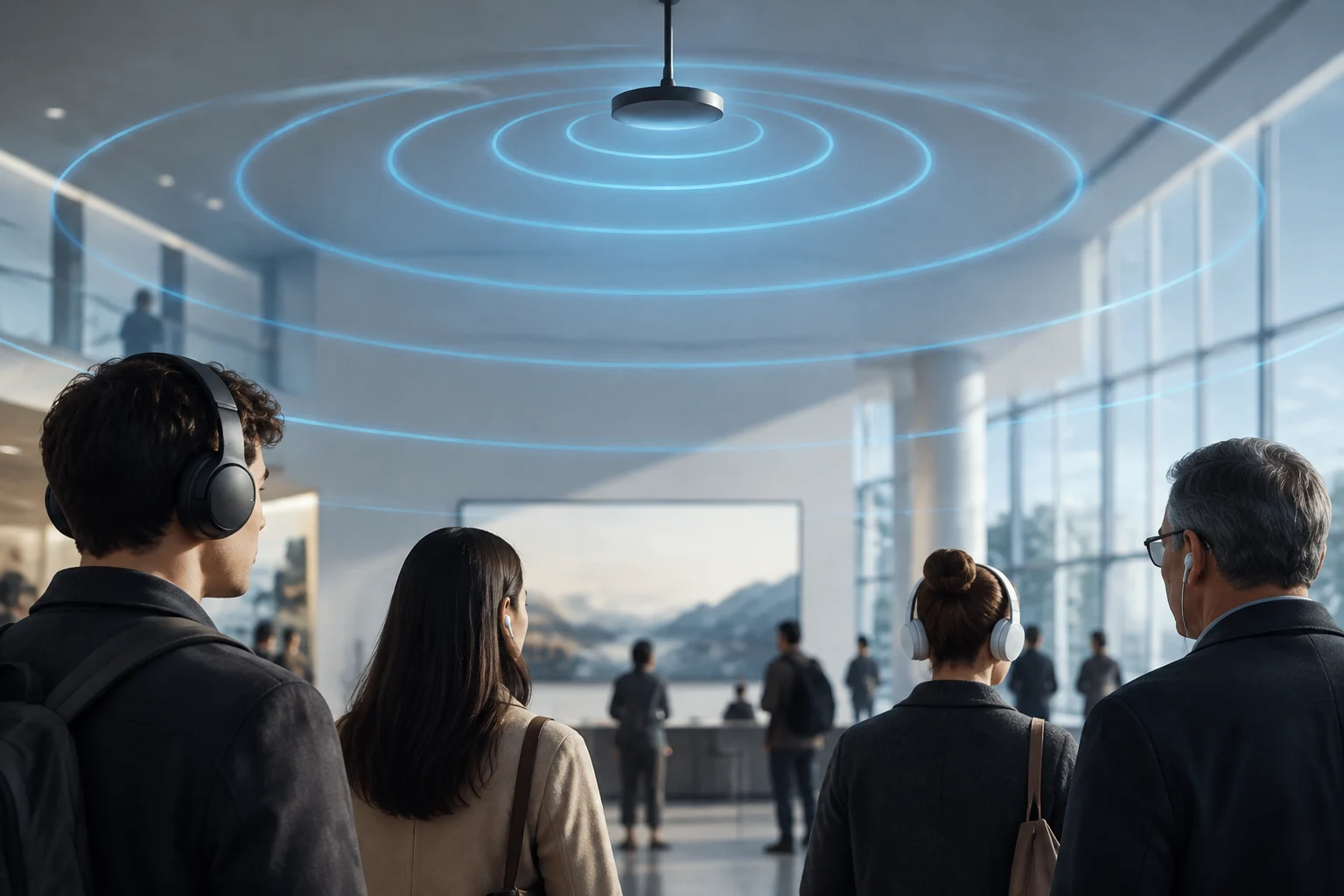
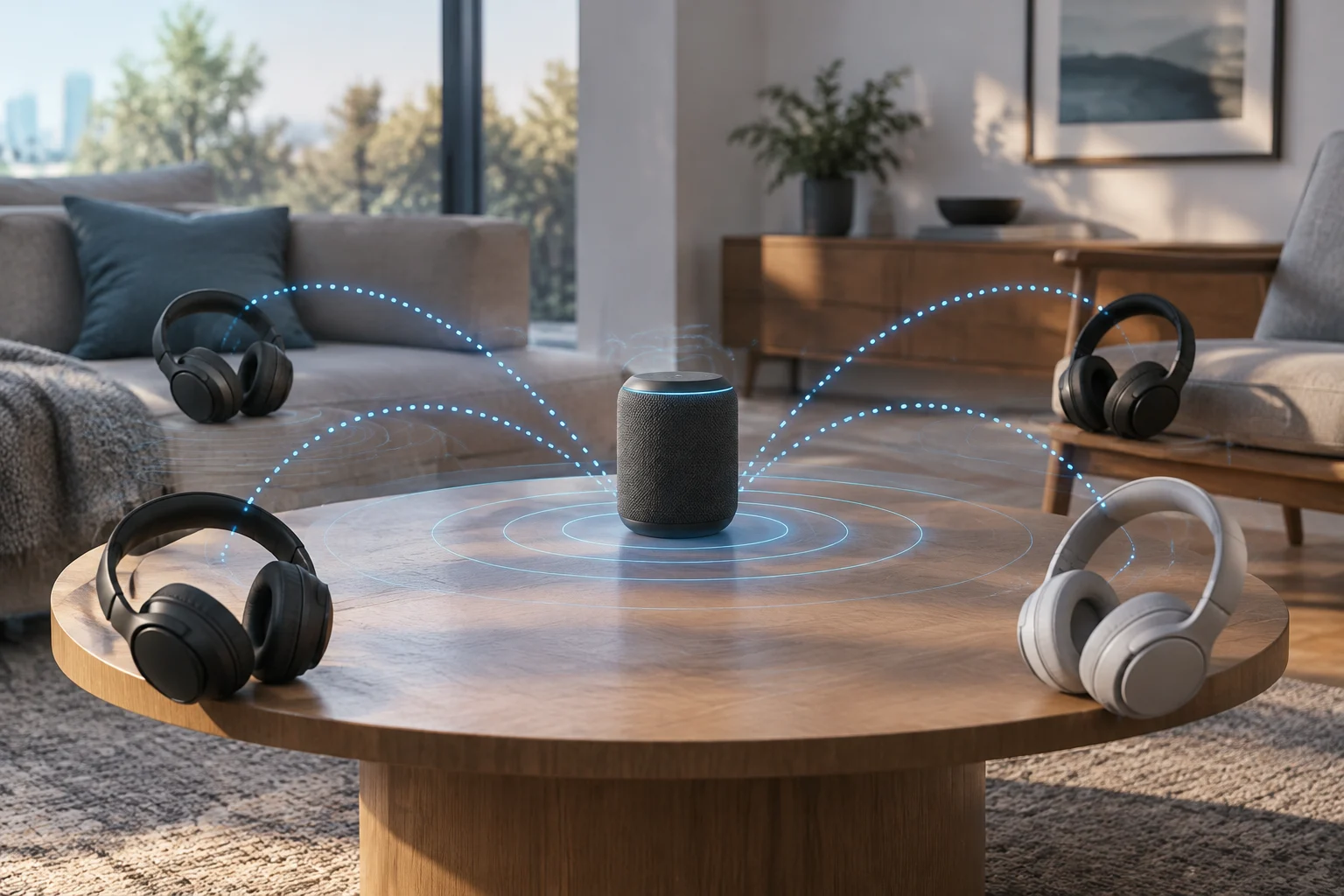
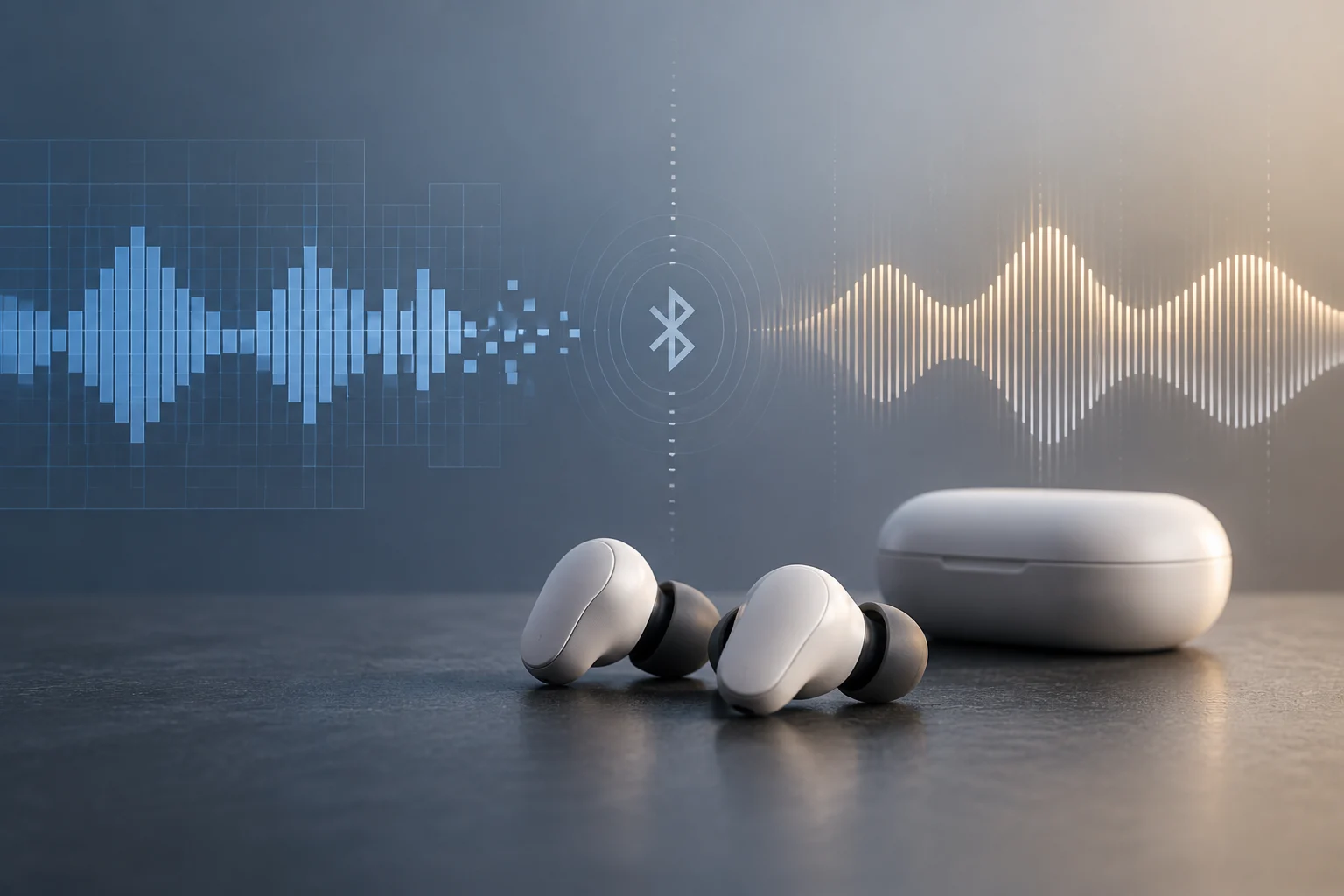
Auracast is the audio broadcasting feature of Bluetooth LE Audio: a source can emit a stream that multiple compatible devices receive, instead of establishing an individual connection with each listener. It can be used to share audio from a mobile phone or to listen to a broadcast from an equipped space, such as a conference or a waiting room.
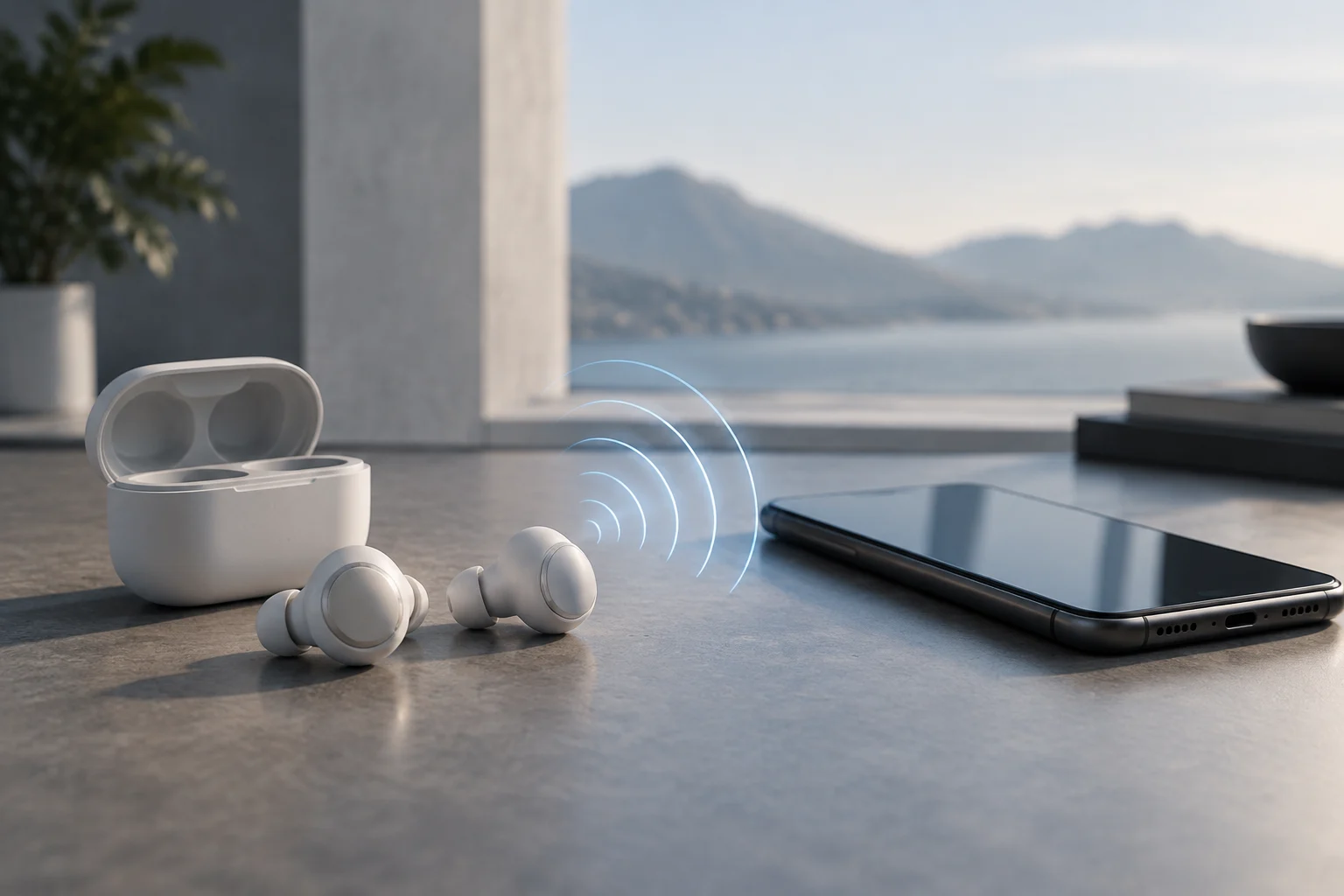
The practical difference lies in the connection mode. In standard use, the phone pairs with the headphones; with Auracast, receivers join an available broadcast. Depending on the system, finding and selecting it can be done using the device itself, an application, or a QR code. No need to pair each receiver with the transmitter, although both ends must be compatible.
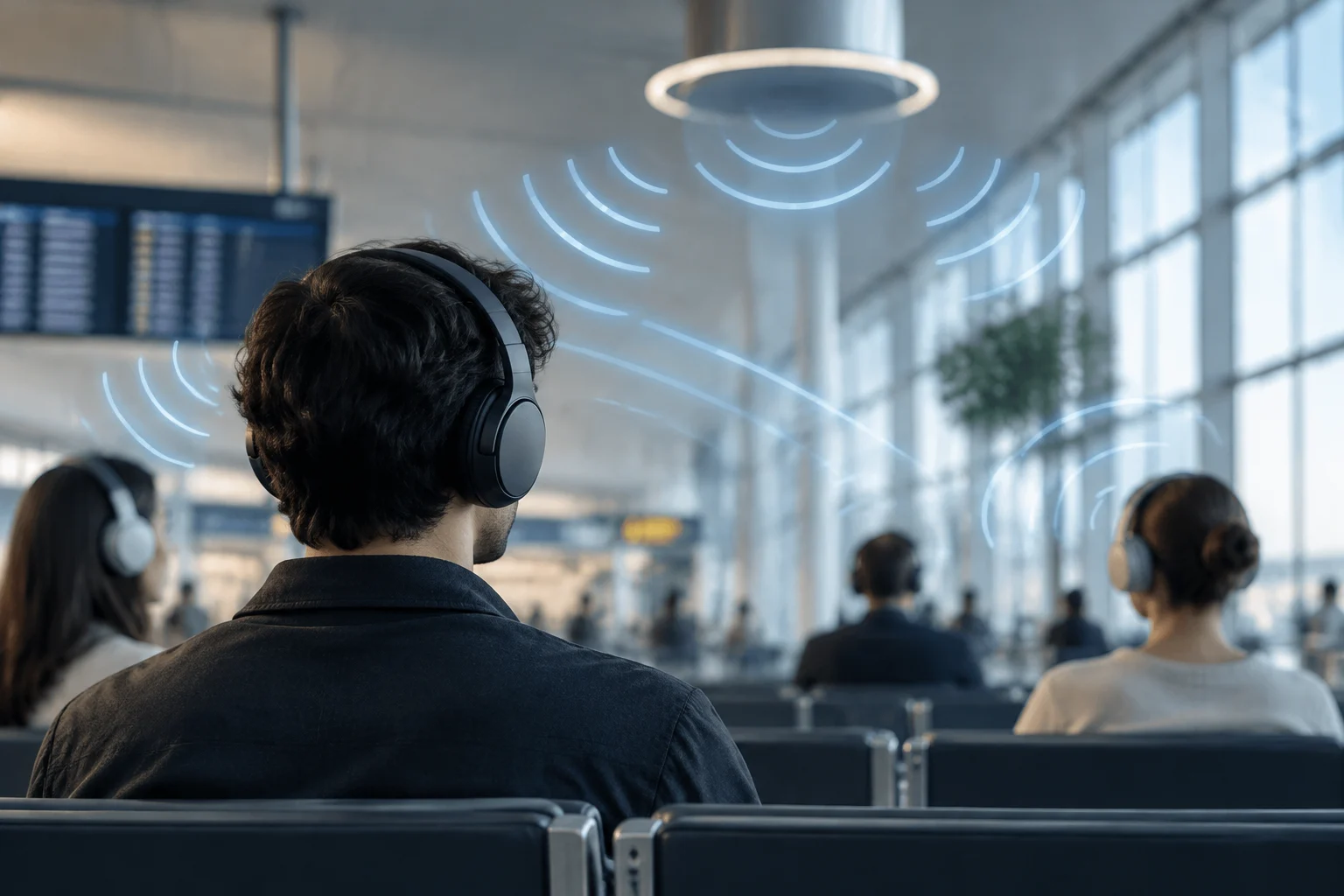
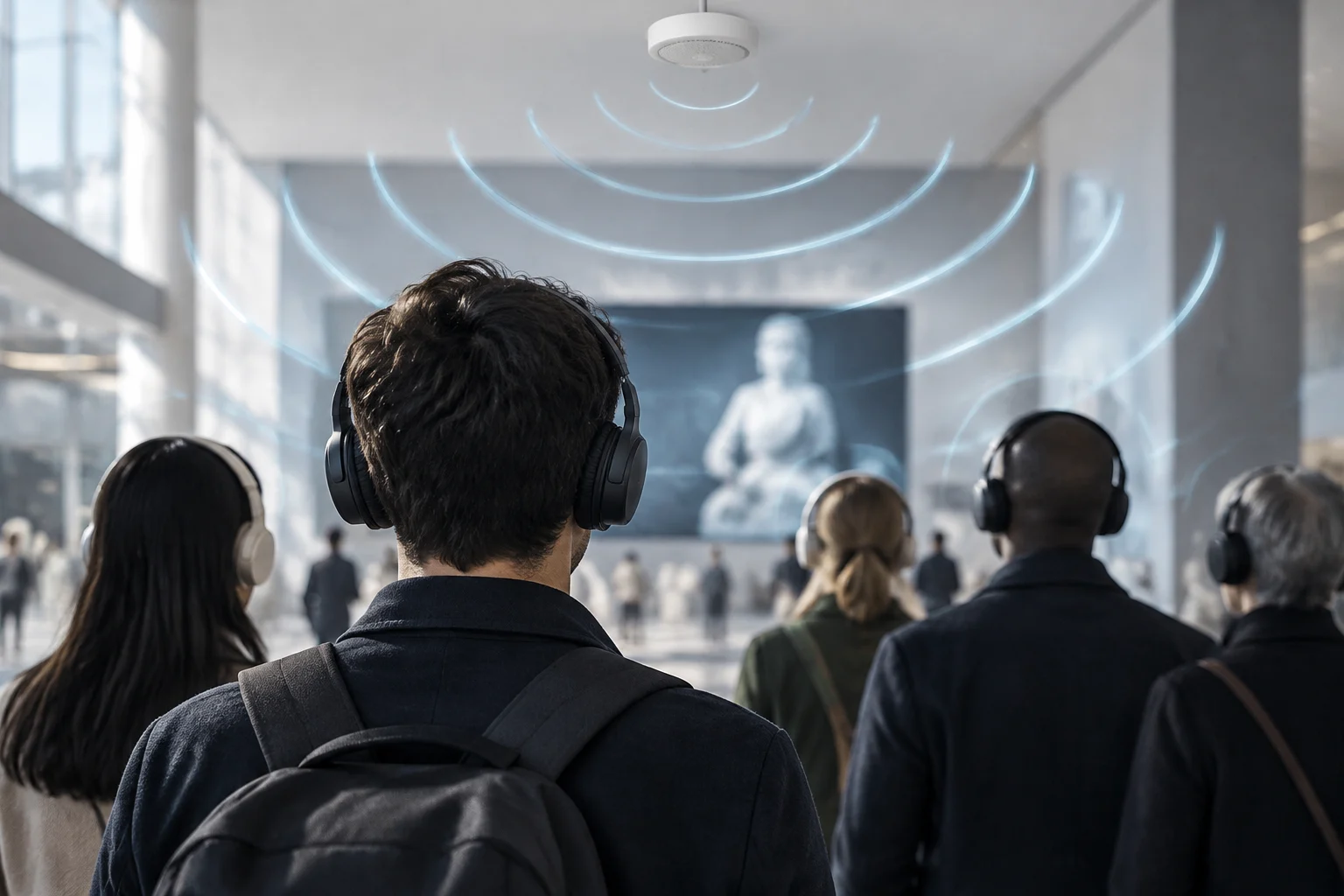
Auracast can facilitate each person listening to the same content with their own headphones or hearing aids and adjusting their volume independently. In public venues, the utility also depends on the place having installed a transmitter and enabled a broadcast; the presence of compatible receivers alone does not create the service.
Bluetooth 5.2 Does Not Confirm Compatibility
The Bluetooth version printed on a technical sheet is not enough to know if a device can use Auracast. Compatibility must be explicitly stated for the specific model: manufacturers can implement different features and profiles, and a specific version does not guarantee that the product includes Auracast audio reception or broadcasting.
Auracast is part of the Bluetooth LE Audio ecosystem, but it is not advisable to treat both names as synonyms of a feature enabled on all devices. Before buying, look for explicit mentions of «Auracast» or «Broadcast Audio» and check if the manufacturer says the feature is already enabled or if it depends on an update. An update can only add it when the product and its implementation allow it.
The check must be done separately for the transmitting source and the receiver. Headphones capable of receiving a broadcast do not automatically turn a phone or TV into a compatible transmitter; likewise, an Auracast transmitter is useless for headphones that cannot join the broadcast.
Which Products Confirm the Feature
There are specific examples of products and hearing systems with announced support. Cochlear presents the Baha 7 sound processor as compatible with Bluetooth LE Audio and Auracast transmission. The company warns that broadcasting also depends on third parties adopting the protocol, a condition that helps understand why device compatibility does not guarantee nearby broadcasts.
ReSound describes hearing aids and accessories compatible with Auracast and considers different methods to join a broadcast, such as a mobile device, a QR code, or a button in the venue. Philips, in its audio sharing guide, specifies that reception requires hearing aids compatible with LE Audio and that the described use depends on certain Android devices with Android 15 or later.
These examples are not an exhaustive list of consumer headphones nor do they allow extrapolating the feature to all products from those brands. The Samsung page on Galaxy Buds4, published on February 25, 2026, announces features of that series, but the information described there does not confirm Auracast. To decide on a model, one must find a manufacturer specification or guide that names the feature in that specific product.
Use in Spain: Equipment and Location Matter
At home, a possible application is sharing audio from a compatible source with multiple compatible receivers. In a public space, the venue needs a configured Auracast transmitting system to broadcast the sound it wants to offer. The technology can be useful for announcements, conferences, or TV content, but availability depends on each installation and the equipment the user carries.
For hearing aid users, support may be integrated into the device or depend on manufacturer accessories and applications. Auri, a hearing assistance system by Listen Technologies and Ampetronic, was certified by Bluetooth SIG in January 2025, according to the company's announcement. Its resources explain that range and performance vary with the radio frequency environment, venue construction, and the receiver used.
Therefore, buying a compatible receiver is not enough to have Auracast in an airport, theater, or store. The establishment must offer a broadcast and explain how to locate it. If that service is not yet installed, existing listening methods —such as the venue's hearing assistance systems— may still be necessary.
How to Check Before Buying
To avoid confusing general compatibility with a specific feature, review the sheet and support page of the exact model. A mention of «Bluetooth», «Bluetooth 5.2» or connectivity with an application does not by itself prove that the device can receive Auracast. Request confirmation for the exact model and variant if the manufacturer does not clarify it.
A useful check can follow these steps:
- Search for «Auracast» or «Broadcast Audio» in the official specifications of the receiver and the source.
- Check if the feature is active or requires an update, and if that update is announced for your model.
- Review what phone, operating system, application, or accessory is needed to discover and select the broadcast.
- If you need it in a public place, confirm that the venue transmits Auracast and how to access the channel.
- For hearing aids or processors, consult the manufacturer or the professional who fits them; compatibility and configuration can vary by model and market.
Practical purchase depends on the situation. To listen to public broadcasts, a compatible receiver and an equipped place are needed; to share audio from a phone, it must also be confirmed that the phone can start the broadcast. Check both ends and the selection method before paying for a feature you may not be able to use with your current equipment.
What Can and Cannot Be Guaranteed
Auracast provides a way to distribute audio to multiple compatible receivers, but it does not by itself guarantee better sound quality, greater range, or improved battery life in any headphone. Those results depend on the implementation, hardware, environment, and product configuration; performance claims must be evaluated in the model's specifications.
Technical possibility should also not be confused with general deployment. Manufacturers document compatible products and specialized systems, but everyday experience requires compatible transmitting sources, receivers, and access methods in the same environment. The safest purchase decision is specific to the model and intended use, not the abstract Bluetooth label.
In summary: Auracast can make an audio broadcast accessible to many listeners without pairing each receiver traditionally. To take advantage of it in Spain, verify explicit support from the phone or transmitter and the headphones or hearing aids, as well as service availability where you plan to listen.