
What patch management is and how it differs from automatic updates
Patch management is the structured process of planning, testing and applying software updates to fix vulnerabilities, resolve bugs and improve performance. It is not simply a matter of installing a fix when one becomes available: it involves organizing the work, identifying affected systems and checking the outcome. Unlike automatic operating-system updates, which may be applied passively and without business oversight, this process lets an organization decide when, how and on which devices updates are installed. The aim is to reduce the risk of disruption while balancing security with the company’s operational needs.
For an SME, this distinction matters because automatic installation does not always align with the organization’s working hours or operating conditions. A patch applied at the wrong time can interrupt work in progress, while an update may conflict with critical applications. Dedicated management lets the company schedule fixes around these constraints rather than relying solely on the operating system’s default settings.
Specialized software provides a controlled lifecycle covering asset inventory, patch identification and prioritization, testing, deployment and documentation. These steps give the company a view of the process and its results that native OS updates do not provide in full. The distinction is not that automatic updates are useless; rather, on their own they do not offer the same degree of control and traceability.
Essential technical requirements
The first requirement to assess is whether the tool can generate an accurate asset inventory. Without visibility into devices—servers, workstations and mobile endpoints—it is difficult to know which systems need an update and to confirm that all of them received it. An inventory links each device to its software and defines what should be included in the process, rather than treating the IT estate as an indistinguishable whole.
That record should not be limited to operating systems. It must also cover third-party applications, which can represent a significant attack surface and may be left out of a strategy focused only on the OS. The more complete the list of assets and programs, the more useful the software’s information will be about pending updates and devices that need attention.
The second pillar is vulnerability detection and remediation prioritization. The solution should identify missing patches on each device and help rank them by criticality. This turns a list of available updates into an action plan: the IT team can distinguish what needs attention first and allocate resources according to risk, instead of treating all patches as equivalent.
Some advanced tools use artificial intelligence or risk models to rank urgent updates and help focus work on the most imminent threats before they are exploited. The value of this prioritization depends on whether the solution provides relevant information for deciding what to address first; it does not remove the need for the organization to manage deployment and review its effects.
Maintenance-window scheduling is also essential. The software should allow the company to set times for applying patches, especially on servers that cannot be taken offline without affecting operations. A planned window helps coordinate updates with operational requirements and prevents installation at an unsuitable time. Even so, scheduling must be part of a process that considers what to do if an update causes a problem.
For that reason, the ability to roll back an update if it fails is another key technical requirement. Rollback provides a response option if a patch affects system stability, complementing testing and scheduling. When comparing products, check both the control they offer over when a fix is installed and the options available for handling an adverse outcome.
Verifying compatibility with your IT estate
Before buying, check that the software is compatible with the diversity of the SME’s IT estate. This includes the specific versions of Windows, macOS and Linux used by the company, not merely general compatibility with each platform. A tool may offer cross-platform coverage yet fail to support a version still in use; verification should therefore compare the product’s requirements with the actual environment.
The review should also cover industry-specific applications and programs that are critical to the business. If the tool does not account for a relevant application, its patch inventory could leave part of the environment outside the process. Confirming the exact versions of operating systems and applications in advance helps establish whether the advertised coverage meets the organization’s needs, rather than relying on a general product description.
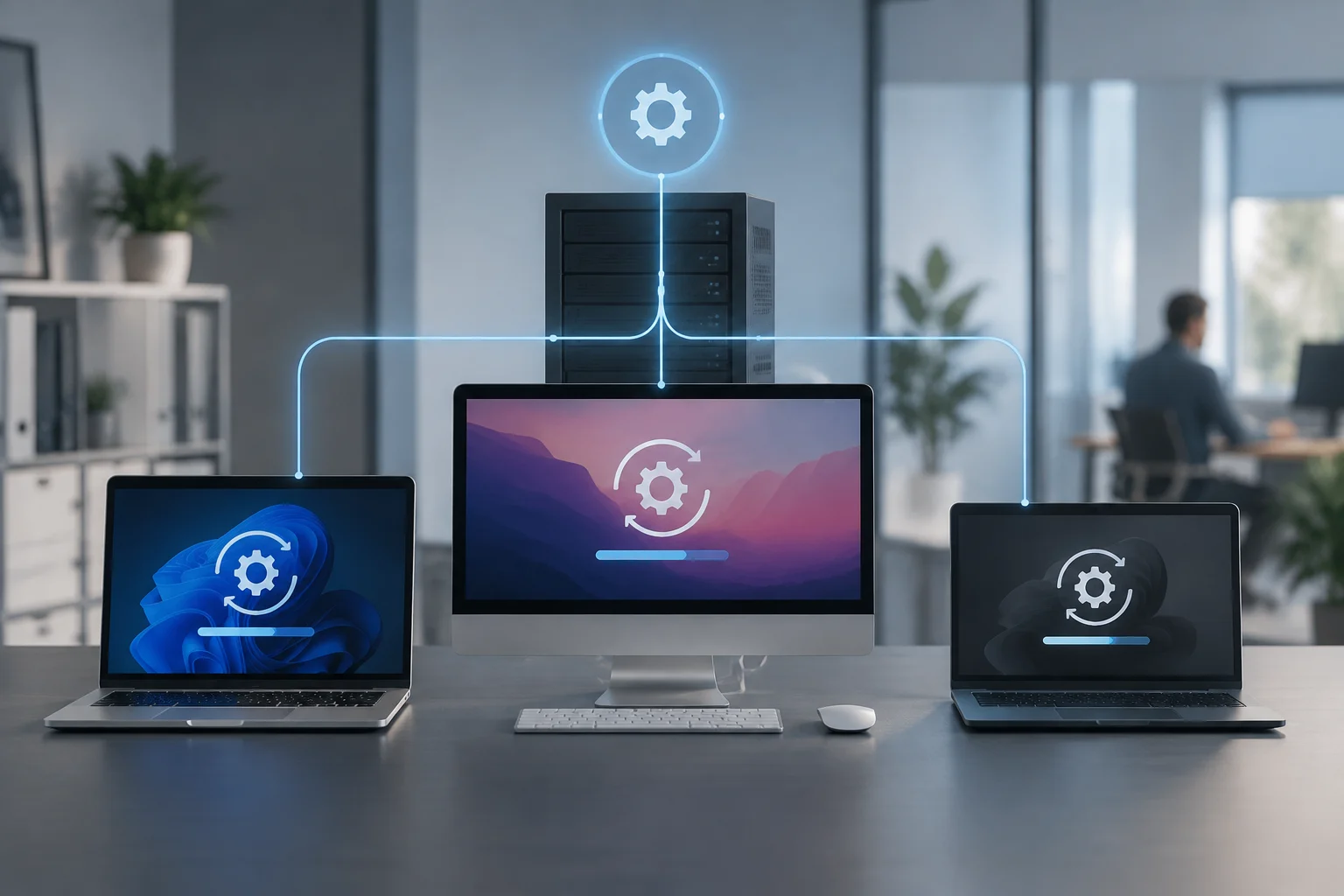
Deployment architecture is another compatibility consideration. Some solutions require an agent to be installed on every device, while others run natively in the cloud. The SME should understand which model the tool uses and how it fits its devices and ways of working. This difference is particularly relevant when some devices do not connect regularly to the internal network.
For businesses with remote or home-working devices, the software must manage patches on devices outside the corporate network without compromising security. Remote coverage should be checked specifically: do not assume that a solution can reach every device simply because it offers a cloud console. Testing should confirm that devices operating away from the office can be included in tracking and receive planned updates.
Before a broad rollout, run pilot tests in a controlled environment. A pilot checks the solution’s compatibility and operation with a representative part of the IT estate before it is extended across the company. It also provides an opportunity to review how devices are administered and whether deployment fits the needs identified during the assessment.
Methods for auditing update effectiveness
Applying a patch does not, by itself, guarantee that a vulnerability has been fixed. An audit should confirm that the update installed correctly and that the system is running the expected version. This check distinguishes an installation command being sent from an effective result: a device may still need attention if installation failed or did not reach the intended state.
One way to verify this is to review installation logs, which show the status of the process on each device. The hashes of modified files can also be checked to confirm the integrity of deployed software. These checks complement the management dashboard and help establish whether the update was applied as expected, instead of relying only on evidence that the task was started.
After patches have been installed, basic penetration tests or vulnerability scans can check whether known gaps have been closed. These follow-up reviews do not replace installation; they provide an additional check of its effectiveness. Their purpose is to assess the system after the change and detect whether vulnerabilities that the update was meant to fix still appear.
Compliance reports generated by the software should detail the status of each device: whether it is up to date, has pending patches or experienced an installation failure. For this information to be useful, it must help identify which devices need follow-up and give a clear view of update status. The documentation also records the process for later reference.
This traceability is essential for demonstrating regulatory compliance during external audits. Reports make it possible to present patch status and actions taken, rather than merely claiming that the company applies updates. When evaluating a solution, therefore, review what information it produces and whether it shows successful outcomes as well as pending or failed cases.
In environments with limited connectivity, such as some industrial Linux devices, update verification and distribution may require specific configurations. One option is to use local mirror servers to distribute security intelligence updates when internet access is limited or unavailable. The ability to manage such scenarios indicates how adaptable the software is to complex infrastructure and should be checked if they are part of the SME’s environment.
Buying criteria: cost, support and reporting
Total cost of ownership (TCO) is not limited to the licence price. It should also include implementation costs, staff training and the technical support required to operate the tool. Considering these elements provides a fuller view of expenditure and avoids basing comparisons between options solely on the upfront cost.
For SMEs, ease of use is a decisive factor. An intuitive interface can shorten the learning curve and minimize configuration errors, especially when the responsible team has limited resources. Technical support should be accessible and able to resolve issues quickly; this is particularly important for emergency patches, when the organization needs to manage an update without unnecessary delay.
Reporting is another central criterion. The software should be able to export detailed information about patch status, policy compliance and update history. These data help review how the process is progressing and provide a basis for strategic decisions, while also allowing the company to show customers or regulators that it maintains an active security posture.
It is also worth checking whether the solution integrates with other cybersecurity tools, such as endpoint detection and response (EDR) systems. Integration can add value by centralizing security visibility. During evaluation, consider whether the reports and available information make it possible to understand patch status alongside the other data the company uses, without attributing functions to the integration that the product does not offer.
Finally, assess the solution’s scalability. As the SME grows, the number of devices and the complexity of its infrastructure will increase. The software should support that growth without requiring a complete migration or causing a disproportionate rise in costs. This assessment helps determine whether the tool will serve not only the current estate but also the organization as it expands its operations.
Feedback from other users and independent comparative tests can help validate the reliability and performance of the selected tool. They complement the company’s own checks: they provide references for comparing products, while the inventory, pilot testing and compatibility review establish how the solution measures up to the SME’s specific needs. Together, these criteria provide a stronger basis for making a decision.