The generation does not tell the whole story
PCI Express is an interconnect that links components such as graphics cards and storage drives to the rest of a system. The generation indicates the signaling speed supported by the link, but does not by itself determine system performance: the number of lanes, the connected device and the motherboard’s specific implementation also matter.
The PCI-SIG specifies that PCIe 5.0 supports 32 GT/s per lane, in each direction, twice the PCIe 4.0 signaling rate. For a 16-lane link, the organization gives a gross bandwidth of 128 GB/s in each direction. These figures describe the link; they do not guarantee an application’s sustained useful throughput or the performance of an individual SSD.
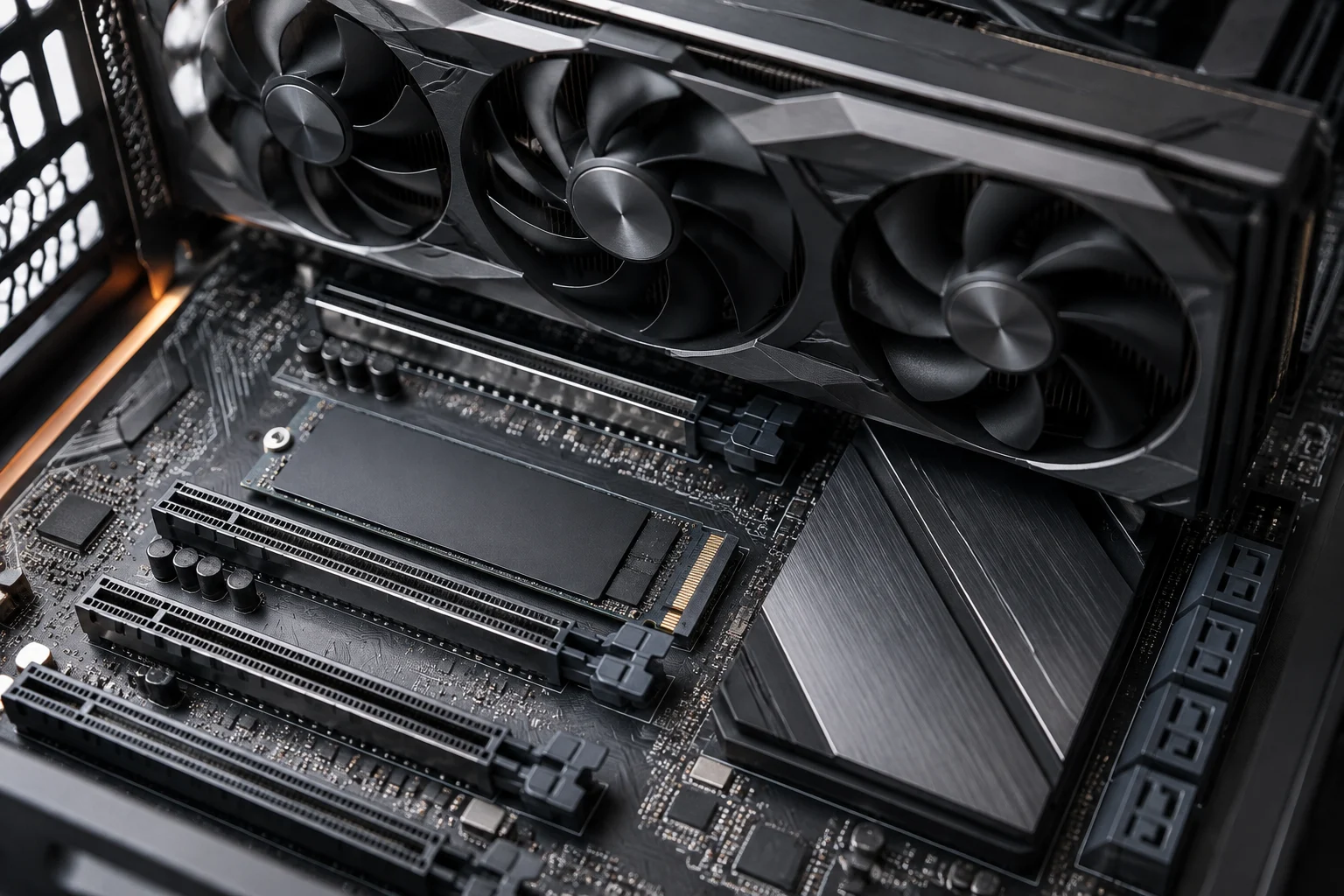
It is also important to distinguish the electrical standard from the physical form factor. M.2 describes a module form factor and its connector; it does not automatically mean an M.2 slot uses PCIe 5.0 or provides four lanes. The motherboard specifications should identify the interface and speed of each slot. The connector’s shape cannot replace that specification.
Compatibility: negotiated link and system limits
A PCIe device can work on a platform with a different generation if both sides support a generation in common: the connection is established using compatible capabilities; an older slot does not become a newer one. The PCI-SIG FAQ describes PCIe as an evolving architecture and notes that each generation increases the data rate; it does not promise that every system will reach the latest generation’s theoretical maximum.
To assess an M.2 drive, compare at least three details: the form factor the slot accepts, the PCIe or SATA interface it implements, and the generation and lane count available. In its guide to PCIe 5.0 M.2 SSDs, Corsair says these drives are backward-compatible, but taking advantage of their maximum speed requires a motherboard with a suitable slot. Physical compatibility and access to peak performance are different questions.
The drive’s generation does not determine the GPU’s generation either. A graphics card with a PCIe 4.0 link does not become PCIe 5.0 by being installed in a slot of that generation. Similarly, a PCIe 5.0 SSD connected to a PCIe 4.0 slot does not get a PCIe 5.0 link. In both cases, the platform and device jointly set the link’s capabilities.
These distinctions matter when buying, but they do not justify a universal upgrade recommendation. If a workload does not depend on sustained transfers from storage, paying for a drive’s maximum theoretical bandwidth may not produce a noticeable improvement. Documentation can verify compatibility; estimating the benefit in a particular application requires application-specific data or relevant tests, which this guide does not present.
CPU and motherboard: trace the lanes back to their source
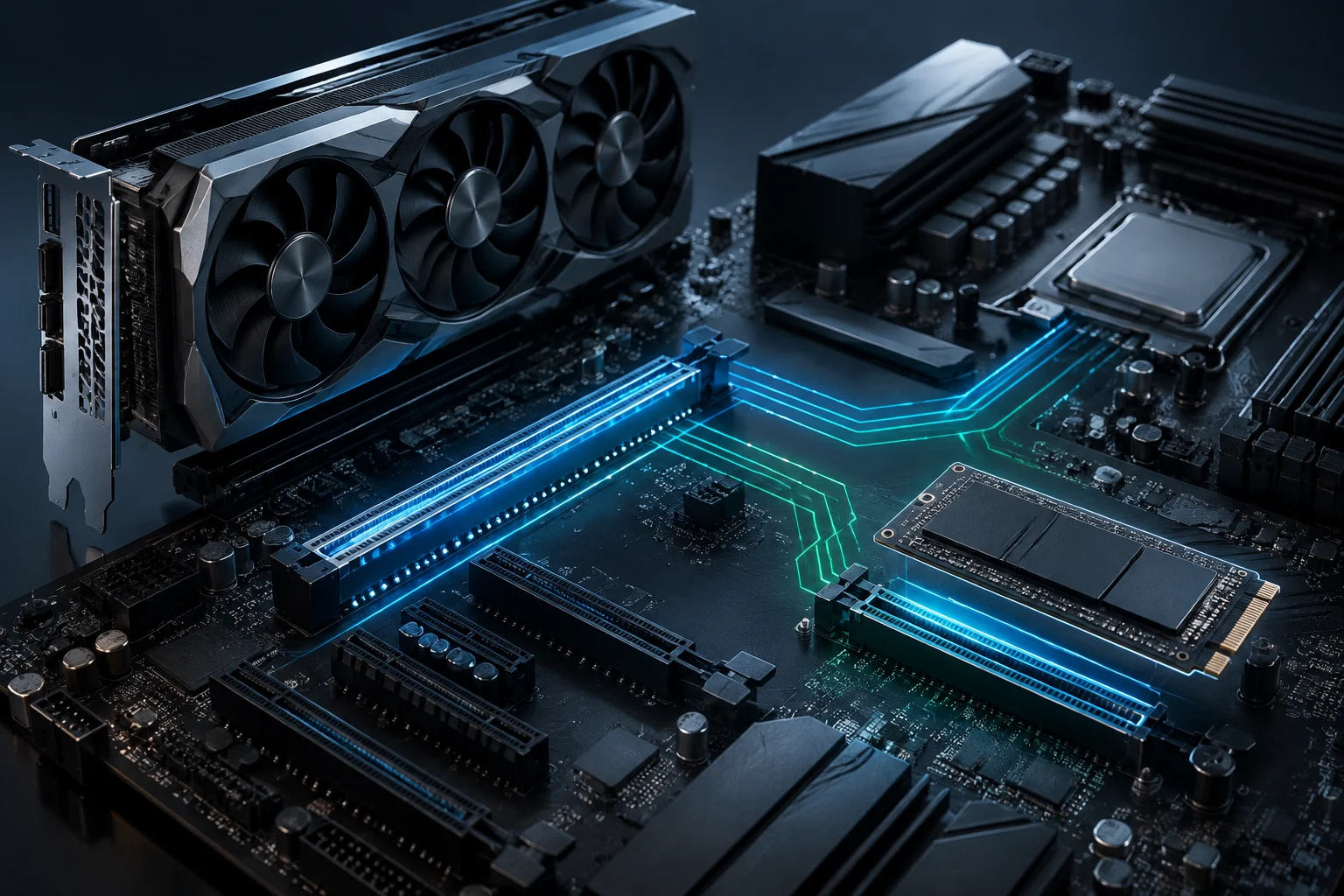
PCIe lanes are not an unlimited resource that a motherboard can assign freely. The processor and chipset provide connections with defined capabilities, and the motherboard maker determines how they are routed to slots and integrated devices. That is why you should read the specifications for the processor and the manual for the specific motherboard, rather than infer the layout from a card’s size or the number of visible connectors.
Intel’s specification page for the Core i7-12700, for example, is an official reference for that processor’s specifications, but it does not replace a motherboard manual. A CPU specification helps establish the platform’s capabilities; the motherboard specifies which slot uses them and what operating conditions it shares with other connections. Do not extrapolate one CPU’s configuration to another, even if they belong to a nearby product family.
In practice, each slot may depend on lanes supplied by the processor or chipset, and these connections are not equivalent across all models. Documentation may specify differences in generation, lane count or shared resources. A short motherboard spec sheet may omit notes explaining what happens when an additional M.2 slot is occupied.
For a specific upgrade, consult the manual’s expansion or storage table and look for terms such as PCIe lane, shared bandwidth, M.2, SATA and disabled. Footnotes can be as important as the main table: they may explain which ports stop working or which slot changes mode under a particular configuration.
Shared slots and ports that are disabled
A motherboard showing several slots does not mean they can all operate at their maximum capabilities simultaneously. A manufacturer may share lanes between an M.2 slot and an expansion slot, or disable SATA ports when a drive is installed in a particular position. The exact condition depends on the model, so do not generalize from a similar motherboard or chipset family.
Corsair’s compatibility guide can help identify motherboards with M.2 PCIe 5.0 support in its own context and at the time it was published, but it does not replace each model’s manual. Its list, published in February 2024, should be treated as historical guidance, not as an inventory updated through October 2026. For a current purchase, the motherboard maker’s current documentation and the product’s exact revision are authoritative.
When the manual includes a sharing matrix, read it as a table of conditions, not as a list of features that all operate simultaneously. Note the relevant combination: for example, what happens when you use M.2_2, install a card in a particular PCIe slot or use a specific type of drive. If the manufacturer says a port is disabled, that is more useful for planning than the total number of advertised connectors.
If you cannot find an explicit explanation of resource sharing, do not assume either that it exists or that it does not. Look for the manual for the exact revision, configuration notes and official clarifications from the manufacturer. If the documentation does not settle the question, leave that uncertainty open before buying; the chipset name or the board’s appearance alone cannot resolve it.
Theoretical speed versus real-world experience
GT/s describes signal transfers per second. It is not the same as GB/s of useful data, and it is not equivalent to the sustained read or write speed advertised for an SSD. The PCI-SIG gives PCIe 5.0 a rate of 32 GT/s per lane, in each direction; total gross throughput also depends on link width, while the protocol and device affect the effective result.
The number of lanes matters too. An x4 link and an x16 link do not offer the same gross bandwidth even when they operate at the same generation. So comparing two slots by “PCIe 5.0” alone is insufficient: check whether they are x4, x8 or x16, which device uses them and whether they share resources with other components.
An SSD may advertise a maximum figure that depends on specific conditions, and a GPU may not need all available bandwidth for every task. Without tests on the relevant configuration and application, you cannot translate the link’s maximum into a specific practical improvement. This article explains conditions that can be verified in documentation; it does not simulate hardware tests or attribute performance results.
The PCI-SIG describes PCIe 6.0 as a later generation that doubles the PCIe 5.0 rate and retains backward compatibility. This helps explain the standard’s evolution, but it does not mean a PCIe 5.0 system can use PCIe 6.0 capabilities: each component and platform must support the relevant capability.
A useful check before buying
Before choosing a motherboard, SSD or GPU, note the exact model of each component and check the following points in manufacturer sources. The aim is not to chase the highest number, but to confirm that the combination suits the intended use and leaves the connections you actually need available.
- CPU: the generation and number of PCIe lanes specified for the exact processor. Do not substitute specifications for another CPU in the same series.
- Motherboard: the generation and electrical width of each slot; the source of the lanes where documented; the M.2 form factor and supported drive types.
- Resource sharing: notes linking M.2, PCIe and SATA slots, including ports that change mode or are disabled.
- Device: the interface, generation, link width and installation conditions stated in its official specifications.
- Revision and date: the manual version and exact model, since a generic or old list may not describe a later revision.
If the plan is to add an SSD without changing the GPU, the practical question is whether there is a free compatible slot and whether using it affects ports you rely on. For a PCIe 5.0 drive, also confirm that the specific slot operates at that generation and with the required width. When upgrading the graphics card, the main slot and the configuration of the other devices matter. The useful answer lies in the specific combination, not the isolated marketing label.
What can and cannot be concluded
Official documentation can establish declared compatibility, link capabilities and expressly described configuration restrictions. It is not enough to calculate an application’s performance, the temperature of an installed drive or the impact of a particular workload. Those questions require product data and, where appropriate, reproducible measurements of the specific configuration.
The safest approach is to compare official manuals and specifications for the exact model before buying. If simultaneous-use conditions are not clearly documented, ask the manufacturer for confirmation or choose a configuration whose lane allocation is specified. This avoids confusing a physically compatible connection with a platform that provides the link and expansion you need.