From Advertised Performance to Practical Lifespan
When building or upgrading a system, attention usually focuses on gigahertz, cores or teraflops. However, the practical lifespan of a component depends on factors that do not appear in marketing spec sheets: the length of the warranty, the frequency of firmware updates and the manufacturer’s support policy. Two graphics cards with identical theoretical performance can have very different support trajectories once the product life cycle advances.
To evaluate a component correctly, it is necessary to separate performance data from support conditions. A powerful processor does not guarantee that the manufacturer will maintain security updates or compatibility with new operating systems for years. The official documentation of the manufacturer is the only reliable source to determine these commitments, as performance specifications are static while support is a dynamic contractual process.
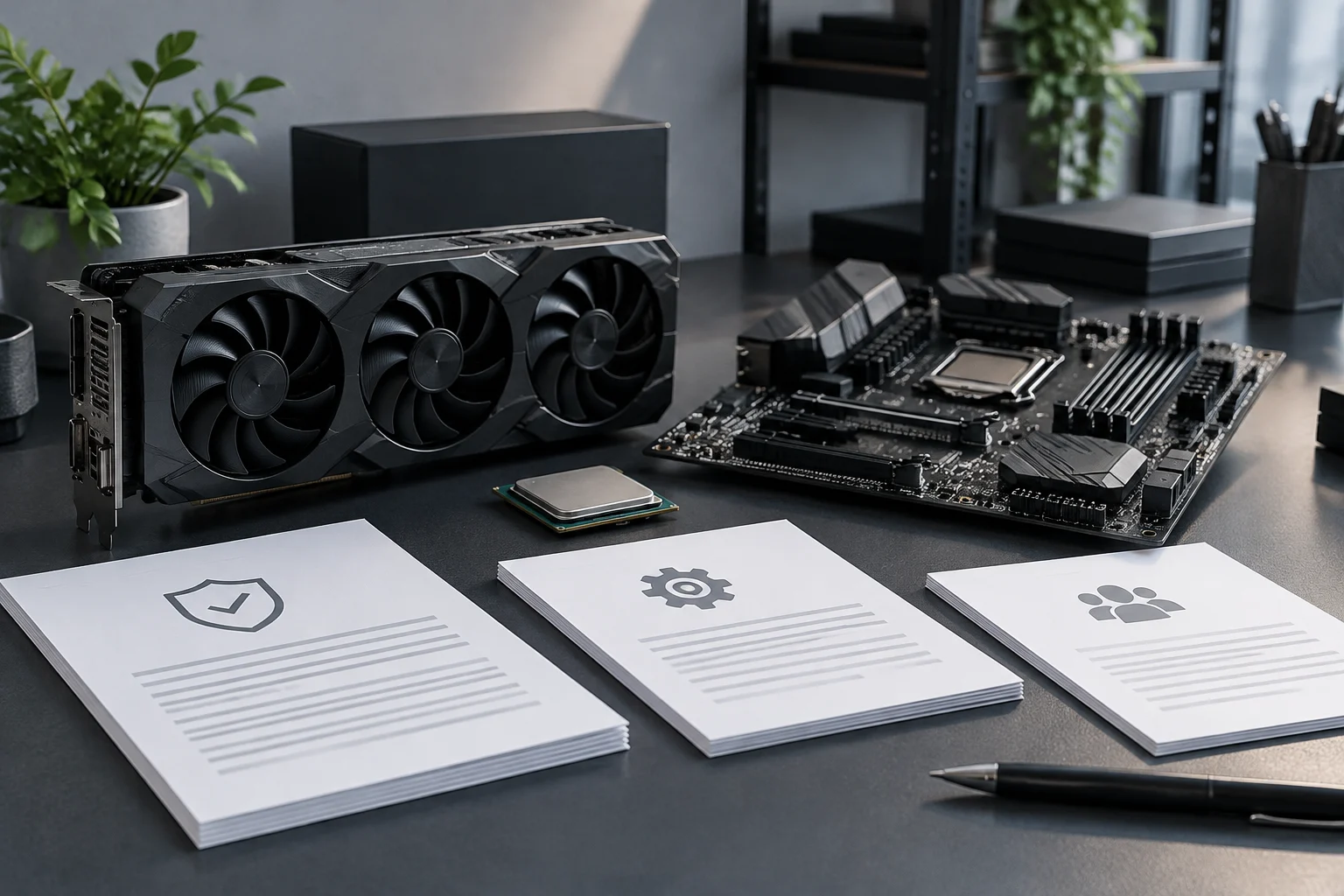
In this context, documentary analysis becomes an essential tool: it allows you to compare not only power figures but also the promise of continuity each brand offers. By integrating both aspects, you obtain a holistic view of the real value that hardware will bring over time.
Warranty: Duration, Coverage and Exclusions
The warranty is the first contract signed when purchasing a component. In the European and Spanish market, the two‑year legal warranty is the minimum standard, but many manufacturers offer three‑year extensions or specific end‑user coverage. It is crucial to distinguish between the legal warranty, which covers manufacturing defects, and commercial warranties that may include additional services such as equipment pickup or immediate replacement.
Exclusions are as important as coverage. Most warranties do not cover damage from improper use, unauthorized modifications or natural wear of components like fans. Before buying, it is advisable to read the terms and conditions on the manufacturer’s website, as claim conditions vary significantly between brands. Some require returning the entire product, while others offer onsite repair or replacement with new parts.
To delve deeper, it is useful to review the coverage annex available on the support page: there you find specific exclusion cases and extension options. This information is usually hidden under a link called “Extended Warranty” or “Technical Support.” By consulting it in advance, you avoid surprises when the component fails before its life ends.
Firmware and BIOS: Official Update Channels
Firmware and BIOS are the software that controls hardware at the lowest level. Keeping them updated is essential for stability, security and compatibility with new components. Manufacturers publish these updates on their official websites, often in dedicated support sections.
The update history published by the manufacturer is a key indicator of its commitment to the product: a motherboard that receives BIOS updates years after launch suggests stronger support than one that stops patching shortly after release. To check it, simply go to the “Downloads” section and filter by model and revision.
It is important to verify that updates are available for the exact version of the component you own. Manufacturers usually organize downloads by model and revision. Moreover, official channels are the only safe way to obtain firmware, as unofficial sources may contain modified or malicious versions. Update frequency also varies: some manufacturers release monthly patches, while others do so only when critical bugs appear.
In the case of motherboards with AMD chipsets, for example, you observe a continuous update policy for at least three years after launch. In contrast, some NVIDIA GPUs stop receiving drivers for old models after one and a half years. This detail can make the difference between a card that keeps running smoothly and one that becomes obsolete.
Cross‑Generation Compatibility: What Official Lists Confirm
Compatibility across components is a critical aspect in building a PC. QVL lists published by motherboard manufacturers indicate which processors, memory and graphics cards are compatible with their products.
These lists are living documents that evolve over time as new components launch. A component not appearing on a motherboard’s compatibility list does not necessarily mean it won’t work, but it indicates the manufacturer has not performed validation tests for that combination.
To make the most of QVL, it is advisable to download the latest version and review it before buying a processor or memory. In many cases, compatibility notes include specific warnings, such as the need to update the BIOS before installing a new CPU. Ignoring these notes can result in a system that does not boot or becomes unstable.
Additionally, some motherboards offer retroactive compatibility for previous generations via firmware updates. For example, an AM4 motherboard may support Ryzen 3000 and 5000 CPUs after the corresponding BIOS update. This type of extended support is added value that is not always mentioned in the spec sheet.
Long‑Term Cost: Weighing Support and Reuse
The cost of a component is not limited to its purchase price. Over time, the value of a component depends on its ability to be reused in future configurations.
A motherboard with a socket that supports several processor generations has a higher reuse value than one with a single‑generation socket. Likewise, a graphics card that receives driver updates for years maintains its usefulness longer than one that stops receiving support quickly.
To weigh long‑term cost, it is useful to consider the expected life cycle of the component. A high‑end processor may maintain useful performance for five or six years, while a mid‑range GPU may become obsolete in three or four. Availability of spare parts and repair ease also influence total ownership cost.
In practice, a user planning to upgrade every two years should value future compatibility: if the motherboard supports next‑generation CPUs without needing a new board, it avoids additional investment. Likewise, GPUs with extended manufacturer support allow continued use of hardware longer, reducing premature replacement.
Limits of Documentary Analysis
Documentary analysis is a powerful tool to evaluate component support and warranty, but it has clear limits. It does not replace physical testing nor can it infer real reliability under specific usage conditions.
Official documentation indicates what is promised, but does not guarantee that the product will meet those promises in practice. Real reliability depends on factors such as manufacturing quality, quality control and usage conditions, which cannot be determined by reading documentation alone.
Moreover, availability of documentation may vary. Some manufacturers provide exhaustive, easily accessible documentation, while others hide it deep within their site or publish it in hard‑to‑read formats. Manufacturer transparency is an indicator of commitment to the user, but not a quality guarantee.
To complement documentary analysis, it is recommended to consult independent reviews, specialized forums and own stress tests. These sources provide practical perspectives on how hardware behaves under real load, helping validate or question official information.