Introduction to on-device AI
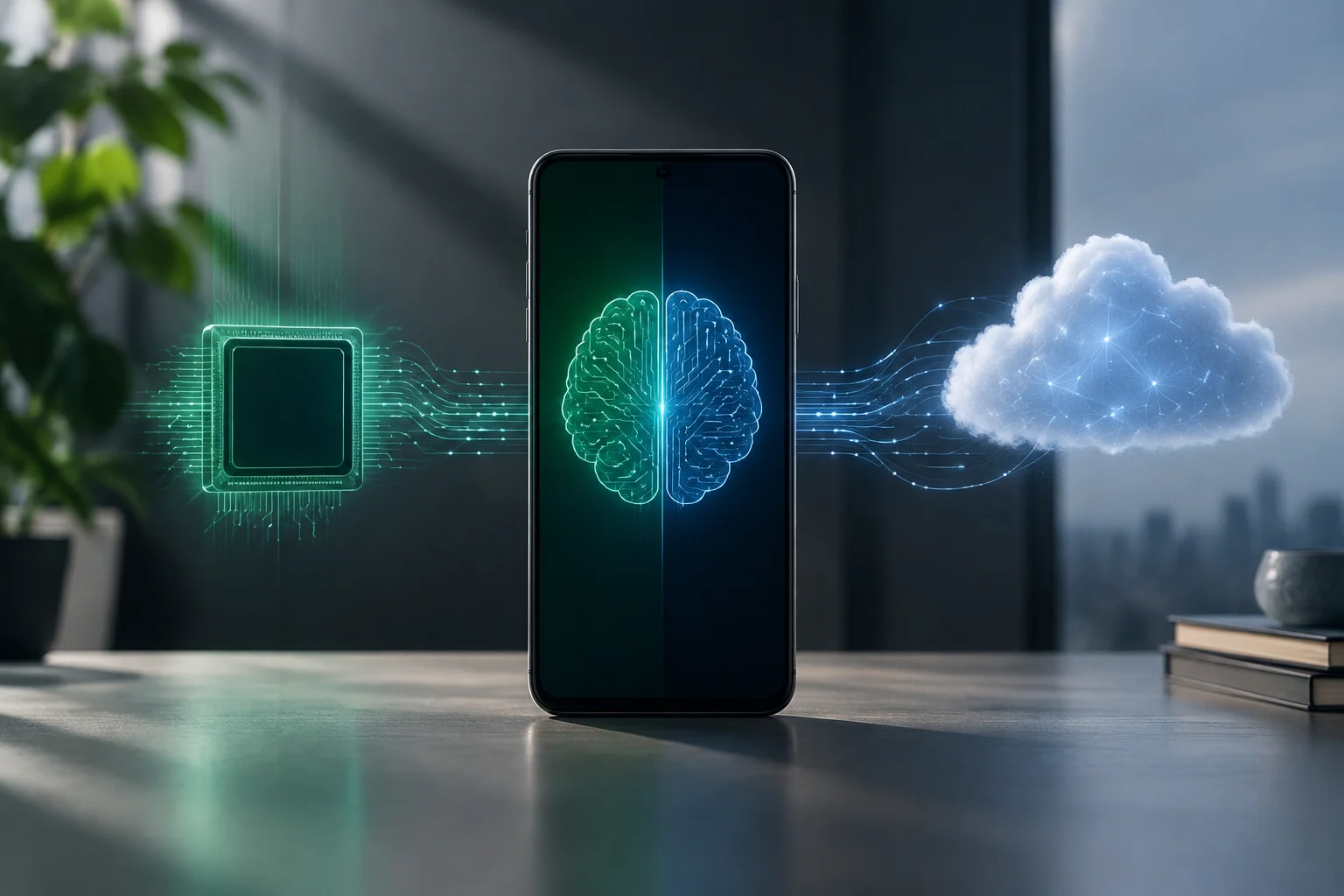
On-device AI processes a request on the phone; cloud AI uses a remote server. This distinction describes where a response is computed, not whether the application ever transmits information: synchronization, telemetry and other connected features may still be present.
In 2026, smartphones increasingly include AI capabilities, but not all models work in the same way: some rely exclusively on the device, while others combine both approaches. Identifying which applies to your phone means checking both its hardware and its official documentation to understand how processing is carried out.
Understanding this distinction is essential for users who prioritize privacy and performance. Knowing where data is processed helps you make informed decisions about which apps to install and how to configure your device to maximize efficiency and minimize data exposure.
Identifying hardware: What is an NPU, and how can you check for one?
An NPU (Neural Processing Unit) is a chip specialized in neural-network inference and optimized for performance and low power consumption. Unlike a CPU or GPU, an NPU is specifically designed to handle repetitive matrix operations, making it well suited to real-time AI tasks.
Check the processor specification and the requirements of the feature you want to use. An NPU may accelerate particular models, but its presence guarantees neither a specific battery life nor a cool device: results depend on the model, workload and implementation.
About phone is not a universal inventory of accelerators. If it does not mention an NPU, that does not prove the hardware is absent or that an app uses the cloud. Check the exact phone model, processor and software requirements instead.
It is important to note that having an NPU does not guarantee that every app will use it. Some apps may ignore this hardware and turn to the CPU or the cloud because of compatibility requirements or design choices, so checking the software is just as critical as checking the hardware.
Reviewing official documentation
Android – Gemini Nano
Google documents Gemini Nano running on-device through AICore. Check compatibility for the specific feature and device rather than inferring support from a generic list of brands.
This implementation lets Android users carry out tasks such as rewriting text or performing semantic searches locally, without needing an internet connection. The AICore service acts as an intermediary that manages AI models, helping ensure that they run efficiently and securely on the device.
iOS – Apple Intelligence
Apple combines on-device processing with Private Cloud Compute for certain requests. Having a Neural Engine does not mean that every Apple Intelligence feature works without servers.
In Apple’s ecosystem, deep integration between hardware and software allows AI features to be processed natively. This means interactions with virtual assistants or photo-editing tools can take place without sending data to the cloud, preserving user privacy.
Practical test: data use and battery consumption
Network traffic provides a clue, not conclusive proof. A connection may carry synchronization or telemetry; no visible traffic might reflect a cached response. Check both Wi-Fi and mobile data, and consult the documentation for the particular feature.
Temperature and battery use cannot locate inference. Screen activity, signal strength, other apps and computational load can affect both. A warm phone may be computing locally, while a remote service client may use little energy: there is no automatic equivalence.
For a practical check, download the required resources first, disconnect Wi-Fi and mobile data, and try several new inputs. A response suggests local execution in that particular case; failure may also reflect authentication, missing downloads or other dependencies.
Privacy implications
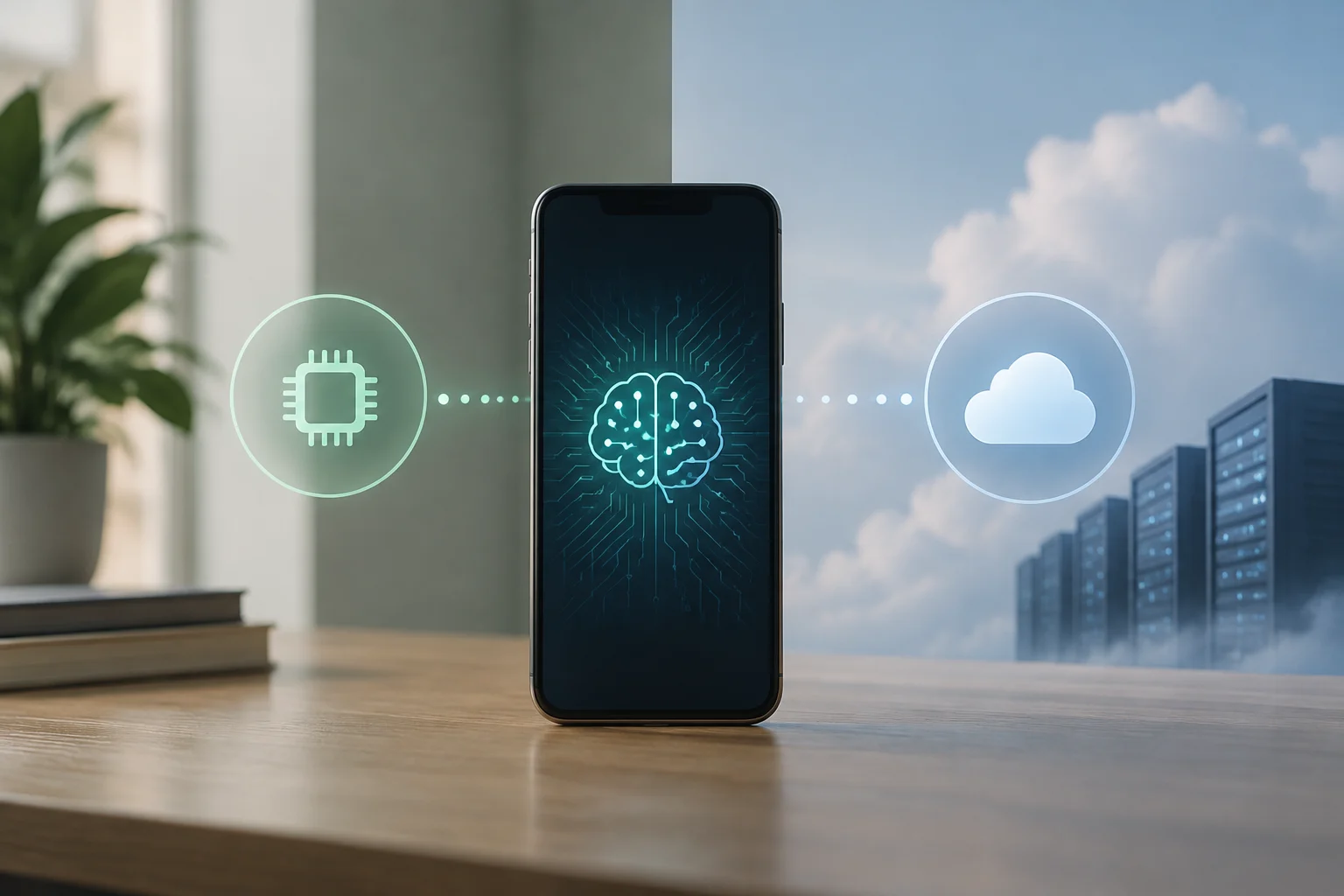
Local processing reduces the need to send the request content to a server, but does not make the entire application private by definition. Distinguish model computation from backups, synchronization and collection of other data.
Cloud-based features, by contrast, depend on a connection and may log contextual information. If privacy is a priority, choose models that work offline or review each app’s network permissions. Transparency about data use is key to staying in control of your personal information.
Users should be aware that even local apps may collect metadata, although they do not send the main content. Reviewing privacy policies and network-access permissions is recommended for anyone who values digital security.
Current limitations
Do not classify a task as local or remote simply because it is generative, visual or multimodal. Implementations and model requirements differ. Check where the specific feature runs, which resources it needs and whether its behavior changes when connected.
An older accelerator may restrict compatible models, but that does not mean software automatically switches to a server. An app may offer fewer features, use another component or be incompatible. The manufacturer's specifications and the app's requirements clarify each case.
It is important to keep the operating system up to date, as updates often include optimizations for NPU use. However, software improvements cannot overcome every physical hardware limitation, so long-term planning is essential for users who rely on local AI.