Decide whether the phone can be reused
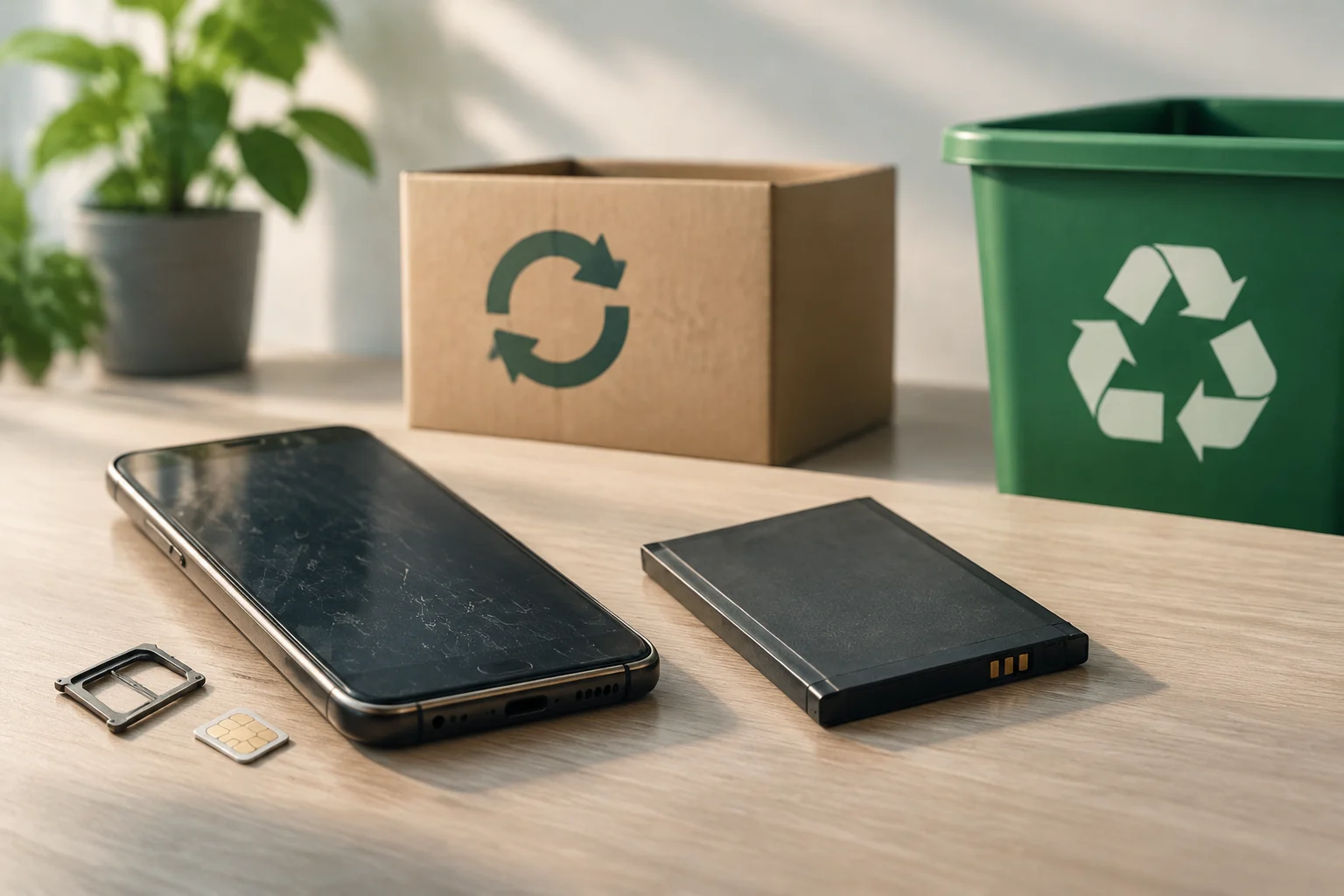
A working phone may be useful to someone else or as a secondary device. Before donating, giving it away, or trading it in, check that it powers on and that the screen and buttons work. Tell the recipient about any relevant defects. Reuse is different from recycling: the phone should be in suitable condition and disconnected from your accounts.
If the phone does not work, is significantly damaged, or is impractical to reuse, look for an electronics recycling option. In the United States, the EPA says manufacturers and retailers may offer take-back programs and points to search tools such as Call2Recycle and Earth911. The agency lists these services for information; it does not endorse them or guarantee that a specific location will accept every model.
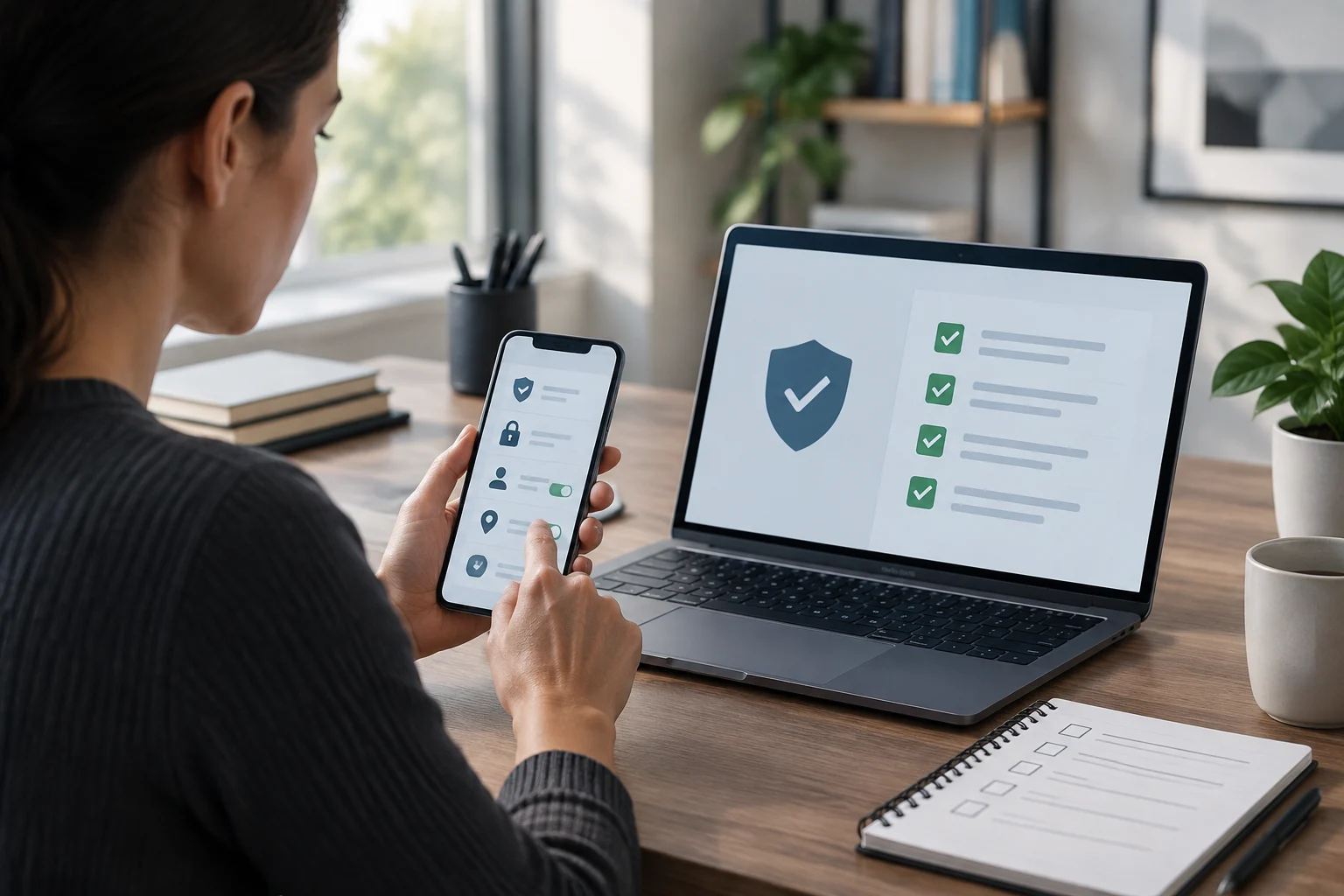
Back up your data and make sure you can access your accounts
Before erasing the phone, save anything you want to keep and confirm that the backup is complete. Pay particular attention to photos, contacts, messages, files, and app data that may not sync automatically. Make sure you can also sign in to the associated account; you may need it to restore information or complete the handoff.
On Android, Google warns that a factory reset erases device data and uninstalls apps and their data. Information saved to your Google Account may be recoverable, but that is not the same as backing up everything on the phone. Check the backup before erasing the device and make sure you know your account password and screen-lock method. Google recommends verifying account access on another device.
For an iPhone, Apple recommends backing up and transferring your data before removing personal information. If you are changing your phone number, add another trusted number to your account beforehand when appropriate to reduce the risk of losing access. Do not manually delete photos or contacts while the phone is still syncing with iCloud: you could delete them from iCloud and other linked devices too.
Erase the device and remove the SIM
iPhone: sign out and erase your content
Apple says to sign out of account services, then use Settings > General > Transfer or Reset [Device] > Erase All Content and Settings. Menu names and steps may vary by iOS version, so follow the path for your system. Erasing removes local content and turns off services such as Find My and Activation Lock. If prompted to erase the eSIM profile as well, choose that option when handing over the phone and you do not want to transfer the line.
If you are switching from an iPhone to an Android phone, Apple recommends deregistering iMessage. Remove the physical SIM if the phone has one, and ask your carrier how to transfer the service. If you no longer have the iPhone, Apple provides steps for remotely erasing it when Find My is available; changing your account password alone does not erase data still stored on the phone.
Android: reset the phone for its model
Google recommends resetting the phone from Settings and notes that the steps can vary by manufacturer. First, confirm the credentials for the Google Account associated with the phone and its PIN, pattern, or password. If you recently changed your Google password, Android’s guide recommends waiting 24 hours before resetting. The process can take up to an hour; Google advises charging the phone to at least 70% and connecting it to a network.
The exact instructions depend on the manufacturer and model, so check its support guide if the menus do not match. Remove the physical SIM and any memory card you added; a removable SIM is not the same as an eSIM, which is a digital profile. Make sure the erasure process has finished before handing over the phone.
Do not dismantle the phone to remove its battery
Many phones have a lithium-ion battery that is not designed to be removed by the user. The EPA advises against putting lithium-ion batteries or devices containing them in household trash or municipal recycling; they should go to an appropriate separate collection point. Do not open the phone or force out an integrated battery.
If the battery is easily removable and the manufacturer allows you to remove it, follow the product instructions and check separately how to drop it off. For lithium-ion batteries or devices containing them, the EPA advises covering battery terminals with non-conductive tape and placing each battery or device in a separate plastic bag, provided it is safe to handle and the receiving facility accepts it.
If the battery is damaged, contact the device or battery manufacturer for specific instructions. The EPA recommends placing each battery or battery-powered device in a separate plastic bag and covering battery terminals with non-conductive tape, if handling them is safe.
Find a collection point that accepts phones with batteries
In the United States, start with your local solid-waste or household hazardous-waste program, or check take-back options from manufacturers and participating retailers. The EPA also links to recycling-location search tools, but recommends confirming directly that a facility accepts phones and devices with lithium-ion batteries. Conditions may vary by location and device type.
Do not put a phone that still contains a lithium-ion battery in regular municipal recycling or the trash. A crushed or damaged battery can cause a fire during transport or processing. Confirm the drop-off method and packaging instructions with the program before taking in the device; requirements for a loose battery may differ from those for a complete phone.
This guide covers options in the United States. In other countries, check with your local environmental or waste authority and follow local collection instructions; programs, transport rules, and drop-off locations are not universal. The EPA lists Call2Recycle and Earth911 as informational resources, not as its own services or as a guarantee that a particular location will accept the device.
Final checklist before handing over the phone
Before you go, review these steps:
- Save the data you want to keep and confirm you can access your accounts.
- Sign out and use the erasure procedure for your phone.
- Remove the SIM and any removable memory cards; manage the eSIM according to your carrier and how the device will be used next.
- Do not dismantle an integrated battery. If it is damaged, ask the manufacturer for instructions.
- Confirm that the program accepts the phone and ask how to transport it.