What Android Photo Picker Is and What Access It Grants
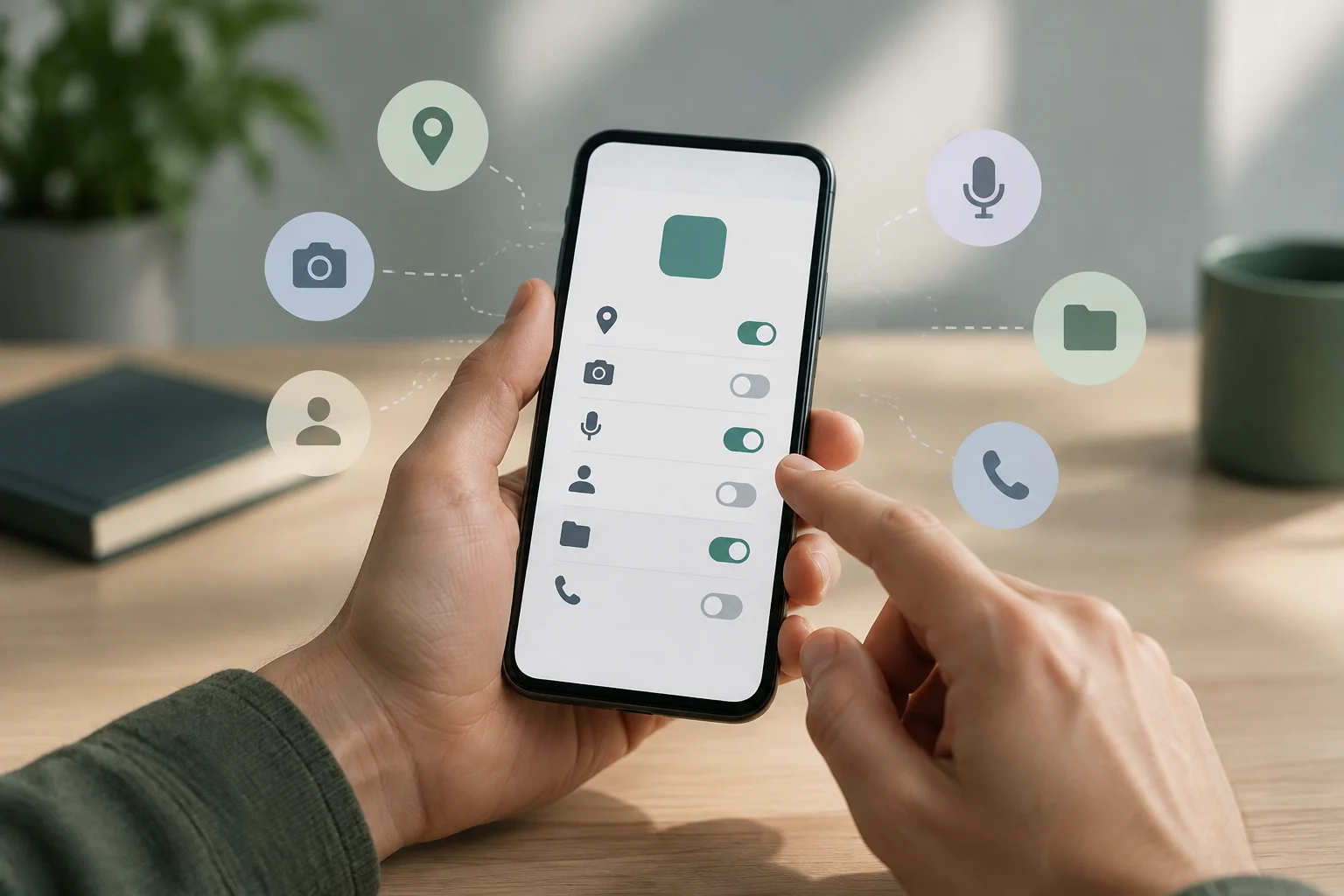
Android Photo Picker is an integrated interface that presents a media library so a person can choose the photos or videos they want to share with an app. Android describes this mechanism as a way to grant access to selected files rather than to the entire library. For example, it can be used to attach an image to a message or choose a video for a post.
The key distinction is between handing over specific items and authorizing general access to the library. Access granted through Photo Picker applies to the media selected in the picker; it does not describe any other permissions the app might have separately. For that reason, the picker flow should not be confused with a request for broad storage access.
In Android’s documented activity result contracts, the app receives one or more URIs associated with the selected items. Access to those files should not be treated as necessarily permanent: Android says it is maintained by default until the device is restarted or the app is stopped. For a longer-running task, such as uploading a file in the background, the app can preserve access with takePersistableUriPermission() when needed.
How an App Opens the Picker
Android documents Jetpack Activity contracts for launching Photo Picker. PickVisualMedia lets a person choose one photo or video; PickMultipleVisualMedia allows multiple selections. Android’s recommendation for simplifying this integration is to include version 1.7.0 or later of the androidx.activity library; this does not mean it is the only way to use the picker.
The usual flow with these contracts is to launch the picker, let the person choose content, and process the result. If the picker is closed without a selection, Android’s examples show that the result can be null for a single selection or an empty list for multiple selections. The app should handle both cases and not assume that a file will always be returned.
If Photo Picker is unavailable on a device, the library automatically invokes the ACTION_OPEN_DOCUMENT action as a fallback. Android says this action is compatible with devices from Android 4.4, API level 19. The fallback does not guarantee an identical interface on every device: it is a different document-selection flow.
Photo Picker and Selected Photos Access: Two Different Mechanisms
Selected Photos Access is Android 14’s partial-access model for apps that request photo or video read permissions. It lets a person authorize specific media instead of all media of a given type. According to Android, this change takes effect when an app targets Android 14, API level 34, or higher.
Photo Picker is different: it lets a person select content to share through its interface, without that flow requiring storage permissions. Android recommends the picker for apps that do not yet use it and need to select images or videos. Therefore, using Photo Picker does not mean the app is implementing the permission model for its own gallery.
The READ_MEDIA_VISUAL_USER_SELECTED permission is relevant to apps that maintain their own gallery picker using permissions and need to manage partial access and reselection. Android recommends adapting that implementation when control over the gallery is required. If an app keeps its own permission-based picker and does not add the new permission, the system may run it in compatibility mode; that behavior applies to that case, not to every app that does not use Photo Picker.
Choosing an Approach for the Function
The choice depends on the task. To receive one or more images or videos chosen by a person, Photo Picker offers a limited-scope flow. An in-app gallery may be appropriate when the app needs to control how it presents or queries the library; in return, it must manage permissions and reflect changes to authorized access.
In the Jetpack Activity contracts described by Android, the result includes URIs for the selected items. In a permission-based in-app gallery, the app can query MediaStore within the granted scope. Partial access is not full access: the interface and results should match the permissions the person has authorized.
Practical Comparison
| Approach | What the app receives | What it must manage |
|---|---|---|
| Photo Picker with Jetpack Activity contracts | URIs for media selected in that flow | Empty or null results, URI processing, and access duration |
| In-app gallery with permissions | A query of media within the authorized scope, which may be partial or full | Requesting and checking permissions, updating results, and reselection |
The table summarizes the functional difference, not every implementation requirement. To decide, start with what the feature needs: if it is enough for the user to provide particular files, the picker is usually a good fit; if the app needs an integrated gallery, permission handling must also be designed.
Remote Content and On-Device Selection
Photo Picker may allow people to select remotely stored photos and videos when eligible cloud media providers are available on the device. Availability depends on the provider: Android does not claim that every cloud service appears in every picker.
Android also says the tool updates automatically and may offer expanded functionality without changes to the app’s code. This does not guarantee that any particular provider or remote file will be available on a given device. The person can open the picker and review the content offered there.
What to Check When Sharing or Developing
When multiple items are selected, Android’s help guide describes a preview of the selected items and the option to remove files before adding them. It also warns that the maximum selection may be up to 100 photos or videos, or fewer depending on the app’s configuration. The selection can be reviewed before completing the flow described in that guide.
App developers should choose between the picker and an in-app gallery based on the feature, and handle picker results carefully. If a background task needs continued access to a URI, it should account for the default permission duration and request persistence when appropriate. Do not assume that access to an item will continue indefinitely.
For an in-app gallery on Android 14, the app should check the actual permission state and let the person change the authorized media. Android warns that partial access can change and recommends refreshing results when the app returns to the foreground. The interface should reflect current access, not an assumed authorization or one stored as permanent.