What to consider before choosing
JPEG and HEIF are the formats Apple offers as the default options when RAW is turned off. ProRAW is an alternative for capturing images with greater editing flexibility, but its files take up considerably more space. In practical terms, the choice depends on whether you want to edit the image later or prefer a smaller file for sharing and storage.
RAW does not mean that every adjustment can be corrected without limits. The available documentation describes Apple ProRAW’s features, but it does not support generalizing those properties to every RAW file from every phone. It is useful to distinguish between what the manufacturer specifies for ProRAW and the characteristics of other formats or devices.
DNG and LibRaw: two different concepts
Apple says that ProRAW uses the DNG file format and can be opened in apps that support DNG files. This is useful when choosing an editor: before settling on a workflow, check that the app you use supports the format. DNG compatibility alone does not mean that every program will display or process every file in the same way.
LibRaw is a library for software that works with RAW files. Its documentation describes an interface for extracting pixel data, metadata needed to process RAW files—such as geometry, Bayer pattern, black level and white balance—and embedded thumbnails. LibRaw does not define DNG: it is software that serves applications handling different RAW formats.
What sets Apple ProRAW apart
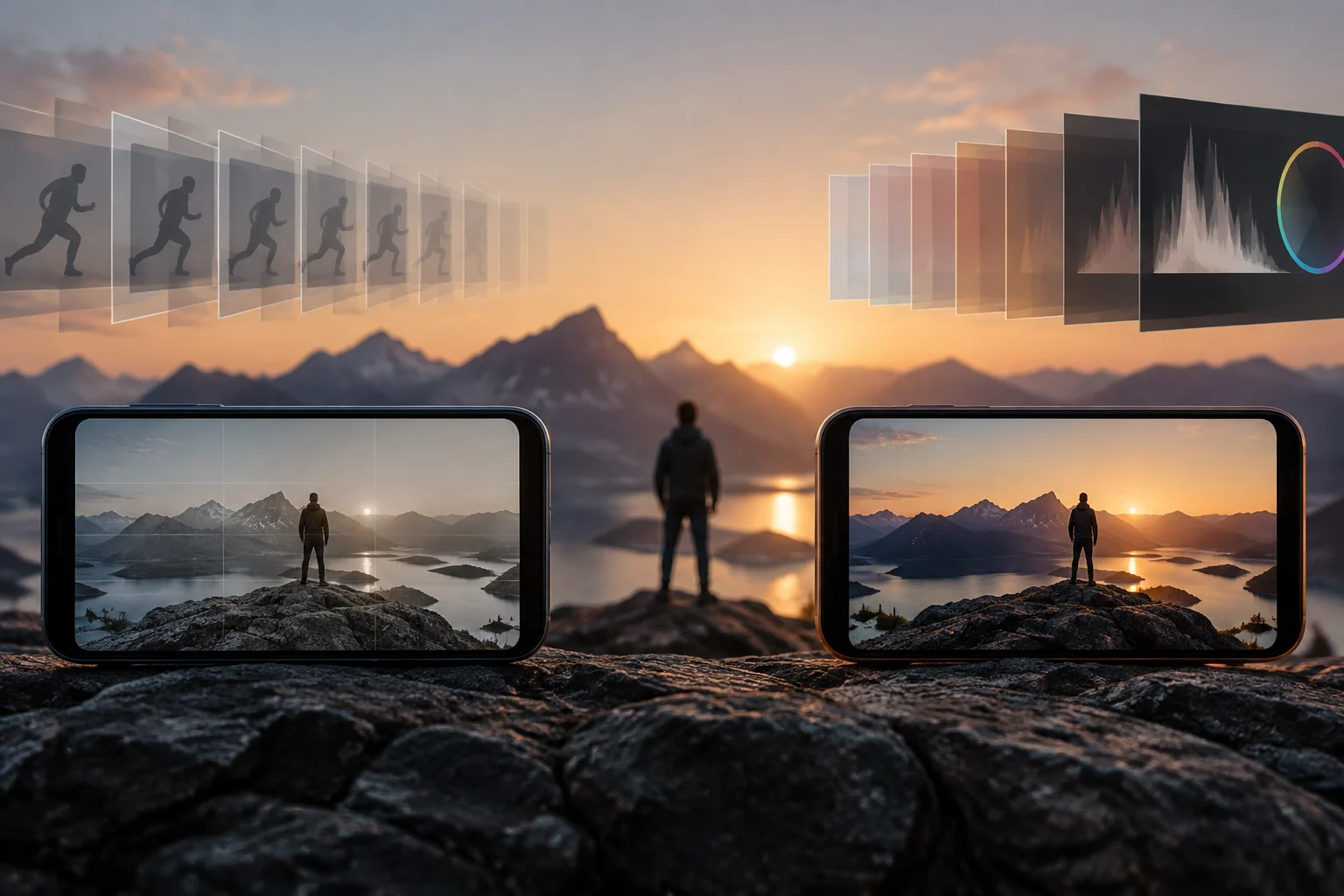
Apple describes ProRAW as a combination of information from a standard RAW format and iPhone image processing. According to the company, this combination provides more flexibility when editing exposure, color and white balance. Apple also says that ProRAW images can be captured while using features such as Smart HDR, Deep Fusion or Night mode; this does not prove that every file always applies the same operations or produces the same results.
ProRAW can be edited in Photos and in third-party apps. Apple recommends apps specifically compatible with ProRAW for the best experience; it also notes that other apps compatible with DNG can open the files, although the image may look different from what you expect. So opening a file does not guarantee an identical rendering across programs.
File size and resolution
Storage is an important difference. Apple says ProRAW files are 10 to 12 times larger than HEIF or JPEG files, and grow even larger when you choose 48 MP. For iPhone 14 Pro and later Pro models, the documentation puts a 12 MP ProRAW image at approximately 25 MB and a 48 MP image at approximately 75 MB. These are indicative figures for those cases, not universal measurements for every photo or device.
On those models, 12 MP produces smaller files; 48 MP preserves more detail in the file and gives you more room to enlarge or crop, according to Apple. The 48 MP option has specific limits: only a photo taken with the main camera at 1x can be saved at that resolution. Ultra Wide, telephoto, Night mode, flash and macro photos are saved at 12 MP only.
Before enabling ProRAW for every shot, consider your phone’s storage and, if you use iCloud Photos, the space available there. Apple warns that large files can fill a device sooner and that you may need to upgrade your iCloud plan. One simple approach is to reserve the highest resolution for scenes you genuinely expect to crop or edit in detail.
Editing and ways to share
The file extension can help distinguish the original from an edited version shared with someone else. Apple says that an unmodified ProRAW original has the .dng extension and that a photo edited in Photos is sent as a .jpg when shared. If you need to keep the original, do not assume that sharing an edited image will also send the RAW file: they are different files, and transferring them may require separate steps.
To transfer the original ProRAW from an iPhone to another iPhone, an iPad or a Mac, Apple recommends AirDrop. The company also explains that Mail automatically converts the ProRAW file to a smaller JPG when you attach it. On a Mac, Photos lets you choose “Export Unmodified Original” to share only the original; to import both the original and the edited version, Apple mentions Image Capture on Mac or Photos for Windows on a PC.
A practical workflow might be to keep the DNG when you want to continue editing and share the JPG when the recipient only needs the finished image. If keeping the original matters, check the extension of the file you receive. To send both versions, use a method that transfers them as separate files and confirm that the DNG is included.
A practical choice for each use
For sharing a finished photo, JPEG or HEIF may be enough and takes up less space than ProRAW, according to Apple’s data. For an image you plan to retouch, ProRAW offers the flexibility Apple documents and preserves an original DNG. There is no need to capture every image in ProRAW: the extra storage makes more sense when you intend to take advantage of editing or the available resolution.
| Need | Practical option | What to keep in mind |
|---|---|---|
| Share a finished photo | JPEG or HEIF | Smaller files than ProRAW, according to Apple |
| Edit and keep an original | ProRAW | Uses DNG; check that your app is compatible |
| Crop with more detail on compatible models | ProRAW at 48 MP | Available for the main camera at 1x on the models specified |
| Transfer the original to another Apple device | AirDrop | Sharing an edited version from Photos sends a JPG |
The 48 MP specifications cited apply to iPhone 14 Pro and later Pro models. Options may vary on other devices, so check the documentation for your model before choosing a resolution or setting up storage.