What a Security Patch Level Indicates
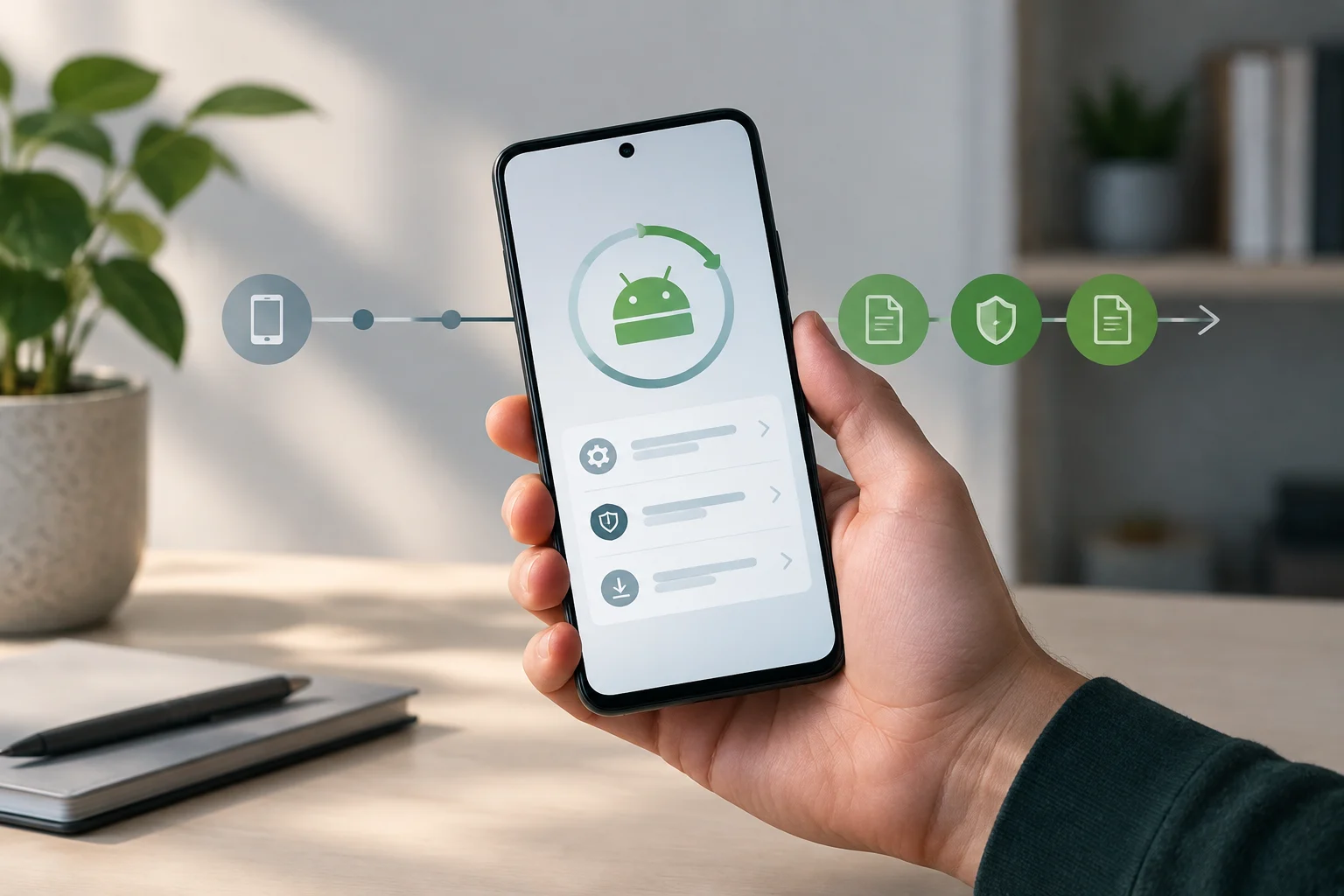
A security patch level is a value represented as a date string, such as 2026-10-01. To find out which vulnerabilities are associated with that level, consult the Android security bulletin for the corresponding month. The value connects the device to the fixes described there, but it does not by itself indicate when an update was published or installed.
Google explains that levels 2026-10-01 or later address all issues associated with level 2026-10-01. The bulletin is the specific reference: do not infer from the date which update a particular model received or when its manufacturer distributed it. Schedules can vary by device, manufacturer, and mobile carrier.
Why a Bulletin May Include -01 and -05
In some months, a bulletin lists two levels. For example, the October 2026 bulletin lists 2026-10-01 and 2026-10-05. In its FAQ, Google explains that this structure gives Android partners flexibility to fix a subset of similar vulnerabilities across devices more quickly. The suffix alone does not identify every affected component; check the bulletin tables.
In the October 2026 bulletin FAQ, Google encourages its partners to fix all listed issues and use the latest patch level. It also specifies that devices with level 2026-10-01 must include all issues associated with that level, as well as fixes for all issues reported in earlier security bulletins. These statements describe the level’s requirements and recommendations to partners; they do not confirm that an update is already available for every phone.
| Information | What it tells you | What to consult |
|---|---|---|
| Patch level, such as 2026-10-01 | The security level declared by the device | The Android bulletin for the same month |
| Monthly bulletin | Grouped vulnerabilities and the levels to which they apply | The tables for the relevant component and level |
| Google Play system status | The Google Play update status shown in Settings | The device’s Google Play information |
| Distribution date | Cannot be inferred from the patch level alone | Manufacturer or carrier information, when needed |
How to Read an Android Bulletin
Bulletins group vulnerabilities according to the affected component. Tables may include the CVE identifier, references, vulnerability type, severity, and updated AOSP versions where applicable. Google says fixes come from several sources, including AOSP, the Linux kernel, and system-on-chip manufacturers (SoC).
For example, the October 2026 bulletin describes issues in components such as Framework and System, and provides information about vulnerabilities associated with level 2026-10-01. One of its tables specifies the CVE, references, type, severity, and updated AOSP versions where applicable. Read each table in the context of its level and component; do not attribute a fix to every device unless the bulletin says so.
The bulletin also explains the criteria used to assess severity: the assessment is based on the potential impact of exploiting a vulnerability on an affected device, assuming that platform and service mitigations are disabled for development purposes or have been bypassed. The severity label therefore reflects the assessment published in the bulletin, not a personalized diagnosis of the phone. Bulletins may link to patches in the AOSP repository and to patches outside AOSP.
How to Check the Level on Your Device
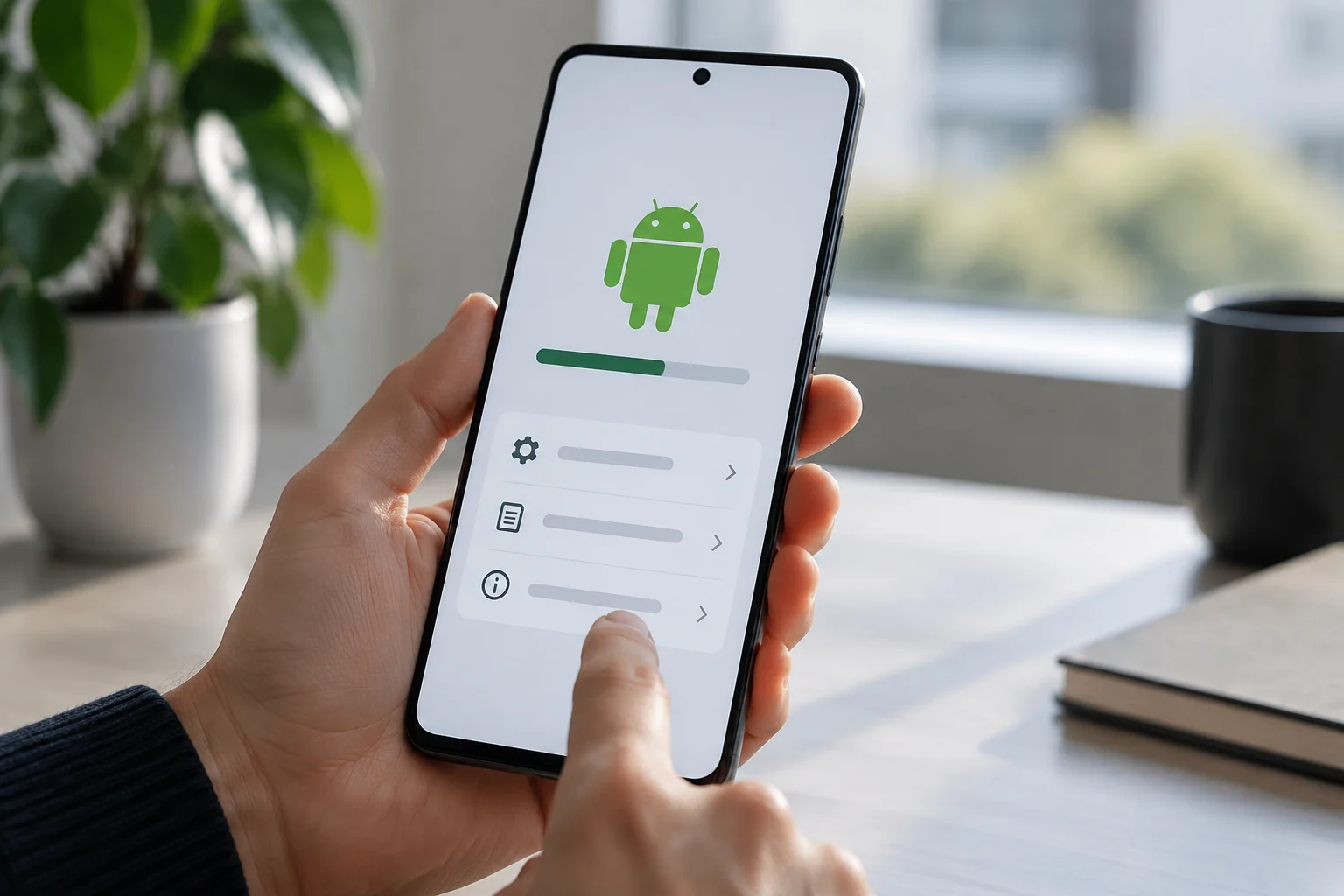
Android Help says that the Settings app shows the Android version number, security update status, and Google Play system status. To find these details, open Settings > About phone or About tablet > Android version; the names may vary by device.
To check for available software, Google says to open Settings and tap System > Software updates; the steps may vary by device. If you receive an update notification, you can also open it and follow the indicated action. Then follow the instructions on screen. The guide notes that schedules vary by device, manufacturer, and carrier; for information about a non-Pixel device, it recommends contacting the manufacturer or carrier.
Note the security level shown in Settings and look up the bulletin for the same month. Check which issues are associated with that level, and avoid comparing the device’s date with the publication date as if they were the same thing. The bulletin describes coverage; Settings shows the status reported by the phone.
Android Level and Google Play System
Google Play system status appears in Settings alongside other version details, but it is separate from the Android security update level. Google says devices running Android 10 or later can receive security updates and Google Play system updates.
The October 2026 bulletin identifies certain issues included in Project Mainline components under the section on Google Play system updates. To find out which components or issues a bulletin lists, consult that section rather than assuming that Google Play status changes or replaces the Android level shown on the device.
Device and chip manufacturers may also publish information about vulnerabilities specific to their products. The general Android bulletin page names several manufacturers and explains that fixes can come from different sources. For information about a specific product, consult its manufacturer’s documentation as well.
What Conclusions the Date Supports
The patch level identifies a security level and helps you find the vulnerabilities the bulletin associates with it. To interpret its scope, check the month, the exact level, and the relevant tables; the value does not replace the bulletin’s detailed information or reveal a model’s distribution schedule by itself.
As a practical check, open Settings and note the security update level and Google Play system status. Then consult the corresponding monthly bulletin and locate the entries associated with the device’s level. Compare each indicator with its relevant source: the Android level with the Android bulletin, and Google Play status with information about that update system.
If you need to know when an update will be available for your phone, the patch level alone is not enough: schedules depend on the device, manufacturer, and carrier. Consult support information for your model or contact the manufacturer or carrier to ask about availability.