What Continue On changes
Continue On is an Android 17 feature for continuing an app activity on another Android device. Google presents it as a capability developers can add to their apps: it does not automatically transfer every open task or mirror the screen. Its purpose is to provide a way to resume an activity on another device, not to replicate an entire phone session.
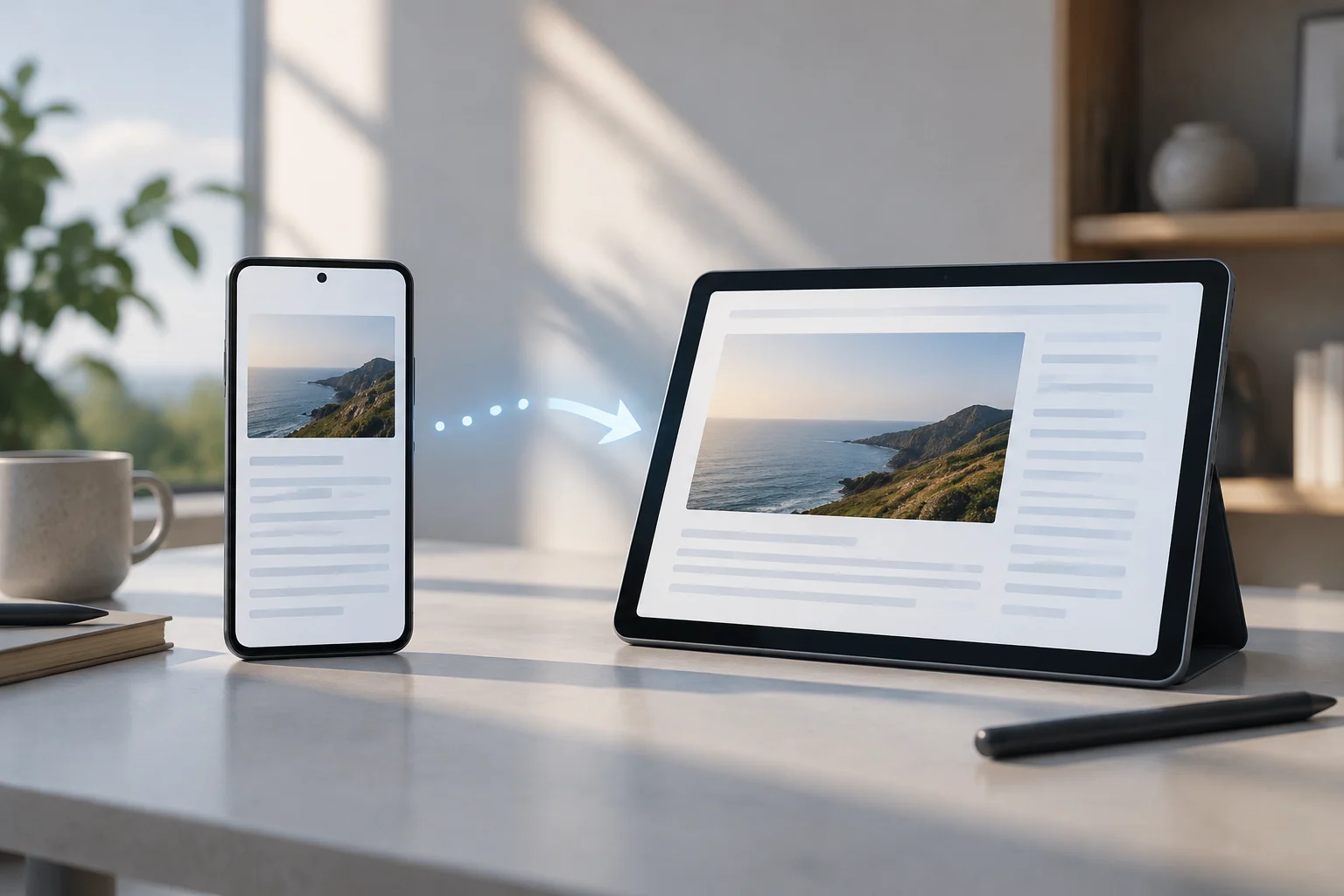
In the initial scenario described by Google, the handoff goes from phone to tablet. An app recently used on the phone can appear as a suggestion in the tablet’s taskbar; selecting it starts the corresponding activity there. The suggestion connects the devices, but the specific content that opens depends on the app.
How an activity resumes
The system detects and presents handoff options, but the app determines which context is restored. Each developer decides how to recreate the experience on the receiving device and which activity to show when it opens. Continue On therefore does not guarantee that every app will preserve exactly the same state or let users resume any task; continuity can vary with each service’s design.
For handoffs between native apps, the tablet opens the relevant app and can take the user to a specific activity. Google gives the example of continuing on a tablet with the Google Docs document that was open on a phone. In that case, the receiving app needs to take the user to the relevant document rather than simply opening a generic screen. The result depends on how the app implements that flow.
Two paths: native app or web
Continue On supports continuity through native apps as well as web-based options. The native path opens the same app on the receiving device, if it is installed and the app has implemented handoff. Developers can also choose a web experience or configure one as a fallback.
The web option directs users to the default browser via a URL. Google’s example is a Gmail message handed off from a phone to the web version on a tablet. The URL can lead to a relevant page or activity, but the system alone does not guarantee that every web service will restore an app’s full state. If the receiving device does not have the app installed, a fallback web address can provide another way to reach the content.
Compatibility: Android 17 alone is not enough
Google identifies Continue On as an Android 17, API level 37 feature designed to work bidirectionally: any supported Android device can send and receive app activities. At launch, it first supports mobile-to-tablet transitions, with a suggestion for the most recently opened mobile app appearing in the tablet’s taskbar.
For native handoff, the app must be installed on the receiving device and designate an activity to launch. Developers can also configure a URL for direct web handoff or as a fallback if the receiving app is not installed. System compatibility and app support are separate requirements; having Android 17 on both devices does not mean every app will appear as a suggestion on the tablet.
What determines practical availability
For handoff to work with a particular combination of phone, tablet, and app, the devices and system must be supported, and the app must have a compatible implementation. Continuity is not automatic for every app: Continue On leaves it to each developer to decide how to present and restore an activity. That implementation determines what appears, what context is restored, and whether the handoff uses a native or web route.
In practice, the feature depends on whether the devices are supported and how the app has prepared the handoff. Availability can vary by device pairing and app: developers determine what activity or web destination opens and what context is carried over.
An activity handoff, not universal syncing
Continue On provides a way to open on a tablet an activity started on a phone. The taskbar suggestion shortens the path to the receiving app when that app supports a compatible experience; what information is preserved and where the user resumes depends on its implementation. The mechanism makes the activity easier to access, but does not by itself determine how data is saved across devices.
The feature lets users resume an activity started on a phone on a tablet when the app supports the experience. Whether a particular task can continue depends on that app’s support. Continuity depends on each app’s implementation and does not guarantee an identical session on every device.